Cobalt Ledger Slides
Make decks that read as trend indices or editorial ledgers: warm cream paper with a permanent graph-paper grid, a single electric-cobalt ink for every headline, rule, chart and chrome element, pixel-glitch scanline columns, QR mosaic patches, ledger tables and pixel-stack bars.
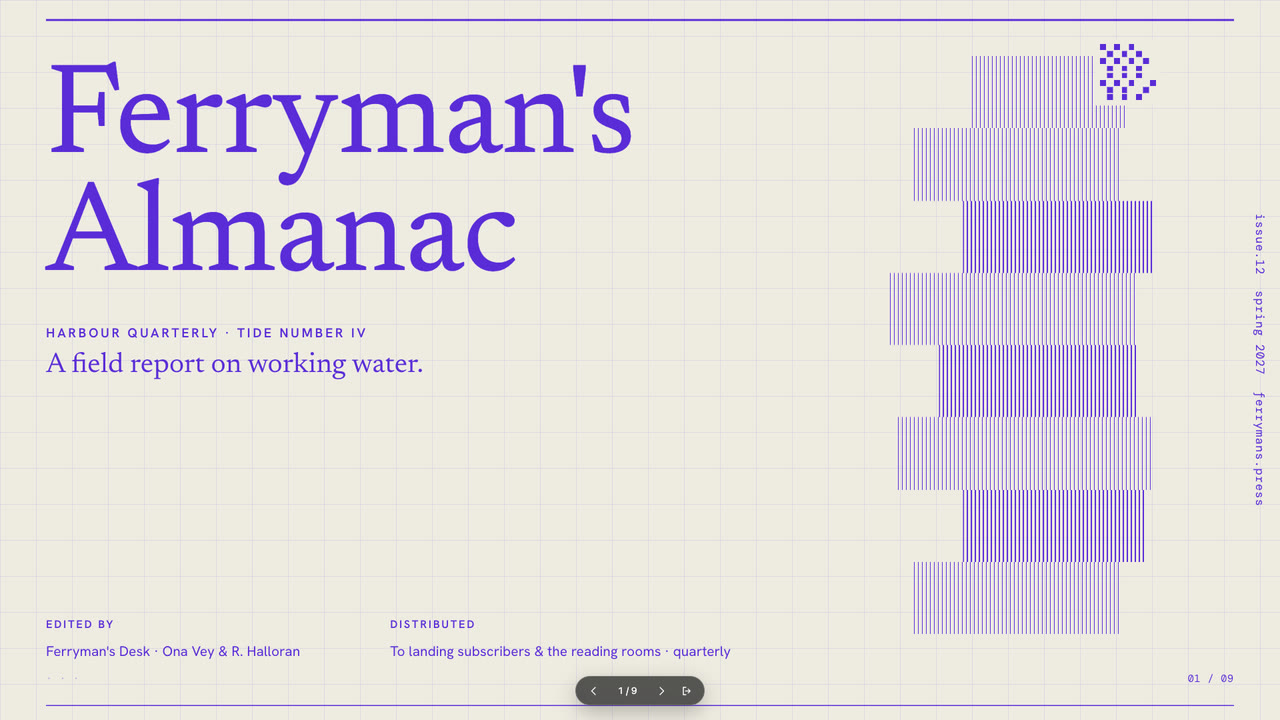
Bring the index or ledger topic, the audience, the figures to use exactly, the page count and content language. The Skill returns one offline HTML deck that edits in the browser and exports editable PowerPoint.
How it works
Brief and page list
Your Agent asks for the index topic, the audience, the figures and the page count, then picks eight layouts into plan.json — each one already knows its word budget.
Compose and build
kit.py composes the plan into deck.json with one of four riso-ink presets, and make-deck.py assembles the offline presentation.html.
Look and export
Page through the deck, edit text and speaker notes in the browser, then export PowerPoint and run verify-pptx.py against the HTML.
Frequently asked questions
Why one ink on graph paper?
The register is a two-colour risograph: cream paper counts as the second colour, so the single cobalt ink does every headline, rule, chart and chrome element.
Where do pictures go?
Nowhere — v0.1 ships no picture slot. Decorative weight is carried by the pixel-glitch columns, QR mosaic patches and charts.
What do the demos use?
demo-1 keeps the Violet ink for a 9-page almanac tide number; demo-2 switches to Crimson for an 8-page kiln firing ledger.