Figure First Slides
Make figure-led research talks such as paper summaries, journal clubs, lab and reading-group reviews and evidence briefings: every content page is built around one figure, chart or table with its caption and source underneath, numbers carry their comparator and interval, and a limits page states what the work can and cannot claim.
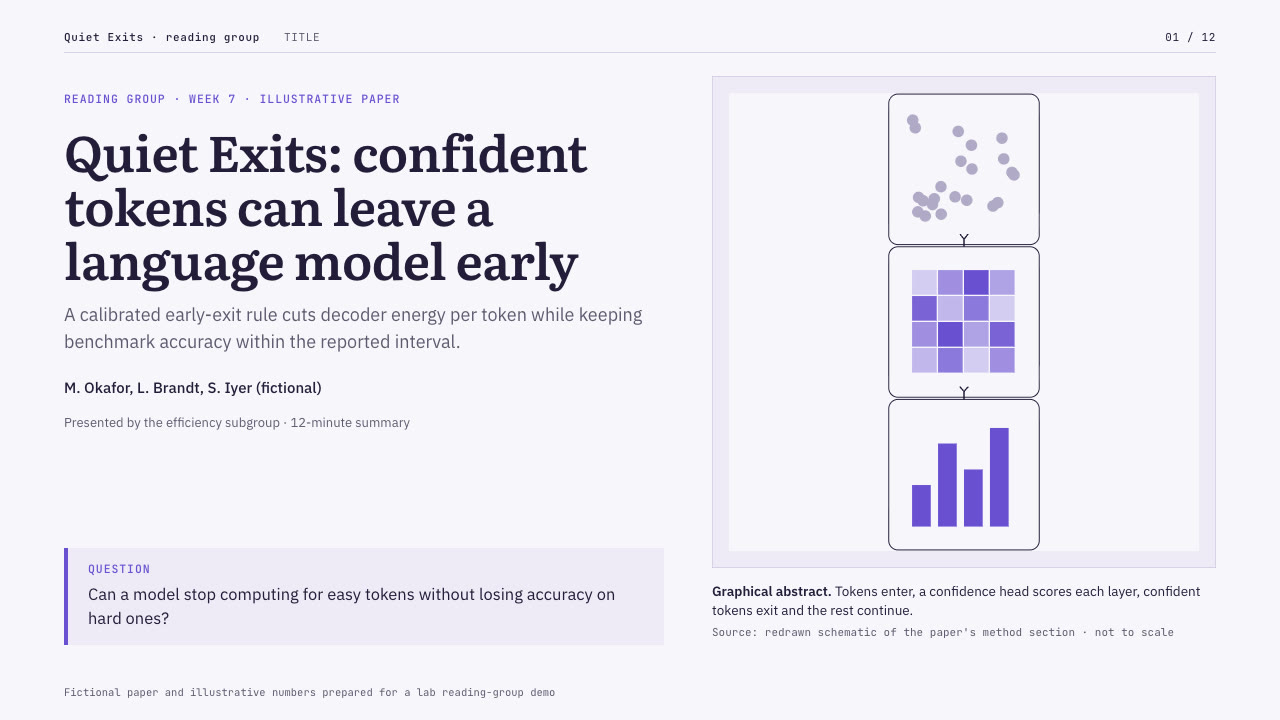
Bring the paper or study, the audience, the figures and numbers to use exactly and the page count; figures optional. The Skill returns one offline HTML deck that edits in the browser and exports editable PowerPoint.
How it works
Brief and sequence
Your Agent asks for the topic, the audience, what should happen after the talk, the facts and numbers to use exactly and the page count, then gives every page one layout and picks one palette.
Pictures and build
Without your own pictures it describes them in art.json and draws them with plate-art.py, writes plan.json and settings.json, fills chart values with chart-fill.py, then runs kit.py compose, apply-palette.py, make-deck.py and verify-deck.py to build one offline HTML file.
Look and export
It opens every page in a browser and checks wraps, overlaps and labels, tries edit, undo, save and present, then exports PowerPoint and runs verify-pptx.py against the deck.
Frequently asked questions
Is the PowerPoint really editable?
Yes. Headlines, captions, sources, labels, chart dots, intervals and bars, the results table and the cards are native PowerPoint objects with speaker notes; each figure is its own picture. The example decks have 230 and 171 text boxes and no full-slide pictures, and a copy with every text box removed shows no text left inside the pictures.
Where do the figures come from?
Your own paper figures first. Otherwise the bundled plate-art.py draws label-free schematic figures in the deck palette: pipelines, maps, scatter with trend and band, curves, matrices, networks and event strips. Axis names, legends and values stay native text. It uses only the Python standard library and calls no model or image service.
Which fonts does it use?
Literata for statements, IBM Plex Sans for reading text and JetBrains Mono for captions and sources, all under the SIL Open Font License. Install them on the presenting machine for matching line breaks; PowerPoint exports medium weights as regular. Chinese, Japanese and Korean use the system face.
What are the known limits?
A few symbols (arrows, script ℓ, subscript digits) are drawn from a system face in the browser. Some lines break differently in PowerPoint than in the browser, for example between a number and its unit. Generated figures are schematic, so a marker count can differ from the caption; check the caption against your own figure. Layout geometry is fixed.
What was tested?
Both example decks were built from a fresh unzip of the package. Every page was inspected in Chrome and in a LibreOffice render of the exported PowerPoint, 31 browser interaction checks passed on each deck, and python-pptx edits survived save and reopen. PowerPoint, Keynote and WPS were not opened.