Thesis Spine Slides
Build a research talk whose titles, read in order, argue one claim from question to verdict, with one cited exhibit per evidence page.
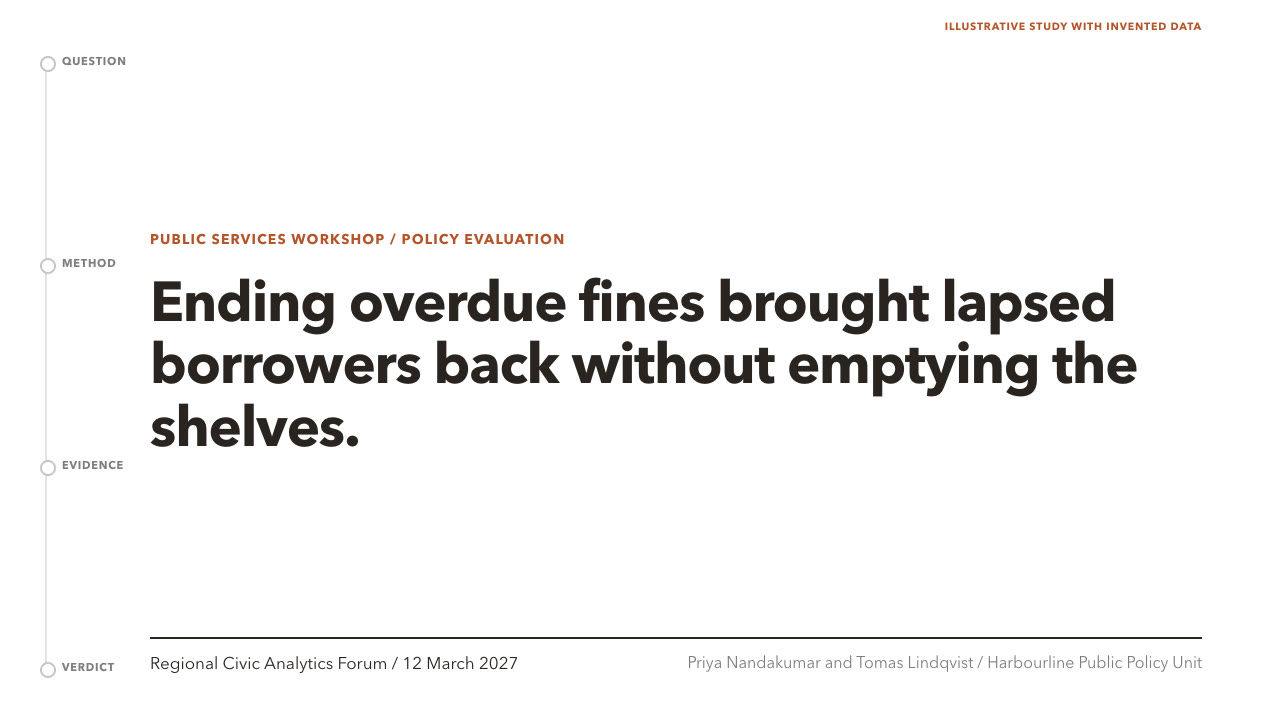
Bring your claim, research question and evidence with uncertainty, citations and limitations. The Skill returns one offline HTML deck that edits in the browser and exports editable PowerPoint.
How it works
Write the title track
Your Agent picks a spine (situation-complication-resolution, funnel or answer-first) and writes a full-sentence action title for every page, then maps each page to one of ten layouts in plan.json with evidence, uncertainty, citations and speaker notes.
Build and check
kit.py compose fills the layouts, make-deck.py builds one offline HTML file and verify-deck.py checks page count, leftover sample text and the spine. Python 3 standard library only.
Look and export
Look at every page, then export PowerPoint from the deck's own menu and run verify-pptx.py against the deck.
Frequently asked questions
Is the PowerPoint really editable?
Yes. Titles, findings and labels are native text boxes, the limits and appendix pages are native tables, bars and rules are native shapes, and every slide has speaker notes. No slide is a flattened picture. Bars are shapes rather than chart objects: you change a bar by resizing it.
Which fonts does it use?
Avenir Next first, with Segoe UI or Helvetica Neue as fallbacks, and PingFang SC or another system font for Chinese. No fonts are bundled; on machines without them the app substitutes a font and line breaks can move.
Does it need a network or a paid service?
No. Building, editing, presenting and exporting run offline with Python 3 and a browser.
What was tested?
Both example decks were built from a fresh unzip of the package. Every page was inspected in Chrome and in a LibreOffice render of the exported PowerPoint, and edits made with python-pptx survived save and reopen. No other presentation app was opened.