Yellowpad Fieldnotes Slides
Make decks that read like pinned field notes: saturated yellow legal-pad paper, cobalt ink, hand-drawn safety pins, cream pinned cards, handwritten marginalia, mono archival tags and rotated red stamps.
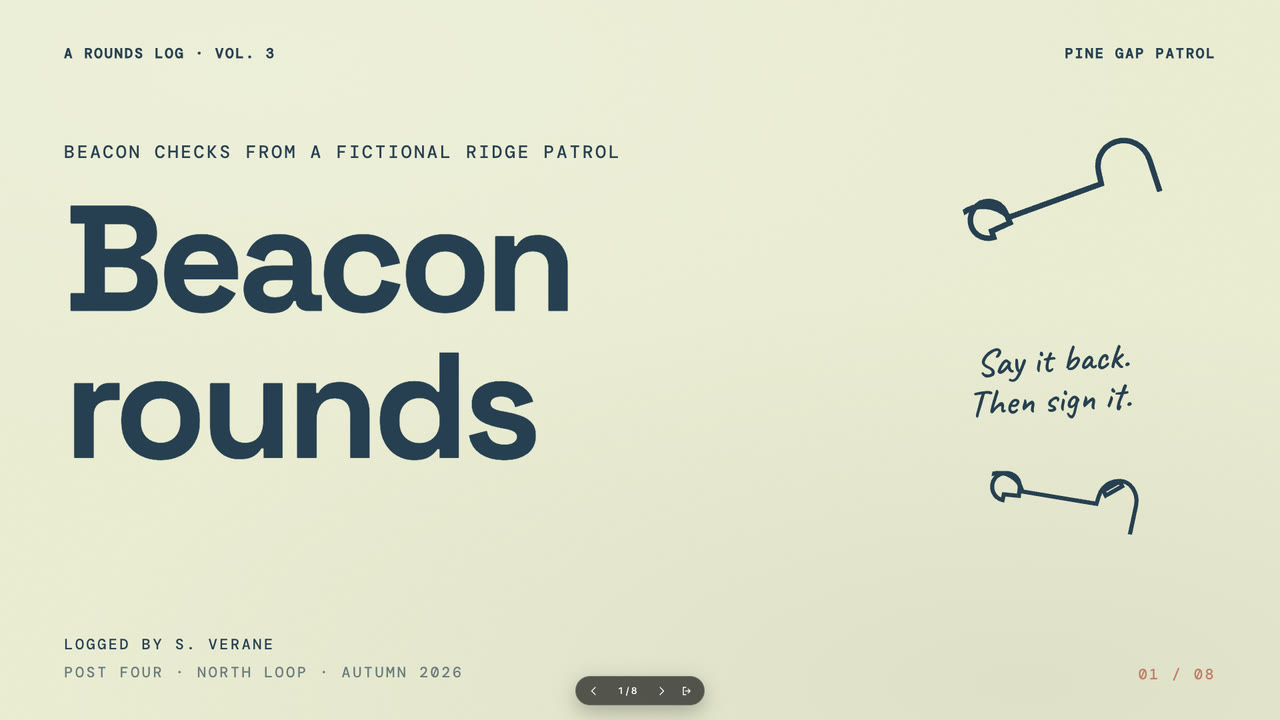
Bring the topic, the audience, the one finding the deck supports, the facts and numbers to use exactly, the page count and content language; your own pictures are optional. The Skill returns one offline HTML deck that edits in the browser and exports editable PowerPoint.
How it works
Brief and page order
The agent asks for the topic, the audience, the one finding the deck supports, the facts and numbers to use exactly, the content language and the page count, then assigns layouts and picks a palette.
Pictures and build
With no pictures of your own, panels are described in art.json and drawn by the bundled art script; the agent writes plan.json, composes and builds the single HTML file, then looks at every page.
Check and PowerPoint
verify-deck.py checks the shell and deck rules; the agent edits a text in the browser, undoes, saves and presents. On request the file exports a native PowerPoint, verified with verify-pptx.py.
Frequently asked questions
Is the file really offline?
Yes. Fonts, engine and pictures are embedded in the one .html file; it opens, edits, presents and saves with no network.
Can I edit the PowerPoint afterwards?
Yes. Headlines, card heads, mono tags, step rows and table cells export as native PowerPoint text and shapes; the drawn panels come as flat picture layers.
Does it reference a real product or brand?
No. There are no product names, logos or trade dress — the yellow-pad-and-pins look is generic and every name and number in the samples is invented.