Channel Review Slides
Make report decks for teams that review their channels, such as quarterly social and video reviews, newsletter or podcast seasons and community updates: heavy two-tone headlines on warm paper, screen-print groups of people at the page edge, tilted agenda tabs, stat rows, bars, an A/B/C top three, a native comparison table and a weekly column chart.
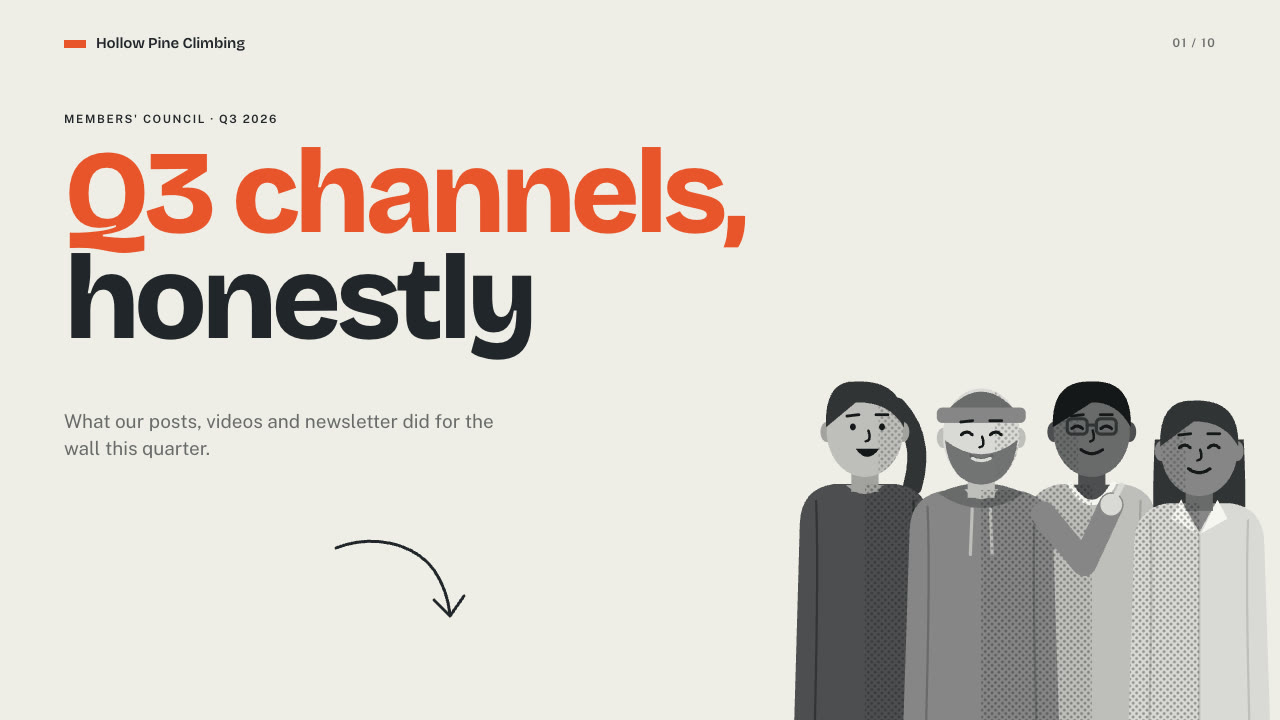
Bring the channels and period, the audience, the numbers to use exactly, what you learned, the next steps and the page count; pictures optional. The Skill returns one offline HTML deck that edits in the browser and exports editable PowerPoint.
How it works
Brief and sequence
Your Agent asks for the topic, the audience, what should happen after the talk, the facts and numbers to use exactly, the language and the page count, then gives every page one layout and picks one palette.
Pictures and build
Without your own pictures it describes them in scenes.json and draws them with crowd-print.py, writes plan.json and settings.json, then runs kit.py compose, make-deck.py and verify-deck.py to build one offline HTML file.
Look and export
It opens every page over local HTTP and checks headline wraps, text inside its cards and panels, labels on one line and charts against their numbers, tries edit, undo, save and present, then exports PowerPoint and runs verify-pptx.py against the deck.
Frequently asked questions
Is the PowerPoint really editable?
Yes. Headlines, numbers, labels, chart values and table cells are native text; bars, columns, rings and rules are native shapes; the comparison table is a native table; speaker notes are kept. The tilted tab backings and doodles arrive as small pictures under live text. No slide is a full-page picture, and with every text box deleted no text remains.
Where do the pictures come from?
From you first. Otherwise the bundled crowd-print.py paints them: you define a cast of invented people once (hair, clothes, build, glasses, beard, tones) and it draws them in rows, clusters, at a table, as a pair, solo or as a wide band, with gestures and halftone shading. The same person looks the same in every picture. It needs no network access and calls no model or image service.
Which fonts does it use?
Bricolage Grotesque ExtraBold for the two-tone headlines, Bricolage Grotesque and Public Sans for labels and copy, all under the SIL Open Font License. Install them on the presenting machine for matching line breaks in PowerPoint. Chinese, Japanese and Korean headlines fall back to the system face at a reduced size.
What are the known limits?
The tilted tab backings and doodles are pictures in PowerPoint, so only their text is editable. The highlighted bar, ring, table row, tab and lesson sit in fixed positions; columns are highlighted through css. Layout geometry is fixed, and copy far over the budget collides with pictures or pushes the footnote.
What was tested?
Both example decks were rebuilt from a fresh unzip of the package and matched the published HTML byte for byte. Every page was inspected in Chrome and in a LibreOffice render of the exported PowerPoint, 31 browser interaction checks passed on each deck, and python-pptx edits survived save and reopen. PowerPoint itself was not opened.