Softdesk studio site
Turn a brief for an audio studio, sound design workshop or music production space into a site with neumorphic soft-emboss buttons, gentle elevation shadows, warm neutral tones and tactile UI.
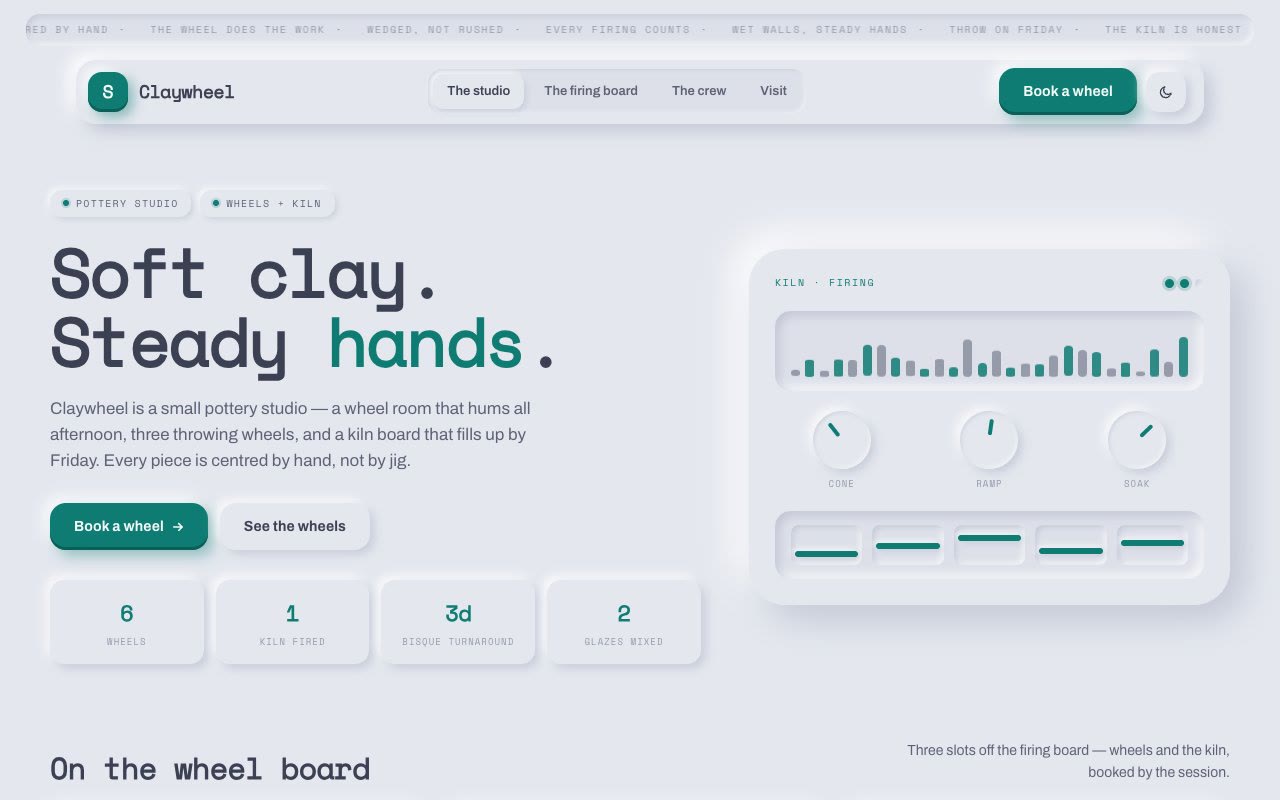
Bring your studio name, services offered, equipment list, portfolio of work, workshop schedules, and how to book or contact. The Skill returns one HTML file with neumorphic soft-shadow chrome, gentle button states, warm palette, bundled fonts and a validator report.
How it works
Write the brief
Give the Skill the facts it needs: brand, audience, what the page must say.
Edit
The Agent rewrites the template’s copy, data and images for your brief.
Check
The validator checks the file; every sample piece must be replaced.
Frequently asked questions
Do I need a key?
No. The Skill’s scripts do not call a model or the network, so there is no SandBase key to set up. Your Agent uses its own models.
Is the example safe to open?
It runs in a sandboxed frame with an opaque origin: it cannot read your SandBase login, call APIs, submit forms or open pop-ups.
Can I deploy the page myself?
Yes. After the inline step the page is one HTML file you can put on any static host. Read the package’s notices first.
Where do the images and fonts come from?
The example’s images were generated for its brief during the run. For the files inside the package, see references/third-party-notices.md. Lab makes no statement about licences: check that file and decide for your own use.