
Tile Positioning Slides
- Lab Skill
- v1.0.0
- Branding
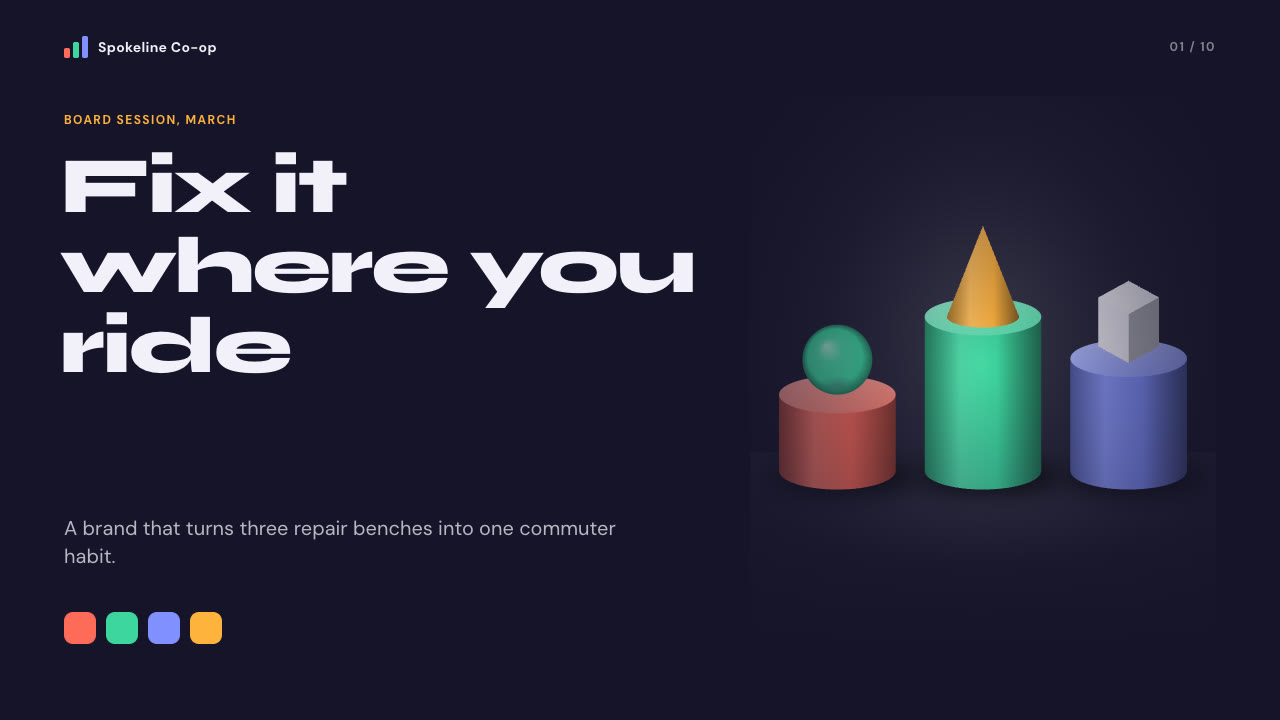
Make dark, decision-led brand positioning and strategy decks, such as a board approving a rebrand, partners joining a relaunch or a team choosing a focus audience: short, very heavy headlines, content in rounded tiles with one shared corner radius, one coloured tile per page, a perceptual positioning map and small 3D still lifes of coloured solids.
ตัวอย่าง · 2
สิ่งที่คุณจะได้รับ
Bring the brand, the audience, the decision you need, the research, figures and map positions to use exactly and the page count; pictures are optional. The Skill returns one offline HTML deck that edits in the browser and exports editable PowerPoint.
วิธีการทำงาน
- 01
Brief and sequence
Your Agent asks once for the topic, audience, page count, language and the facts, numbers, dates and pictures that must be used exactly; it never invents results, quotes or statistics, and illustrative figures are labelled. It suits a co-op board approving a rebrand, partners joining a relaunch or a leadership team choosing a focus audience, on dark pages with very heavy headlines.
- 02
Pictures and build
One palette sets the dark pages and the coral, mint, iris and saffron tiles, with one highlighted tile per page. Pictures come from you first, then from the bundled still-life.py generator, which draws illustrations in the deck's palette with the Python 3 standard library and no model or image service. Slots left empty keep a placeholder and are listed for you, and figures with no source are marked as illustrative.
- 03
Look and export
The Agent writes plan.json and settings.json and runs kit.py compose, make-deck.py and verify-deck.py to build presentation.html, one offline file with an editor, present mode and Save into itself. It then opens every page in a browser to check wraps, text inside blocks and picture crops. On request it exports PowerPoint and runs verify-pptx.py, which needs python-pptx; compare line breaks in your own app.
คำถามที่พบบ่อย
Is the Tile Positioning slides PowerPoint export editable?
Yes. Tile Positioning slides exports headlines, labels, tiles, chips, map dots and axes as native PowerPoint objects with speaker notes, and each picture as its own image; no slide is a full-page image. The two example decks have 120 and 94 text boxes, so every label on the positioning map can be edited directly.
Where do the pictures in Tile Positioning slides come from?
Tile Positioning slides places pictures you supply first. Otherwise the bundled still-life.py draws toy-like studio still lifes, such as plinths, a stack, an arch, an orbit, steps and a pair, in the deck's tones as SVG, needing only the Python standard library. They are abstract solids, so use your own pictures to show a real product, store or person.
Which fonts does Tile Positioning slides use?
Tile Positioning slides uses Syne for display headlines and DM Sans for text, both under the SIL Open Font License. Install both on the presenting machine. PowerPoint has regular and bold only, so Syne ExtraBold headlines export as the narrower Syne Bold and wrap into fewer lines than in the browser. Chinese, Japanese and Korean text falls back to the system face in this deck.
What are the known limits of Tile Positioning slides?
In Tile Positioning slides geometry is fixed per layout: three pillars, segments, facts, tone rows, steps and decisions, and up to five map dots. A map label near an axis or the right edge may need a small nudge with css on its label node, which showed up with Chinese labels. The Syne digit 1 has a distinctive shape.
How was Tile Positioning slides tested?
Both Tile Positioning slides example decks, a co-op rebrand for its board and a lake-region relaunch for partners, were built from a fresh unzip of the package. Every page was inspected in Chrome and in a LibreOffice render of the exported PowerPoint, 31 browser interaction checks and 20 error-path checks passed, and python-pptx edits survived save and reopen.
Does Tile Positioning slides need a network connection or an API key?
No. Tile Positioning slides draws its still lifes with still-life.py and builds the deck with Python on your own machine, so it needs no API key and calls no model. Only the optional verify-pptx.py export check uses python-pptx. Your agent may draft the positioning plan with its own model; the finished deck makes no calls.
Skills เพิ่มเติม
Skills ทั้งหมดสำหรับ Branding →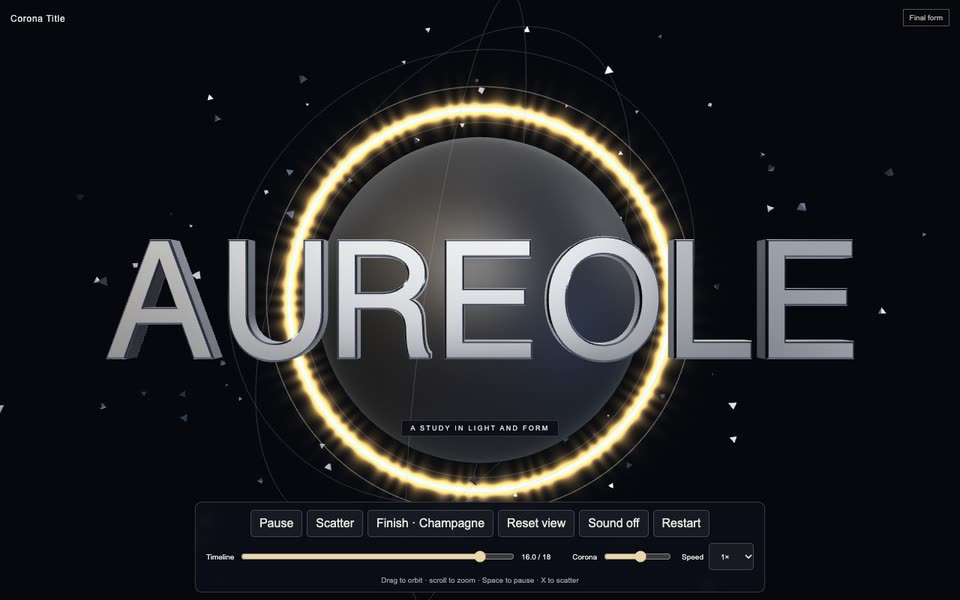
3D Metallic Title Animation
Extruded metallic letters separate and pass the camera, then gather over a luminous corona and dark spherical core. Scrub the eighteen-second timeline in either direction, orbit, zoom, scatter the title or change its finish and light. Editable content and licensed font are bundled offline.
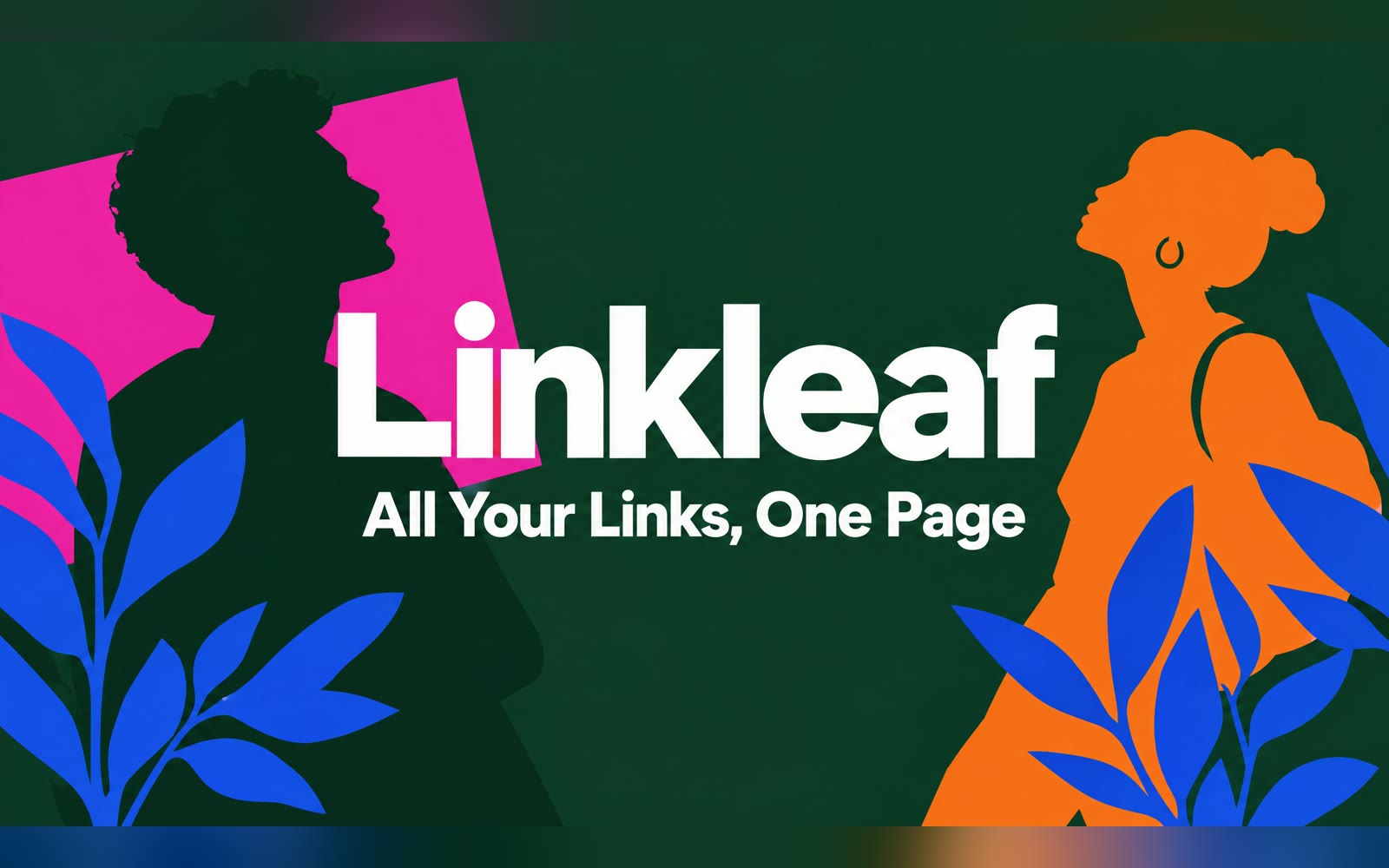
Silhouette wordmark
Turn a brand, one headline and context into a deep-green poster card: flat magenta, orange and cobalt silhouettes around an oversized centered white wordmark.
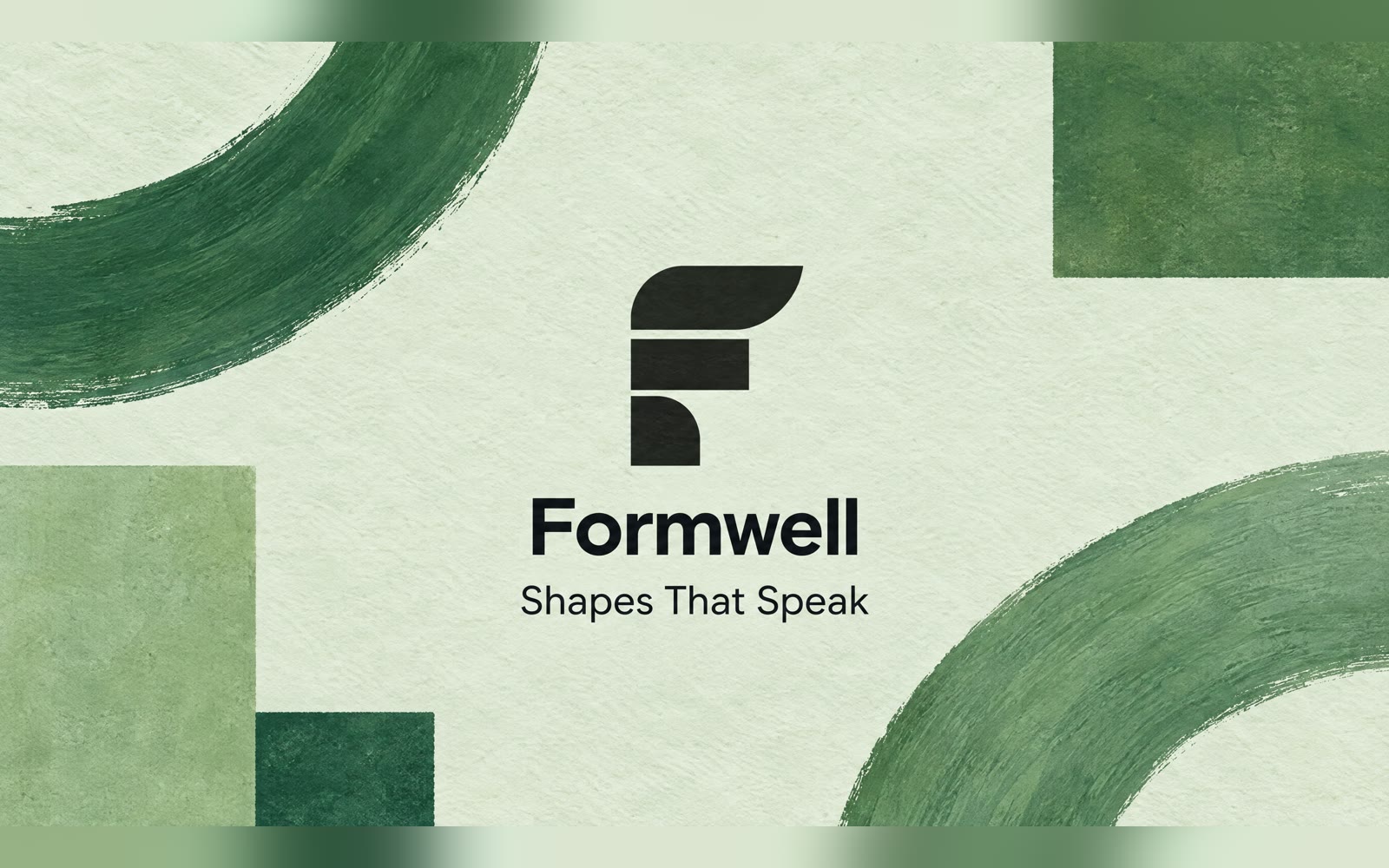
Painted shape monogram
Turn a brand, one headline and context into a gouache-abstraction card: broad green painted arcs and rectangular color blocks surrounding a centered black geometric monogram on a pale mint paper-textured field.
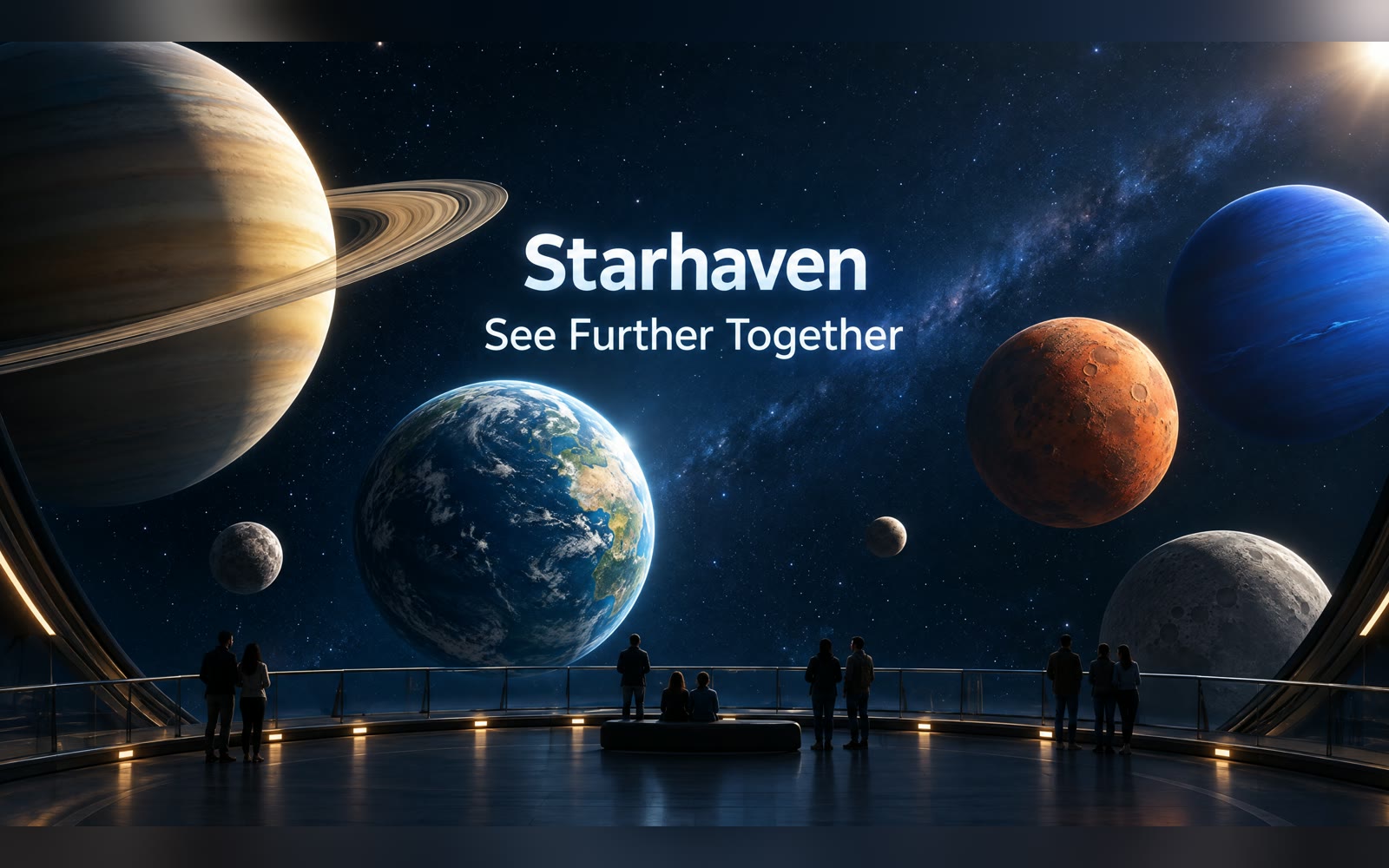
Cosmic observatory identity
Turn a brand, one headline and context into a cinematic starfield card: a bright centered identity floating above a dark observation deck where tiny viewers face oversized, realistic planets against deep navy space.
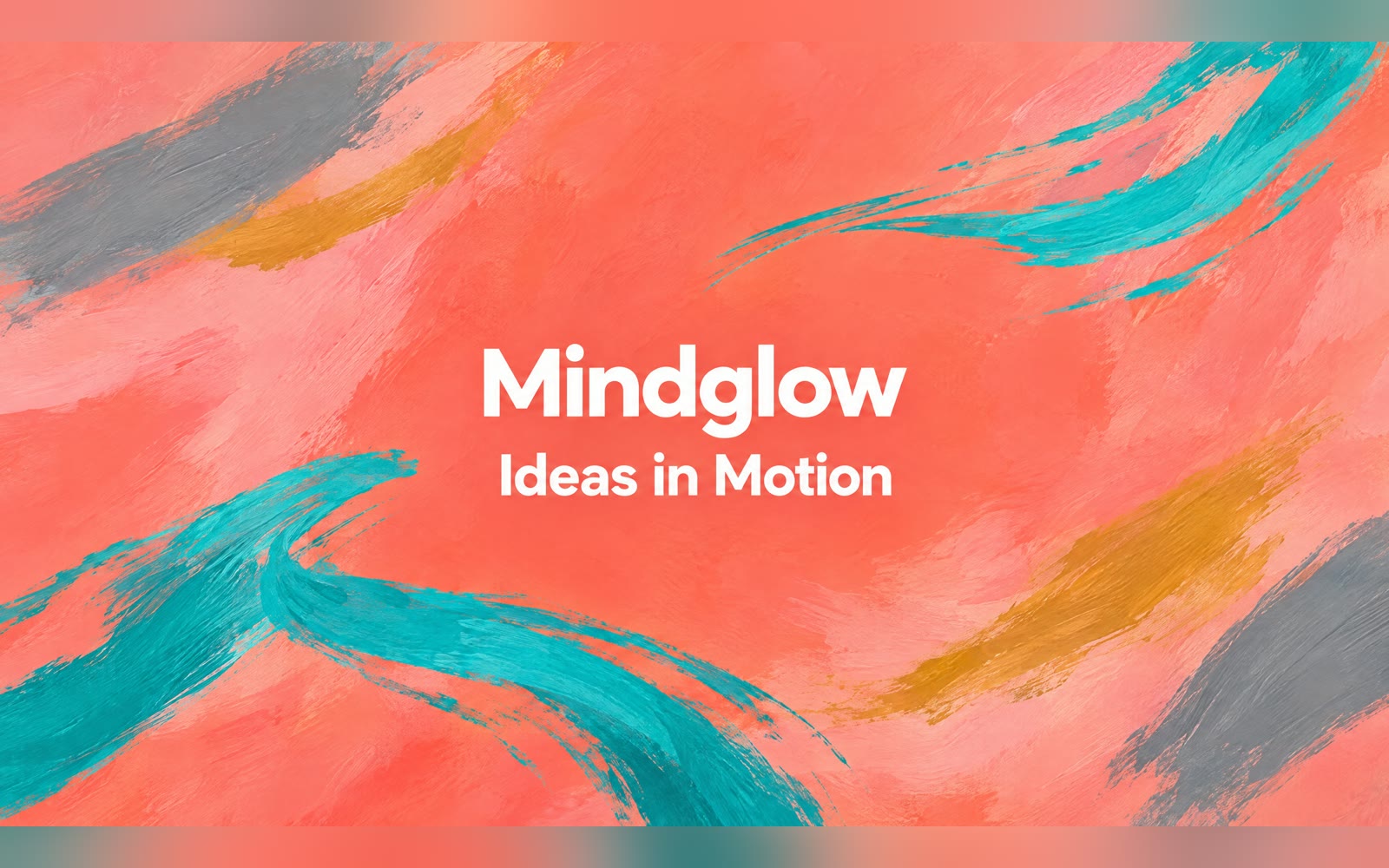
Expressive paint wordmark
Turn a brand, one headline and context into a painterly card: a centered white identity floating over a full-bleed field of broad coral and pink brushwork crossed by energetic turquoise, gray and ochre strokes.
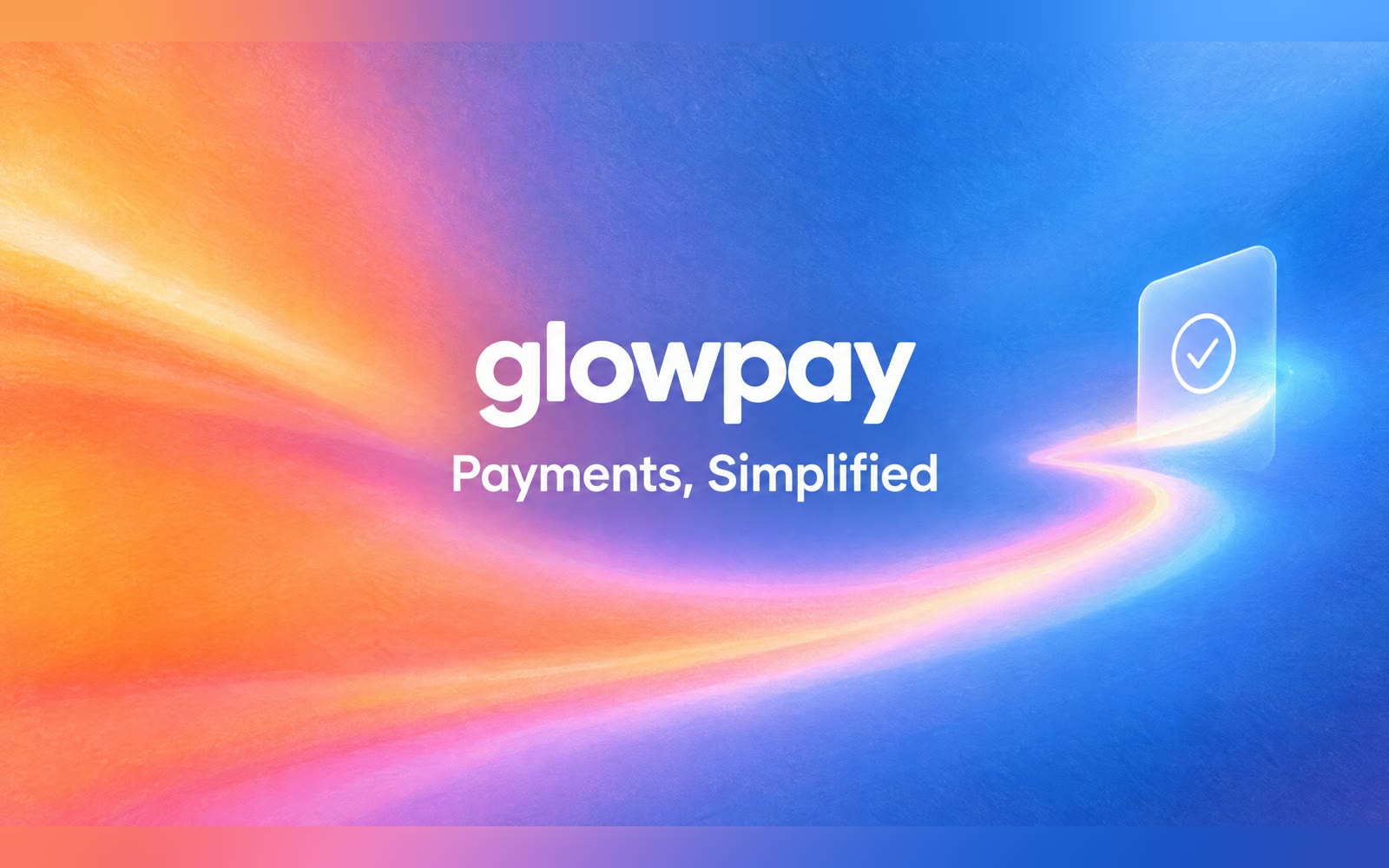
Luminous gradient wordmark
Turn a brand, one headline and context into a luminous gradient card: a bold white lowercase identity centered over sweeping orange, pink, lavender and blue light bands with subtle painted grain.