
Photo to mosaic tile
- Lab Skill
- v0.1.0
- Illustration
Rebuild one consented photo of a pet, plush, mascot or object as a square mosaic panel of small uniform tiles in toy-brick or glazed-ceramic style, face-on with thin grout seams.
ตัวอย่าง
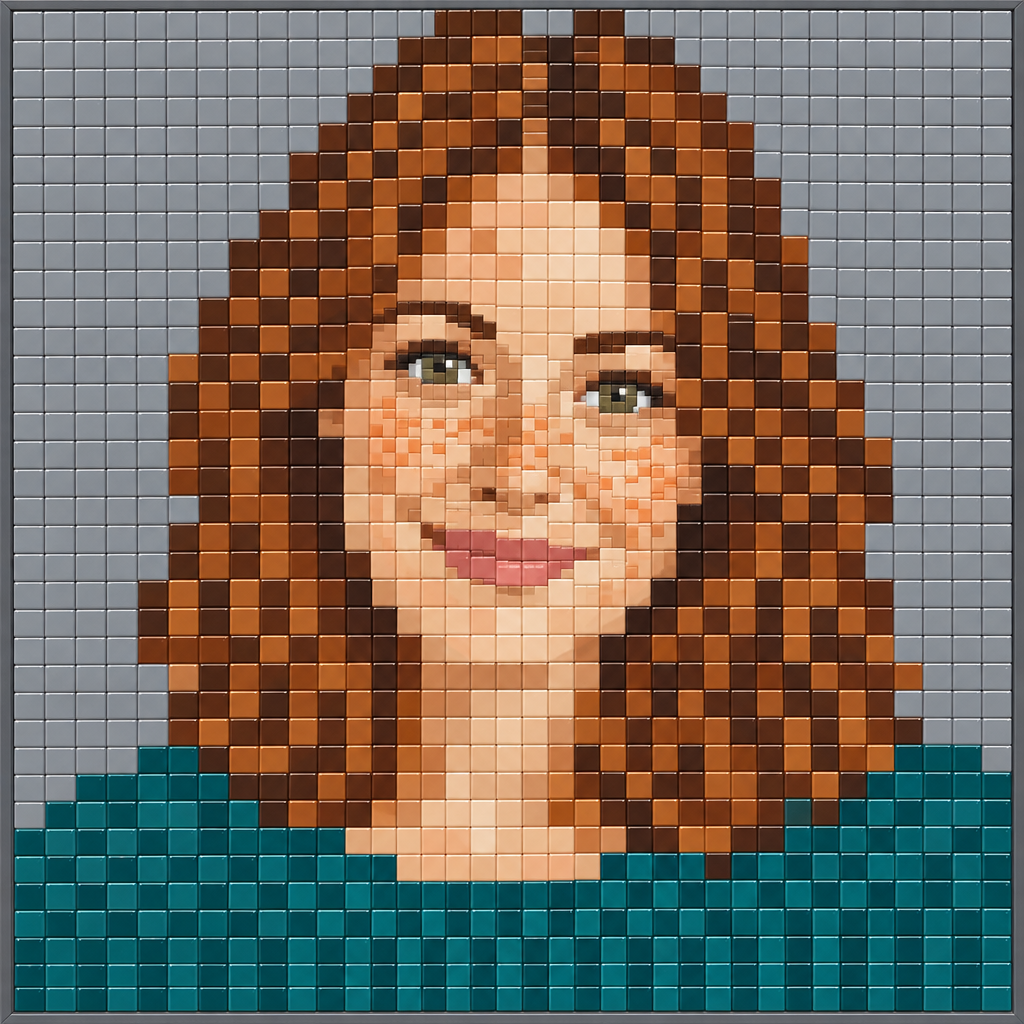
Photo to mosaic tile
รันออนไลน์
รันใน SandBase sandbox และดูผลลัพธ์ของคุณใน Lab
เปิดใน Lab ↗สิ่งที่คุณจะได้รับ
Bring one consented photo of a single subject. The Skill returns one 1:1 mosaic PNG and a bilingual run report.
วิธีการทำงาน
- 01
Pick a bold subject photo
Photo Mosaic Tile has no style fields; the brief is photo, consent and language. The photo shows one pet, plush, mascot, object or character you own or may use. Bold shapes and colours suit the medium best, because fine detail is simplified into tiles. The short side must be at least 512 px and the file at most 8 MB.
- 02
Set the subject in tiles
Run locally with Node.js 18 or later and SANDBASE_API_KEY, for example node scripts/generate.mjs run --brief assets/sample-brief.en.json --out /tmp/mosaic-run --lang en. The stripped photo goes to openai/gpt-image-2.5-flare/edit, which rebuilds the subject as a strict grid of small uniform square tiles, one flat colour each, in a toy-brick or glazed-ceramic style.
- 03
Check grid regularity in mosaic.png
The finished file is mosaic.png at 1:1, seen face-on with thin grout seams and a thin base edge, with no text. Reports in JSON and two HTML languages record dimensions, execution ID and cost. Inspect grid regularity, palette and identity at full resolution and at thumbnail size; irregular or mixed-colour tiles mean the result needs another look.
คำถามที่พบบ่อย
What does Photo Mosaic Tile make from a photo?
Photo Mosaic Tile makes one square panel where the subject is rebuilt from identical small square tiles, each a single flat colour, separated by thin grout seams. The panel is seen face-on with a thin base edge. Colours and silhouette carry over on a best-effort basis, but the tiles simplify fine detail.
Can Photo Mosaic Tile make a portrait of my friend?
Photo Mosaic Tile is aimed at pets, plush toys, mascots, objects and characters. It is not for photos of other people without their consent, identity documents, brand reproduction or fan art of copyrighted characters. Whatever the subject, you need the right to use the photo and must set consent to accepted.
Is Photo Mosaic Tile free to try?
No. Photo Mosaic Tile calls openai/gpt-image-2.5-flare/edit for one image, billed to your SandBase account. The plan command is free of network calls and lets you check the brief first. The run command takes --budget, and the Skill compares its estimate with that preflight budget before submitting. Rates are at https://www.sandbase.ai/pricing.
What file does Photo Mosaic Tile return?
Photo Mosaic Tile writes mosaic.png, a 1:1 PNG, together with report.json and report HTML in English and Chinese. The PNG is checked for signature, chunks, CRCs and decoded pixels. Model rounding can move the shape up to 2% from exact square, and the report states the real dimensions rather than resizing silently.
Why does Photo Mosaic Tile flag text for review?
Photo Mosaic Tile allows no text on the panel, yet image models sometimes add letters. validation.ok only confirms the file contract, so text_accuracy: needs_review keeps a person in the loop. Reject any lettering, logo, signature or watermark, and any mascot other than the photographed subject.
Skills เพิ่มเติม
Skills ทั้งหมดสำหรับ Illustration →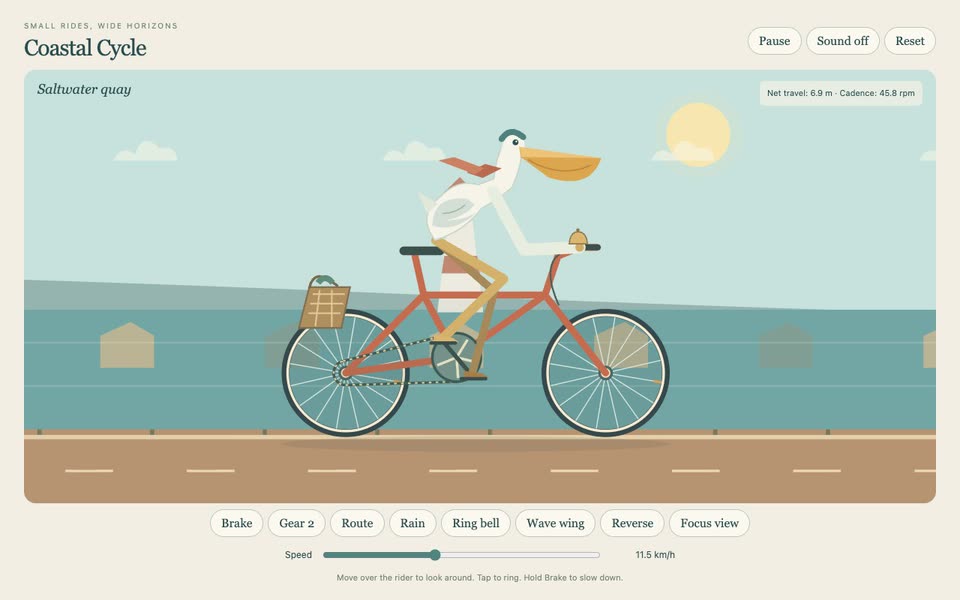
Coastal Cycle: Harbor Pelican
An authored SVG pelican rides a coral bicycle beside the sea. Measured travel drives the wheels, gear ratio drives the crank, and solved joints keep both feet on their actual pedals. Brake, reverse and explore three coastal palettes offline.
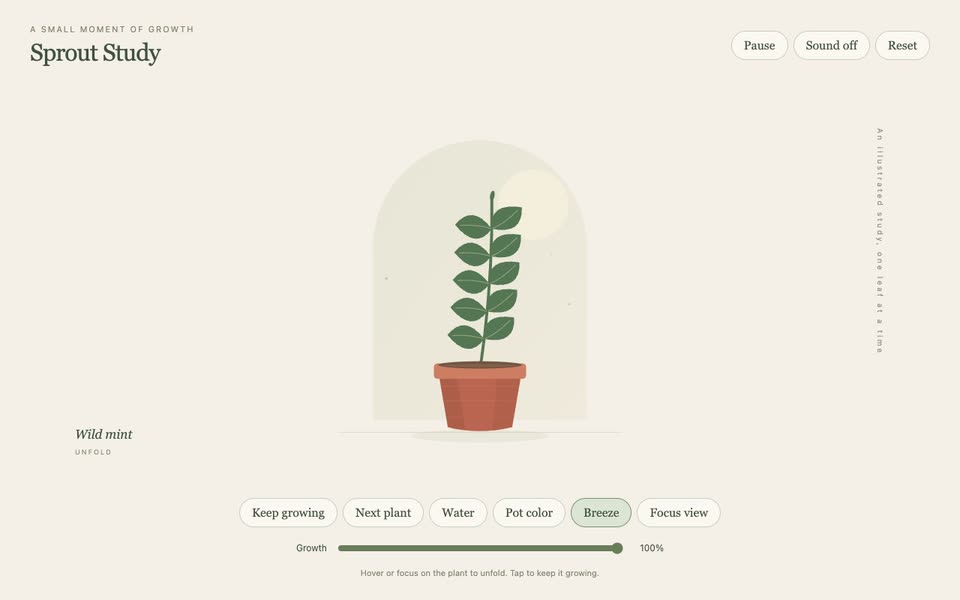
Sprout Study: Terracotta Mint
A quiet SVG botanical illustration. Hover or focus to grow the continuous stem, unfold leaves in sequence and fold them again. Touch hold, exact growth scrubbing and editable plants in one offline HTML.
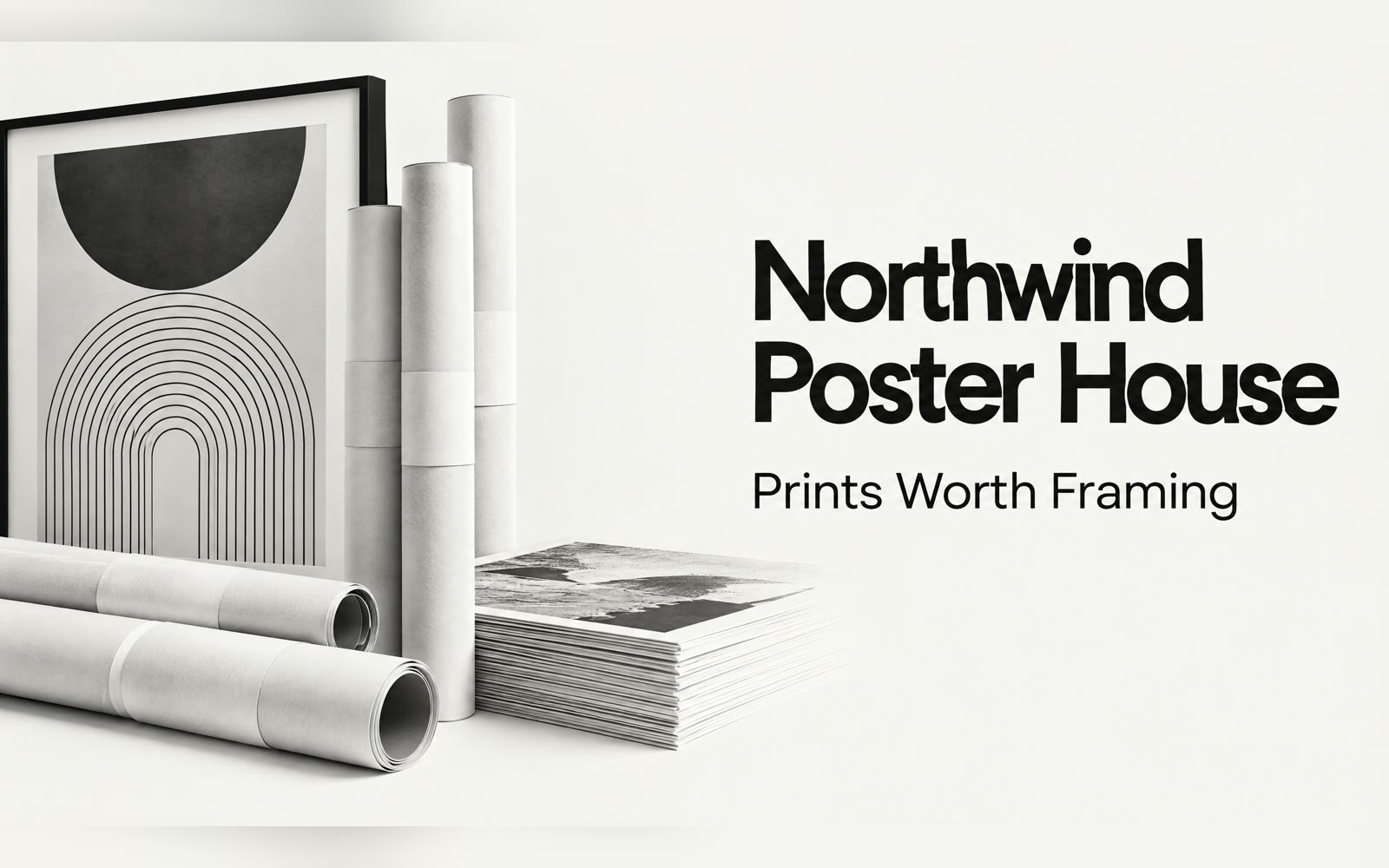
Monochrome editorial
Turn a brand, one headline and context into a high-key monochrome editorial card.
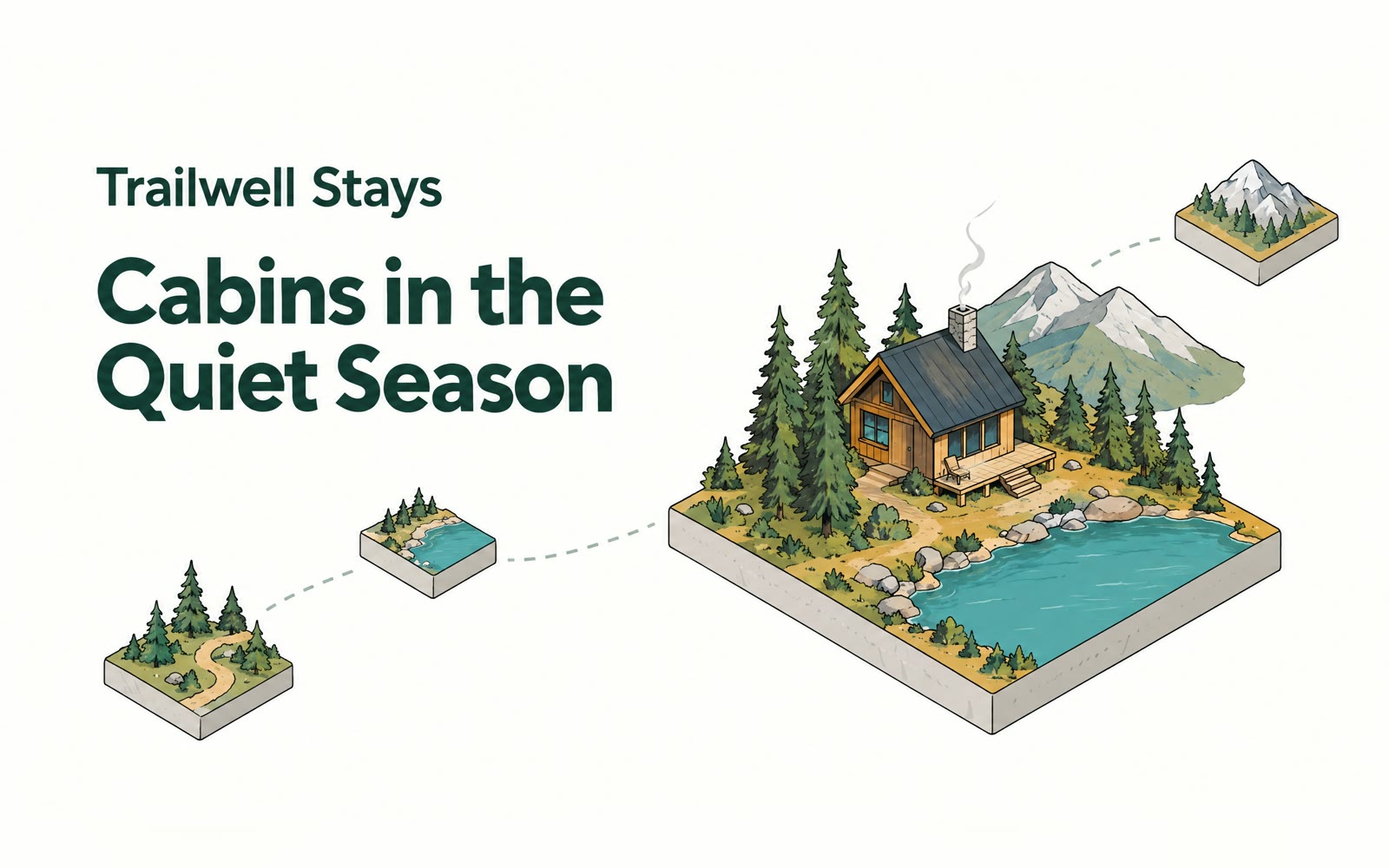
Isometric diorama
Turn a brand, one headline and context into a modular isometric card.

Converging lines
Turn a brand, one headline and context into a precise line-convergence card.

Gradient horizon
Turn a brand, one headline and context into a warm gradient-horizon card.