
Photo to plush toy
- Lab Skill
- v0.1.0
- Illustration
Rebuild one consented photo of a person, pet, plush or object as a square soft-goods product shot — sewn fabric body, stitched seams, embroidered features and gentle stuffing on a studio backdrop.
ตัวอย่าง
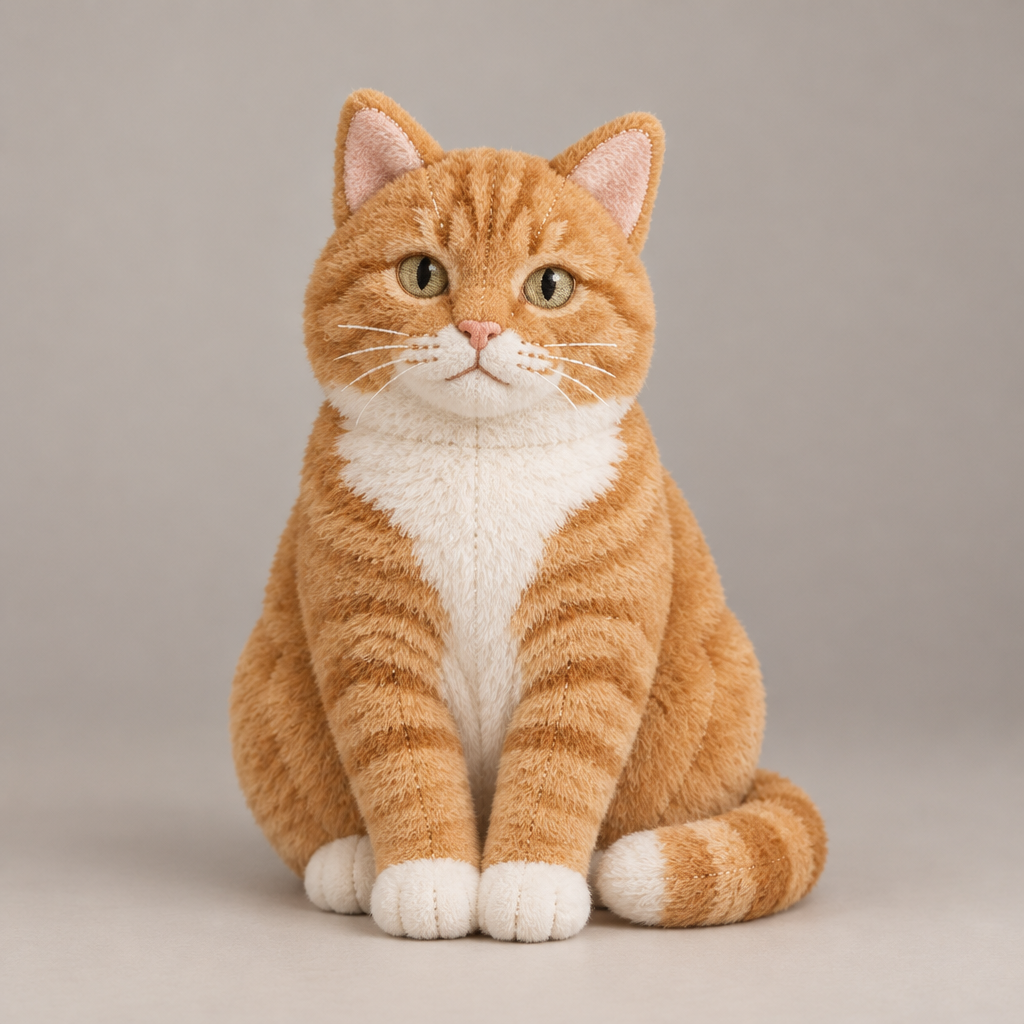
Photo to plush toy
รันออนไลน์
รันใน SandBase sandbox และดูผลลัพธ์ของคุณใน Lab
เปิดใน Lab ↗สิ่งที่คุณจะได้รับ
Bring one consented photo of a single subject. The Skill returns one 1:1 plush product shot PNG and a bilingual run report.
วิธีการทำงาน
- 01
Choose sitting or standing
Photo Plush Self takes photo, consent and pose. sitting gives a stable seated product pose; standing poses the toy upright when the subject's body plan allows it. The sample brief uses sitting. The photo shows one person, pet, plush, mascot, object or character you own or may use. Rounded, simple shapes translate best into plush proportions.
- 02
Sew it as soft goods
The Node.js 18 or later script reads SANDBASE_API_KEY from the environment and installs nothing. After an offline plan, run sends the stripped photo to openai/gpt-image-2.5-flare/edit. The model rebuilds the subject as a stuffed toy with a sewn fabric body, stitched seams, embroidered or safety-button features and soft proportions on a neutral studio backdrop.
- 03
Inspect the fabric in plush.png
The result is plush.png, a 1:1 product shot, with report.json and two HTML reports giving dimensions, execution ID and recorded cost. Inspect subject fidelity, fabric construction and finish at full resolution and as a thumbnail. A logo, signature, watermark or mascot other than your subject is a defect to reject.
คำถามที่พบบ่อย
What does Photo Plush Self produce?
Photo Plush Self produces one square soft-goods product shot of your subject rebuilt as a stuffed plush toy, with sewn fabric, stitched seams and embroidered or button features on a clean studio backdrop. Identity is kept on a best-effort basis through the sewn interpretation.
Can Photo Plush Self make a standing toy?
Yes, when the subject allows it. Photo Plush Self poses the toy upright with pose set to standing if the subject's body plan supports that. sitting is the stable seated alternative.
Is Photo Plush Self billed to my account?
Yes. Photo Plush Self sends one edit to openai/gpt-image-2.5-flare/edit and bills your SandBase account. Use plan to check the brief with no network call, and give run a --budget value; the preflight check compares the inspected estimate against it before submitting. Rates are at https://www.sandbase.ai/pricing.
Can Photo Plush Self turn a branded mascot into a plush?
No. Photo Plush Self is not for brand or trademark reproduction or fan art of copyrighted characters. A mascot or character is fine only when you own it or may use it, and a person needs to have consented.
Where can Photo Plush Self run?
Photo Plush Self runs locally on Node.js 18 or later in SandBase Sandbox, with no dependencies to install, or in Lab through the hosted entrypoint. Hosted runs claim an ephemeral credential, run the same pipeline, upload the PNG and return both report languages.
Skills เพิ่มเติม
Skills ทั้งหมดสำหรับ Illustration →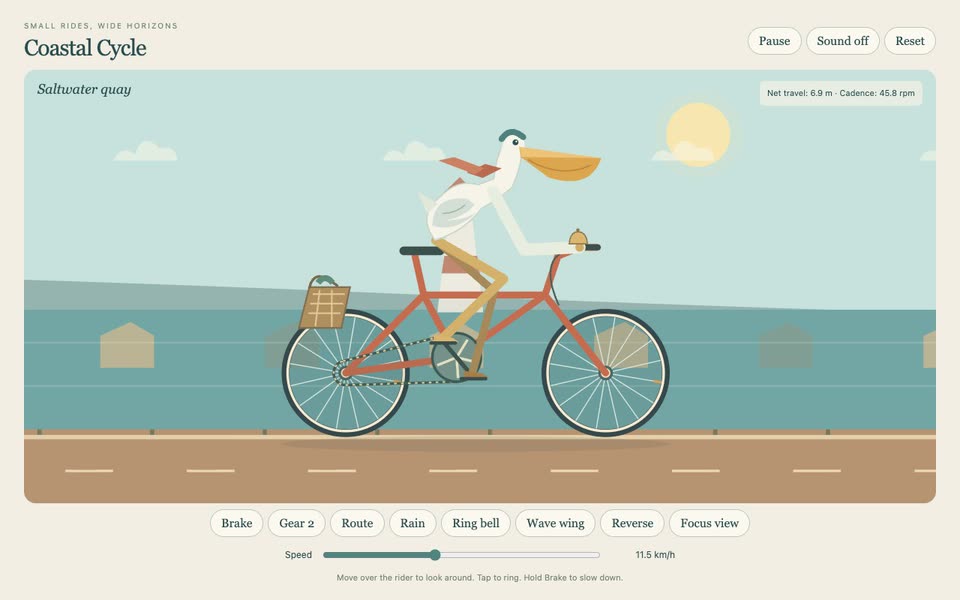
Coastal Cycle: Harbor Pelican
An authored SVG pelican rides a coral bicycle beside the sea. Measured travel drives the wheels, gear ratio drives the crank, and solved joints keep both feet on their actual pedals. Brake, reverse and explore three coastal palettes offline.
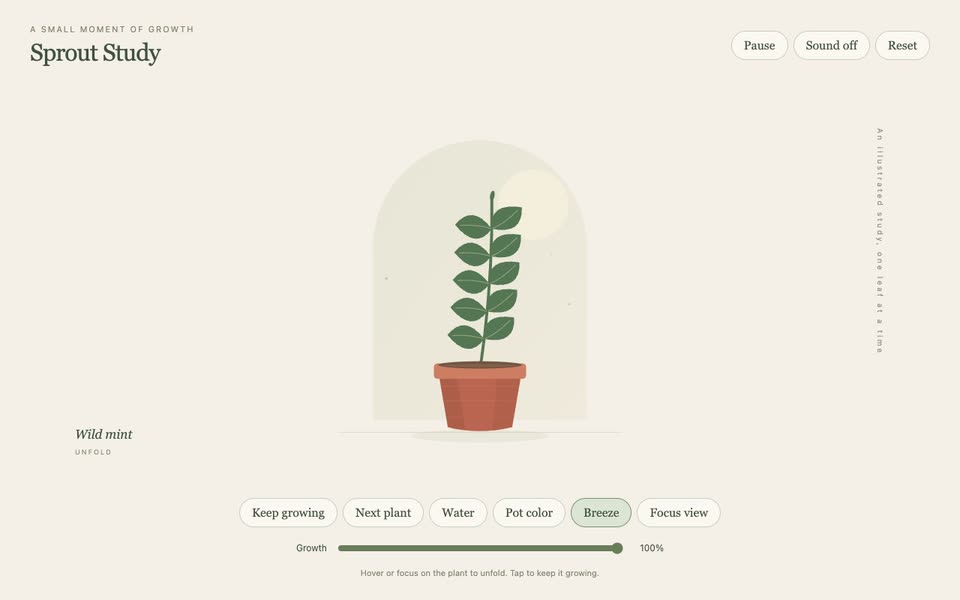
Sprout Study: Terracotta Mint
A quiet SVG botanical illustration. Hover or focus to grow the continuous stem, unfold leaves in sequence and fold them again. Touch hold, exact growth scrubbing and editable plants in one offline HTML.
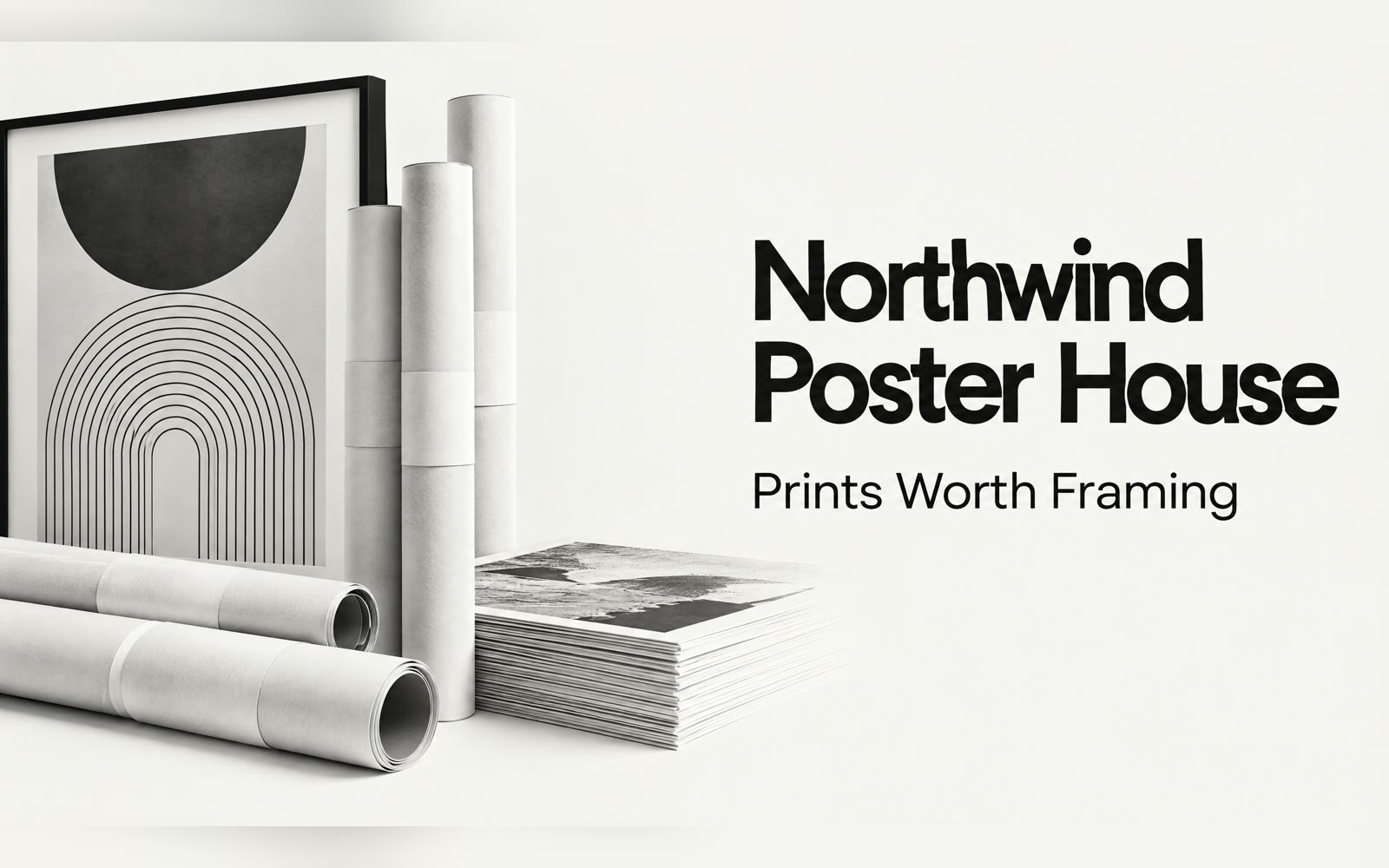
Monochrome editorial
Turn a brand, one headline and context into a high-key monochrome editorial card.
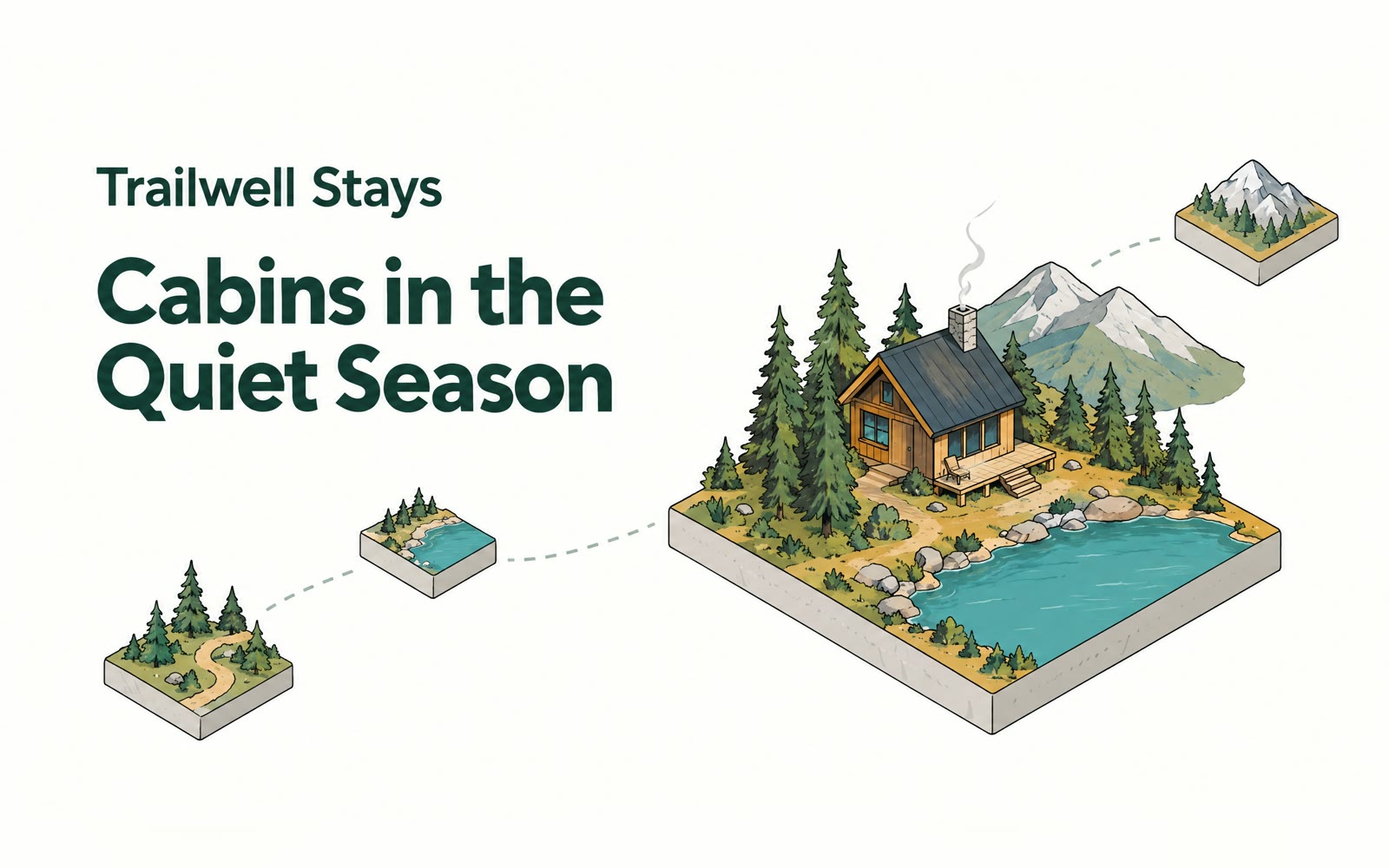
Isometric diorama
Turn a brand, one headline and context into a modular isometric card.

Converging lines
Turn a brand, one headline and context into a precise line-convergence card.

Gradient horizon
Turn a brand, one headline and context into a warm gradient-horizon card.