
Margin Ink Slides
- Lab Skill
- v1.0.0
- Business reporting
Make bold notebook-style decks for pilot reviews, team experiments, proposals and programme readouts: paper-white pages, heavy capitals with one highlighted phrase, small copy in asymmetric islands, loose asterisks, a fine-pen figure on every page and a native results table.
ตัวอย่าง · 2

สิ่งที่คุณจะได้รับ
Bring what you tried, the audience, the results and numbers to use exactly, what you are asking for and the page count; pictures optional. The Skill returns one offline HTML deck that edits in the browser and exports editable PowerPoint.
วิธีการทำงาน
- 01
Approve the plan first
Margin Ink Slides asks for the subject, audience, the decision wanted, facts you stand behind, page count, language and brand limits. It then presents the title, a two-line story, the ordered page list with each page's layout, job and figure, and the palette. Building starts only after the whole plan is approved. A ten-minute readout is usually 7 to 9 pages.
- 02
Draw figures and compose
One entry per page in figures.json, then python3 scripts/ink-figures.py figures.json --out art/ draws fine-pen scenes from fixed poses, hair shapes, held objects and things. Headlines take two parts, plain and highlighted. kit.py compose and apply-palette.py deck.json --palette marigold run next, all on the Python 3 standard library with no network.
- 03
Check layout and the native table
The notebook deck is built into presentation.html, and verify-deck.py names any sample copy still in place. Each page is viewed at 1280 by 720: headline line counts, islands clear of the headline, table rows above the note and figures inside their frames. Edit, move a block, change a colour, undo and redo, Save, reopen and Present are tried; verify-pptx.py checks any export.
คำถามที่พบบ่อย
What is Margin Ink Slides best for?
Margin Ink Slides is for small teams telling what they tried, saw and want next: pilot reviews, team experiments, proposals and programme readouts for boards or volunteers. Pages are paper-white with heavy Hanken Grotesk capitals, one highlighted phrase per headline, Karla copy in asymmetric islands and fine-pen figures.
Where do Margin Ink Slides figures come from?
Margin Ink Slides puts your own pictures ahead of generated ones. Otherwise ink-figures.py draws each page's scene from ten poses, seven hair shapes, eleven held objects and twenty things such as bulbs, gears, whiteboards and ladders. Output is deterministic and contains no lettering. Figures are diagrams of a situation, not portraits.
Does Margin Ink Slides call a model or image API?
No. Margin Ink Slides draws its figures with a standard-library script that needs no network, model or image service, and builds the deck locally, so nothing is billed.
Can Margin Ink Slides make charts?
No. Margin Ink Slides has no chart layout; results go in a native 4 by 4 PowerPoint table with a callout, or in numbered steps. Its seven layouts are the centred opening, team, islands, corner, steps, results table and closing.
Is the Margin Ink Slides PowerPoint editable?
Yes. Margin Ink Slides exports headlines, text islands, step numbers, footers, folios, rules and the callout block as native text and shapes, and the results table as a real PowerPoint table, with speaker notes. Each figure and asterisk is one replaceable picture, and no picture covers the full slide.
What are the limits of Margin Ink Slides?
Margin Ink Slides has fixed geometry, so copy far over budget wraps past the next block. PowerPoint text boxes keep a fixed size, empty lines inside one block are dropped, and light accents such as marigold and pistachio are for display type only. Some poses, such as kneeling or climbing, read schematically.
Skills เพิ่มเติม
Skills ทั้งหมดสำหรับ Business reporting →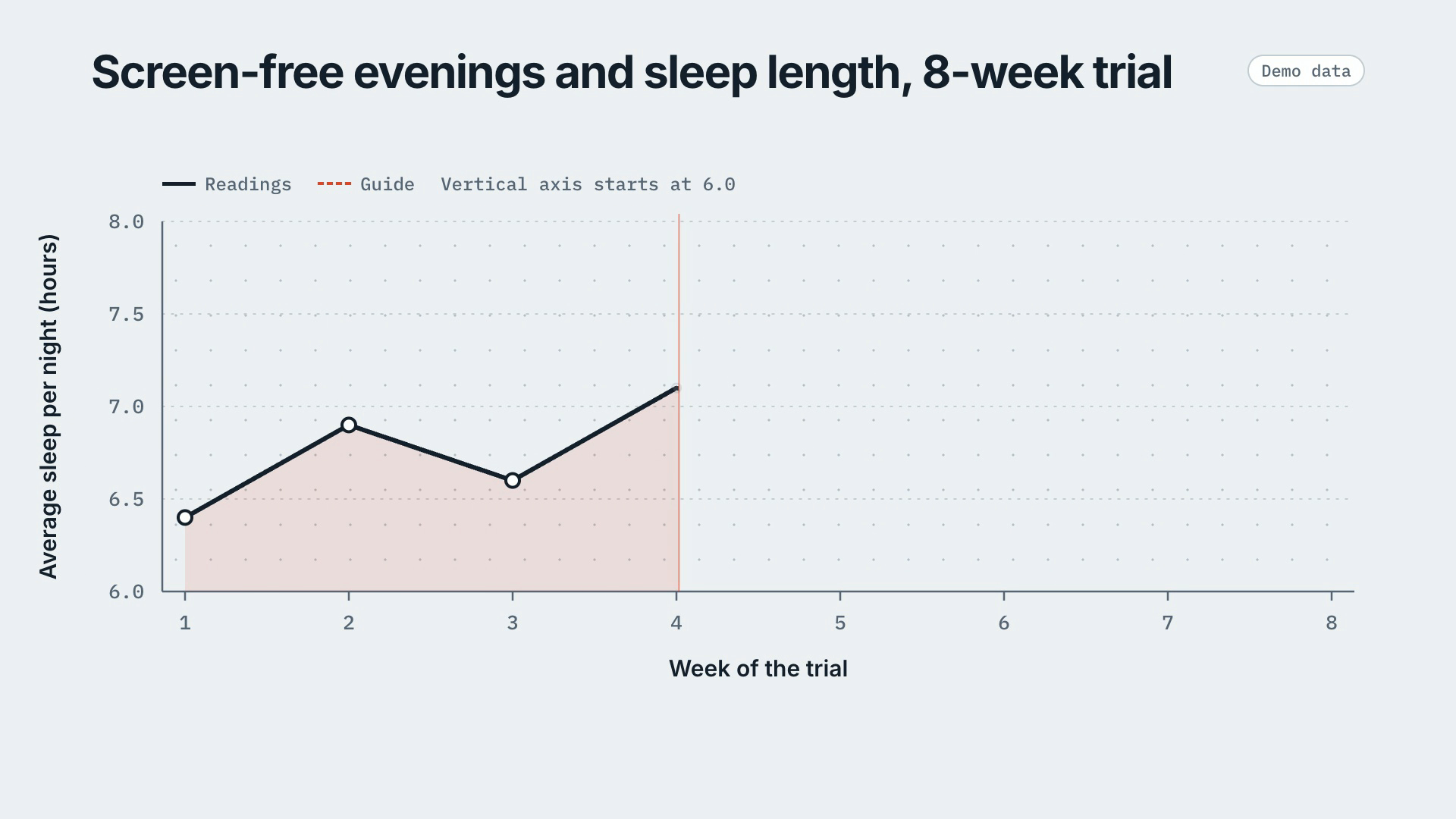
Trend Line
Reveal measured readings, a separate dashed guide and a final takeaway on an editable chart.

Advisory Thread Slides
Argue one recommendation to a committee or board with action titles, a storyline tracker, evidence charts and a bounded decision ask.
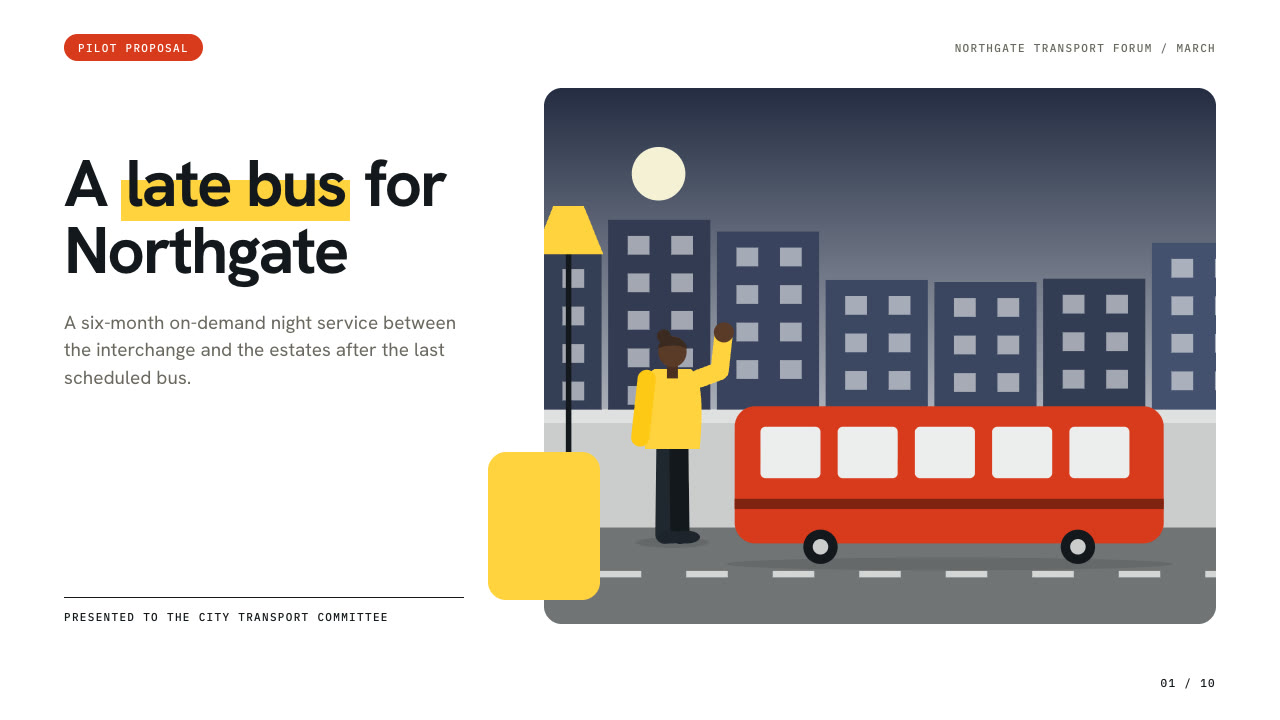
Civic Bars Slides
Make the case for a public or community service decision with picture cards, thin bar charts, stat tiles and a clear ask.
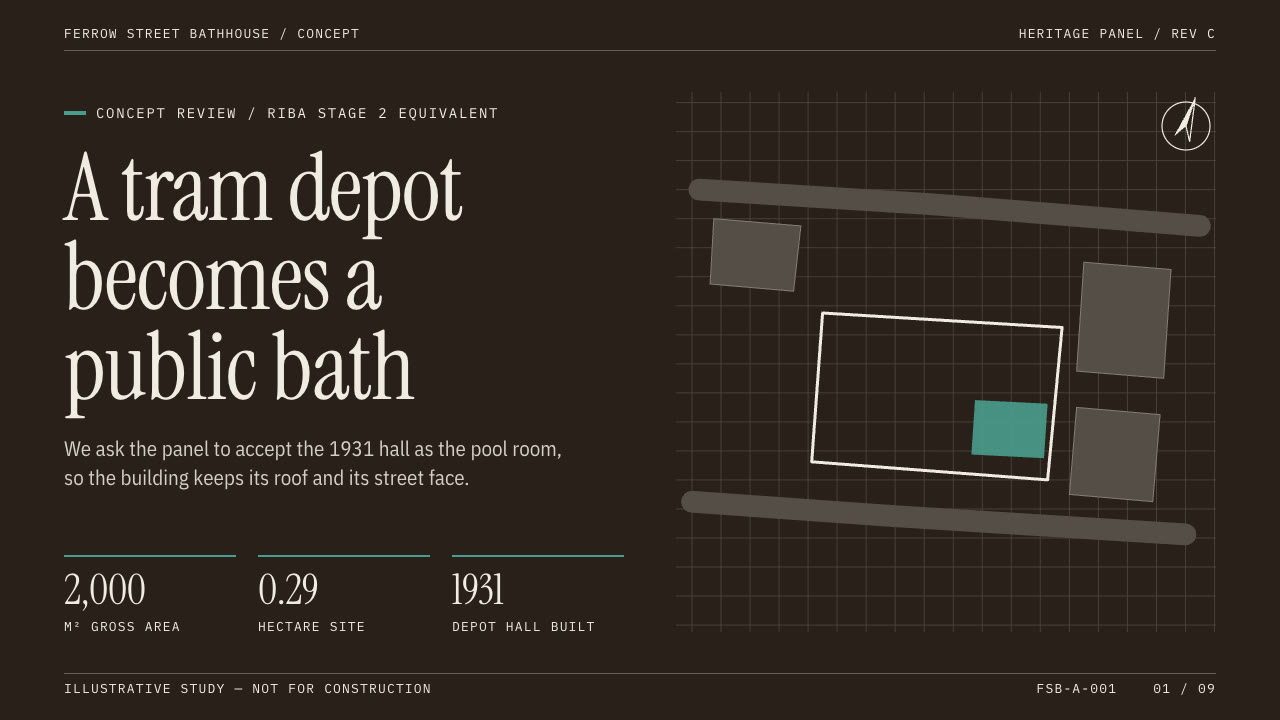
Site Sequence Slides
Take an architecture or site-design proposal to a review panel like a drawing sheet: site, massing, plan and section, program, phasing and one clear decision.

Deepframe Company Slides
Present a company, practice or member organisation calmly: white pages, offset colour blocks behind pictures, service cards, ring figures, value bars and a portrait row.
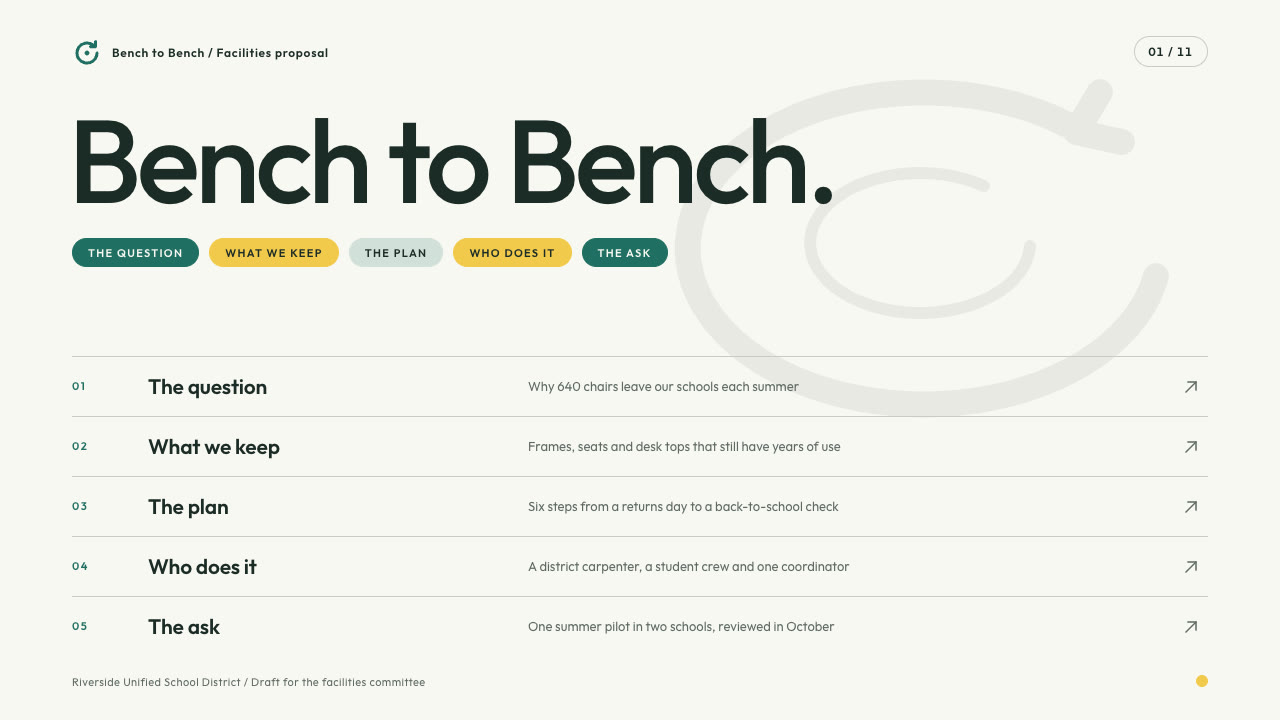
Circular Module Slides
Propose a repair, reuse or take-back step in a light modular deck: rounded cards and pill capsules, an open-ring motif, notched principle cards, a six-step grid and a capsule bar chart.