
Weekly Schedule Maker
ฟรีตัววางแผนและตัวติดตามSet the week start date to print real dates, or leave it empty for a blank weekly calendar you can reuse. Pick the first and last hour, or turn hours off for open boxes.
- Letter หรือ A4
- PDF พร้อมพิมพ์
- ไม่ได้อัปโหลดอะไร
View calendar dates
| Day | Date |
|---|---|
| Monday | Blank |
| Tuesday | Blank |
| Wednesday | Blank |
| Thursday | Blank |
| Friday | Blank |
| Saturday | Blank |
| Sunday | Blank |
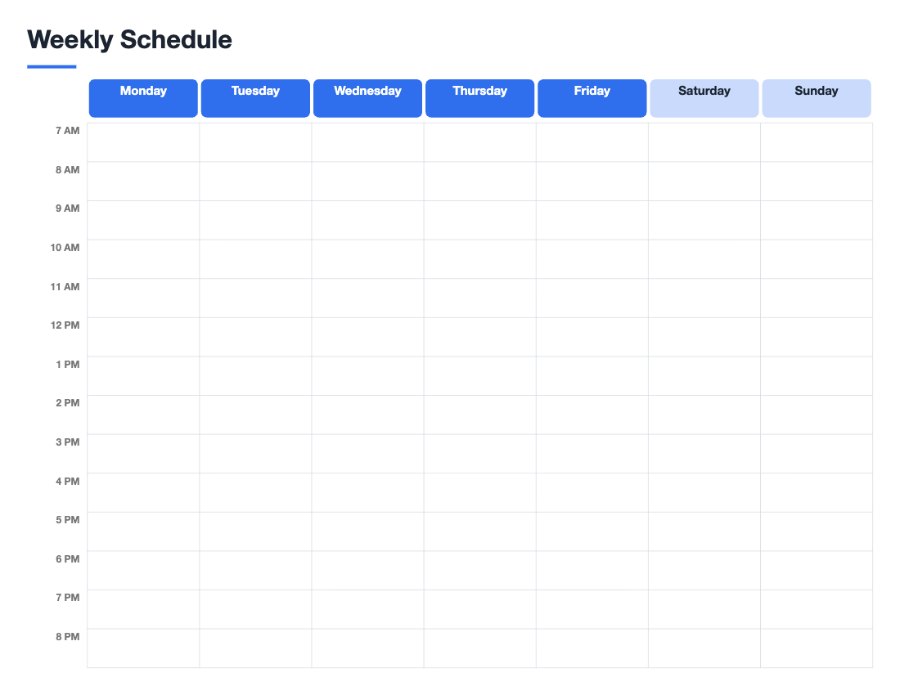
Hourly slots: 7 AM, 8 AM, 9 AM, 10 AM, 11 AM, 12 PM, 1 PM, 2 PM, 3 PM, 4 PM, 5 PM, 6 PM, 7 PM, 8 PM. End: 9 PM.
ตัวอย่าง
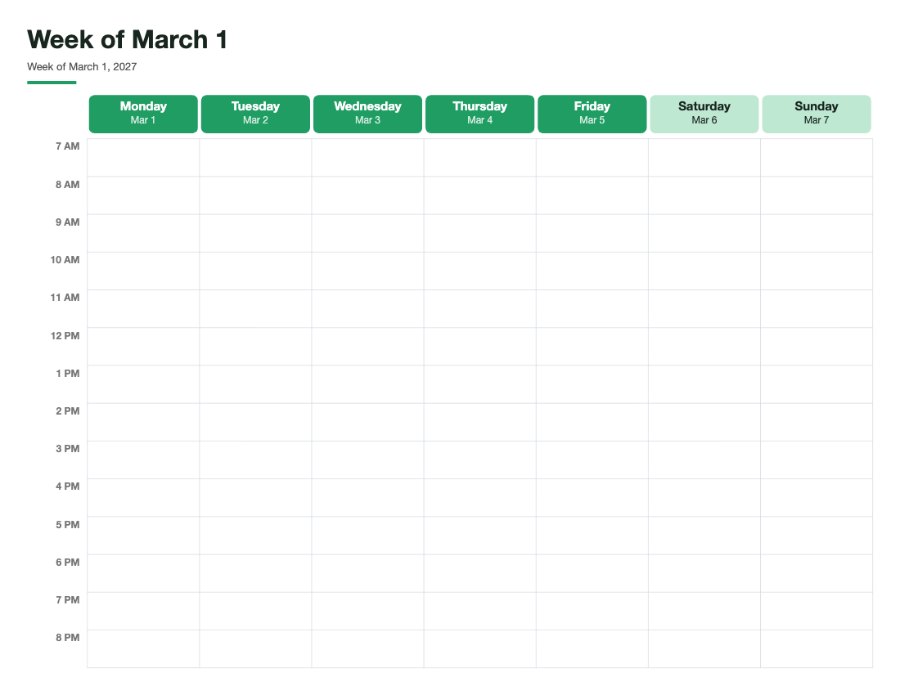
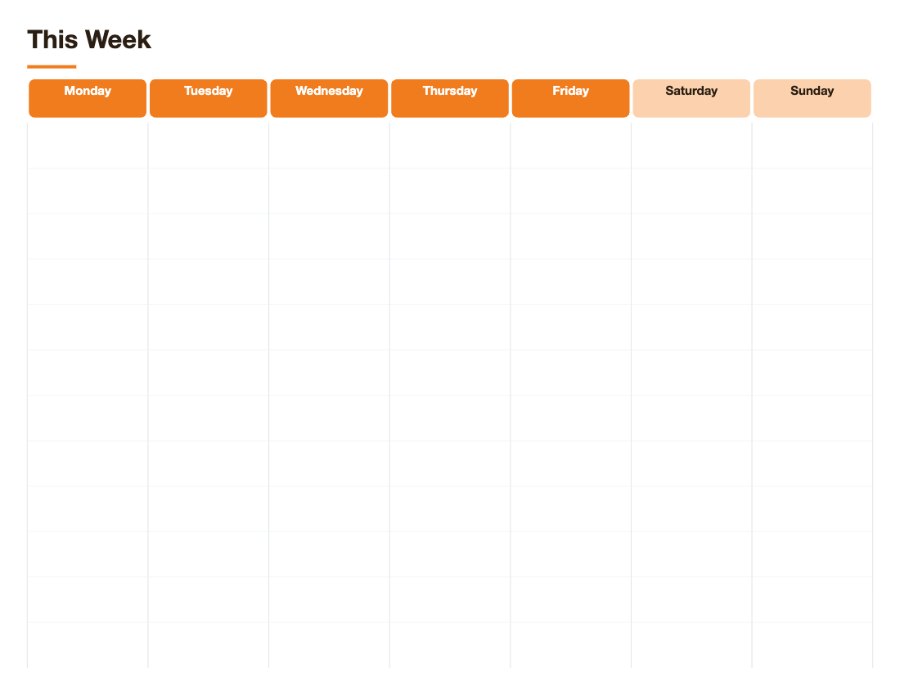
สร้างด้วยเครื่องมือนี้ เปิดตัวอย่างหนึ่งเพื่อเริ่มจากตรงนั้นและแก้ไขได้ทุกอย่าง.
วิธีใช้ Weekly Schedule Maker
- 01
Type the week start date, or leave it empty.
- 02
Pick the hours, colors and paper size.
- 03
Download a PDF to print, or a PNG.
ผู้คนใช้ทำอะไร
Weekly planning
Plan appointments, work and family time.
Shared family calendar
Who is where, every day of the week.
Shift and class schedules
See the whole week at once.
เคล็ดลับเพื่อผลลัพธ์ที่ดีกว่า
- Plan the week on Sunday evening.
- Block fixed things first: work, school, sleep.
- Use colors for each person after printing.
- Leave white space for surprises.
คำถามที่พบบ่อย
Can the week start on Monday?
Yes. Enter a Monday date. Any other valid start date also works; an empty date gives a blank Monday–Sunday week.
Can I print it without hours?
Turn off Hour rows for big open boxes per day.
Can I change the hours?
Set From hour from 0 to 23 and To hour from 1 to 24, later than the start. To hour is the end boundary, not another slot. Turn hours off for open boxes.
Does Weekly Schedule Maker upload what I type?
No. Weekly Schedule Maker draws the page in your browser from what you type, so it works offline once the page has loaded and nothing is sent anywhere.
เครื่องมือเพิ่มเติม
Daily Planner Template
A one-page day planner with priorities, to-dos, meals and notes.
Goal Planner Template
A one-page goal planner with reasons, first steps and deadlines.
Hourly Planner Template
A one-day planner with a row for every hour.
To-Do List Maker
A printable to-do list with checkboxes and sections.
Class Schedule Maker
A weekly class timetable with periods and school days.
Workout Plan Template
A weekly workout plan with exercises, sets, time and a done box.