
เครื่องมือ

เครื่องมือ AI ฟรี ไม่ต้องสมัคร
ลบพื้นหลัง อัปสเกลภาพ สร้างรูปโปรไฟล์และโลโก้ แปลงรูปภาพและ GIF และดึงทรานสคริปต์วิดีโอ ฟรีไม่ว่าคุณจะมีบัญชีหรือไม่

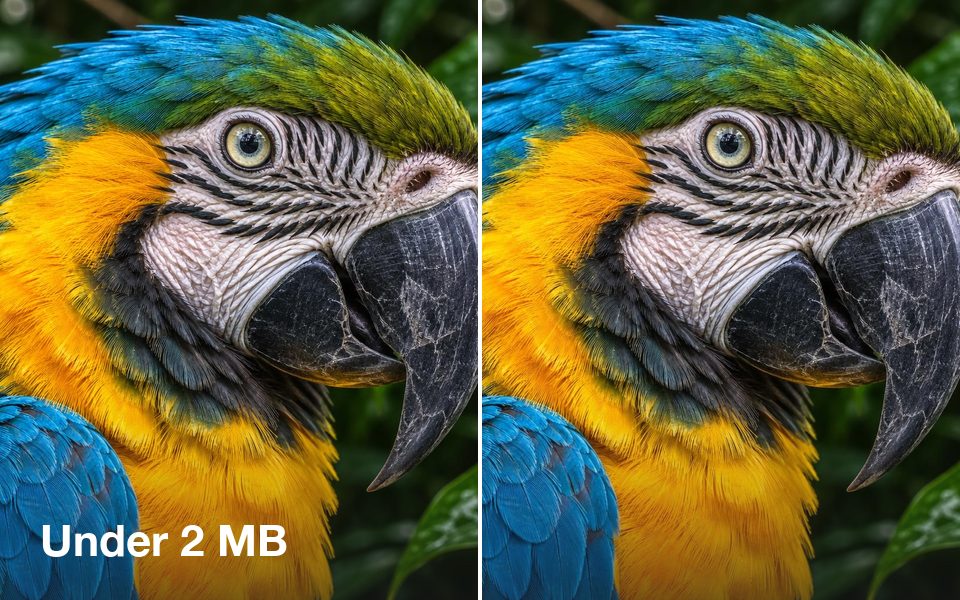
Compress Image to 2 MB
Compress a photo to under 2 MB, keeping the best quality that fits.
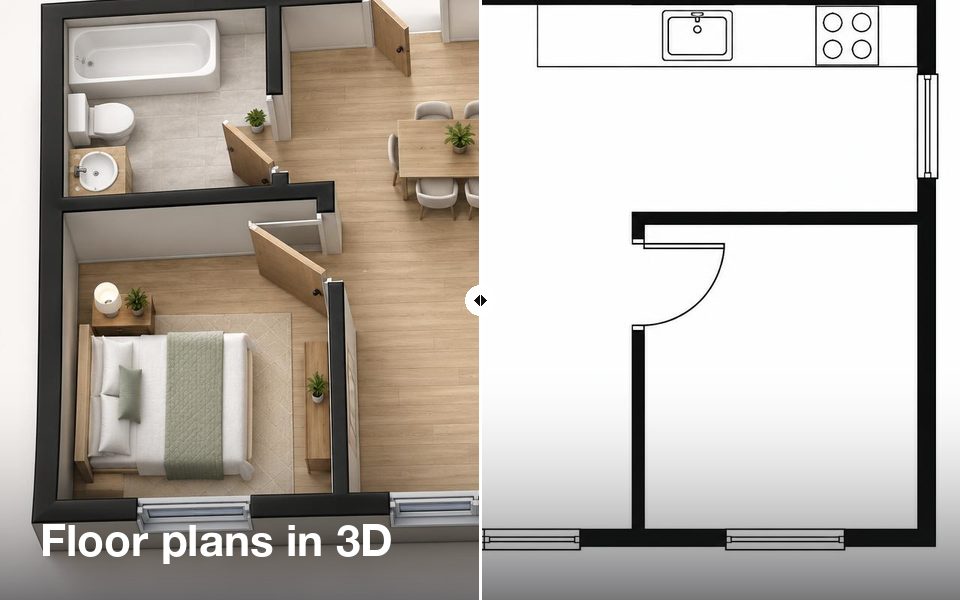
AI Floor Plan Renderer
Turn a 2D floor plan into a furnished 3D isometric view in four styles.

Amazon Opportunity Scanner
Read price bands, ratings and market competition
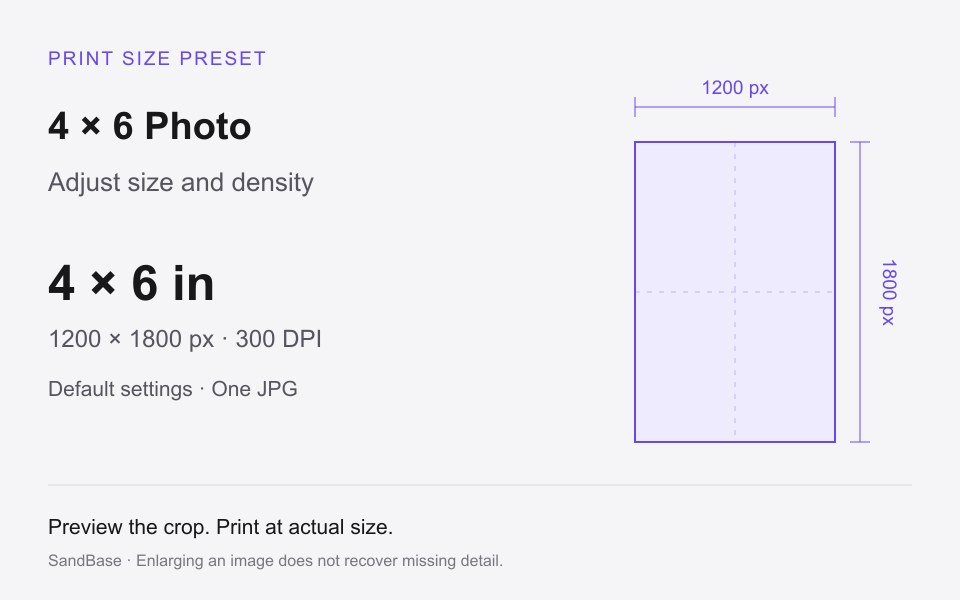
4 × 6 Photo Maker
Start with 4 × 6 in at 300 DPI; adjust the print size and density before saving.
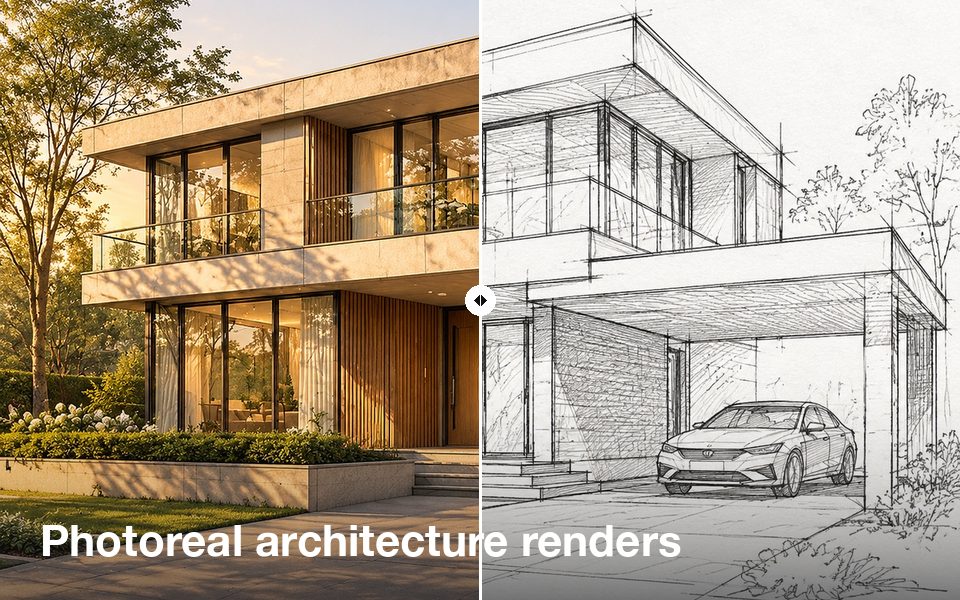
AI Architecture Render
Turn a building sketch or photo into a photoreal render with your light and materials.

1688 Product Finder
Find wholesale products and compare supplier signals
5 × 7 Photo Maker
Start with 5 × 7 in at 300 DPI; adjust the print size and density before saving.
PNG to SVG
Convert a PNG into a scalable SVG made of flat vector shapes, in four vector looks.

Product Review Analyzer
Turn customer feedback into product decisions
8 × 10 Photo Maker
Start with 8 × 10 in at 300 DPI; adjust the print size and density before saving.
JPG to SVG
Convert a JPG into an SVG made of flat vector shapes, with solid colors and crisp edges.

Shopping Price Comparison
Compare live offers across stores and markets
A4 Size Image
Start with 21 × 29.7 cm at 300 DPI; adjust the print size and density before saving.
Image to SVG
Turn any image into an SVG with up to six solid colors.

eBay Price Checker
Live eBay listings, prices and conditions
Resize Image in Inches
Start with 4 × 6 in at 300 DPI; adjust the print size and density before saving.
Convert Image to SVG
Convert a PNG, JPG or WebP image to an SVG online, in four vector looks.

Target Product Search
Target prices, ratings and reviews
Change Image DPI
Change print density while preserving pixel dimensions.
SVG Converter
Convert PNG and JPG images to SVG online, in four vector looks.

Bing Shopping Search
Compare offers from Bing Shopping
300 DPI Converter
Resize a picture for printing at 300 DPI in any size.
Image Vectorizer
Vectorize any image into an SVG with up to eight solid colors.

AutoZone Parts Finder
Prices and availability on an AutoZone category page
คำถามที่พบบ่อย
- Tools เหล่านี้มีค่าใช้จ่ายเท่าไร?
- เครื่องมือฟรีไม่เสียค่าใช้จ่าย ไม่ว่าคุณจะมีบัญชีหรือไม่ก็ตาม เครื่องมือข้อมูลจะรัน API ของ SandBase หนึ่งรายการบนบัญชีของคุณเอง: เครื่องมือที่ระบุว่า Free daily quota จะใช้ APIs ในโควตาฟรีรายวันแบบใช้ร่วมกัน (100 calls ต่อองค์กรต่อวัน) ส่วนเครื่องมืออื่นจะคิดค่าบริการตามราคา API แบบ list price ซึ่งโดยทั่วไปอยู่ที่เศษเสี้ยวเซนต์ถึงไม่กี่เซนต์ การทดสอบโมเดลจะเรียก endpoint ที่คุณกำลังทดสอบด้วยคีย์ของคุณเอง
- ฉันต้องมีบัญชีบนแต่ละแพลตฟอร์มหรือไม่?
- ไม่จำเป็น เครื่องมือจะอ่านข้อมูลสาธารณะผ่าน SandBase APIs คุณจึงไม่ต้องมีบัญชี Reddit, Amazon หรือ LinkedIn การรันแบบเสียเงินต้องเพียงลงชื่อเข้าใช้ SandBase
- ฉันสามารถเรียกข้อมูลเดียวกันจากโค้ดของฉันเองได้ไหม?
- ได้ ทุกเครื่องมือข้อมูลจะแสดง API ที่เรียกใช้และตัวอย่าง cURL ใช้ SandBase API key ของคุณเพื่อเรียก API เดียวกันจากโค้ดหรือ Agent ของคุณ