
Midnight Runtime Slides
- Lab Yetenek
- v0.1.0
- Education
Teach a practical lesson on a midnight canvas with calm sans headings, warm emphasis, charcoal notation wells and editable registers.
Örnekler · 2
Neler elde edersiniz
Bring your lesson goal, audience, facts, page count and optional local pictures. The Skill returns one offline HTML deck with browser editing and editable PowerPoint export.
Nasıl çalışır
- 01
Give the lesson a practical goal
Describe who is learning, what they should do differently afterwards and which facts the lesson must preserve. Choose a realistic page count and one of the dark palettes. The agent turns that brief into an outline with a single teaching job for each page, keeping examples clearly fictional when you have no real records.
- 02
Compose a calm workshop deck
The agent fills the reviewed layouts with your explanations, comparisons and worked notation. A bundled drawing script can create an abstract inspection module or sorting cabinet without an image service. It then composes the plan, embeds the fonts and pictures, and checks the resulting offline file before opening every page for inspection.
- 03
Practise, edit and share
Open the file in a browser, change a headline in Edit mode and save the revised deck into a new HTML file. Present with the arrow keys when the lesson is ready. If your team needs PowerPoint, export an editable copy and inspect its line breaks and tables in the presentation application you use.
SSS
What makes this workshop style distinctive?
The whole lesson stays on a midnight canvas with quiet sans headings, restrained warm emphasis and a charcoal surface for worked notation. Its small footer, broad margins and compact editable register keep the material readable without turning each explanation into a dashboard. It is intended for a calm teaching voice and concrete practical steps.
Can I change the topic and page order?
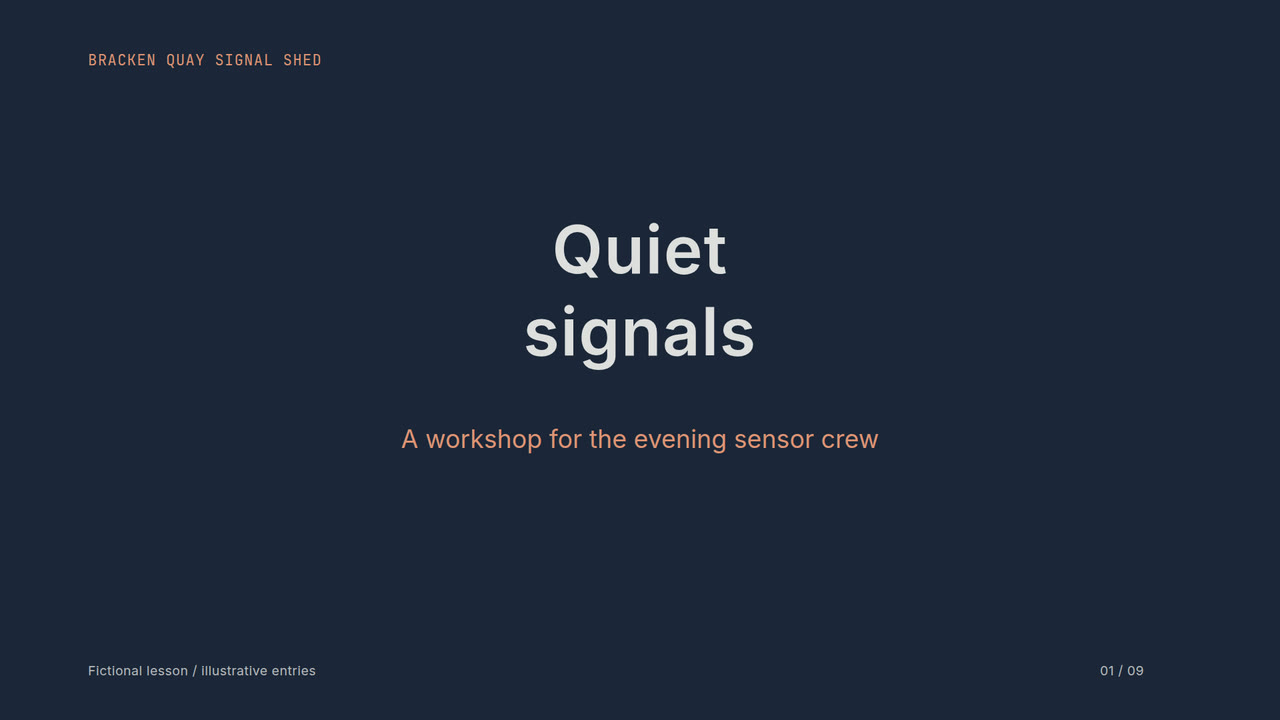
Yes. The package contains ten layouts that can be repeated, omitted or rearranged around your lesson. One example trains an invented sensor crew, while the other welcomes volunteers to a seed library. Keep each layout within its documented text budget, replace all example labels and choose a sequence that makes sense for your audience.
What remains editable in PowerPoint?
Text exports as native text boxes, the register exports as a native table and the opaque illustration exports as a separate picture. Those elements can be selected independently. Applications may wrap fonts differently, so the exported file still needs a visual check in your chosen presentation application before it is sent to an audience.
Does it need an image model or an API key?
The deck build and bundled picture generator run locally without model calls or credentials. The drawing script produces abstract plates from a palette, kind and seed, and you may also supply images you own. Installing the package does not buy an image or start a hosted generation job; local browser and Python tools perform the work.
Which languages and content lengths are supported?
This release verifies Latin-script content with the bundled Inter and JetBrains Mono fonts. The editor interface supports multiple languages, but that does not establish matching typography for every writing system. Headings, notation lines and table cells have explicit budgets; use shorter wording or another page when the lesson needs more room.
How are the examples rebuilt and checked?
Both demonstrations are composed from the same downloadable package with different plans, palettes, page counts and topics. The listing stores their settings, drawing inputs and exact PNG picture bytes so the examples can be rebuilt later. Browser checks cover page boundaries and collisions; PowerPoint structure and native rendering are separate checks with separate results.
Daha Fazla Skill
Tüm Education Skills →
Science MV
Explain science through visible causes, transformations and results.

Loop Story
Explain a cycle: build each stage, close the loop, then reveal the takeaway.

Flux Rotor: Cobalt Drive
Inspect an original motor with real winding groups, alternating magnet sectors and a keyed shaft. Balanced phase currents drive prescribed synchronous rotation, material colors and spatial harmonic markers. Open the actual cutaway and separate six components offline. This display does not solve torque, efficiency or magnetic finite elements.

Voxel Paddock: Mint Apex
Inspect an original open-wheel vehicle built from procedural cubes. Spin actual wheels on a stationary display, turn nominal geometric steering and separate twelve component groups. Edit bounded dimensions, voxel density and three palettes offline. This is not a driving or aerodynamics simulation.

River Era: Valley Years
Scrub an authored river settlement timeline from camp and farms to town, workshops and speculative towers. Actual seeded geometry changes reversibly; boats and vehicles follow the same river and bank equations. This is an illustrative sequence rather than predictive history.

3D Mechanical Watch Explorer
Inspect a kinematic mechanical watch with actual meshed tooth ratios, 54 components, axial explosion, material cutaway and bilingual mouse/touch controls. One offline HTML with optional synthesized tones.