
Scheduling flow
- Lab Yetenek
- v0.1.2
- Illustration
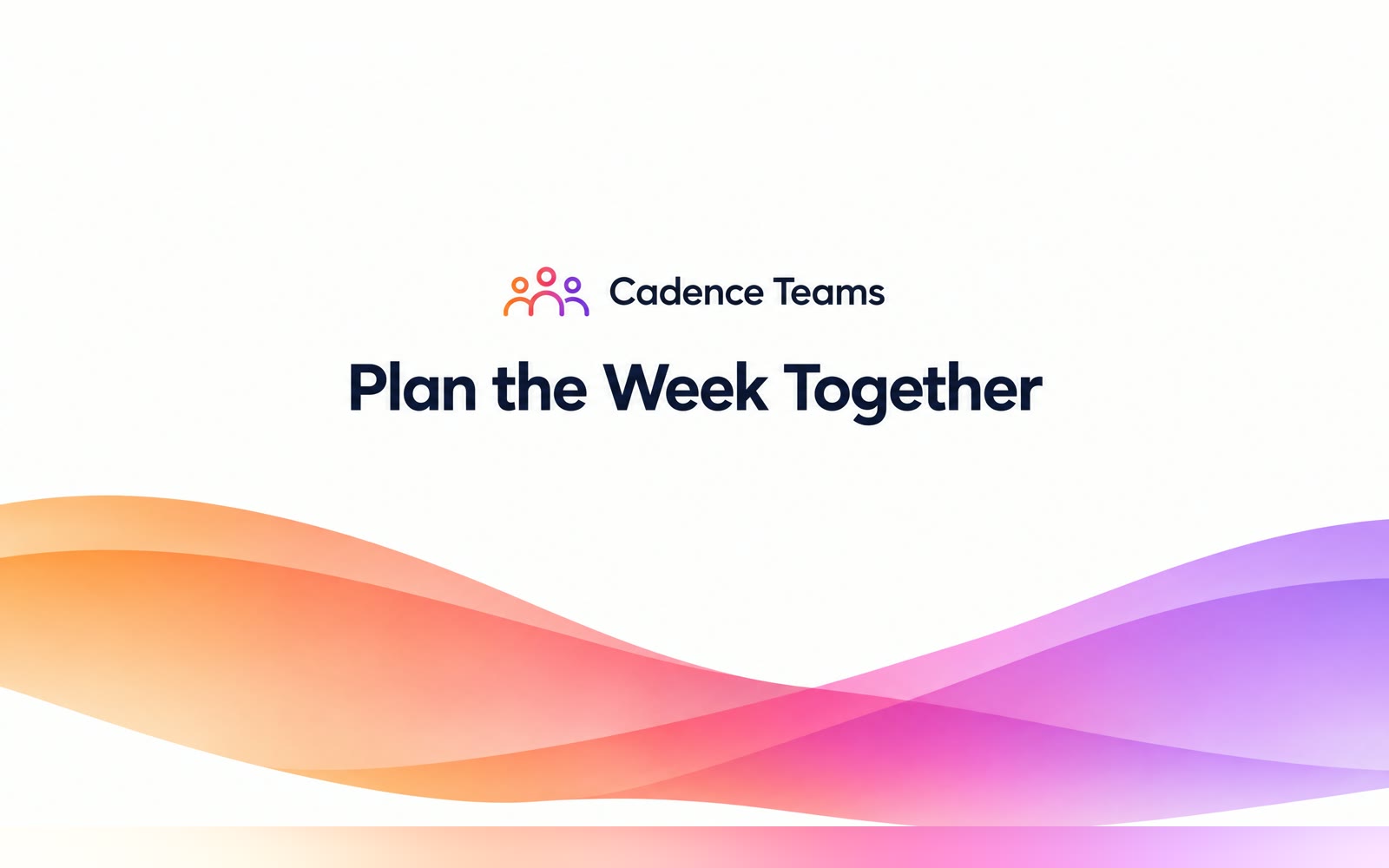
Turn a brand, one headline and context into a scheduling-flow card.
Örnek

Scheduling flow
Çevrimiçi çalıştır
Bir SandBase sandbox'ında çalıştırın ve sonuçlarınızı Lab'de görüntüleyin.
Lab'de aç ↗Neler elde edersiniz
Bring a brand, one headline and context. The Skill returns a 16:9 card and a bilingual run report.
Nasıl çalışır
- 01
Describe the booking product
Scheduling Flow Diagram expects the brand, a headline, the product or page context and an optional tone in a JSON brief. The bundled example is Meetgrid, with the headline Booking, Without the Back and Forth, for a scheduling tool announcing shareable booking pages for small teams, set to an easy, approachable tone. Brand and headline are each limited to 80 characters.
- 02
Generate the flow card
Inside SandBase Sandbox, Node.js 18 runs generate.mjs plan first, which needs no network, then generate.mjs run with your --brief, --out folder and --budget cap. The run calls openai/gpt-image-2.5-flare once for a 2k 16:9 PNG built from clear steps, friendly colour and one obvious action, the art direction for booking and calendar products.
- 03
Verify the steps and lettering
Scheduling Flow Diagram returns og.png with report.json and two HTML reports recording size, execution ID and cost. The PNG passes signature, CRC and pixel checks before you see it. Then read the Meetgrid-style brand and the headline character by character, and confirm the drawn steps lead to a single clear action when viewed at full size and at thumbnail scale.
SSS
What kind of card does Scheduling Flow Diagram draw?
Scheduling Flow Diagram draws a 16:9 Open Graph card showing a simple flow of clear steps in approachable colour, ending in one obvious action. It is aimed at booking and calendar products, such as a tool launching shareable booking pages. The steps are illustrative artwork, not a working diagram of your real product.
Does Scheduling Flow Diagram need a paid model?
Yes. Scheduling Flow Diagram uses openai/gpt-image-2.5-flare through SandBase, one call per approved brief, and the usage is charged to your SandBase account. You can review the plan for free first, and the --budget flag sets the preflight limit that run checks before paying. Current prices: https://www.sandbase.ai/pricing.
Can I make several Scheduling Flow Diagram cards for one campaign?
Yes. Scheduling Flow Diagram uses one repeatable art direction, so several briefs produce cards that look like a set. Each approved brief allows exactly one submission, though, and each needs its own output directory. The Skill never buys an automatic replacement when you dislike a result.
What does Scheduling Flow Diagram need on my machine?
Scheduling Flow Diagram needs Node.js 18 or newer and a SANDBASE_API_KEY in the process environment, nothing else. It is meant to run inside SandBase Sandbox, and no dependencies are installed. Never put the key in the brief, a command argument or a file, because the Skill only reads it from the environment.
Why does Scheduling Flow Diagram mark text as needs review?
Scheduling Flow Diagram cannot guarantee the image model spells the brand and headline correctly, so the report keeps text_accuracy at needs_review. File checks such as PNG signature and dimensions pass independently of the lettering. A person must compare the words against the brief before the card is published.
Daha Fazla Skill
Tüm Illustration Skills →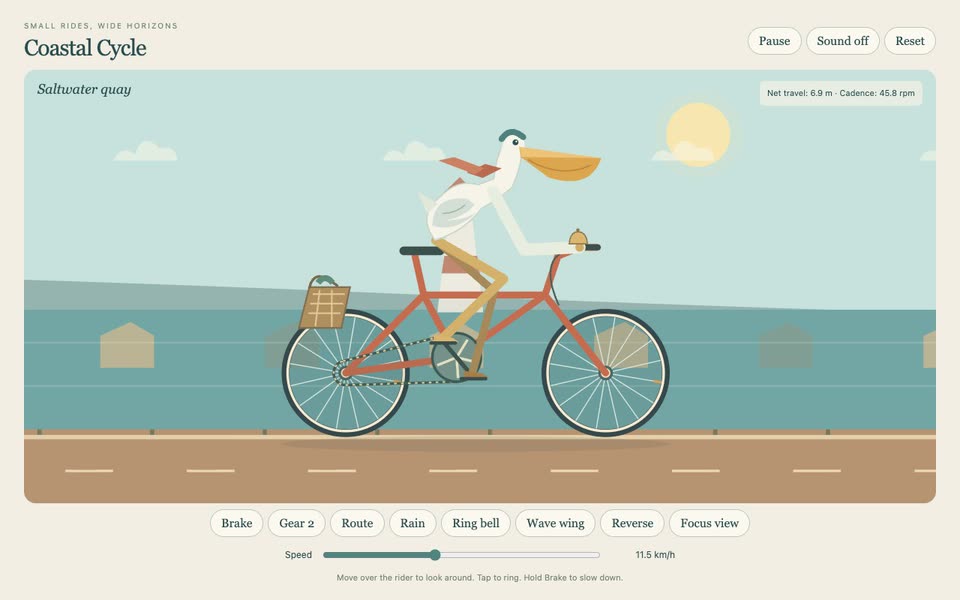
Coastal Cycle: Harbor Pelican
An authored SVG pelican rides a coral bicycle beside the sea. Measured travel drives the wheels, gear ratio drives the crank, and solved joints keep both feet on their actual pedals. Brake, reverse and explore three coastal palettes offline.
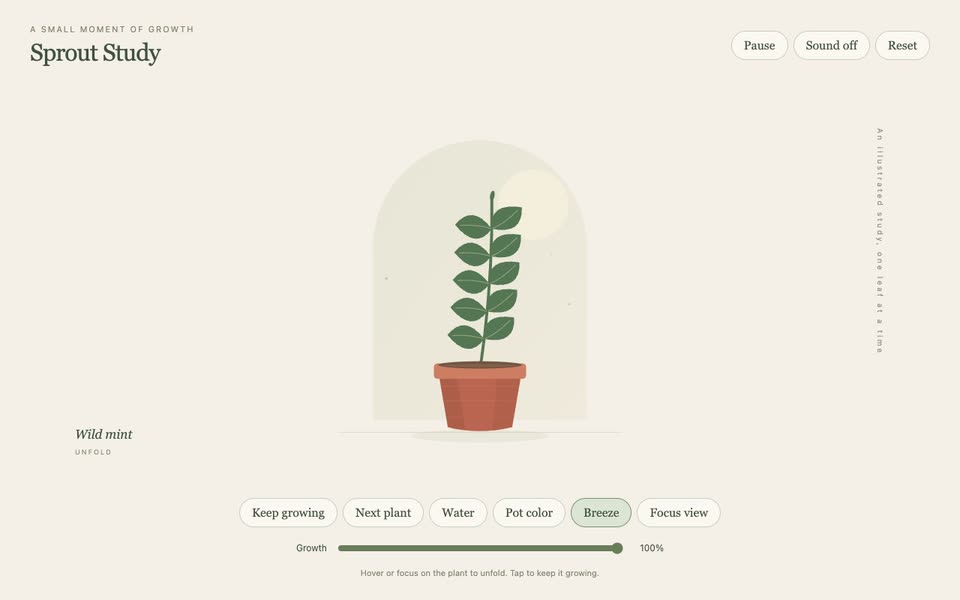
Sprout Study: Terracotta Mint
A quiet SVG botanical illustration. Hover or focus to grow the continuous stem, unfold leaves in sequence and fold them again. Touch hold, exact growth scrubbing and editable plants in one offline HTML.
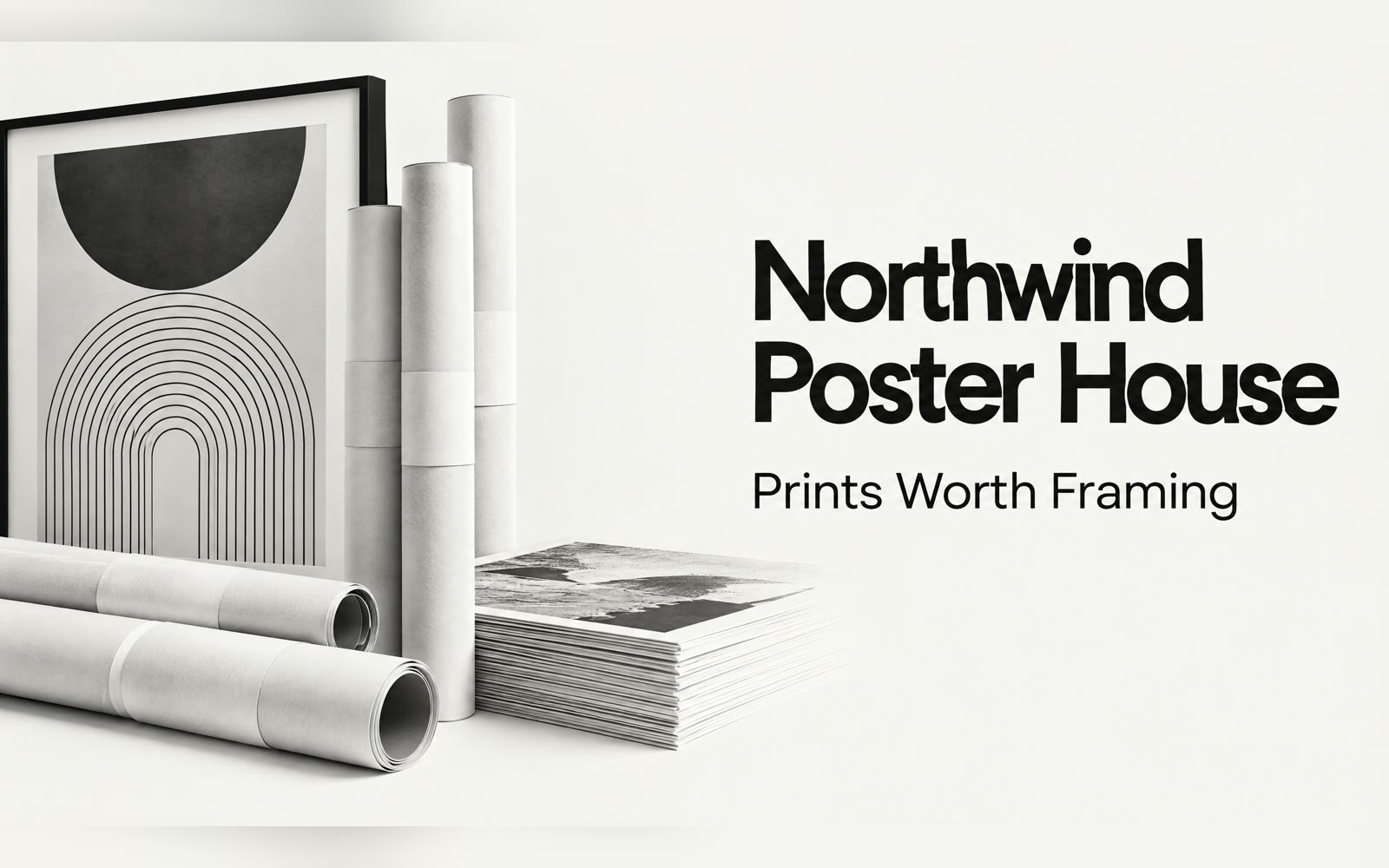
Monochrome editorial
Turn a brand, one headline and context into a high-key monochrome editorial card.
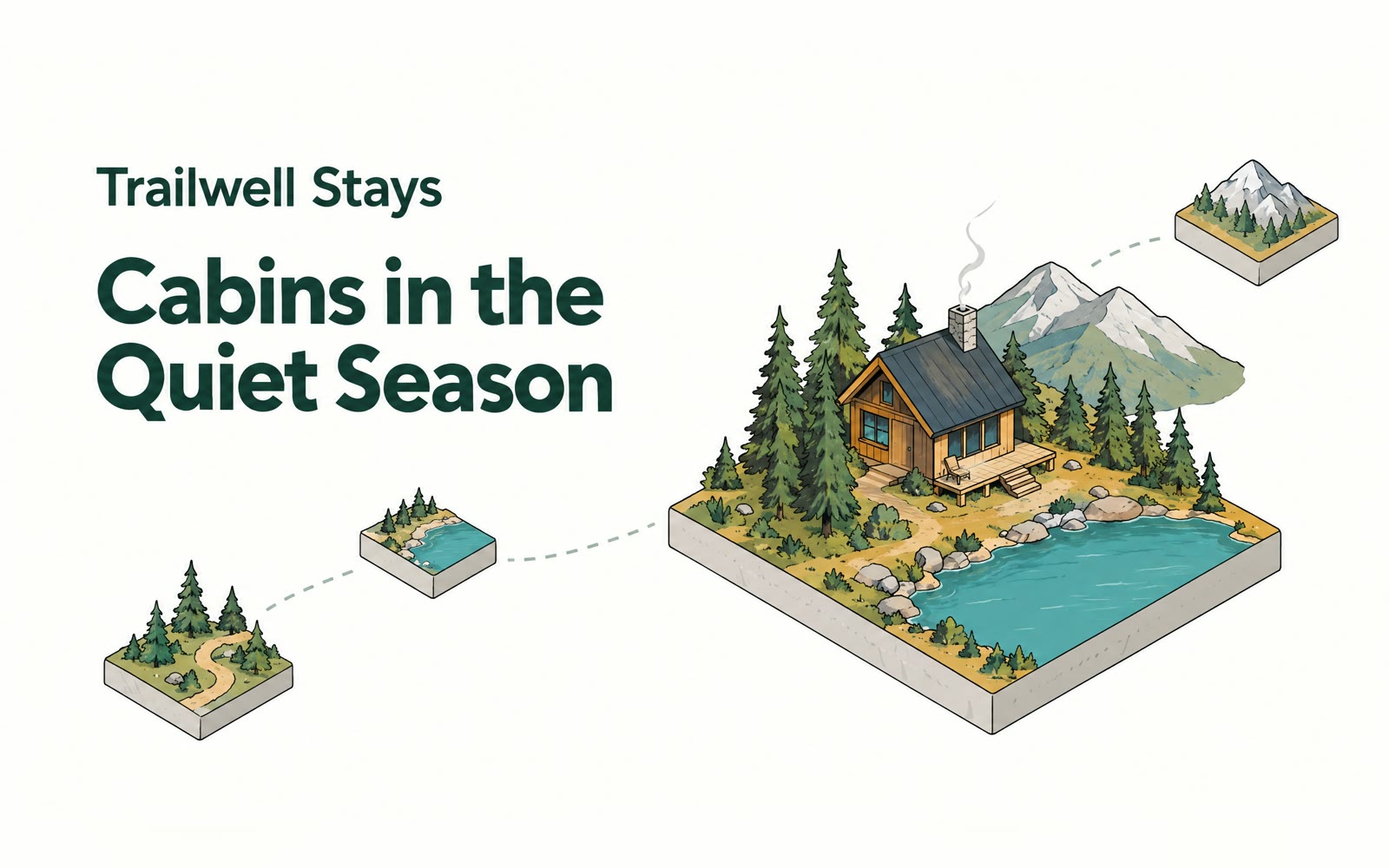
Isometric diorama
Turn a brand, one headline and context into a modular isometric card.

Converging lines
Turn a brand, one headline and context into a precise line-convergence card.
Gradient horizon
Turn a brand, one headline and context into a warm gradient-horizon card.