
Cel-Anime 80s Reel
- Lab Yetenek
- v1.0.0
- Motion
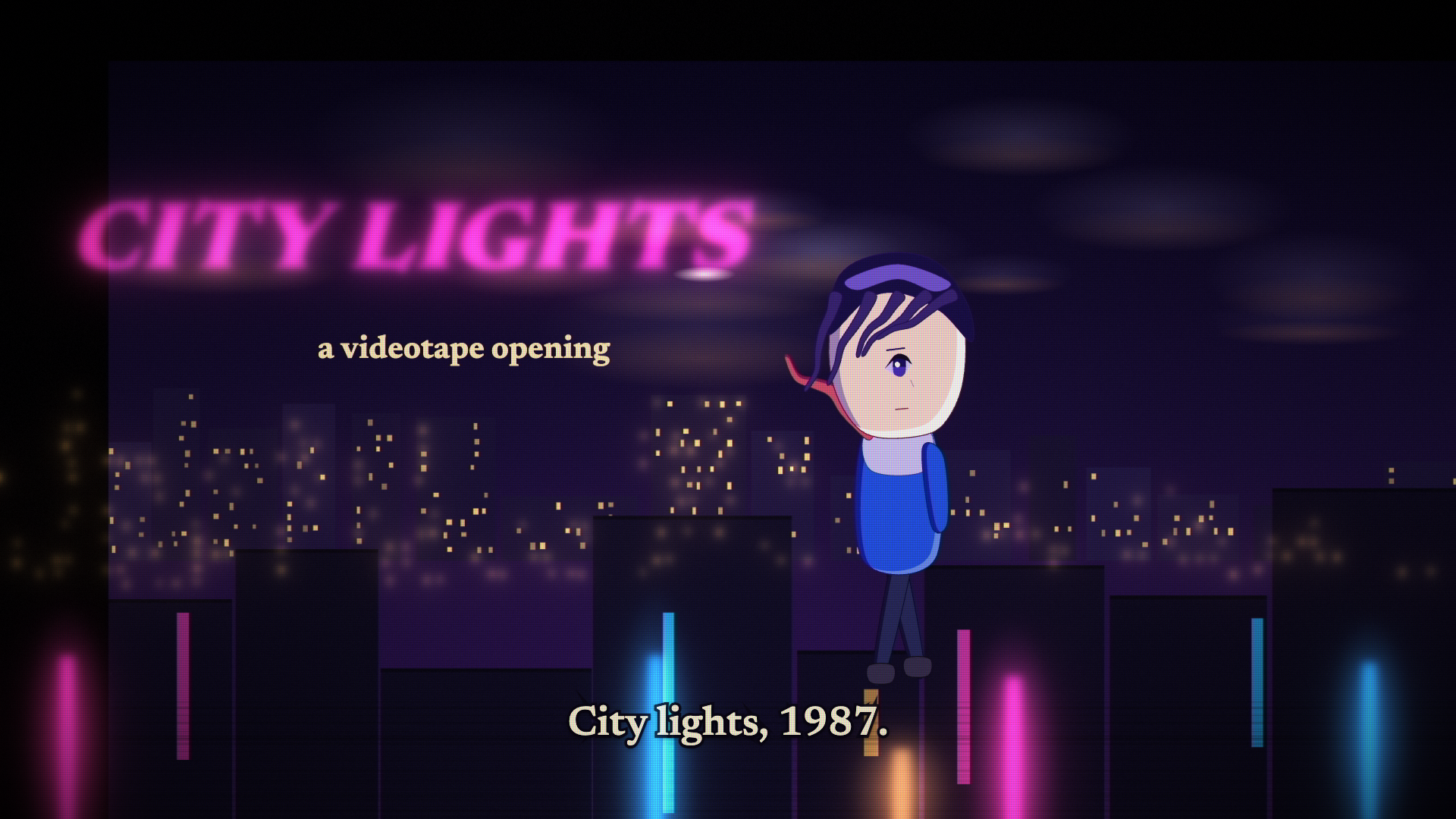
An 80s cel-anime opening in one continuous take: an airbrushed painted plate pans under a hand-held camera while flat-shaded cels (hair ribbons, jacket, scarf, almond eye) step on twos. Neon signs, lit windows and the chrome title card bloom through a videotape + CRT pass — chroma bleed, scanlines, aperture grille, corner falloff, tracking noise and a dot→line→picture power-on. Score and tape foley are fully synthesized.
Örnekler · 2
Çevrimiçi çalıştır
Cel-Anime 80s Reel örneğini bir SandBase sandbox'ında çalıştırın ve sonucu burada görün.
Neler elde edersiniz
Render an 80s cel-anime opening in one continuous take: an airbrushed painted plate pans under a hand-held camera while flat-shaded cels (hair ribbons, jacket, scarf, almond eye) step on twos. Neon signs, lit windows and the chrome title card bloom through a videotape + CRT pass — chroma bleed, scanlines, aperture grille, corner falloff, tracking noise and a dot→line→picture power-on. Score and tape foley are fully synthesized.
Nasıl çalışır
- 01
Write the sheet
Author one JSON sheet, or copy an example: a painted plate (city, street, seaside or room), a lighting model, a neon accent, camera moves and shots, figures with expressions and walks, a title card, subtitles, CRT settings such as power-on, tracking noise, scanlines and bloom, foley rows and a score with tempo, key, sections and parts. Set audio to synthetic or silent.
- 02
Build and check stills
Run node scripts/build.mjs my-sheet.json --out build/my-sheet to build a self-contained page, then node scripts/stills.mjs --build build/my-sheet --cols 4 --at 2,9,15,20 for a contact sheet. Flat two-tone cels step on twos over the panning plate, and a WebGL2 post pass adds bloom, chroma bleed, scanlines, the grille and tracking noise. The Skill calls no model.
- 03
Render the film
node scripts/render.mjs --build build/my-sheet --out film.mp4 renders H.264 video with a loudness-normalized AAC track synthesized from the sheet's score and foley cues, plus a report; --workers parallelises frame capture. The camera never cuts, it only re-aims between shots. The bundled reels are a 22-second English city opening and an 18-second Chinese seaside one.
SSS
What does 80s Cel Anime Reel make?
80s Cel Anime Reel makes a short film that reads like the opening shot of an 80s cel anime: a hand-painted plate pans under the camera while flat-shaded cels step on twos, and neon signage and the title card bloom through a videotape and CRT pass with chroma bleed, scanlines, a grille and tracking noise.
Does 80s Cel Anime Reel use generated images?
No. 80s Cel Anime Reel draws and scores everything inside the page it builds, so it needs no API key and calls no model. 80s Cel Anime Reel draws the cels in code over pre-rendered airbrushed plates that ship with the Skill, and synthesizes its soundtrack from the sheet. Nothing is generated by a model while you build or render.
Which scenes can 80s Cel Anime Reel show?
80s Cel Anime Reel has four painted plates: city, street, seaside and room, with six lighting models, day, night, dawn, silhouette, backlit and night room, and four neon tints. Figures take expressions, walks and an optional scarf, and a title card and subtitles can appear on cue.
What sound does 80s Cel Anime Reel add?
80s Cel Anime Reel synthesizes a soundtrack from the sheet: a score with tempo, key, sections and instrument parts such as piano, marimba and guitar, plus foley cues like a power-on hum and a tracking sound. The render writes a loudness-normalized AAC track; set audio to silent for a picture-only film.
Can I change the camera in 80s Cel Anime Reel?
Yes. In 80s Cel Anime Reel a global camera and per-shot overrides set the pan, tilt, zoom and a handheld amount, and each shot re-aims the same rig without cutting. Pulling back below zoom 1 can show the plate edge, which is intentional: the tape catches the surround.
Daha Fazla Skill
Tüm Motion Skills →
Image Blaster
Turn one frozen moment into a camera-orbit concept video.
Sketchbook Film
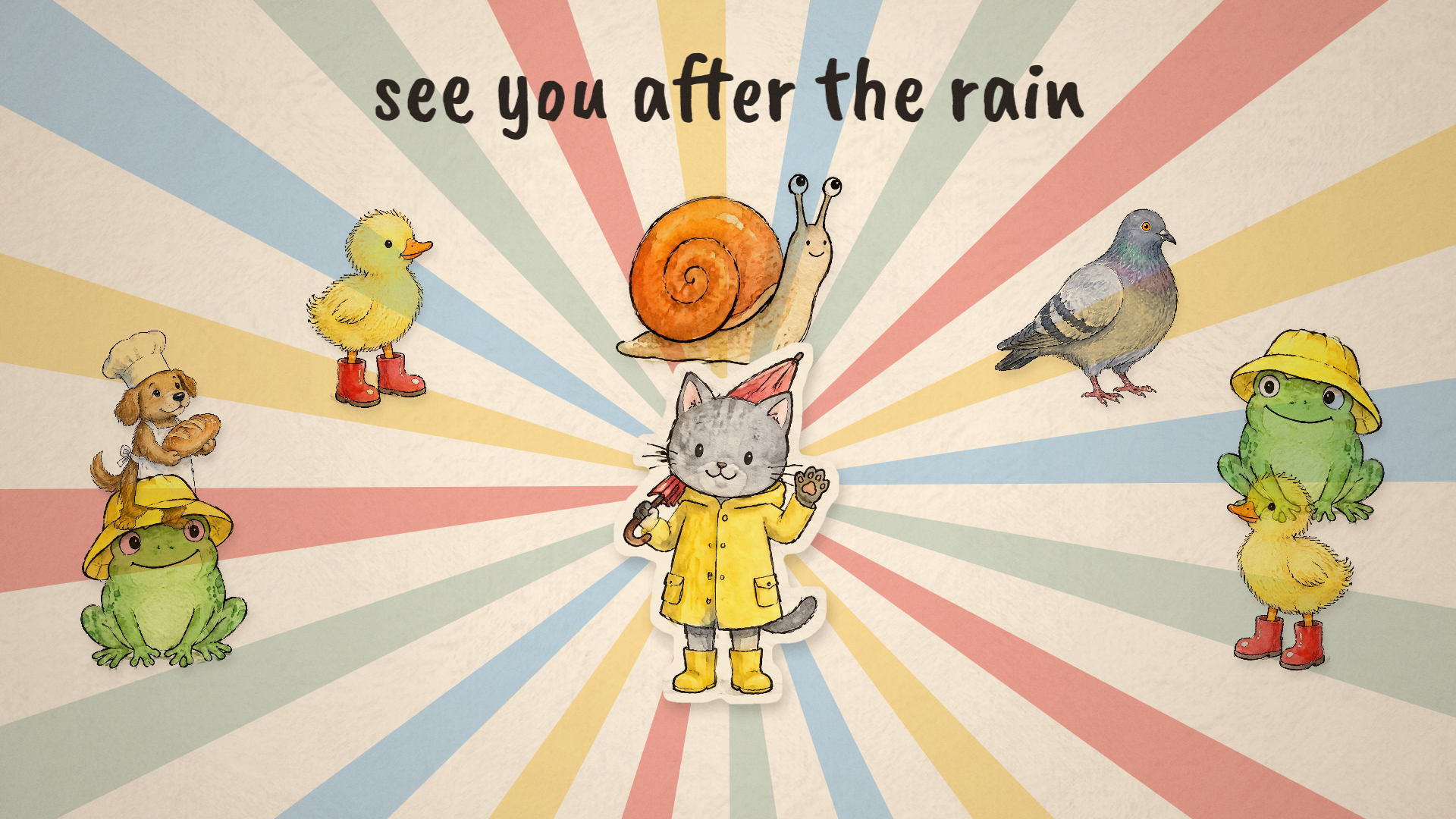
Bring photographed sketchbook drawings to life as a short film with cut-out characters, ink lettering and a score.

SVG Paint Stages
Show a picture being painted: construction marks, contours, flat colour and finer patches, as a layered SVG and a short film.
Network Tally
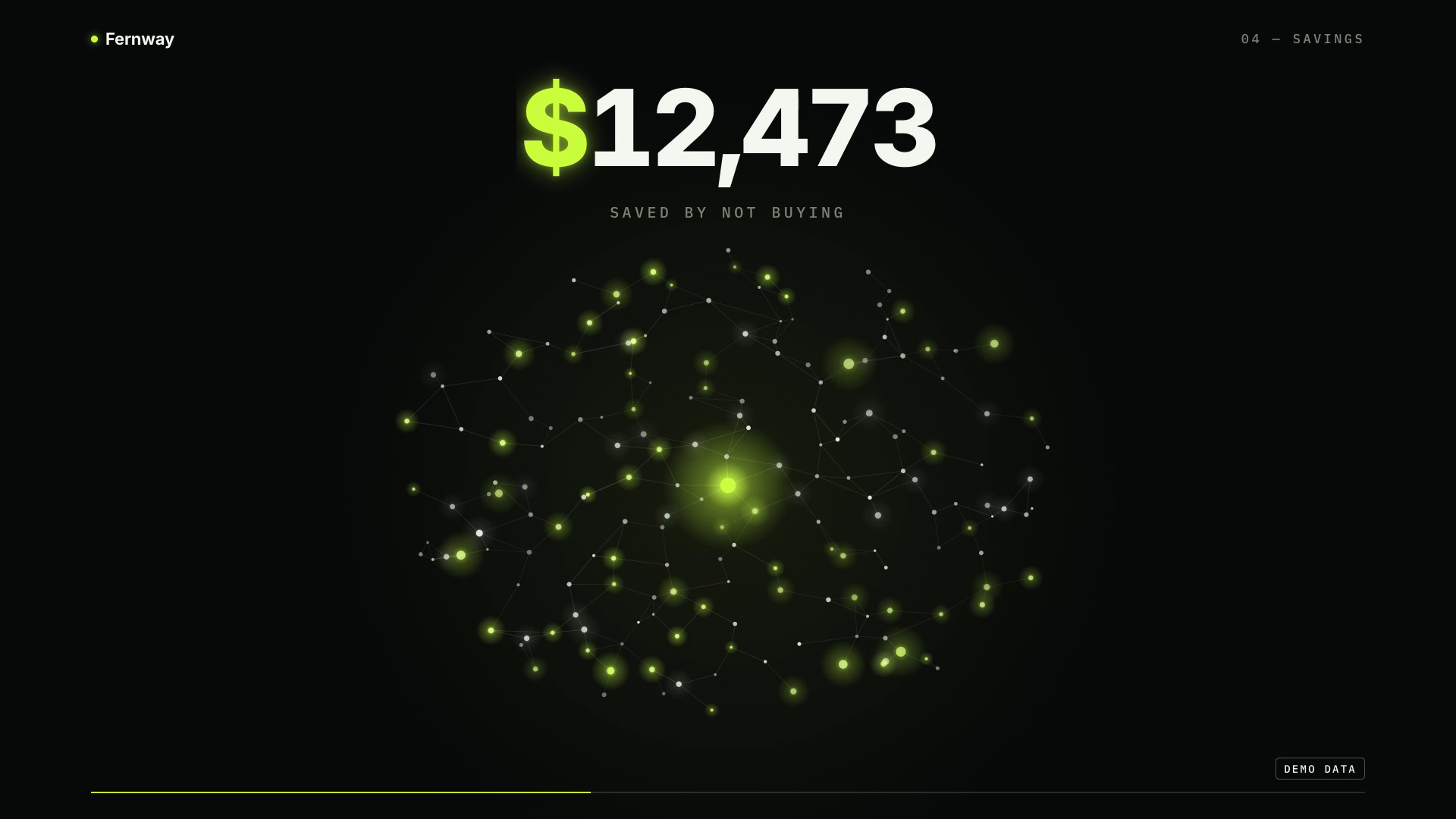
Tell a growth story with real numbers: one node network grows with each counter, flashes, dims behind a spike chart and closes on an end card.
Radiograph Reel: Bumble Ledger
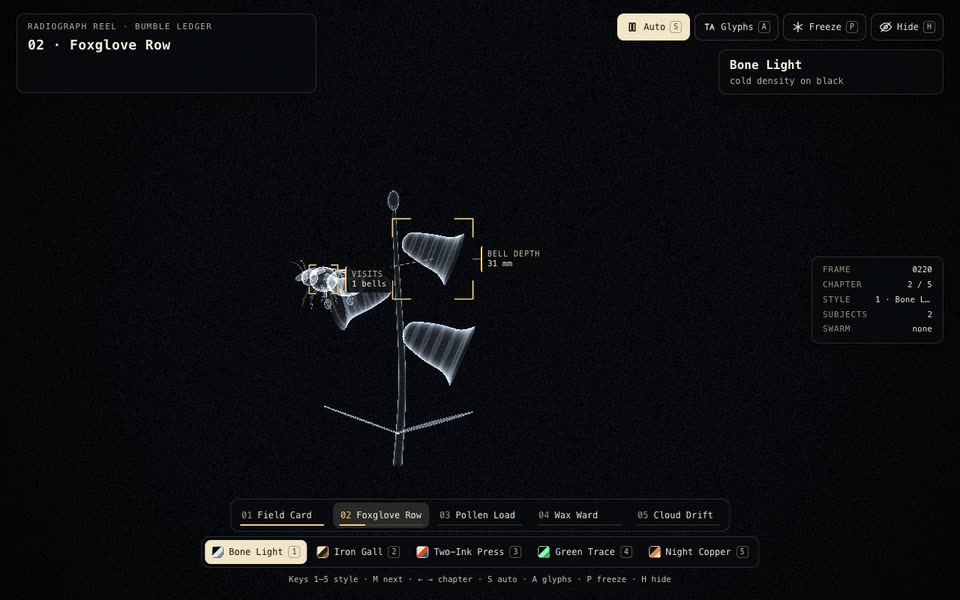
A specimen film reel: procedural bees, flowers and a wax comb glow as X-ray density, print in five switchable film styles with tracking labels, and a swarm morphs between formations.
Festival Grid Slides
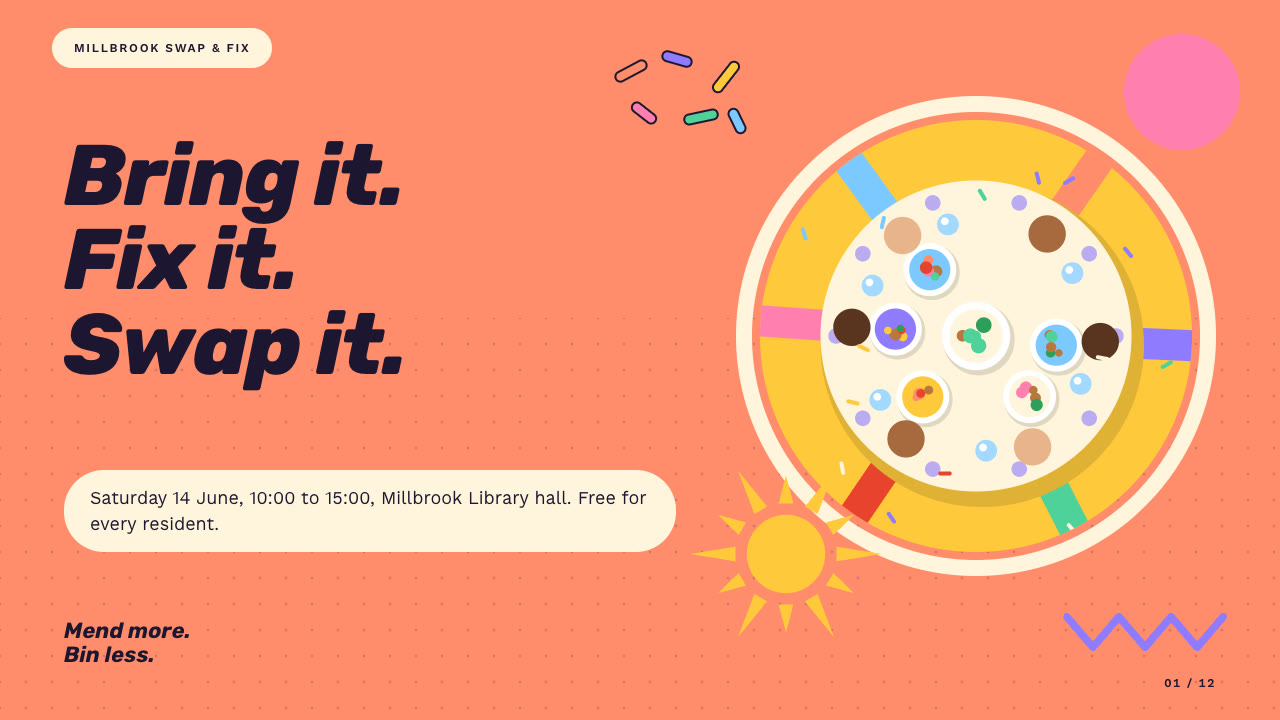
Invite people to a fair, open day or club season, or pitch one, in a bright festival deck: whole-page colour fields with a fine dot grid, heavy slanted headlines, cream cards and tickets, round pictures, and suns, rosettes, rings, bunting and sprinkles.