
Claypin Workshop Slides
- Lab Yetenek
- v0.1.1
- Business reporting
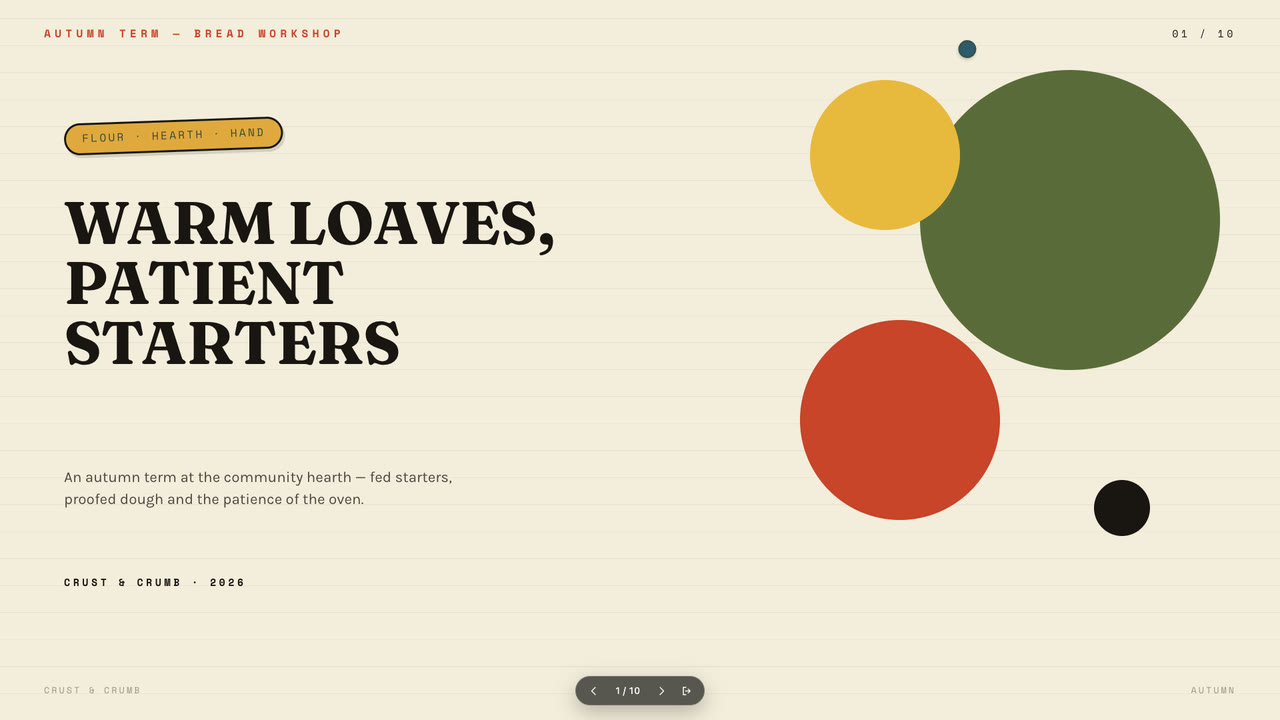
Make decks that read as a pinned workshop card wall: lined cream paper, forest-green serif display and flat clay forms — mustard, terracotta and sage discs, sticker labels and pinned note cards.
Örnekler · 2
Neler elde edersiniz
Bring the workshop, programme or community story, the one thing to land, the audience, the figures you can stand behind, page count and content language. The Skill returns one offline HTML deck that edits in the browser and exports editable PowerPoint.
Nasıl çalışır
- 01
Outline the workshop wall
Claypin Workshop Slides asks what is being presented, such as a workshop term, programme, course or community method, plus the one thing to land, the audience, your figures, page count and language. The default arc is cover, index, quote, principles, divider, metrics, process, compare, case and close. Index, metrics, process, compare and case carry the working detail.
- 02
Draw clay plates and compose
Claypin Workshop Slides draws plate art with scripts/claypin-art.py: a shelf study, lump scatter, glaze swatches or disc orbit, using the same palette set as plan.json. Otherwise pages stay shape-only, and your own pictures go only in the case plate frame with a FIG. caption. python3 scripts/kit.py compose --kit references/kit.json --plan plan.json --out deck.json then builds the model.
- 03
Build and render-check
make-deck.py builds presentation.html and verify-deck.py checks it against references/kit.json. The Agent clears sampleLeft, which also catches hard-coded kickers, NN / TT counters, FIG. captions and step labels. It flips every page, then renders the PowerPoint export with render-pptx on the Docker backend, where any substituted font counts as a finding.
SSS
What does Claypin Workshop Slides look like?
Claypin Workshop Slides uses lined cream paper under deep forest-green serif display, with flat clay forms: mustard, terracotta and sage discs, blobs and arcs. Pages carry sticker-label tags, pinned note cards, a dot-and-line step rail, a colour-block metric wall and a before and after split with a VS badge. It reads as a pinned workshop card wall.
What is Claypin Workshop Slides suited to?
Claypin Workshop Slides suits a community studio's term notes, a pottery or craft programme, a maker guild's seasonal brief and nonprofit or neighbourhood stories. It is not meant for corporate or investor pitches, photo-heavy storytelling or strict data dashboards. The demos are an autumn bread programme and a winter letterpress workshop, both 10 pages.
Does Claypin Workshop Slides make paid model calls?
No. Claypin Workshop Slides draws its plates with claypin-art.py, code that ships in the package, and makes no paid model calls or network calls. There is no server and no build step at use time, so a deck is not billed.
Which fonts does Claypin Workshop Slides bundle?
Claypin Workshop Slides bundles Fraunces for display, Karla for body text and Space Mono for chrome in the zip. The only third-party licences kept in the package are for the fonts and PptxGenJS.
Can I add steps to a Claypin Workshop Slides process page?
No. Claypin Workshop Slides fixes the counts of index rows, principle columns, process steps, compare rows and stat columns. Rewrite their text instead of adding or removing items, and list unused nodes in drop.
Is the Claypin Workshop Slides PowerPoint editable?
Yes. Claypin Workshop Slides exports native text, shapes and speaker notes, and only the drawn clay plates arrive as pictures. The export is rendered with render-pptx on the Docker backend to catch font substitutions. Both sample decks showed zero substitutions in that render.
Daha Fazla Skill
Tüm Business reporting Skills →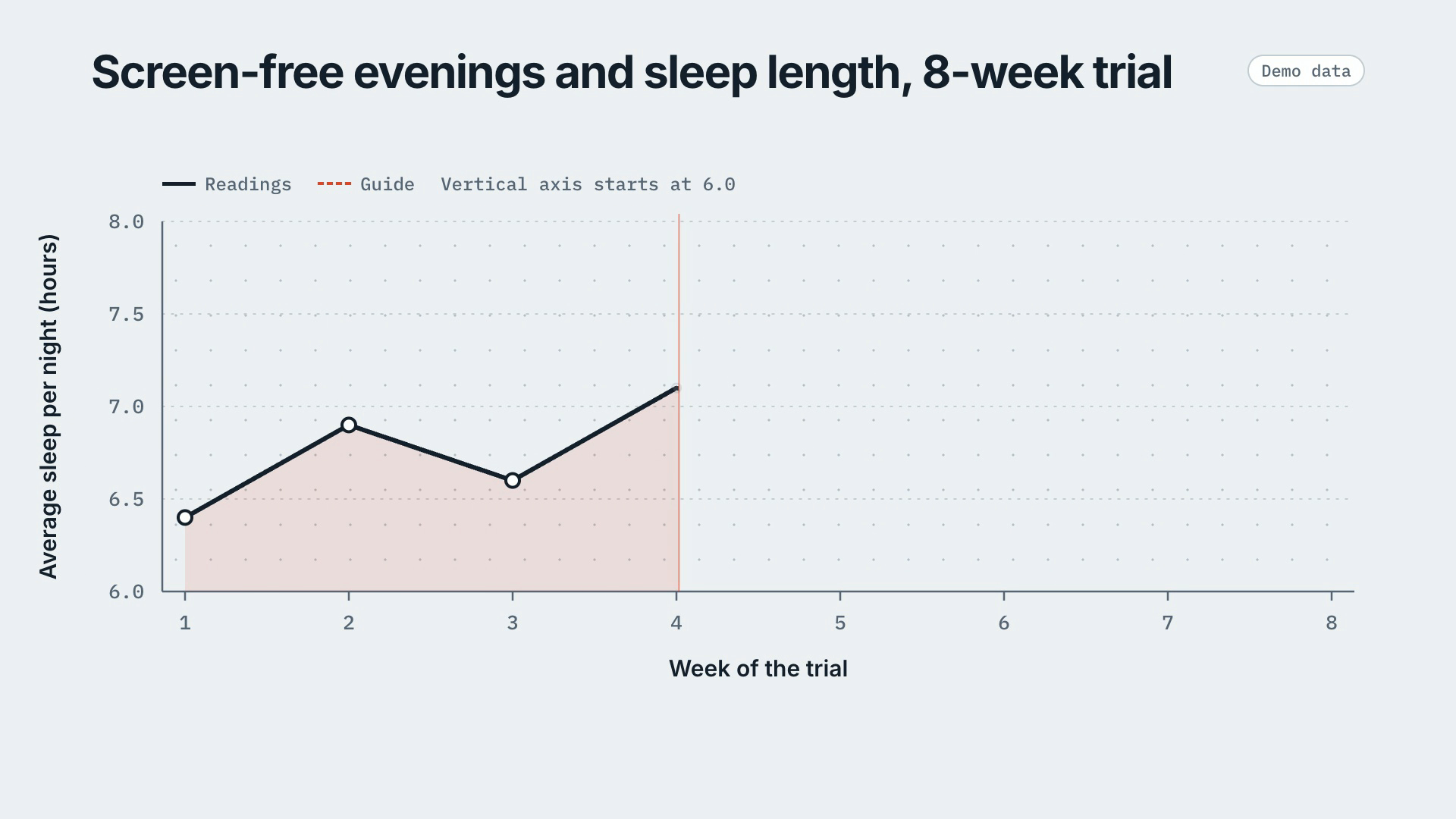
Trend Line
Reveal measured readings, a separate dashed guide and a final takeaway on an editable chart.

Advisory Thread Slides
Argue one recommendation to a committee or board with action titles, a storyline tracker, evidence charts and a bounded decision ask.
Civic Bars Slides
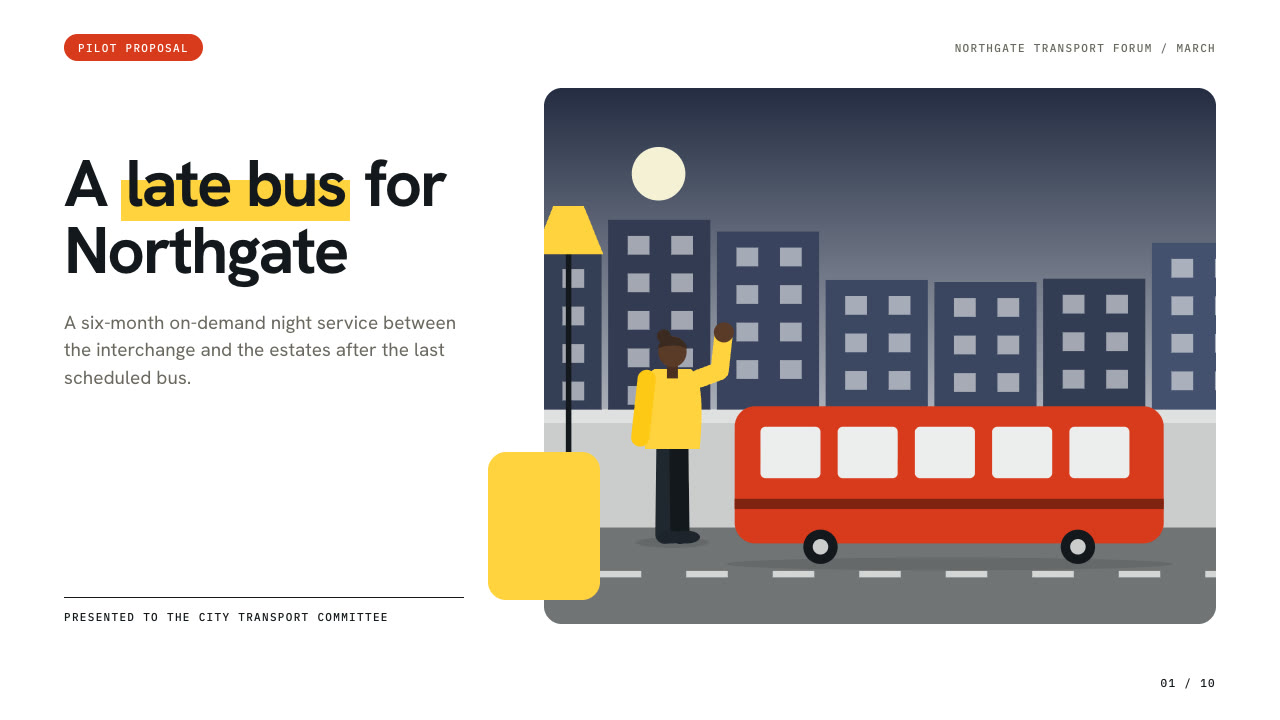
Make the case for a public or community service decision with picture cards, thin bar charts, stat tiles and a clear ask.
Site Sequence Slides
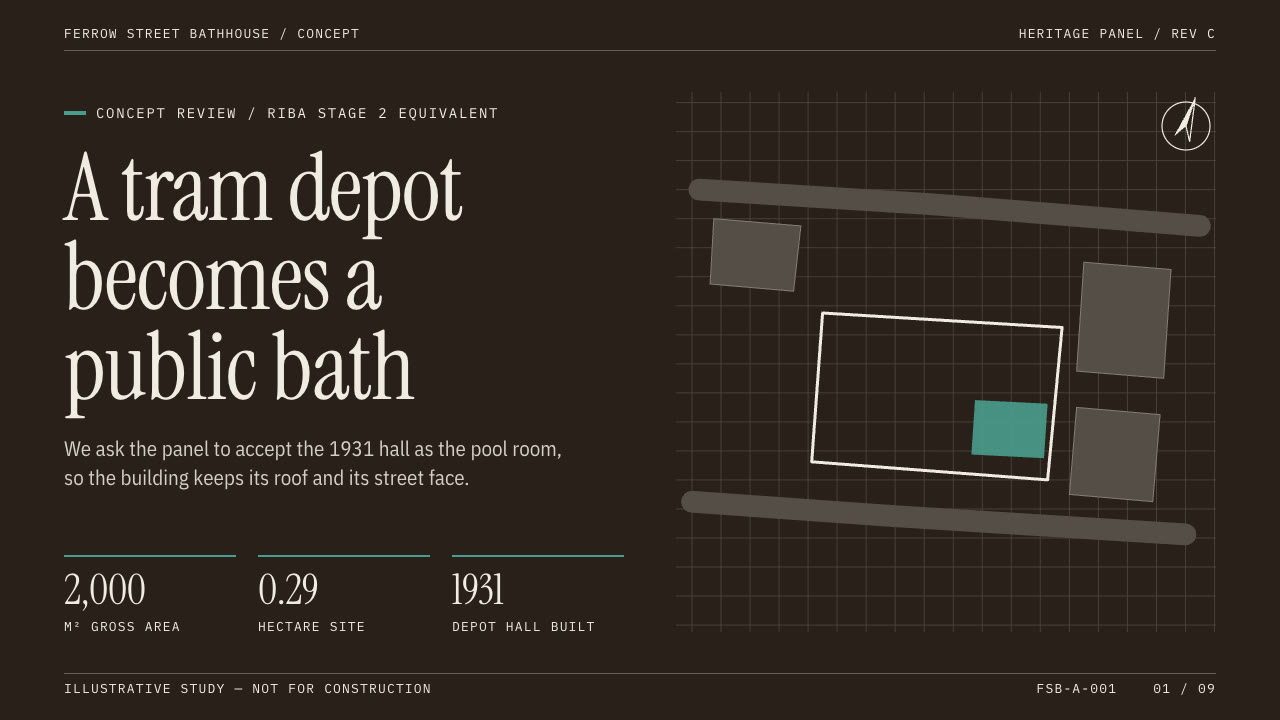
Take an architecture or site-design proposal to a review panel like a drawing sheet: site, massing, plan and section, program, phasing and one clear decision.

Deepframe Company Slides
Present a company, practice or member organisation calmly: white pages, offset colour blocks behind pictures, service cards, ring figures, value bars and a portrait row.
Circular Module Slides
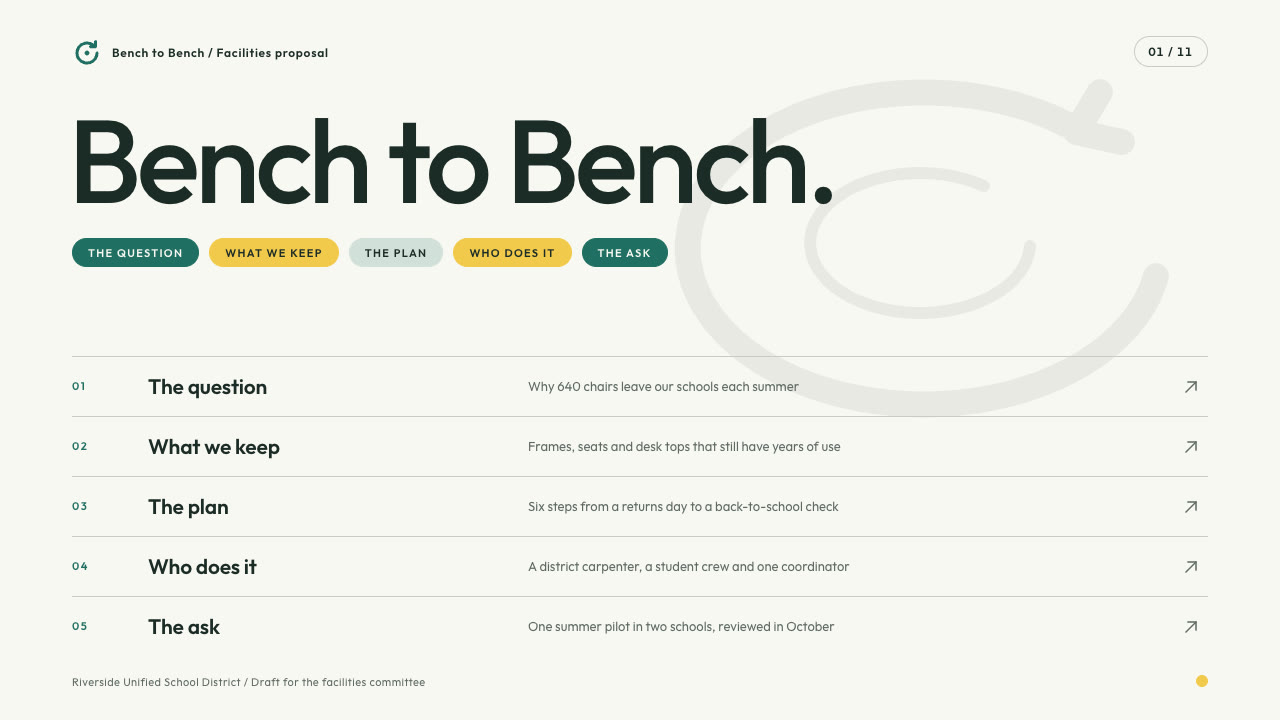
Propose a repair, reuse or take-back step in a light modular deck: rounded cards and pill capsules, an open-ring motif, notched principle cards, a six-step grid and a capsule bar chart.