
Clearline Health Slides
- Lab Yetenek
- v0.1.0
- Business reporting
Make decks that read as clinical infographic summaries: pure white field, black ink rings and rules, pale blue panels, a single sky-blue accent, numbered circular callouts, pill progress bars and rounded cards.
Örnekler · 2
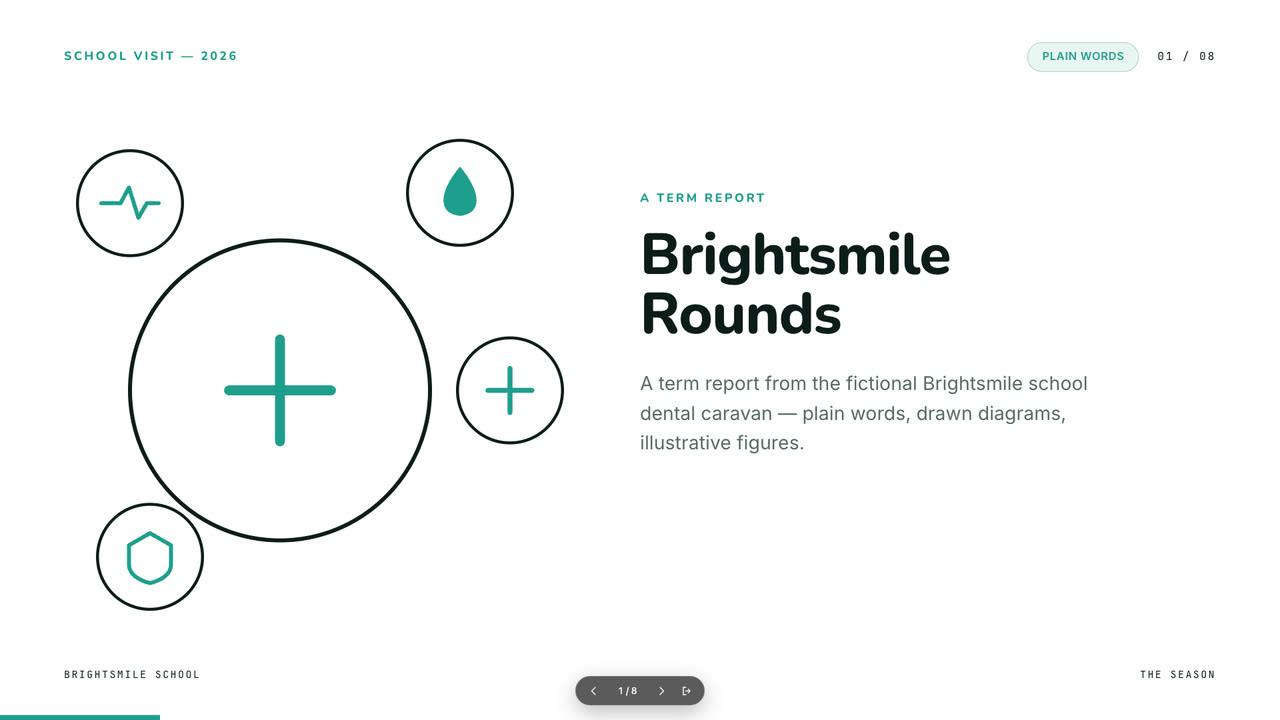
Neler elde edersiniz
Bring the practice or review subject, the audience, the facts and figures to use exactly, the page count and content language. The Skill returns one offline HTML deck that edits in the browser and exports editable PowerPoint.
Nasıl çalışır
- 01
Brief the clinical explainer
Clearline Health Slides asks what is being explained, a topic, study or service, plus the one thing to land, the audience, your figures, page count and language. The tone stays calm, with short sentences and numbered callouts. The SKILL.md default arc is cover, overview, data, pathway, compare, figure, quote and close, and every content page carries 3 to 4 cards or a diagram.
- 02
Draw schematic diagrams
Clearline Health Slides draws its diagrams with scripts/clearline-art.py: a vitals cluster, orbit dial, pathway strip, comparison pair, marked figure or measurement grid, kept under about 8 KB each. Diagrams stay schematic, never real anatomy or photos; your own pictures go inside s-card frames. kit.py compose turns plan.json into deck.json with fixed card counts per layout.
- 03
Build offline and check
make-deck.py builds presentation.html and verify-deck.py checks it with --pages N; all paths are local and the engine makes no network calls. Over python3 -m http.server the Agent checks the white field, numbered callout cards, pathway strip, paired bar panels and the foot progress bar, then tries Edit, Save and Present. verify-pptx.py checks any PowerPoint export.
SSS
What does Clearline Health Slides look like?
Clearline Health Slides uses a clinical infographic look: a pure white field, black ink rings and rules, pale blue panels and a single sky-blue accent. Its signature is the s-num callout, an ink-ringed circle holding a number or short stat in a card's top-left corner. Pill progress bars sit inside the rounded cards, and a thin accent bar at the foot tracks position.
Can I change the Clearline Health Slides colours?
Only by preset. Clearline Health Slides allows one cool accent and no second colour. The lab copy lists two presets, Clinical and Clinical Warm, each retuning the accent blue and panel tint. The same set must also go into art.json so drawn diagrams match.
Does Clearline Health Slides cost anything?
No. Clearline Health Slides draws its diagrams with clearline-art.py and builds locally with an engine that makes no network calls, so no model or paid service is used. Checking an export with verify-pptx.py is the one step that needs python-pptx.
Can Clearline Health Slides make decks in Chinese?
No. Clearline Health Slides is Latin-script only in this release: Nunito, Inter and JetBrains Mono cover Latin, and CJK needs a bundled face before the look survives translation.
Why must Clearline Health Slides figures be marked illustrative?
Clearline Health Slides reads as medical authority, so invented numbers must carry an (illustrative) note on the page. The samples use no real clinics, patients or datasets; every name, figure and step is invented. The s-num circles hold three characters at most, such as 01, 73% or 12.
What can I edit in Clearline Health Slides?
Clearline Health Slides keeps card counts fixed: overview and data hold three cards, pathway four steps and compare two panels, so you rewrite text but do not add or remove items. In the browser editor you change text, blocks, colours and notes with undo, and the PowerPoint export keeps text boxes, pictures and shapes separate.
Daha Fazla Skill
Tüm Business reporting Skills →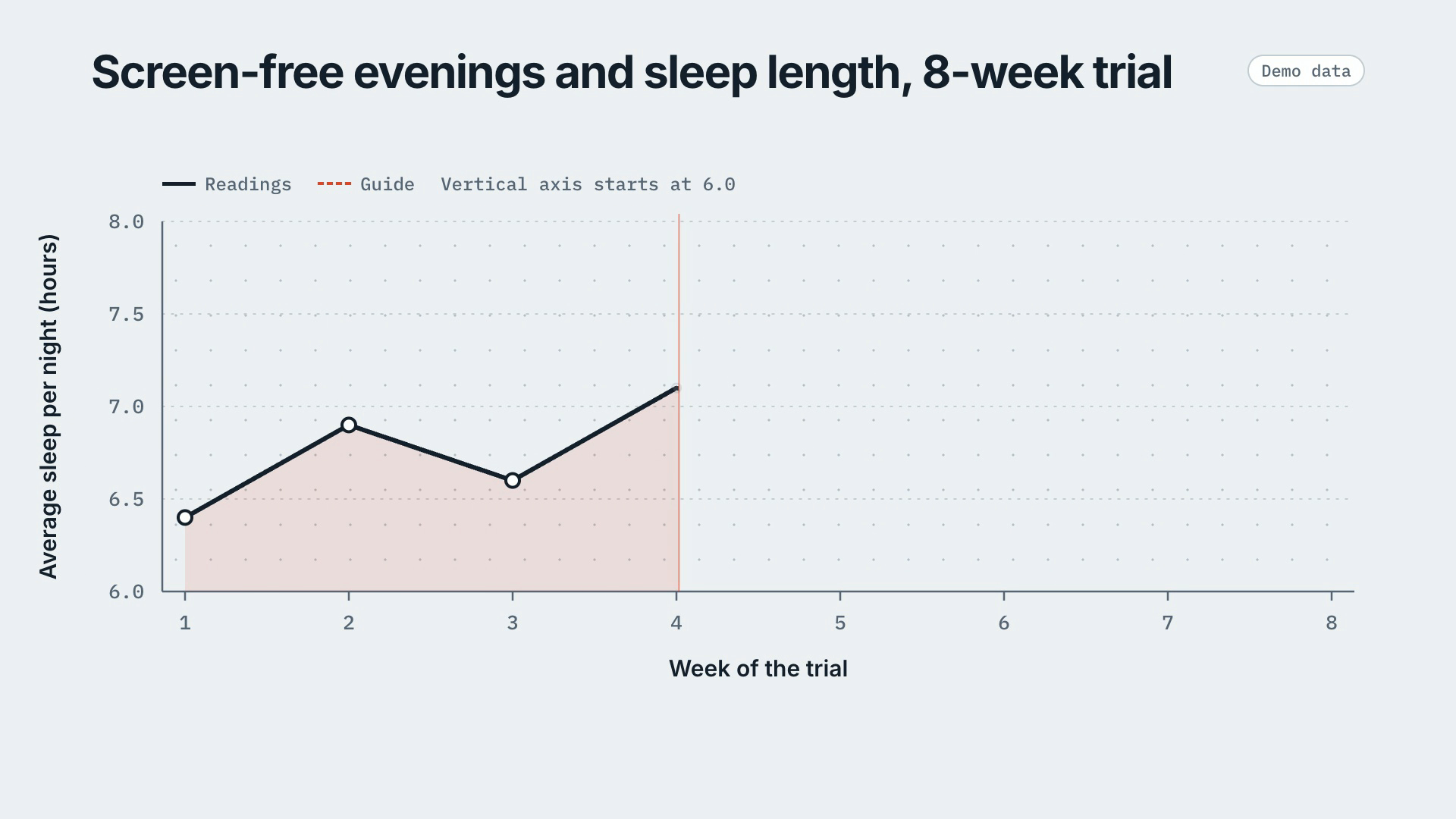
Trend Line
Reveal measured readings, a separate dashed guide and a final takeaway on an editable chart.

Advisory Thread Slides
Argue one recommendation to a committee or board with action titles, a storyline tracker, evidence charts and a bounded decision ask.
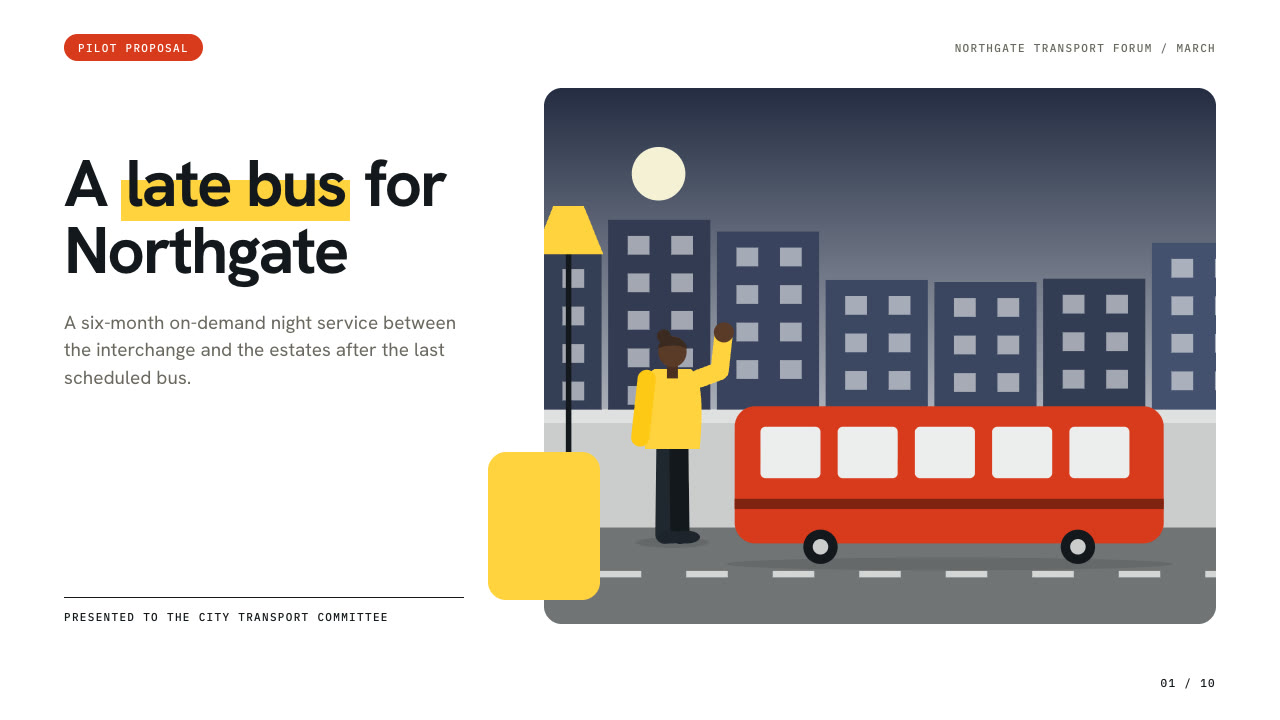
Civic Bars Slides
Make the case for a public or community service decision with picture cards, thin bar charts, stat tiles and a clear ask.
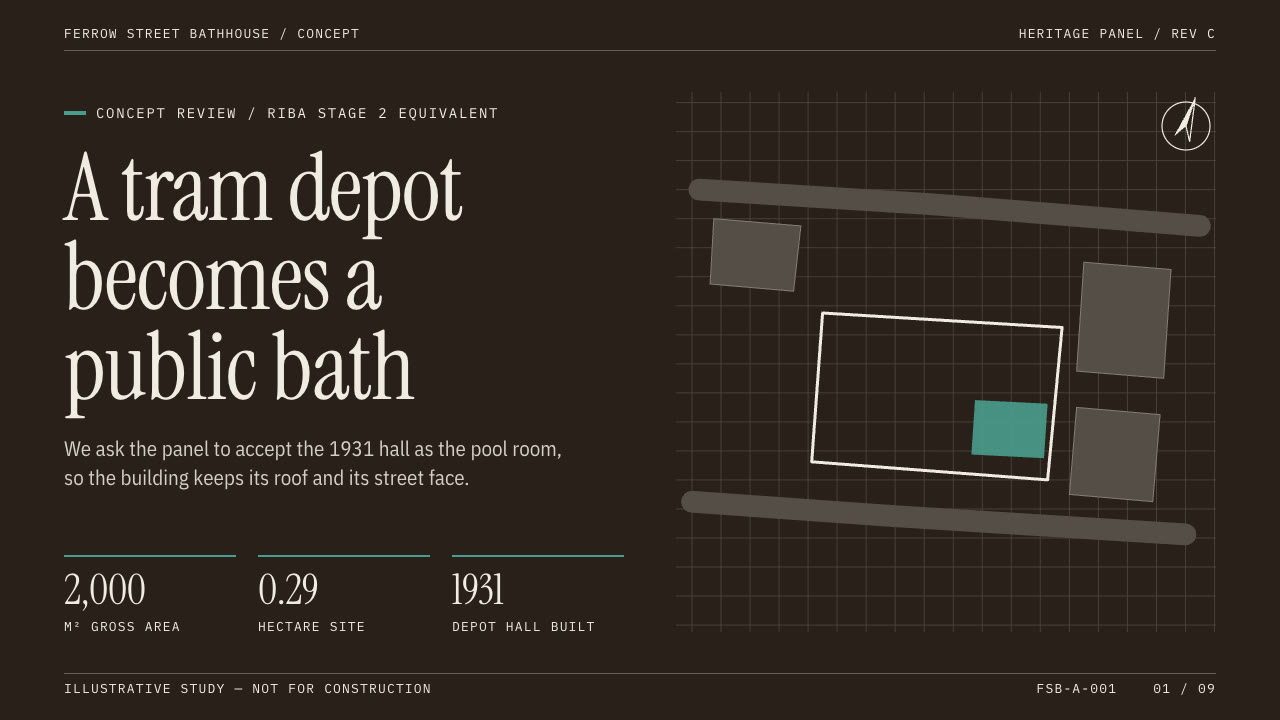
Site Sequence Slides
Take an architecture or site-design proposal to a review panel like a drawing sheet: site, massing, plan and section, program, phasing and one clear decision.

Deepframe Company Slides
Present a company, practice or member organisation calmly: white pages, offset colour blocks behind pictures, service cards, ring figures, value bars and a portrait row.
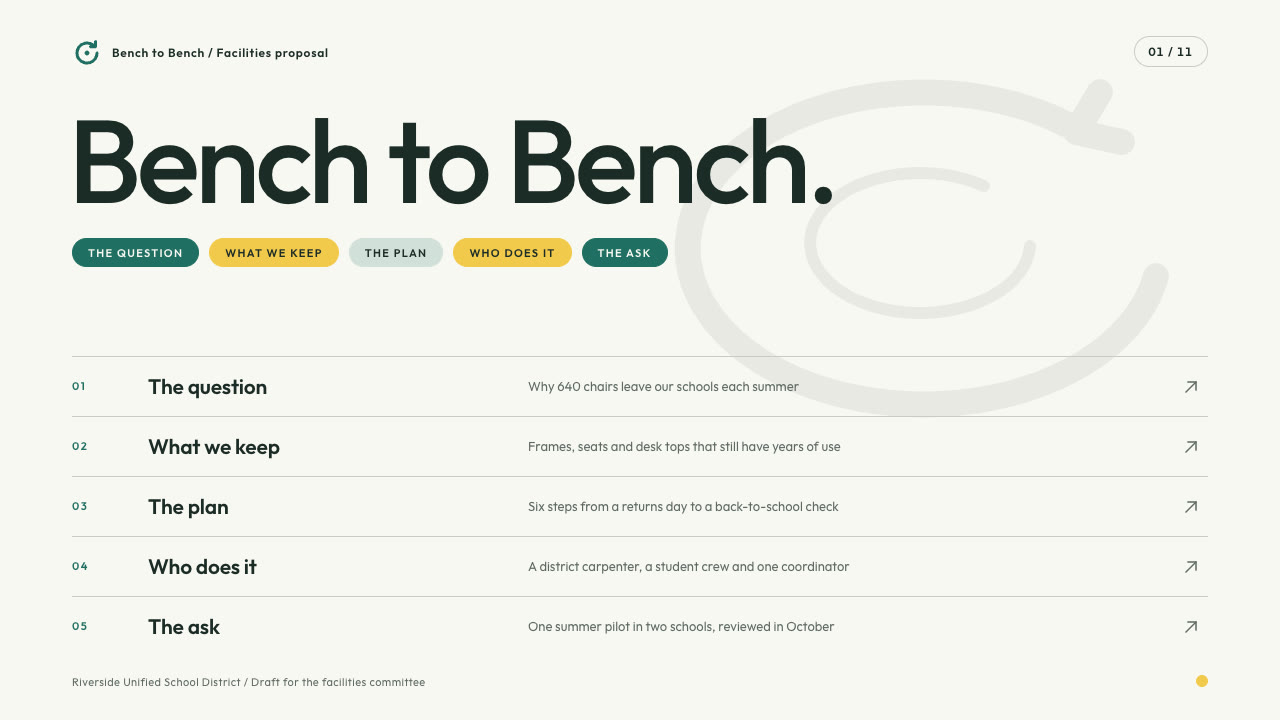
Circular Module Slides
Propose a repair, reuse or take-back step in a light modular deck: rounded cards and pill capsules, an open-ring motif, notched principle cards, a six-step grid and a capsule bar chart.