
Priority Quadrant
- Lab Yetenek
- v1.0.5
- Business reporting
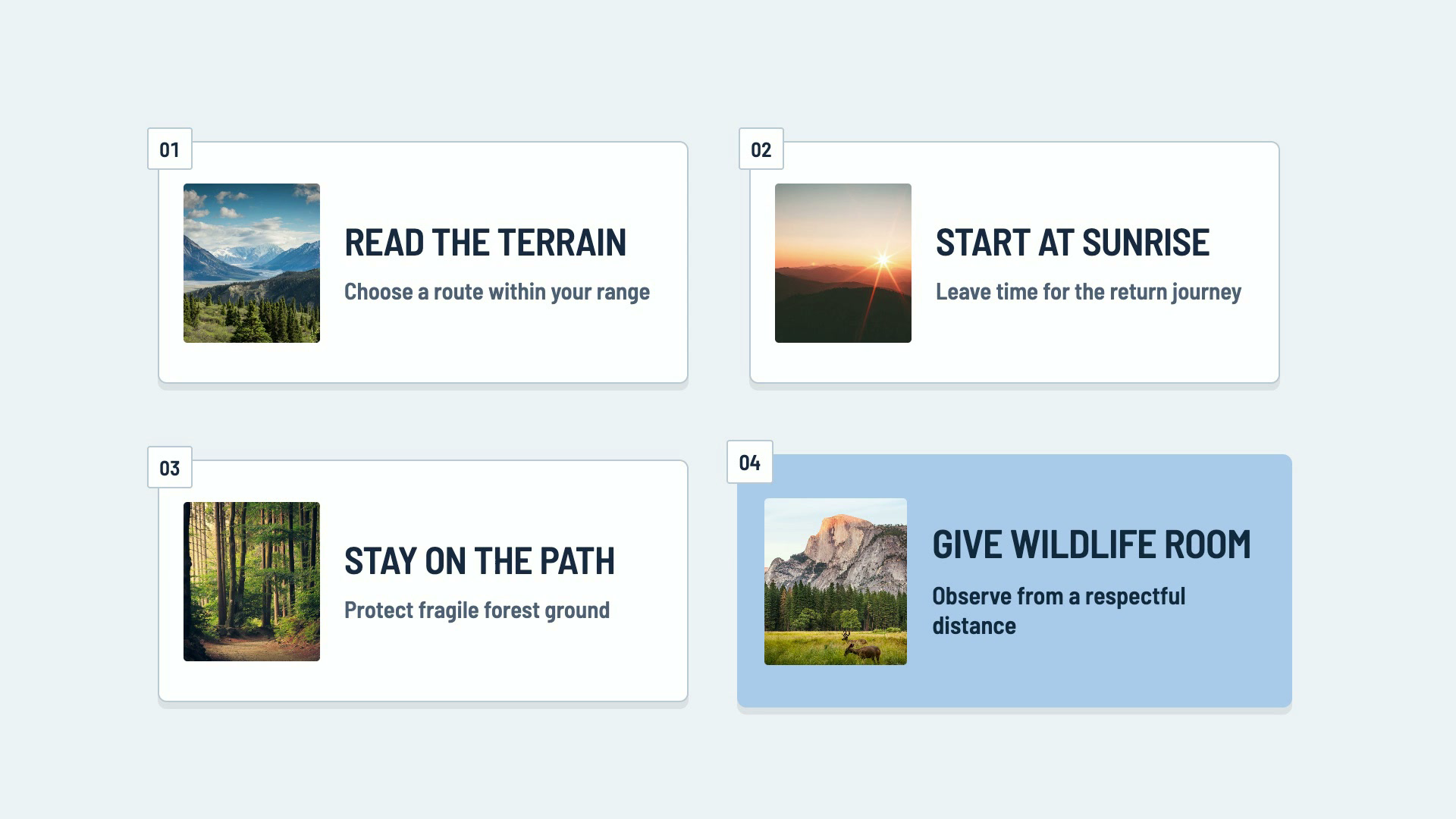
Establish three photo panels, complete a label, then reveal a chosen priority that stays gently enlarged through the ending.
Örnekler · 2
Çevrimiçi çalıştır
Priority Quadrant örneğini bir SandBase sandbox'ında çalıştırın ve sonucu burada görün.
Nasıl çalışır
- 01
Write four items
Priority Quadrant takes JSON with exactly four items, each with a heading of up to 36 characters, a note of up to 64 and a local JPEG, PNG or WebP picture. A focus value picks the priority quadrant, counted across then down, and a complete value picks a different panel for the early text completion.
- 02
Establish and complete
Three photographed panels are established immediately. One of them completes its heading and explanation early, so the viewer learns how a panel reads. Then the chosen priority is revealed and stays gently enlarged through the ending.
- 03
Render
Themes are porcelain, tide, terracotta and carbon, with identical motion and layout. The output directory holds editable HTML, the brief, build metadata, local images, fonts, GSAP and the HyperFrames configuration. The 1920 by 1080 composition renders at 30 fps with no audio track.
SSS
What does Priority Quadrant show?
Priority Quadrant shows four considerations as photo panels and then singles out the one that deserves special attention, which stays gently enlarged to the end. It suits short explainers such as what matters most on a trail or in a coffee ritual.
How do I pick the Priority Quadrant focus?
Priority Quadrant's focus value selects quadrant 0 to 3, counted across the top row then down. The complete value chooses a different panel to finish its text early, and it defaults to quadrant 1 unless that is the focus.
What images does Priority Quadrant need?
Priority Quadrant needs four licensed local pictures, one per item, with paths relative to the brief. Keep their framing comparable so the enlarged priority stands out by content, not by a different crop.
Does Priority Quadrant need a paid service?
No. Priority Quadrant renders locally with Node.js 22, FFmpeg and a supported Chromium, with every dependency version locked. Fonts and GSAP are included with their licences, and no model is called.
Does Priority Quadrant have sound?
No. Priority Quadrant's composition has no audio track and the generator creates none. Add authorized music and effects separately if a brief needs sound.
Daha Fazla Skill
Tüm Business reporting Skills →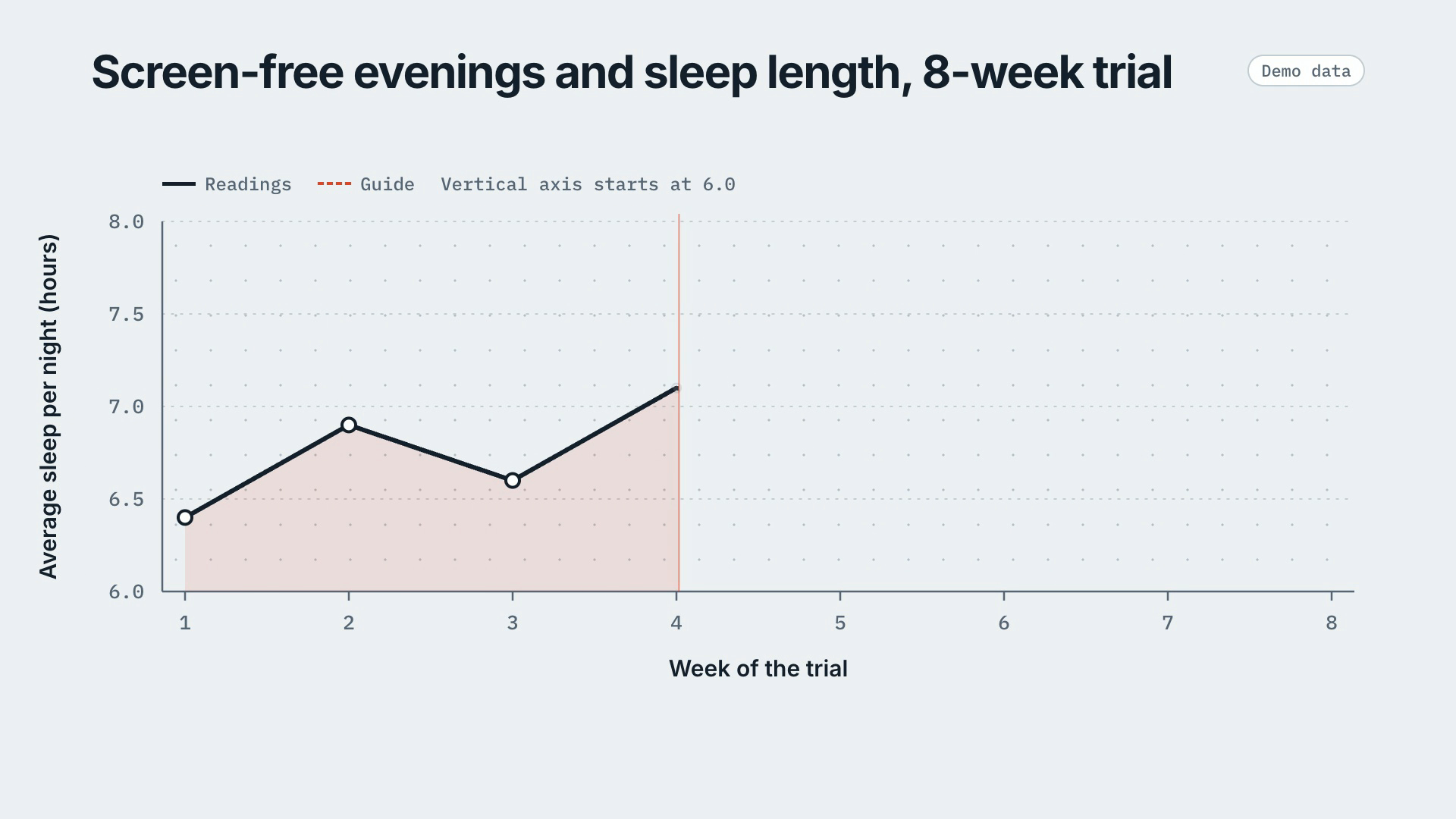
Trend Line
Reveal measured readings, a separate dashed guide and a final takeaway on an editable chart.

Advisory Thread Slides
Argue one recommendation to a committee or board with action titles, a storyline tracker, evidence charts and a bounded decision ask.
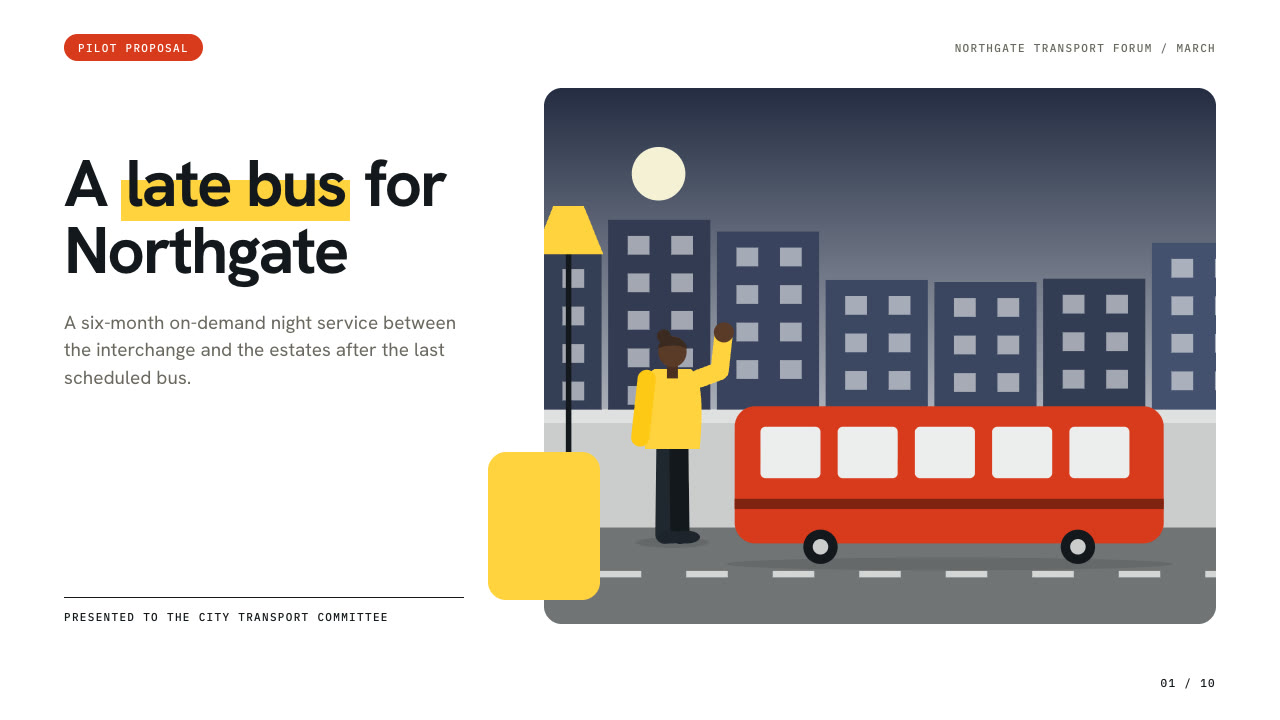
Civic Bars Slides
Make the case for a public or community service decision with picture cards, thin bar charts, stat tiles and a clear ask.
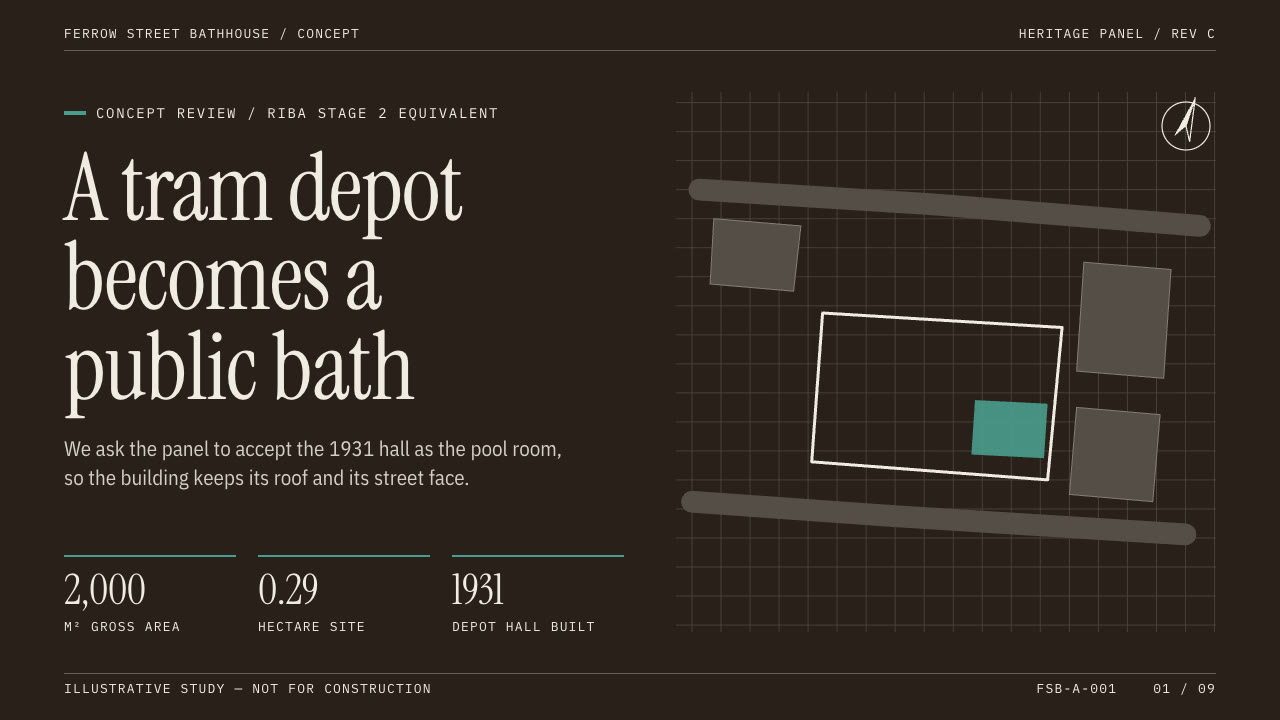
Site Sequence Slides
Take an architecture or site-design proposal to a review panel like a drawing sheet: site, massing, plan and section, program, phasing and one clear decision.

Deepframe Company Slides
Present a company, practice or member organisation calmly: white pages, offset colour blocks behind pictures, service cards, ring figures, value bars and a portrait row.
Circular Module Slides
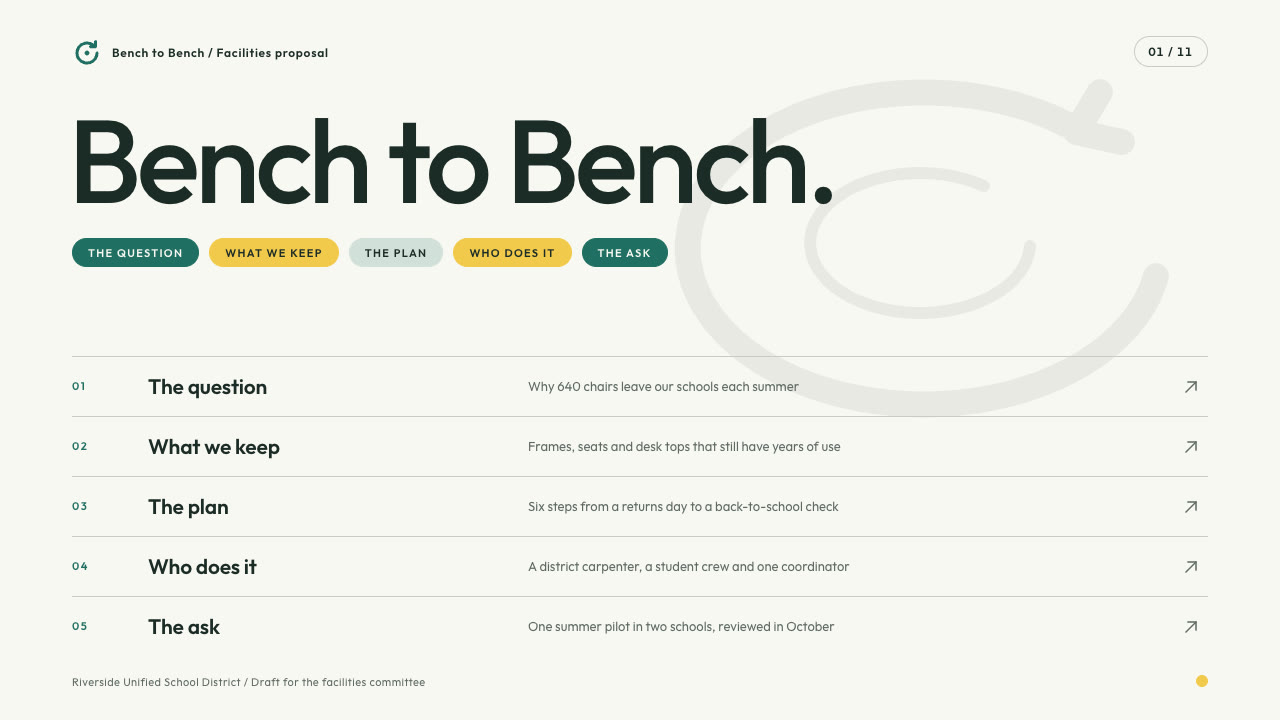
Propose a repair, reuse or take-back step in a light modular deck: rounded cards and pill capsules, an open-ring motif, notched principle cards, a six-step grid and a capsule bar chart.