
Graduation Photo
- Lab Yetenek
- v0.1.0
- Social media
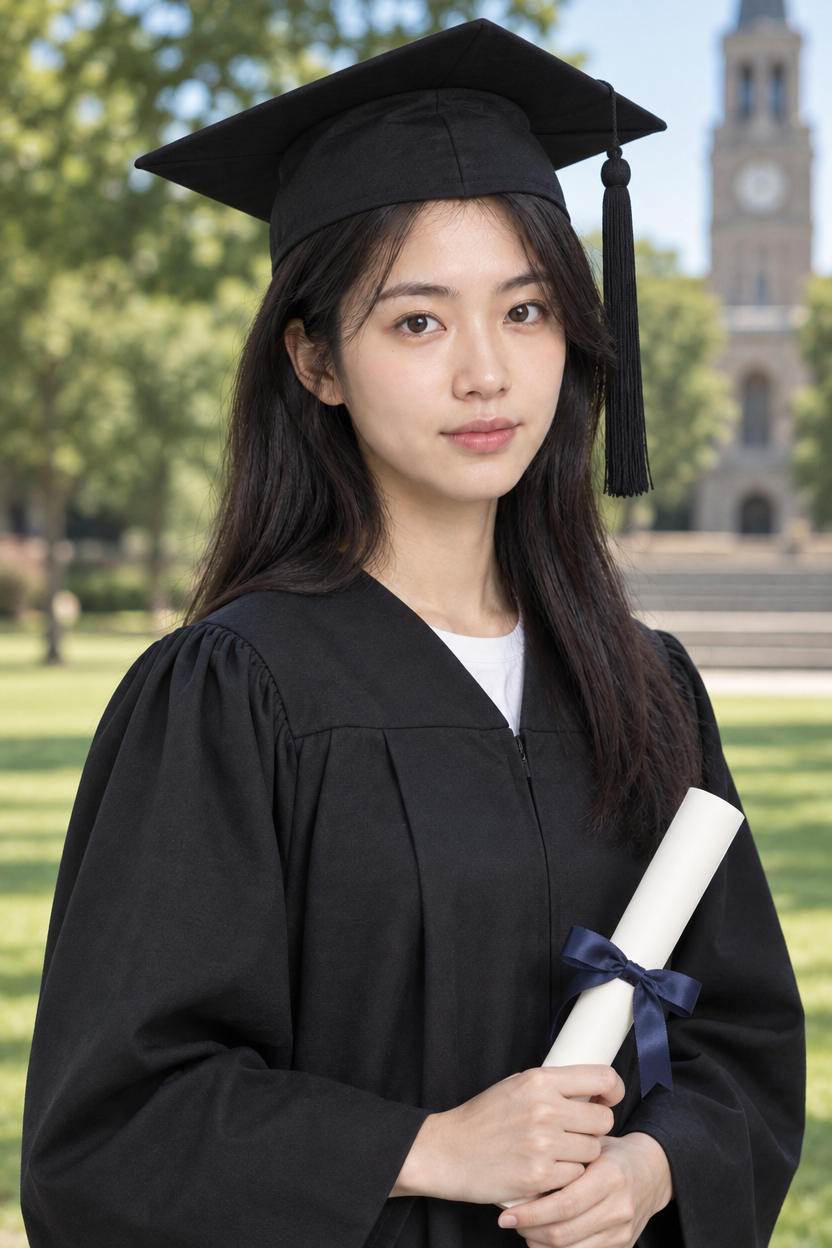
Put yourself in a cap-and-gown graduation portrait — plain academic regalia on a fictional campus lawn or ceremony stage — without booking a photographer.
Örnek
Graduation Photo
Çevrimiçi çalıştır
Bir SandBase sandbox'ında çalıştırın ve sonuçlarınızı Lab'de görüntüleyin.
Lab'de aç ↗Neler elde edersiniz
Bring one clear photo of the person, the setting (campus or stage) and the gown colour. The Skill returns a 2:3 graduation portrait in regalia, face kept, plus a report.
Nasıl çalışır
- 01
Write the graduation brief
Graduation Photo reads a JSON brief with four required fields: photo, consent set to accepted, setting and gown. Setting is campus for an outdoor commencement lawn with hall steps or a clock tower, or stage for an indoor conferral scene with a plain curtain and lectern edge. Gown picks black with a white collar, navy or scarlet, all plain and unbranded.
- 02
Plan, then run the edit
The script runs on Node.js 18 or later in SandBase Sandbox and needs no installed packages, only SANDBASE_API_KEY in the environment. node scripts/generate.mjs plan --brief assets/sample-brief.en.json --out /tmp/graduation-plan makes no network call. The run command then strips photo metadata and sends the portrait to openai/gpt-image-2.5-flare/edit at medium quality, 1k resolution and 2:3.
- 03
Check the graduation portrait
A successful run writes graduation.png beside report.json, report.en.html and report.zh-CN.html. The PNG check covers signature, chunks, CRCs, pixel stream and dimensions, and the report gives the actual size, which may differ from exact 2:3 by up to 2%. Look for stray lettering: a school name, class year, motto or caption on a scroll counts as a defect.
SSS
What does Graduation Photo change in my picture?
Graduation Photo keeps the person and restages them as a graduate in a plain gown and mortarboard with a solid tassel. The scene is either a fictional campus lawn or an indoor ceremony stage. The image carries no text at all, so there is no name, school or year on it. Likeness is kept on a best-effort basis, so review the face before sharing.
Can Graduation Photo use my real university's colours or crest?
No. Graduation Photo only offers black, navy and scarlet regalia, all unbranded, and the campus is fictional. It never adds a logo, crest, seal, motto, real institution's name or landmark. The portrait is not evidence of enrolment or graduation and must not be used to impersonate a real school or its credentials.
Is Graduation Photo billed per portrait?
Yes. Graduation Photo calls openai/gpt-image-2.5-flare/edit once per approved brief, and that edit is billed to your SandBase account. The plan command makes no network call, and run takes a --budget flag that is checked before the call, with a default and maximum preflight budget set in SKILL.md. The run report lists the cost that was actually charged. Rates are at https://www.sandbase.ai/pricing.
Which photos does Graduation Photo accept?
Graduation Photo accepts one upright PNG or JPEG of a single person, front or three-quarter view, up to 8 MB with a short side of at least 512 px and a long side of at most 6000 px. Photos with an EXIF orientation other than 1 must be rotated first. Use your own photo or one whose subject consented; a minor needs a parent or guardian's consent.
What happens if a Graduation Photo run is interrupted?
Graduation Photo saves execution state in the output directory, so resume polls the same execution and downloads its result without a new purchase. A changed brief, version or model is rejected for that directory. If a submission stopped before its ID was saved, reconcile it in SandBase before creating a new approved output directory, and never erase state to force another attempt.
Daha Fazla Skill
Tüm Social media Skills →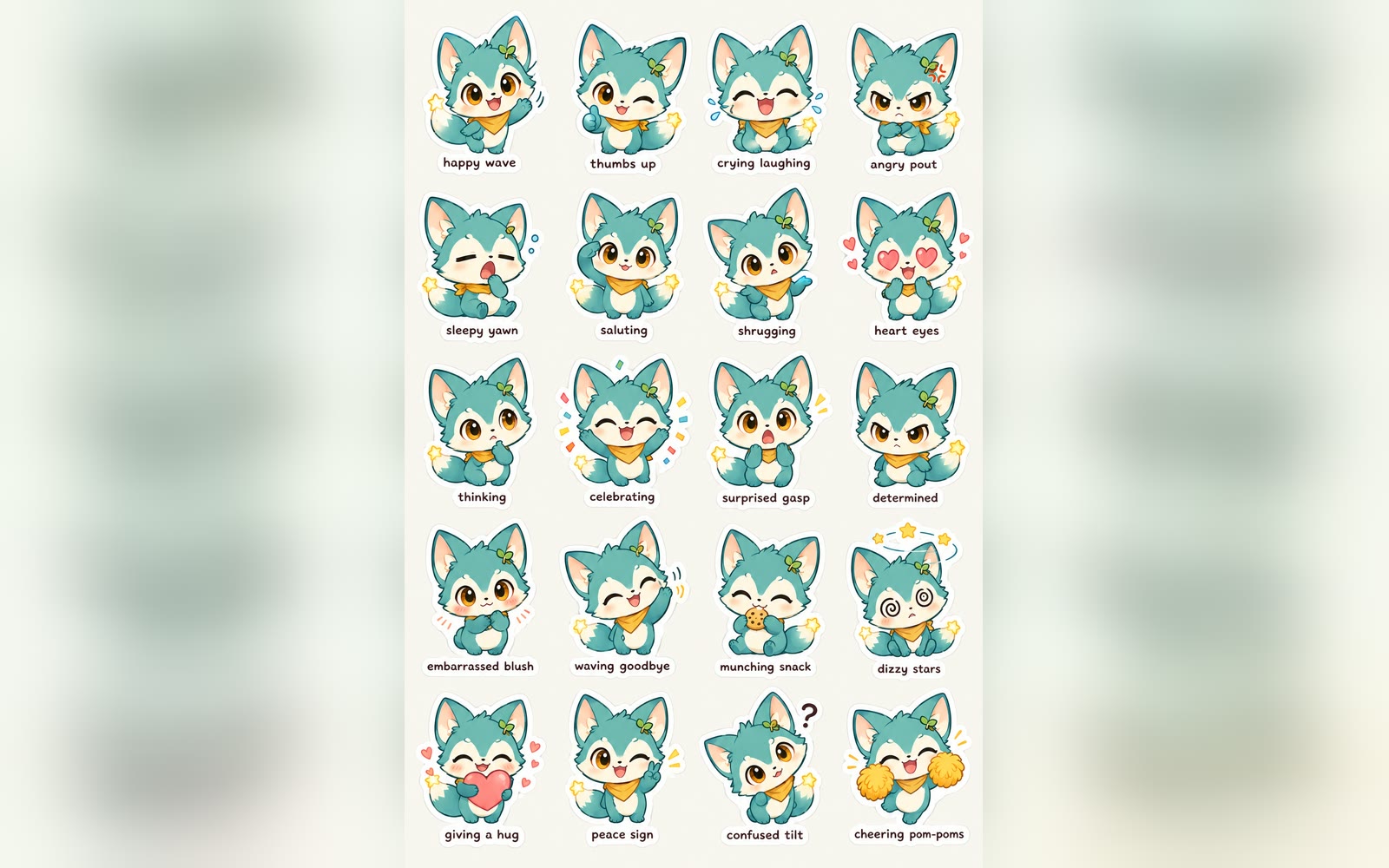
Chibi Sticker Sheet
One original mascot becomes a whole sheet of die-cut chibi stickers.
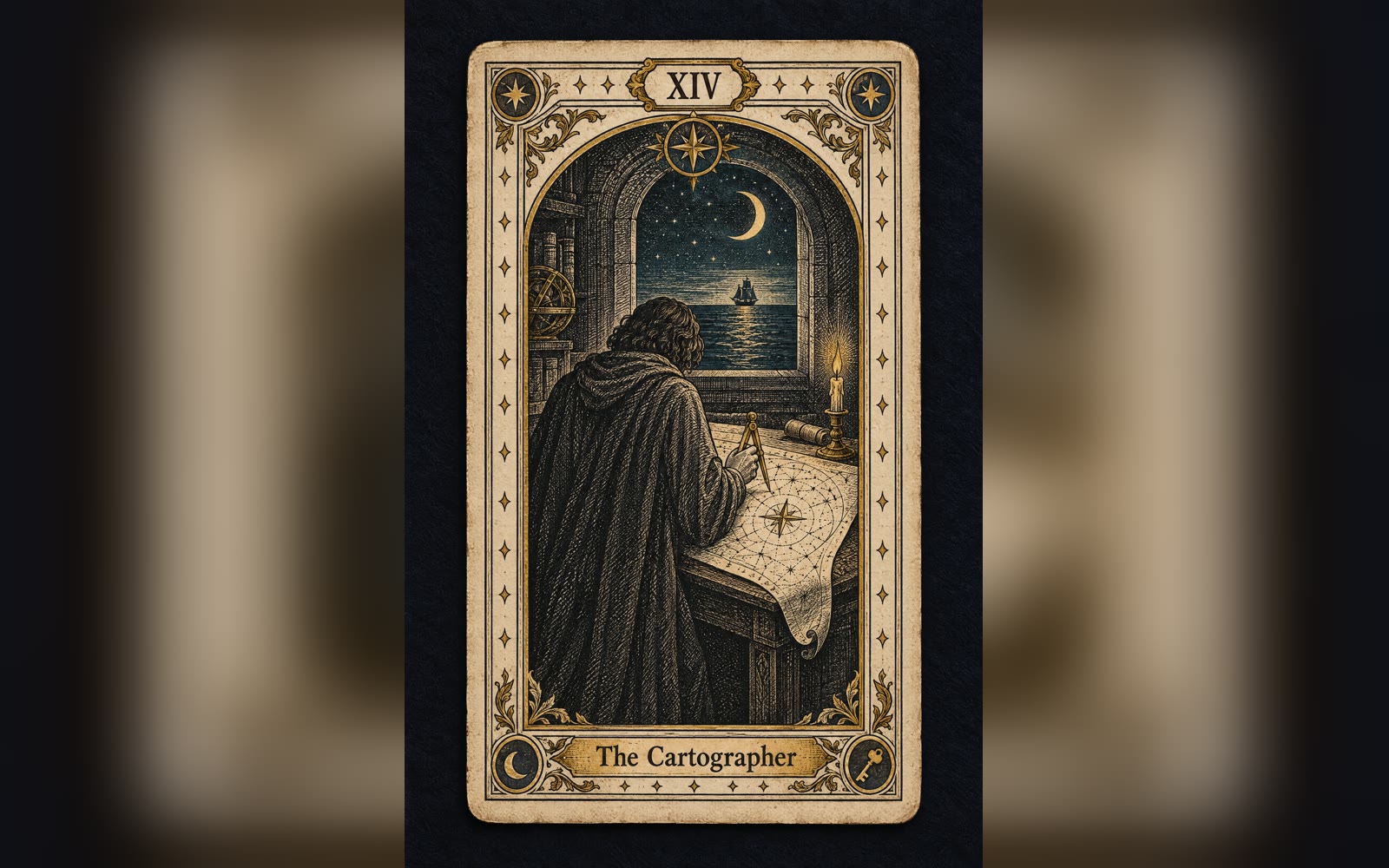
Tarot Card Poster
One invented arcana becomes an ornate engraved card face.
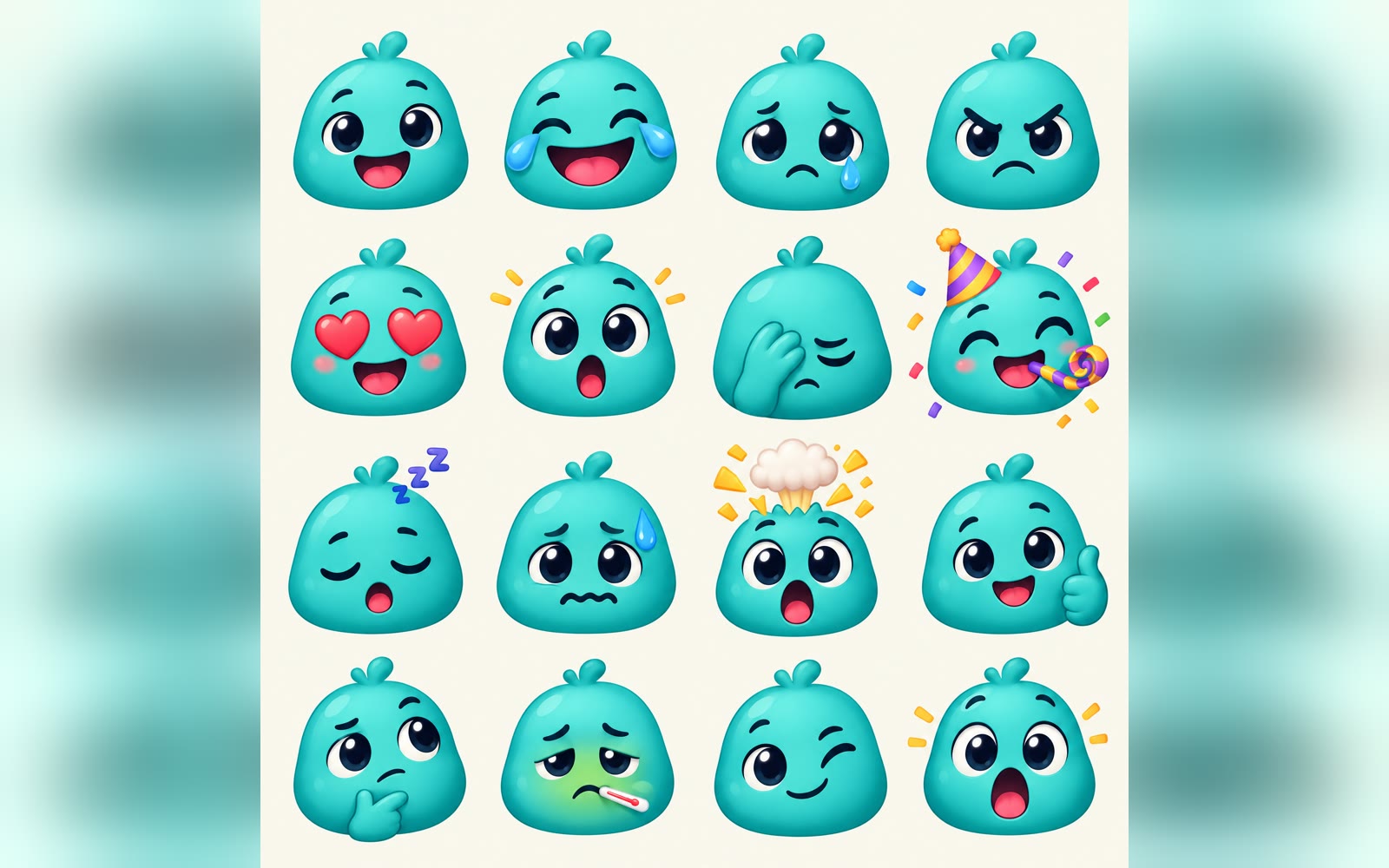
Emoji Pack Sheet
Turn one fictional character into a full grid of matching emoji faces.
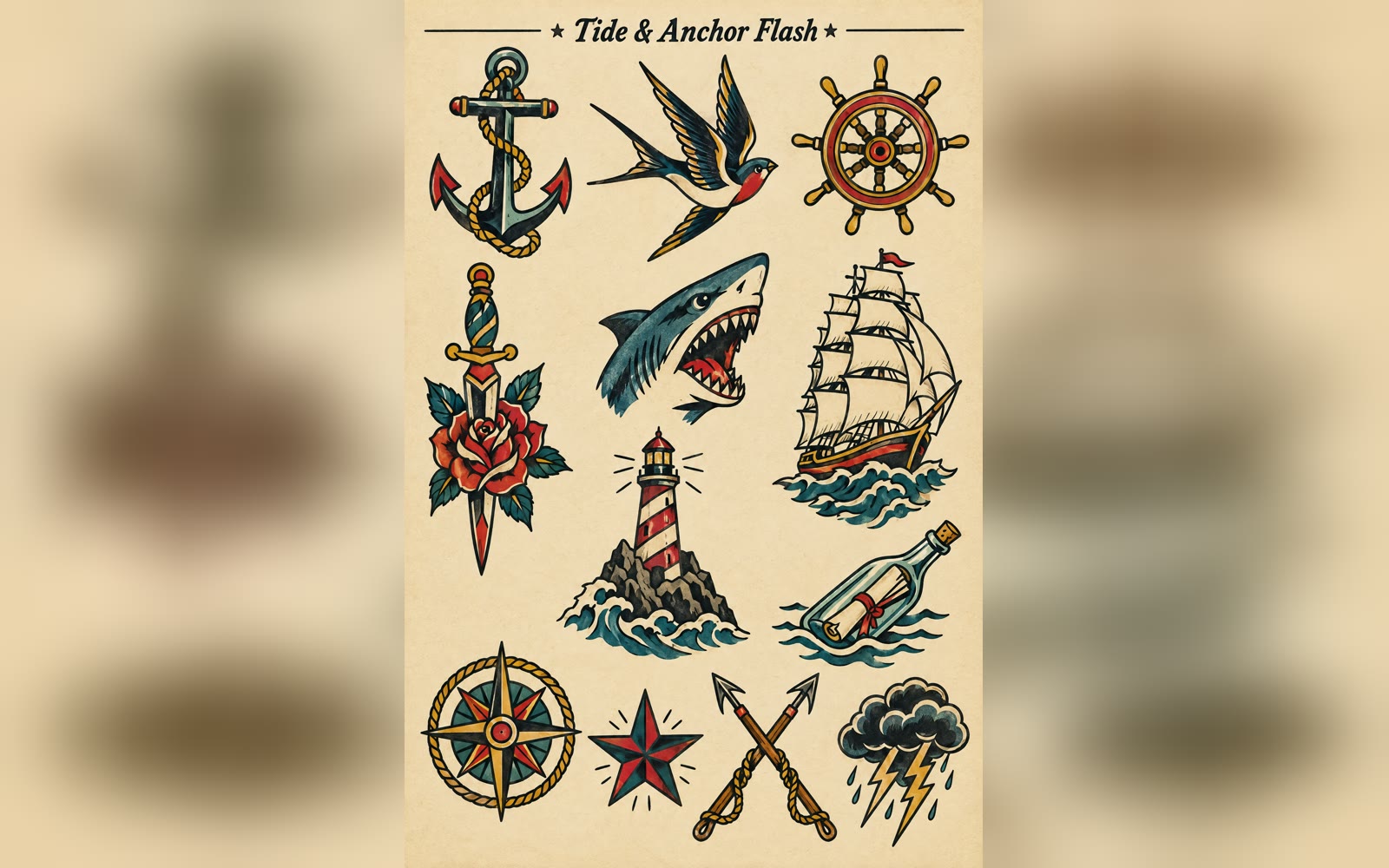
Tattoo Flash Sheet
Fill one aged-paper board with a matching set of traditional tattoo motifs.
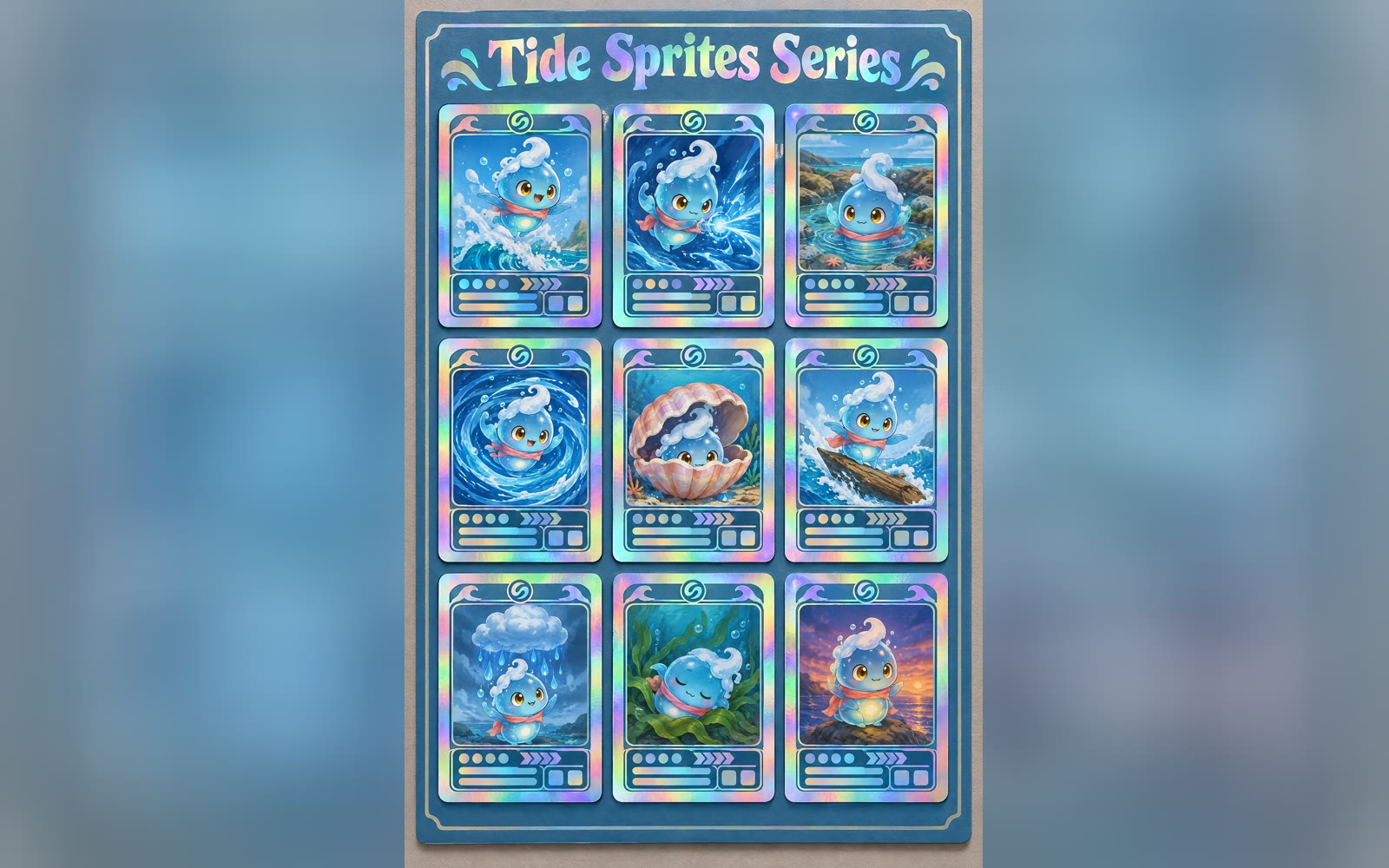
Trading Card Sheet
Reveal one invented character as a 3×3 set of collector game cards on a printed board.
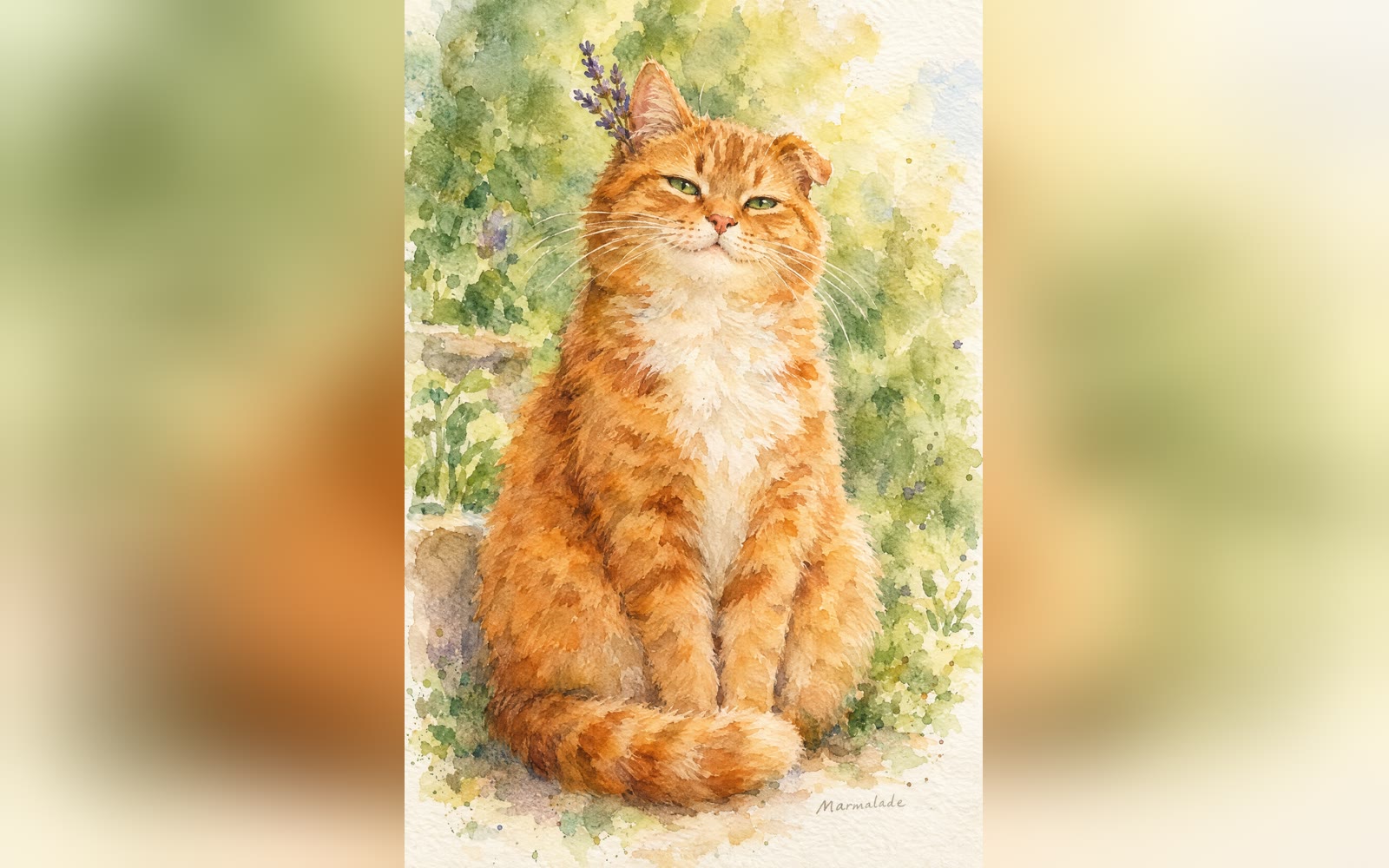
Watercolor Pet Portrait
Paint one invented animal as a loose, keepsake-style watercolor portrait.