
Lapis and gold star-lattice guesthouse site
- Lab Yetenek
- v0.1.0
- Web design
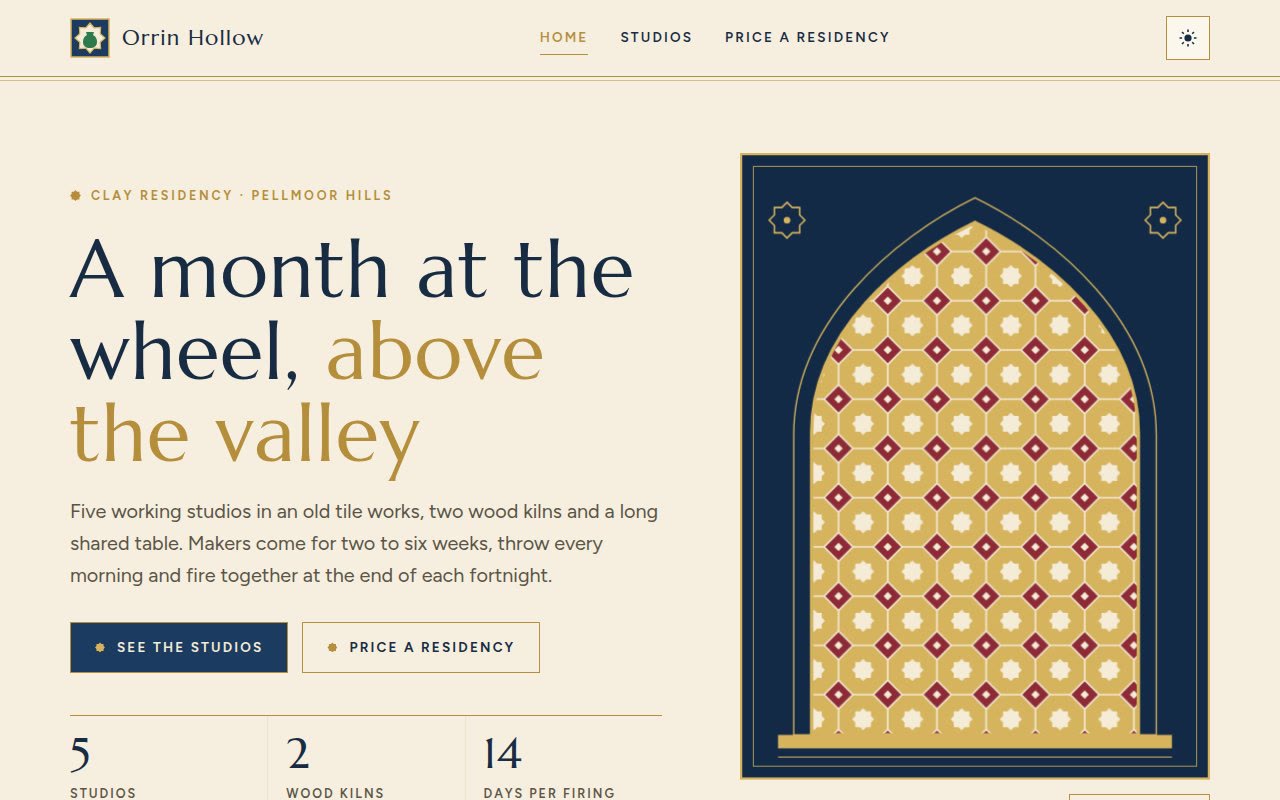
Present a guesthouse, retreat or small venue with ivory and lapis surfaces, gold double frames and tiled star lattices drawn in code, so guests can compare rooms, estimate a stay and walk a plan of the place.
Örnek
English site
Örnek, bu sayfaya erişimi olmayan sandbox'lanmış bir çerçevede çalışır.
Çevrimiçi çalıştır
Lapis and gold star-lattice guesthouse site örneğini bir SandBase sandbox'ında çalıştırın ve sonucu burada görün.
Neler elde edersiniz
Bring the place, its guests, the rooms or units with groups and rates, what a stay includes, practical hours, the views you need and the page language. The Skill returns one offline HTML file with code-drawn lattice artwork, a hash-routed room view with filters, an optional stay estimate and note dialog, an optional courtyard plan, day and night palettes, bundled Latin fonts and a validator report.
Nasıl çalışır
- 01
Describe the place and who stays there
Tell the agent what the place is, who comes, which rooms or units it offers and what a stay includes. The agent copies the working template and bundled fonts into a local folder, picks the page language and replaces the fictional courtyard inn. The published example turns it into a clay residency for working potters with five studios and two wood kilns.
- 02
Rewrite the data and redraw the pictures
The agent rewrites the script data: rooms with their groups and rates, the hero panels, the estimate bounds and extras, the courtyard zones and every interface string. The stay estimate and the courtyard plan are optional views and can be deleted whole. Each room keeps its own lattice pattern and tone, and the doorway drawing changes to suit the subject, such as a lidded jar or a teapot.
- 03
Build one file and check every view
The bundled builder embeds the fonts into one HTML file. The agent runs the browser validator, which opens every route and clicks every visible control, then looks at each view at phone, tablet and desktop widths in both palettes. It checks the filters, steppers, totals, note dialog and mobile menu, and delivers the page with the validation report and any limits.
SSS
What kind of site does Lapis Lattice Inn Site make?
It makes a small multi-view website for a guesthouse, retreat, residency, tea house or similar place that rents rooms, studios or tables. The sample content is a fictional courtyard inn and is meant to be replaced. The published example is a clay residency, and the Chinese proof is a garden tea house that keeps the courtyard plan and drops the estimate.
Does the stay estimate take a booking or a payment?
No. The estimate adds up the chosen room, the nights or weeks, the guests and the extras inside the page, and the note form opens a dialog with a summary the guest copies into their own email. Nothing is sent, stored or reserved. A real booking flow needs a separate service and its own testing.
What runs on my machine when I build a page?
Your coding agent edits the HTML and the script data, and Node.js runs the bundled asset builder and validator. The browser checks also need Chrome or Chromium. The template makes no model or API calls, and every picture is drawn in code from lattice patterns, arches and simple shapes. Your coding agent may have its own usage terms.
Can the finished website work offline?
Yes. The delivered HTML embeds its Latin fonts and draws its artwork in script, and it makes no external requests. Routing, filters, the estimate and the note dialog all work inside the file. Only the chosen palette is remembered between visits. Chinese text uses installed CJK fonts unless you bundle a suitably licensed font and repeat the visual checks.
Can I translate it or change the views?
Yes. Translate the script data, the markup, form labels, accessible names, toasts and SVG labels together. The stay estimate and the courtyard plan are optional and can be deleted as whole views, and their menu entries and links leave with them. Home, the room list and the not-found view stay, along with the shared ids the package validator requires.
How should I check a finished page?
Run the package validator with browser checks, then look at every view at 390, 768 and 1440 pixels in day and night palettes. Use each filter, re-tile the hero window, choose a room, push both steppers past their limits, toggle the extras and check the total by hand, submit the note empty and then valid, and try the mobile menu and Escape.
Daha Fazla Skill
Tüm Web design Skills →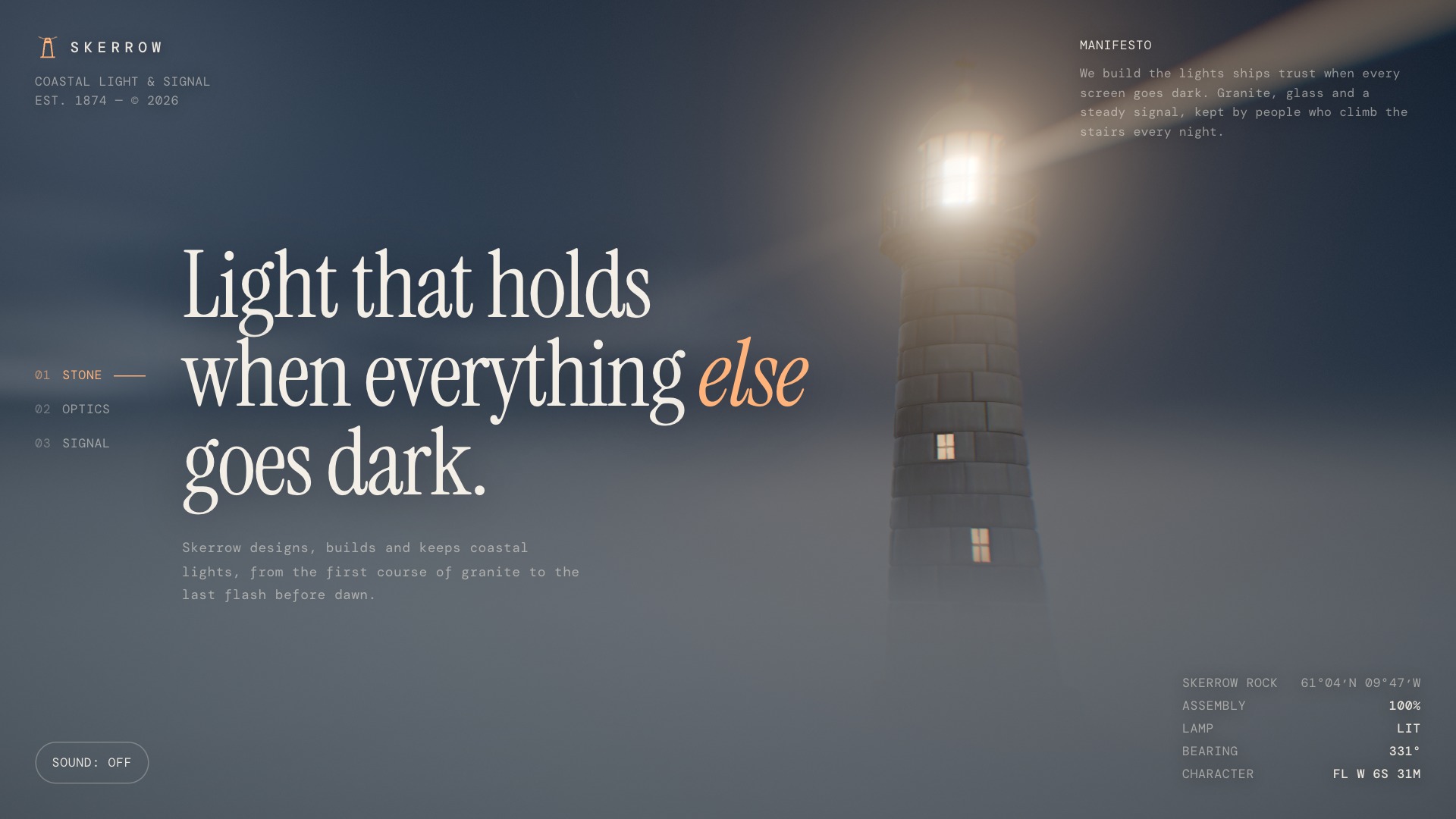
Baked 3D Story Site
A three-page 3D story site with baked light, scroll stops that loop and a shader cut between pages, in one offline file.
UI Finishes
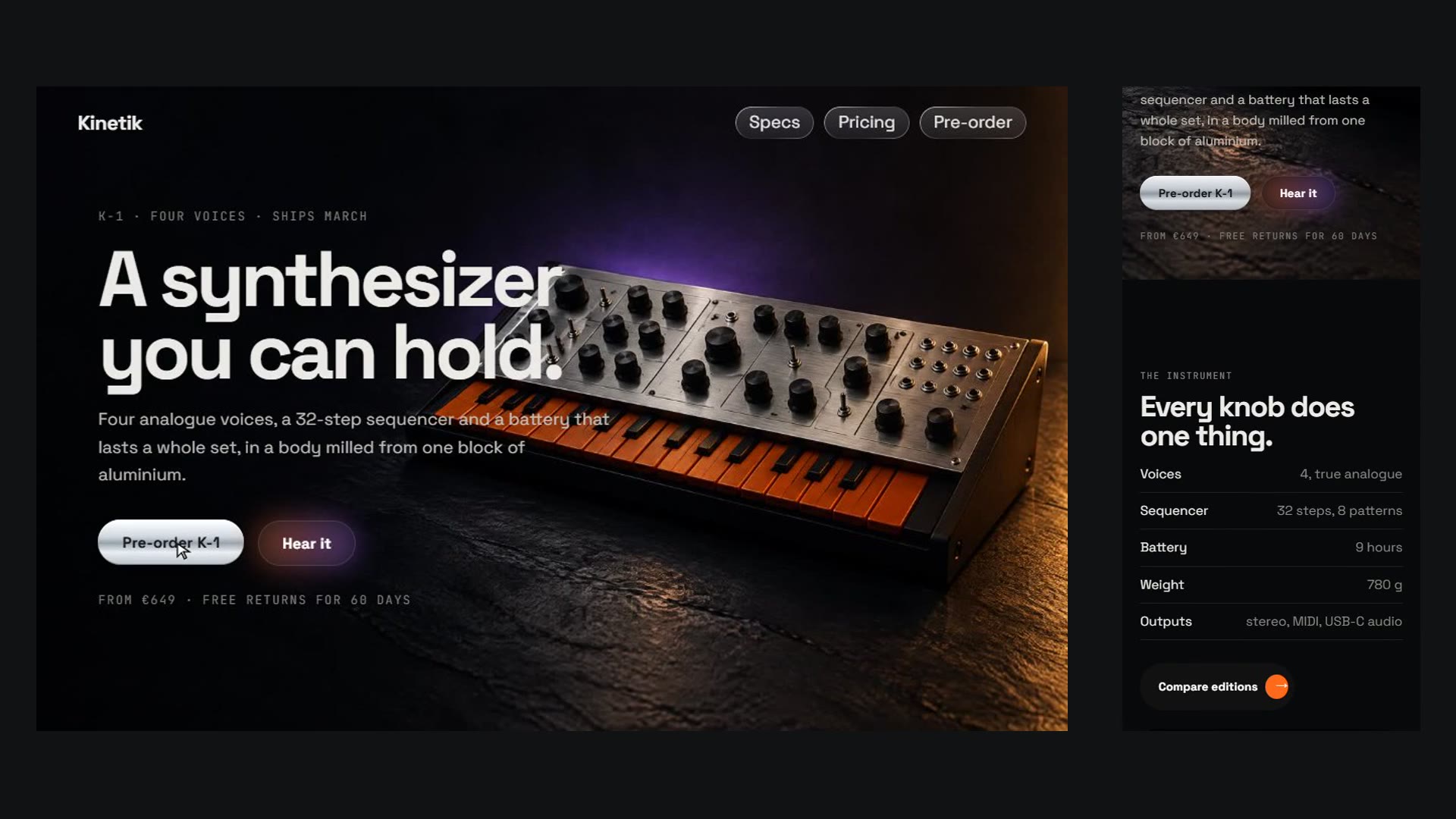
Metal, jewel, halo, roll, fill, offset and ring buttons, media cards, glass and textures, each checked in rest, hover, focus and pressed for real contrast.
Headline Motion
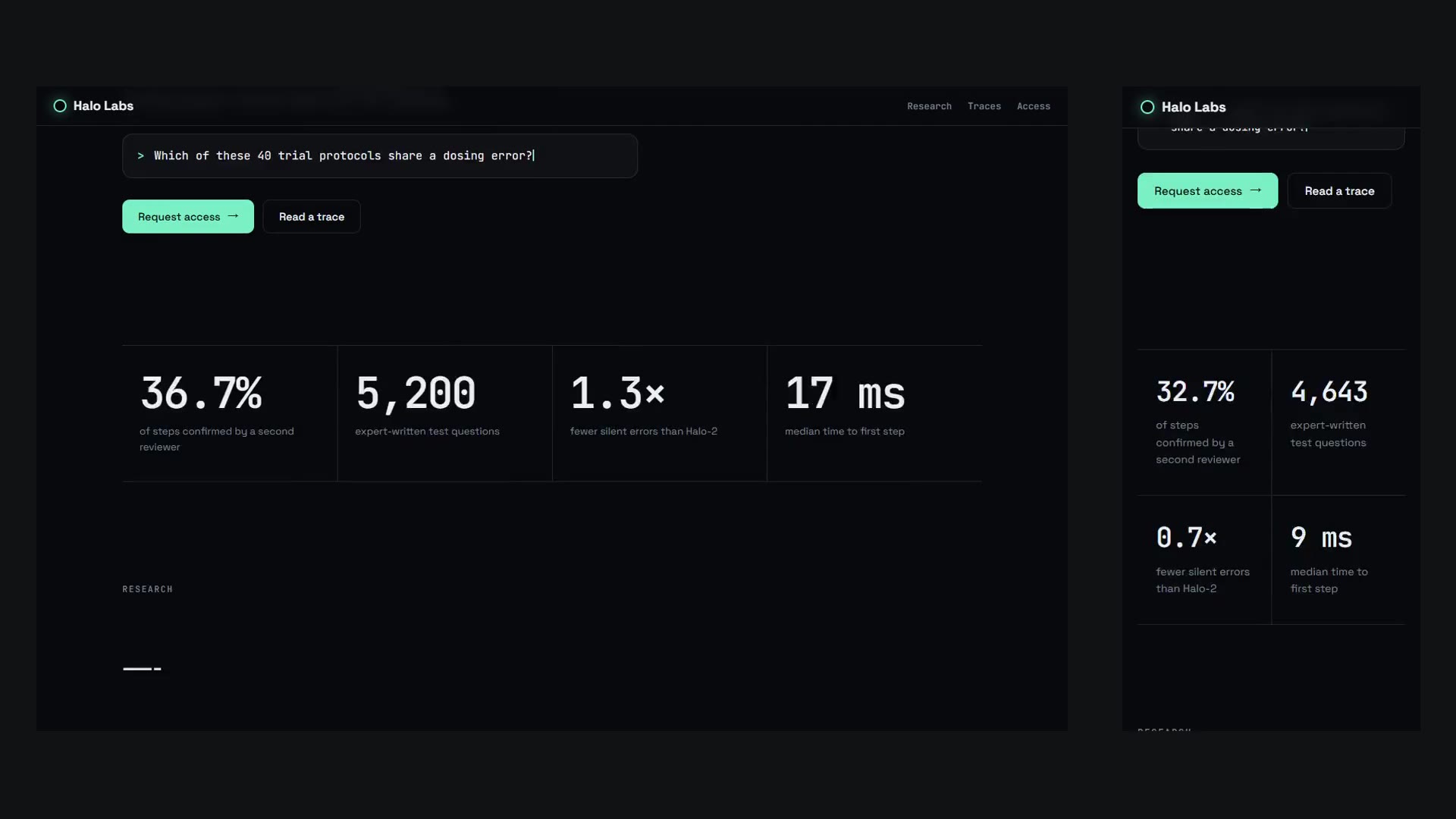
Headlines, labels and numbers that rise, decode, type, rotate, count and draw themselves without moving the layout, measured in a real browser.
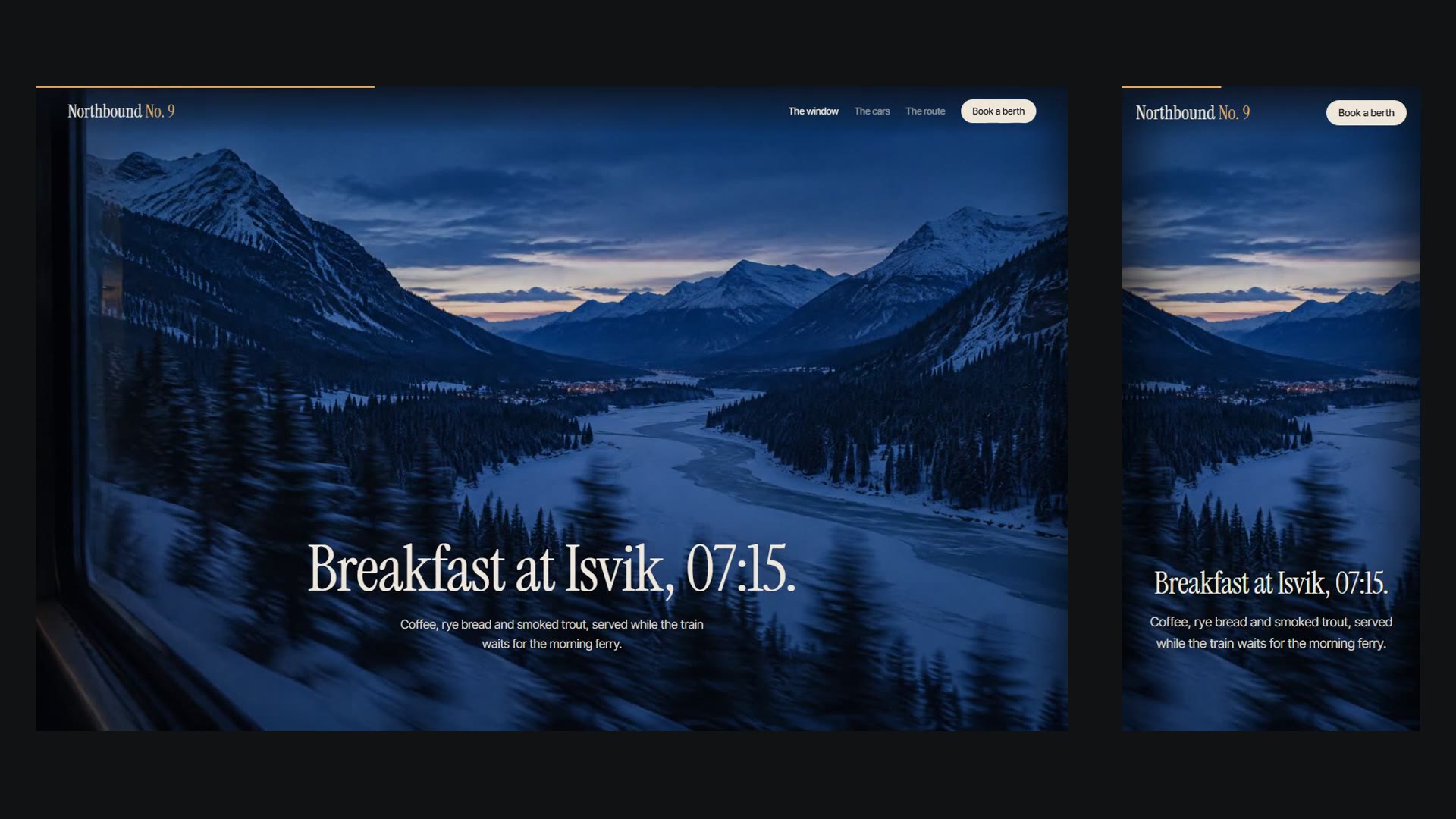
Scroll Chapters
Long pages told chapter by chapter: a pinned stage, sliding panels, a text crawl, lit paragraphs, stacking cards and drifting columns, checked in a real browser for dead scroll.
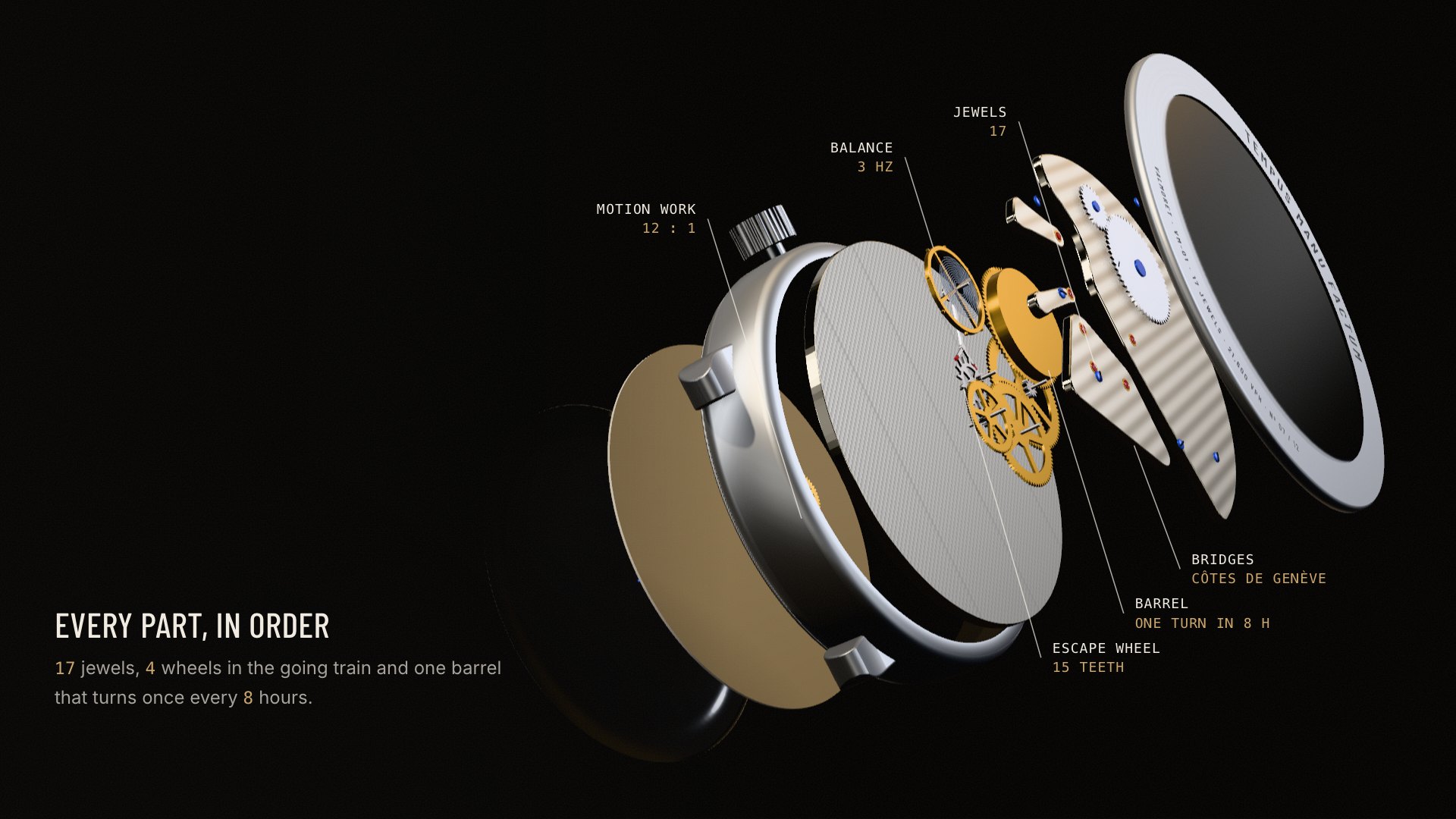
Scroll 3D Product Site
A complete product website where scroll turns, opens and takes apart a live 3D model, with every video and image rendered from that model, in one offline file.
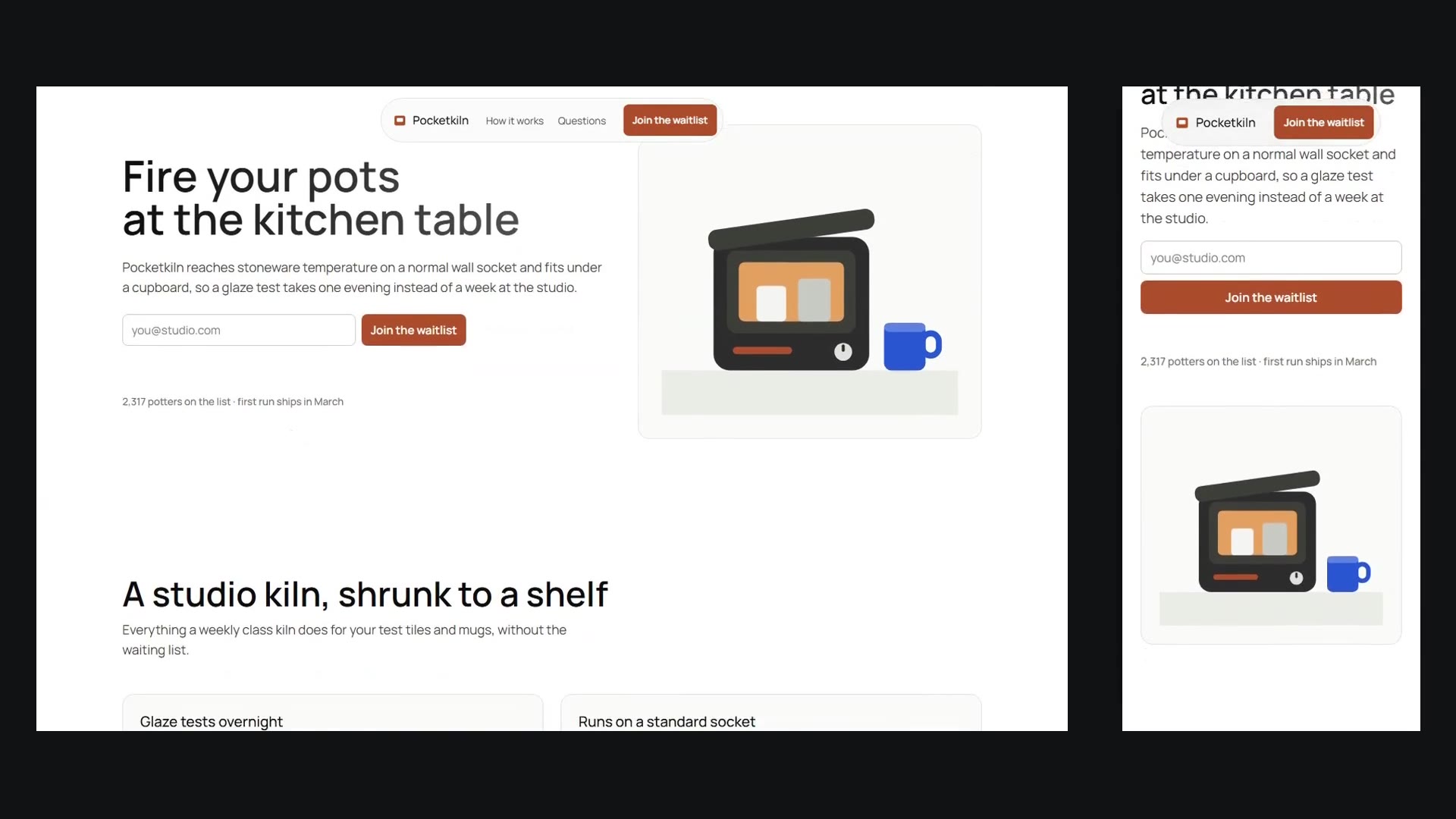
Landing Page System
A complete single-file landing page with a conversion structure and a shared visual system, checked by a rendered-page audit before delivery.