
YouTube Sponsor Brief
- Lab Yetenek
- v0.1.0
- YouTube
See which parts of a channel's videos are sponsored and by whom — declared promotions and detected reads alike.
Kapak
Neler elde edersiniz
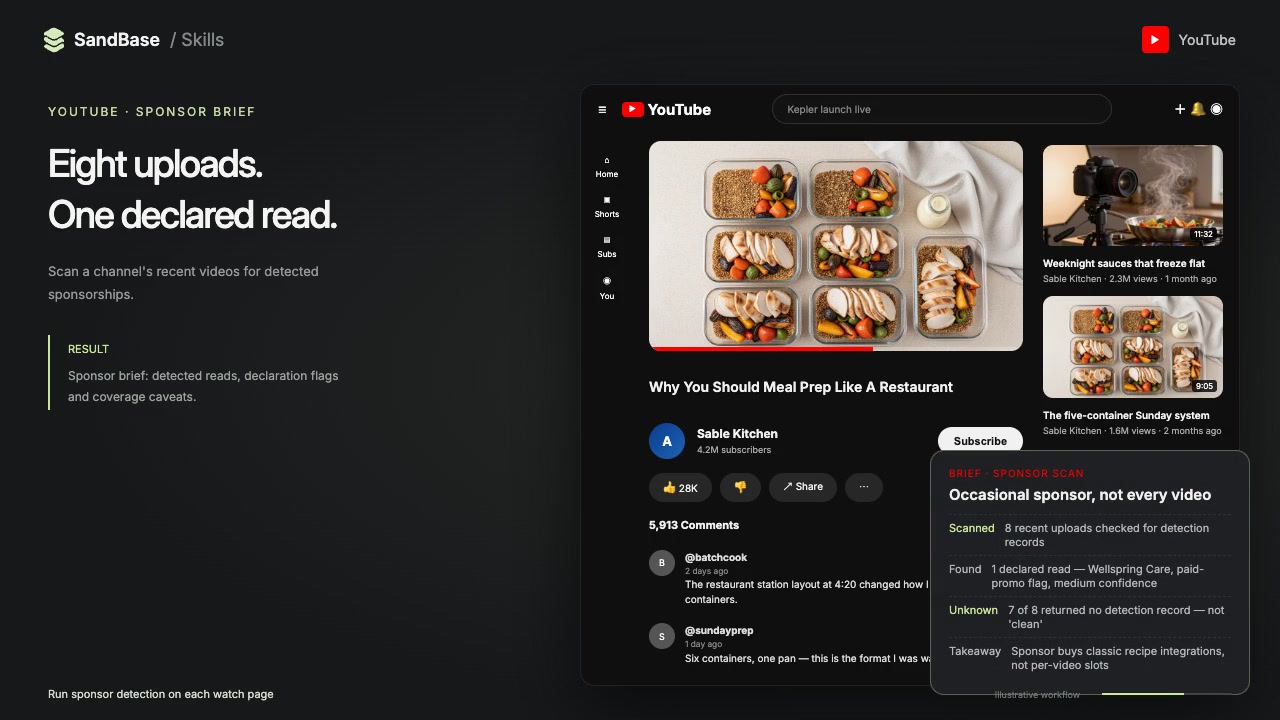
Bring a video URL, or a channel plus how many recent videos to scan. The Skill returns a sponsorship inventory — detected sponsors with confidence, the paid-promotion flag, and the channel's sponsorship pattern.
Nasıl çalışır
- 01
Choose the videos
From one video URL, or a channel and how many recent videos to scan, five to eight by default, the Agent lists the channel's recent uploads through SandBase in channel mode and picks the agreed window. Uploads outside the window are not scanned.
- 02
Detect sponsors per video
For each video, the sponsor tool returns whether a sponsor was detected, the creator's paid-promotion flag, and suspected sponsors with name, website and confidence. Video detail adds duration and exact views when the sponsored share needs them. A found detection with no named sponsor is reported as detected but unnamed.
- 03
Report the inventory
Per video the brief gives the detection, suspected sponsors and confidence, and the paid-promotion flag, distinguishing a declared ad read from a suspected integration. Across a channel it shows recurring sponsors. No sponsor detected is a finding, not a gap. Segment timestamps are not returned, so there is no cut list.
SSS
What does YouTube Sponsor Brief map?
YouTube Sponsor Brief maps sponsorship inside one YouTube video or across a channel's recent videos: whether a sponsor was detected, who it is suspected to be with confidence, and whether the video declares a paid promotion. Across a channel it shows recurring sponsors.
How reliable is YouTube Sponsor Brief detection?
YouTube Sponsor Brief detection is crowd-sourced and heuristic. Each suspected sponsor carries a confidence level, and low confidence is a hint, not proof. The paid-promotion flag is the creator's own declaration, reported as such. A confident detection is still a suspicion until you check the video, so the brief never presents a suspected sponsor as confirmed.
Does YouTube Sponsor Brief give timestamps?
No. YouTube Sponsor Brief reports detection per video, because the interface does not return segment-level timestamps. It cannot produce a cut list of sponsor reads. Duration from video detail helps express the share where available. Watch the video to find the exact read when you need it for a cut list.
Is YouTube Sponsor Brief billed?
YouTube Sponsor Brief calls the YouTube video sponsors tool per video, and the video detail and channel video tools when needed, through SandBase, each billed per call. A five-video scan is a handful of calls. Inspect shows the sponsors tool's price before scanning; see https://www.sandbase.ai/pricing.
Does YouTube Sponsor Brief contact sponsors?
No. YouTube Sponsor Brief is read-only: it does not download videos, buy ads or contact sponsors. It reports what the detection returned. Use the inventory as research before your own outreach or pricing decisions. Contacting any sponsor stays your own step, made after you have checked the detection against the video itself.
Daha Fazla Skill
Tüm YouTube Skills →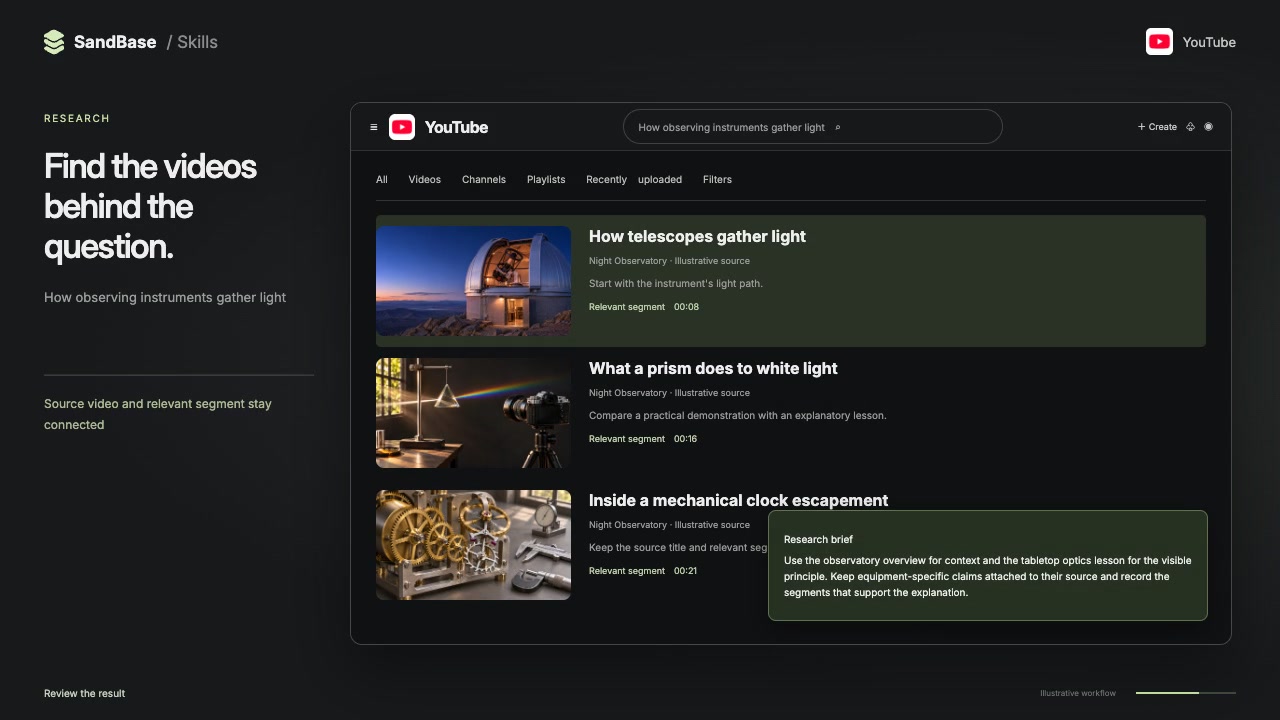
YouTube Research
Search videos, analyze channels, extract captions, read comments, and discover trends on YouTube through SandBase. Use when asked for YouTube research, video discovery, channel analysis, content strategy research, comment sentiment, or video transcript extraction.
YouTube Transcript
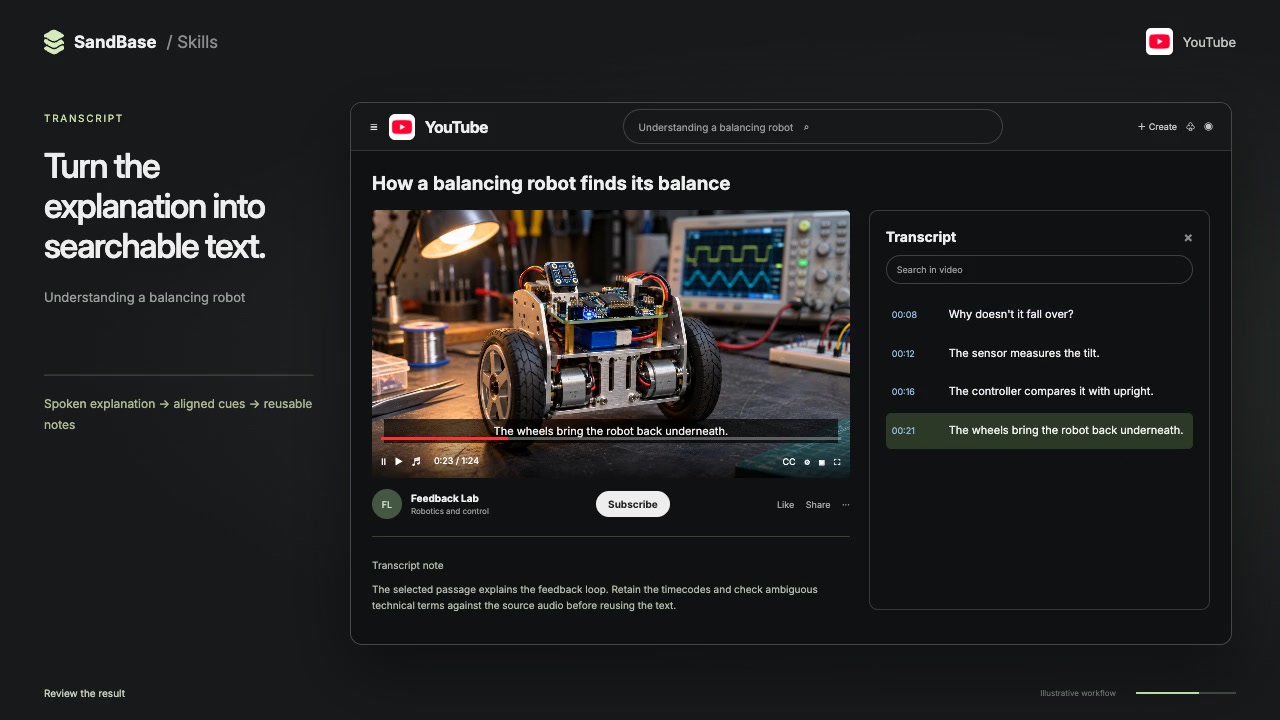
Extract full transcripts and captions from YouTube videos for content analysis, summarization, note-taking, and repurposing. Supports multiple languages and auto-generated captions. Ideal for research, content creation, and accessibility workflows.
YouTube Audience Topics
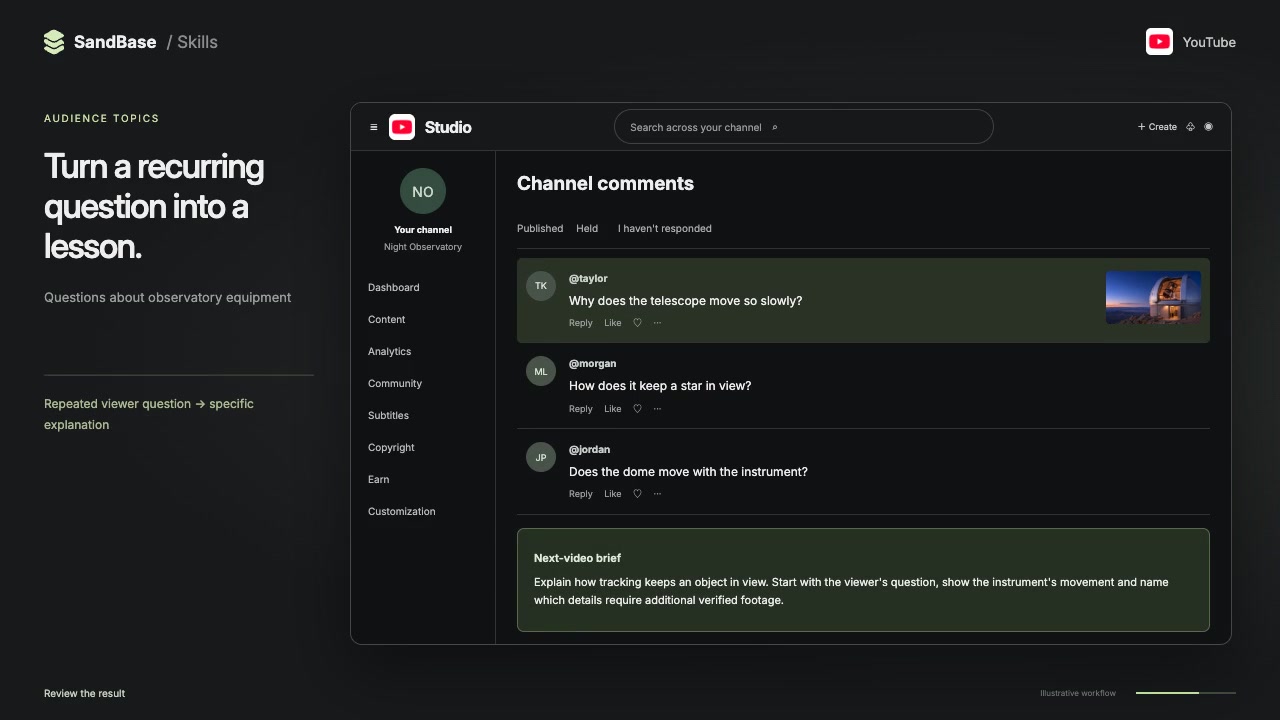
Find the next useful video question in a bounded comment sample.
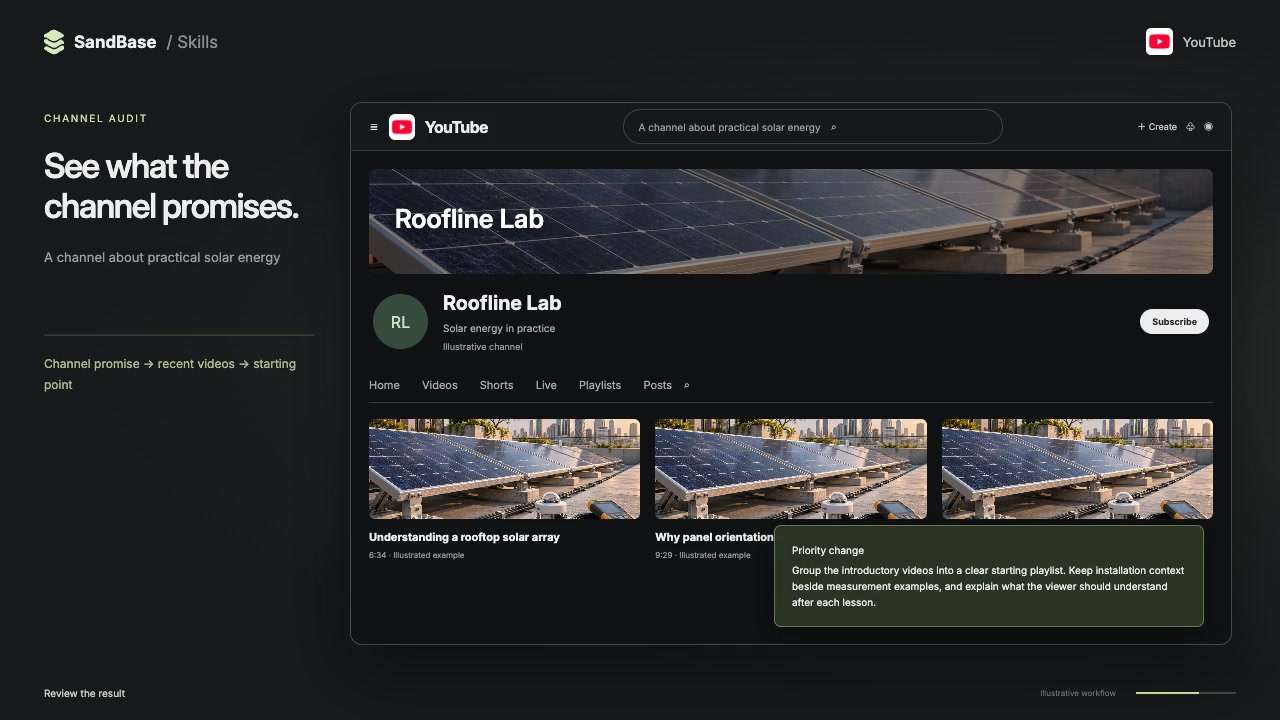
YouTube Channel Audit
Review recent titles, upload rhythm and transcript openings to choose one main fix.
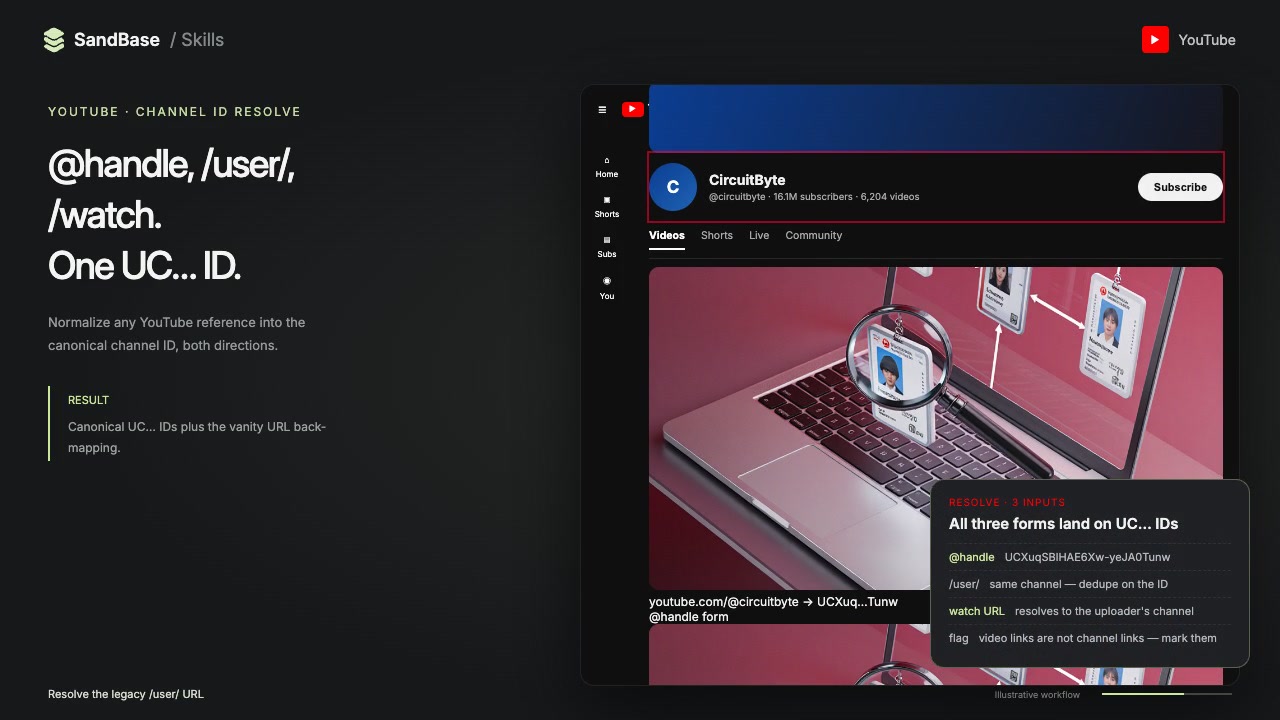
YouTube Channel Id Resolve
Resolve any YouTube channel reference
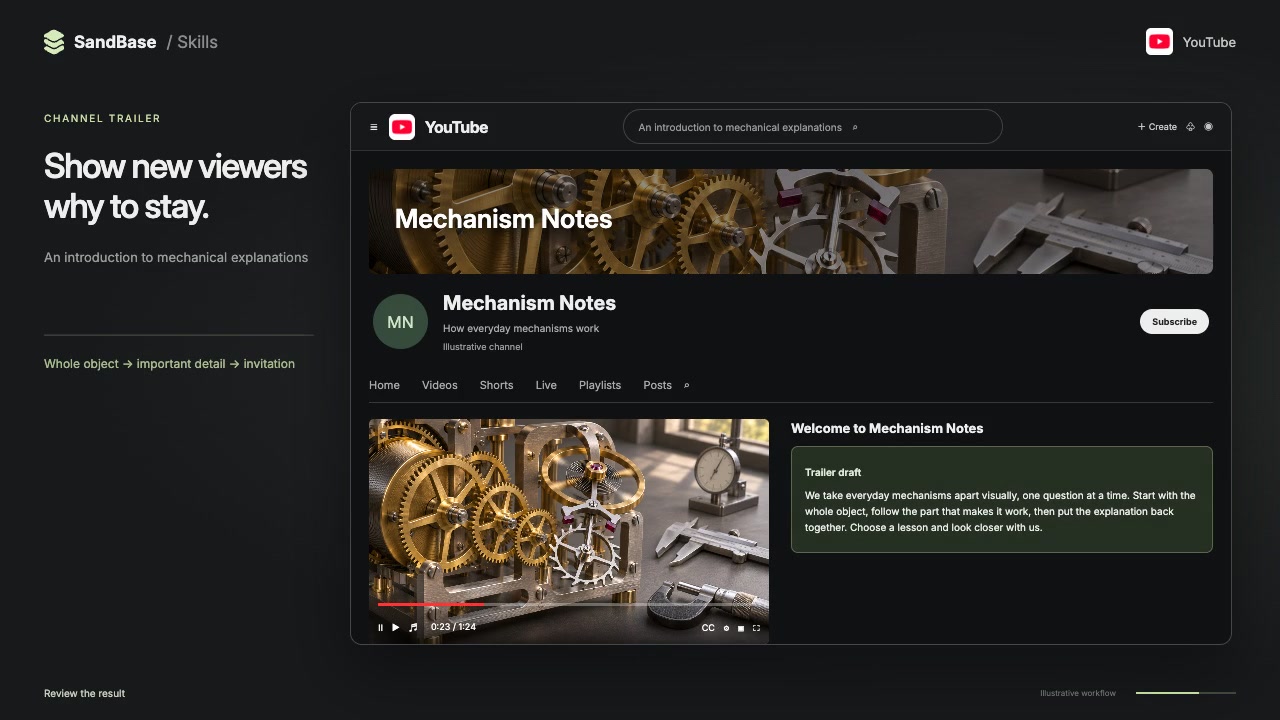
Write a YouTube channel trailer
Introduce the channel with concrete examples and a script that fits the available time.