
Bright Cohort Slides
- Lab Skill
- v1.0.7
- Education
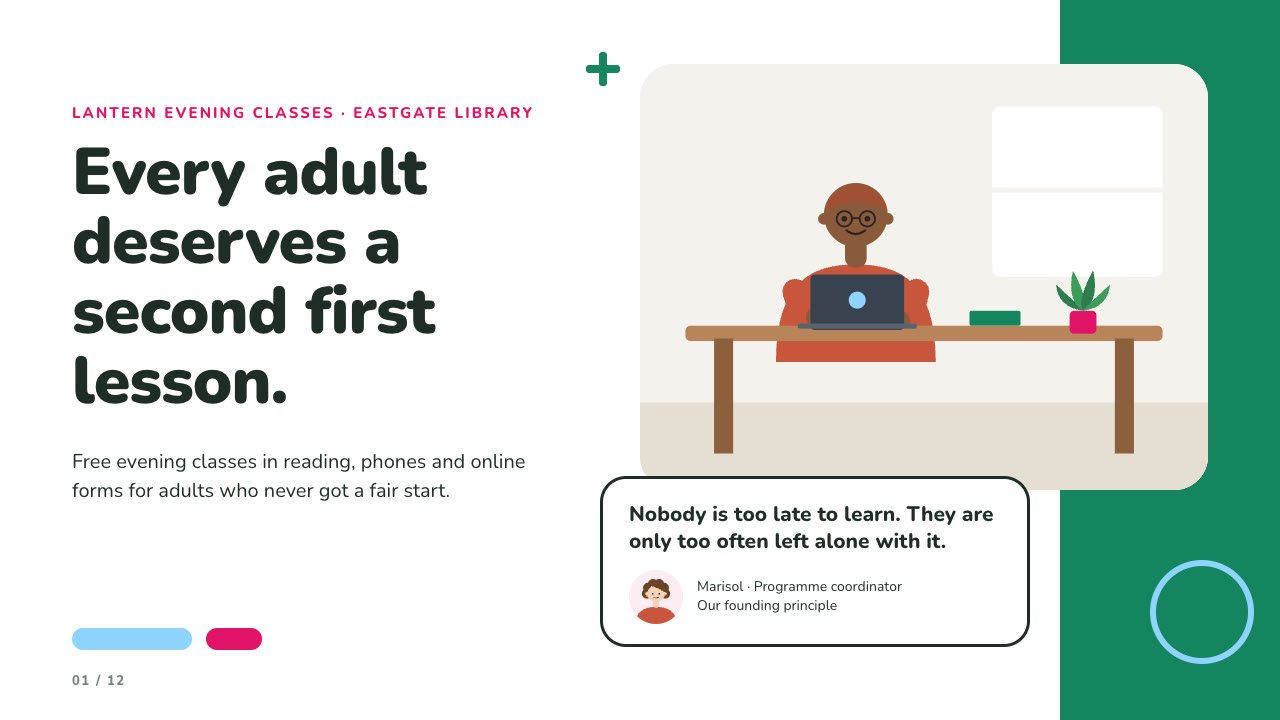
Make bright, friendly decks for learning programmes such as evening schools, cohorts, courses, residencies and onboarding: heavy rounded headings, round portraits on offset colour discs, rounded picture windows, colour-block splits, capsules, rings and plus marks.
Ví dụ · 2
Bạn nhận được gì
Bring the programme, the audience, the facts and numbers to use exactly and the page count; photos optional. The Skill returns one offline HTML deck that edits in the browser and exports editable PowerPoint.
Cách hoạt động
- 01
Shape the programme story
Bright Cohort Slides collects the programme, who it serves, who the deck is for, real dates, places, people and sourced numbers, the slide count and the languages. The Agent follows the arc invitation, people, how it works, where, what it achieves and what to do next, choosing from 16 layouts, and stops to ask when a number has no source or consent is unclear.
- 02
Draw art and compose
Bright Cohort Slides runs from the Skill folder with the Python 3 standard library only. python3 scripts/draw-art.py batch --ledger work/art-ledger.json draws every ledger entry as a flat SVG of people or learning places. kit.py compose builds work/deck.json, and python3 scripts/palette.py work/deck.json --palette fern applies one of fern, plum or tangerine.
- 03
Build and check every page
make-deck.py writes work/deck.html and verify-deck.py checks it against --pages N. The Agent opens the HTML over local HTTP and checks heading breaks, faces inside round frames, bar labels, table rows, page numbers and text contrast on colour blocks. verify-pptx.py then checks the exported .pptx, which is reopened and inspected slide by slide before sending.
Câu hỏi thường gặp
What kind of decks does Bright Cohort Slides make?
Bright Cohort Slides makes bright, friendly decks for learning programmes, cohorts, courses, residencies and evening schools. Pages use heavy rounded headings, round portraits with offset colour discs, rounded picture windows, colour-block splits, capsules, rings and plus marks. Typical uses are funding requests, welcome briefings, open days, course launches and staff onboarding.
Where do the Bright Cohort Slides pictures come from?
Bright Cohort Slides prefers your own photos when you hold the rights. Otherwise draw-art.py draws flat SVG illustrations of portraits that face left or right, desks, shelves, boards, notebooks and groups. Each picture is used once, per an art ledger entry. The same shelf composition can appear in different decks.
Does Bright Cohort Slides call an image model?
No. Bright Cohort Slides draws every picture with the bundled draw-art.py using only the Python standard library, and calls no model or image service, so a build is not billed. The PowerPoint writer inside the engine is PptxGenJS with JSZip and pako, all bundled in the file.
Is the Bright Cohort Slides PowerPoint editable?
Yes. Bright Cohort Slides exports headings, captions, capsules, cards, bars and timetables as native PowerPoint text, shapes and tables with speaker notes, and each portrait as its own picture, with no full-slide images. The example decks hold 94 and 62 text boxes. Print/PDF gives one page per slide.
Which font does Bright Cohort Slides use?
Bright Cohort Slides uses Nunito for headings and text under the SIL Open Font License 1.1. Install references/fonts/Nunito-wght.ttf on any machine that shows the deck in PowerPoint, or line breaks can change. LibreOffice draws the Nunito Black headings as Bold. CJK text uses system fonts with looser leading.
What are the limits of Bright Cohort Slides?
Bright Cohort Slides keeps text within each layout's word budget, so dense pages need trimming. Outcomes appear as simple bars rather than complex charts. In PowerPoint a long attribution line under the quote card can wrap one character earlier than in the browser, as seen with Chinese text. CJK headings need about 7 characters per h1 line.
Thêm Skills
Tất cả Skills Education →
Science MV
Explain science through visible causes, transformations and results.

Loop Story
Explain a cycle: build each stage, close the loop, then reveal the takeaway.

Flux Rotor: Cobalt Drive
Inspect an original motor with real winding groups, alternating magnet sectors and a keyed shaft. Balanced phase currents drive prescribed synchronous rotation, material colors and spatial harmonic markers. Open the actual cutaway and separate six components offline. This display does not solve torque, efficiency or magnetic finite elements.

Voxel Paddock: Mint Apex
Inspect an original open-wheel vehicle built from procedural cubes. Spin actual wheels on a stationary display, turn nominal geometric steering and separate twelve component groups. Edit bounded dimensions, voxel density and three palettes offline. This is not a driving or aerodynamics simulation.

River Era: Valley Years
Scrub an authored river settlement timeline from camp and farms to town, workshops and speculative towers. Actual seeded geometry changes reversibly; boats and vehicles follow the same river and bank equations. This is an illustrative sequence rather than predictive history.

3D Mechanical Watch Explorer
Inspect a kinematic mechanical watch with actual meshed tooth ratios, 54 components, axial explosion, material cutaway and bilingual mouse/touch controls. One offline HTML with optional synthesized tones.