
Photo to Resin Garage Kit
- Lab Skill
- v0.1.0
- Illustration
Your photo of a person, pet, plush toy or drawn character becomes a macro studio shot of an unpainted resin figure of that subject on a hobby cutting mat.
Ví dụ
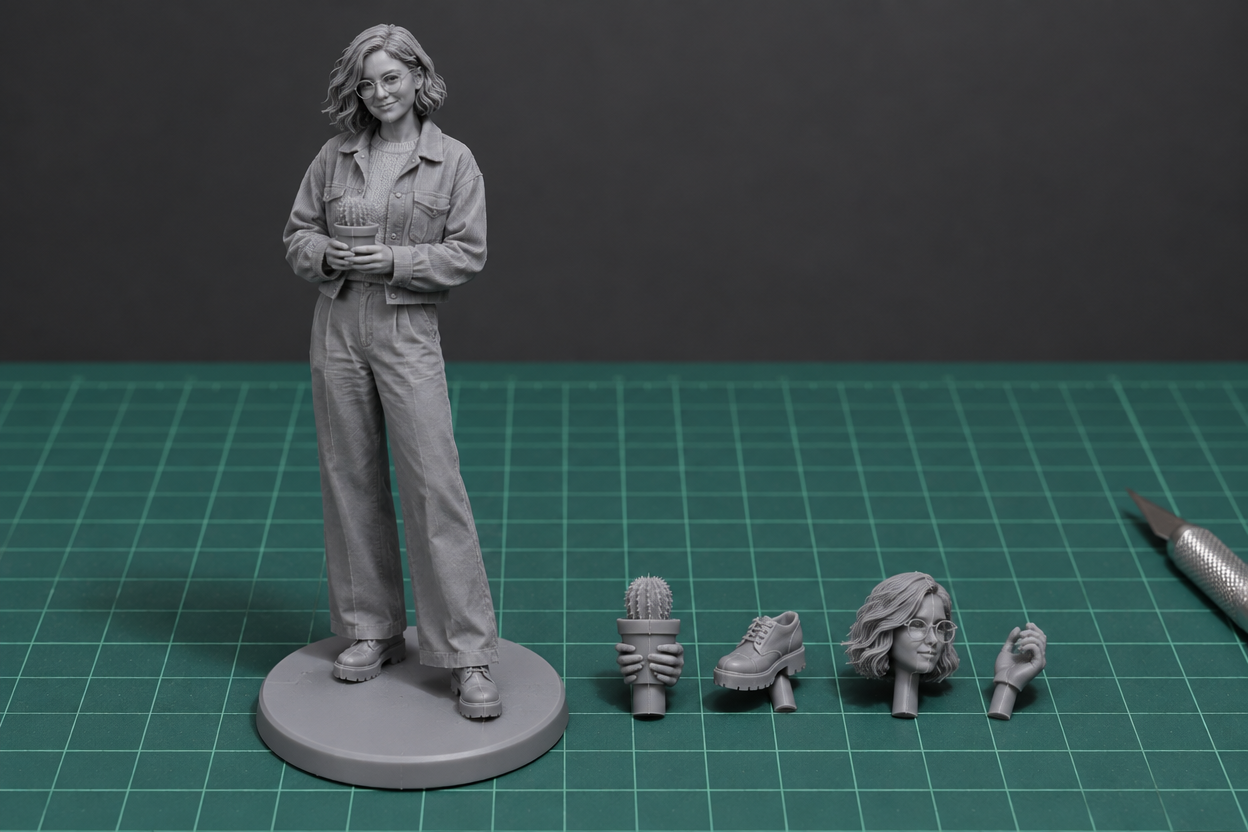
Photo to Resin Garage Kit
Chạy trực tuyến
Chạy trong sandbox của SandBase và xem kết quả trong Lab.
Mở trong Lab ↗Bạn nhận được gì
Bring one photo you may use plus consent; optionally pick grey, ivory or clear resin and a round plinth or a scenic base. The Skill returns one landscape 3:2 PNG of the assembled figure in a single resin, four loose spare parts with pour stubs beside it and no lettering.
Cách hoạt động
- 01
Pick a photo, a resin and a base
Photo to Resin Garage Kit works on one photo of a single person, pet, plush toy or drawn character that is yours to use, with the head and most of the body in view. The brief gives the photo path, sets consent to accepted, and may choose the resin (grey, ivory or clear) and the base (a plain round plinth or a scenic patch of rocks, roots or cobbles).
- 02
Let the Skill check the file, then run one edit
Nothing leaves your machine until the file passes local checks: PNG or JPEG by content, 8 MB at most, a short side of 512 pixels or more and an upright orientation. Location metadata is removed. The plan command writes the prompt offline; run uploads the cleaned photo to your SandBase storage and makes one 3:2 call to openai/gpt-image-2.5-flare/edit.
- 03
Check the figure before you share it
The report lists the pixel size, the run ID and the settled cost, and marks the image for human review. Open the PNG at full size: the figure should keep the hairstyle or fur, pose, clothing and anything held, every piece should be the chosen resin with no paint, four spare parts should lie beside it and there should be no letters or numbers.
Câu hỏi thường gặp
What does Photo to Resin Garage Kit produce?
It produces one landscape 3:2 PNG, 1248 × 832 pixels in the samples. The picture looks like a macro photograph of a hobby workbench: an unpainted resin figure of your subject stands assembled on its base on a dark green cutting mat, four loose spare parts of the same figure lie in a row beside it, and a craft knife rests at the edge. Each run also writes report.json plus an English and a Chinese HTML report.
Will the figure keep the colours of my photo?
No. The whole kit is cast in one resin, the base included, and nothing is painted. Grey gives an even matte mid-grey, ivory a warm off-white with a satin sheen, and clear a colourless see-through resin. Clothing, eyes and hair are told apart only by their sculpted form and shadows. In the clear sample the figure read as frosted rather than glass-clear, so fine facial detail shows less than in grey.
How close is the likeness?
The prompt asks the model to carry over the head shape, the hairstyle or fur outline, the pose, the clothing cut and anything held in the hands. In the samples a woman kept her wavy bob, jacket, wide trousers and the cactus she held, and a terrier kept its one raised ear, scarf and tennis ball. Small details such as fingers or thin glasses frames can be simplified, so review the picture before you share it.
Is this a real kit or a printable 3D file?
No. The result is an imagined product photograph made by an image model, not a 3D model, a print file or something you can order. The Skill sells and ships nothing. Use the picture for a social post, a gift idea, a mood board or a reference while sculpting, and treat the spare parts and the base as part of the scene rather than as a parts list.
Whose photos can I use with Photo to Resin Garage Kit?
Use a photo of yourself, of your own pet or toy, of a character you drew, or of a person who agreed to it. Consent must be set to accepted before anything runs. Branded or licensed characters whose design is the point, identity documents and photos taken without permission are out of scope. The prompt also rules out any other recognisable person, logos, packaging and lettering.
How is a Photo to Resin Garage Kit run paid for?
A run sends exactly one image edit request to openai/gpt-image-2.5-flare/edit, and SandBase bills it to the organization that owns your key. Before that request, plan shows a preflight estimate; if the estimate exceeds the --budget value, run stops and nothing is charged. After the edit finishes, the settled cost is written into report.json and both HTML reports. Current model rates are on sandbase.ai/pricing.
What happens to my photo in Photo to Resin Garage Kit?
Location and other metadata are stripped locally without re-encoding the picture, and only then is the photo sent. Local runs place the cleaned copy in your SandBase account storage so the edit model can read it; how long it stays there follows SandBase platform rules. Hosted runs on Lab pass the model a signed link valid for 15 minutes and delete the uploaded photo once the run ends.
Thêm Skills
Tất cả Skills Illustration →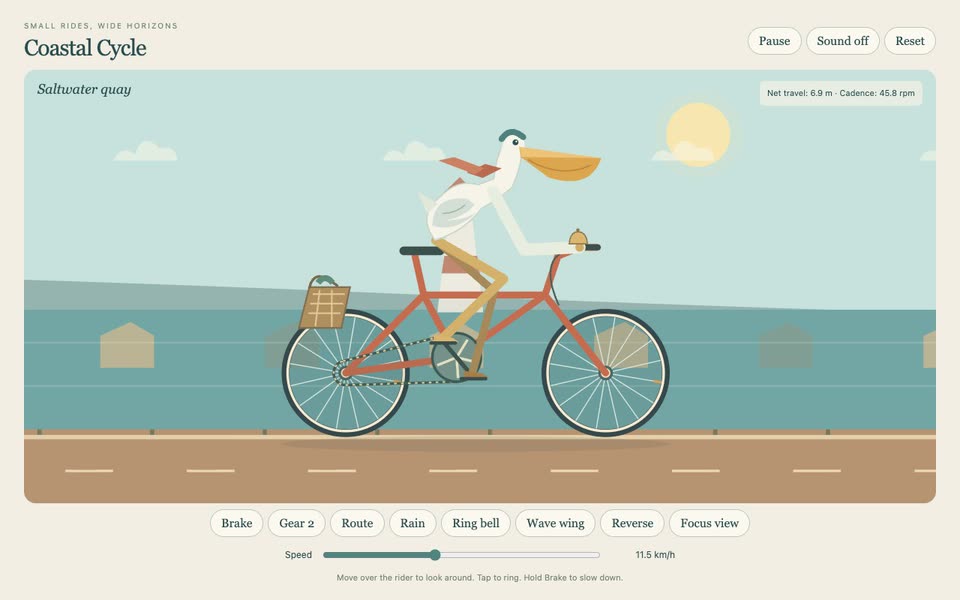
Coastal Cycle: Harbor Pelican
An authored SVG pelican rides a coral bicycle beside the sea. Measured travel drives the wheels, gear ratio drives the crank, and solved joints keep both feet on their actual pedals. Brake, reverse and explore three coastal palettes offline.
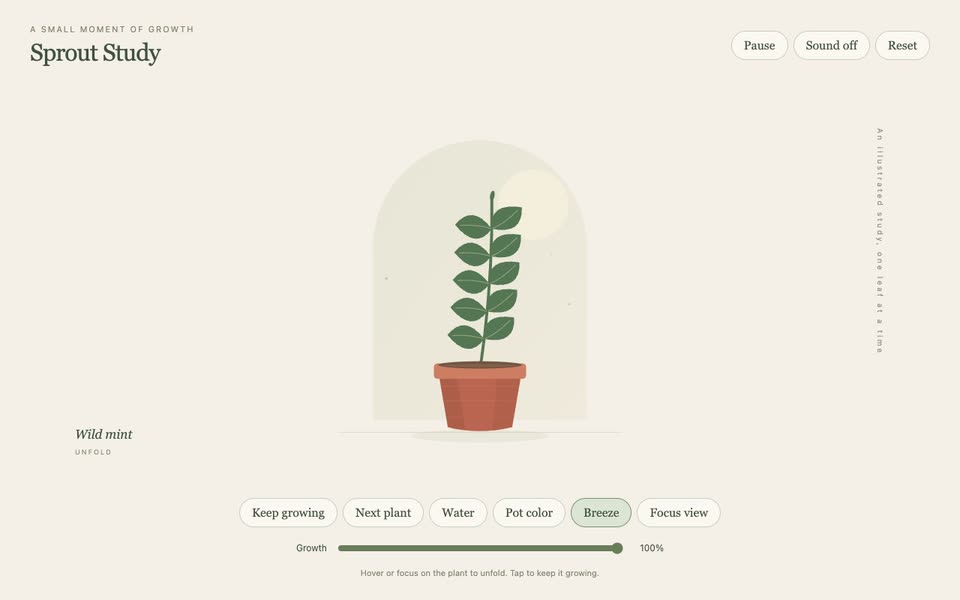
Sprout Study: Terracotta Mint
A quiet SVG botanical illustration. Hover or focus to grow the continuous stem, unfold leaves in sequence and fold them again. Touch hold, exact growth scrubbing and editable plants in one offline HTML.
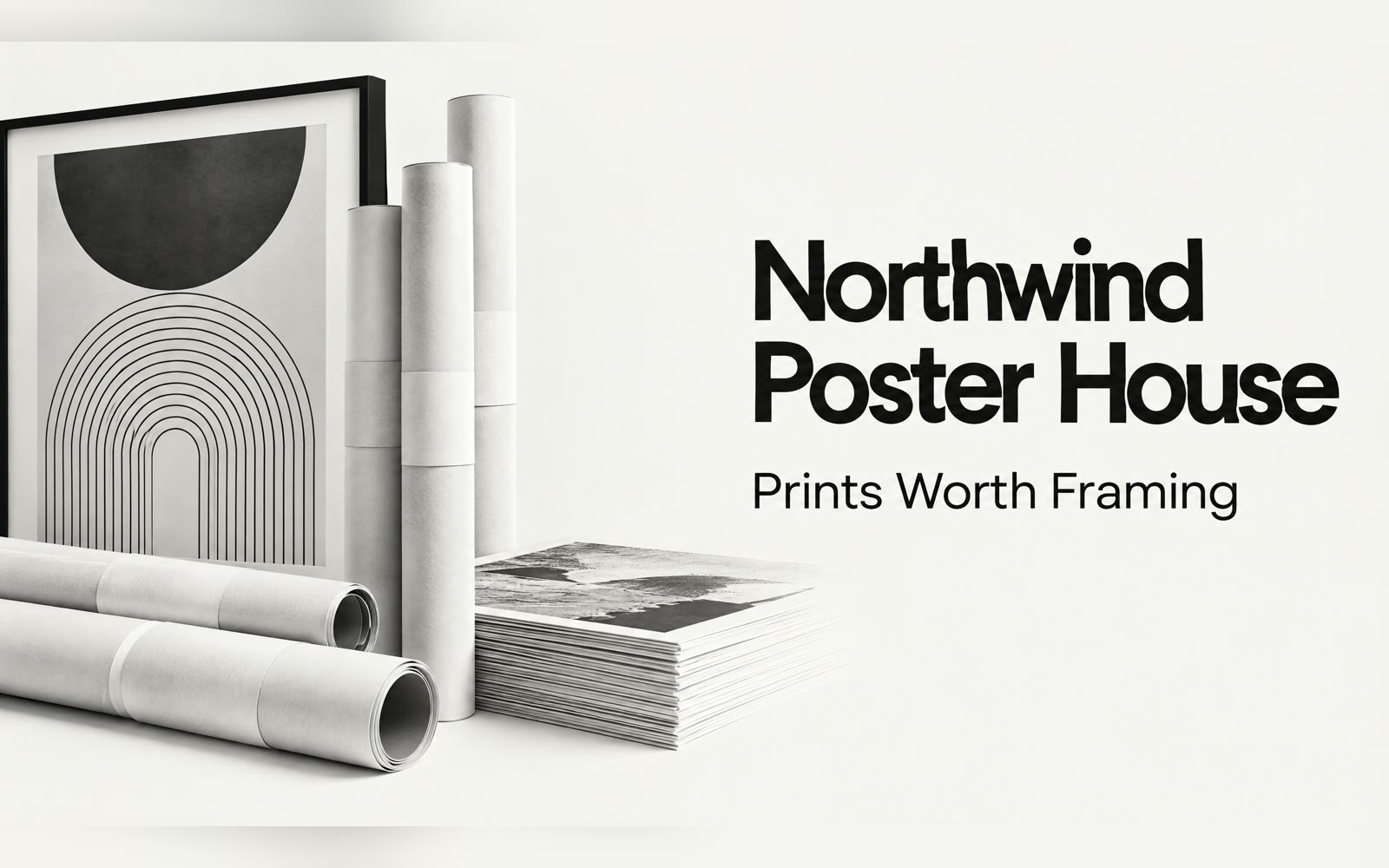
Monochrome editorial
Turn a brand, one headline and context into a high-key monochrome editorial card.
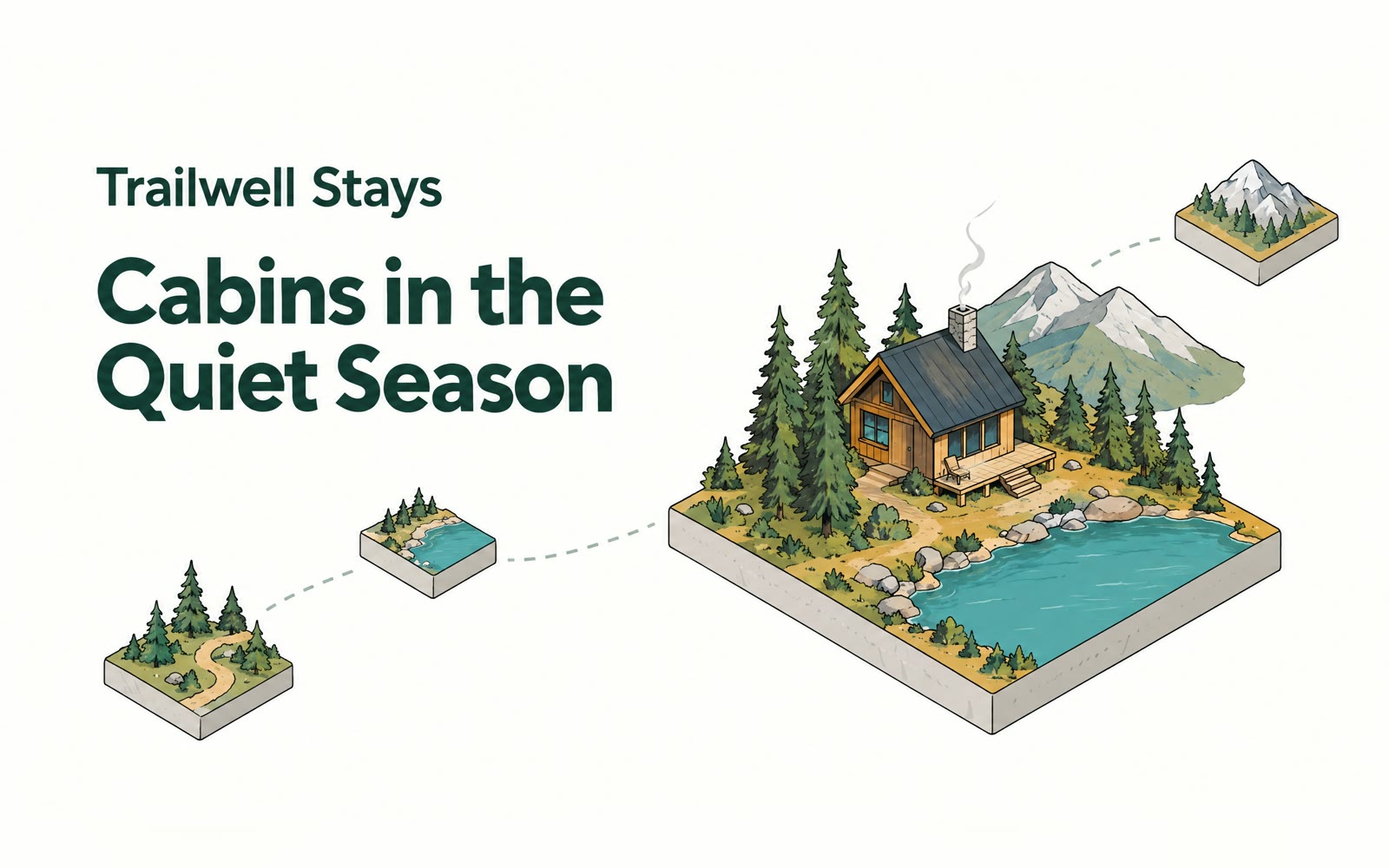
Isometric diorama
Turn a brand, one headline and context into a modular isometric card.

Converging lines
Turn a brand, one headline and context into a precise line-convergence card.

Gradient horizon
Turn a brand, one headline and context into a warm gradient-horizon card.