
Photo to Woodblock Print
- Lab Skill
- v0.1.0
- Illustration
Your photo of a street, café or commute becomes a colour woodblock print from an earlier age, with the same people and layout and every modern object swapped for its period equivalent.
Ví dụ
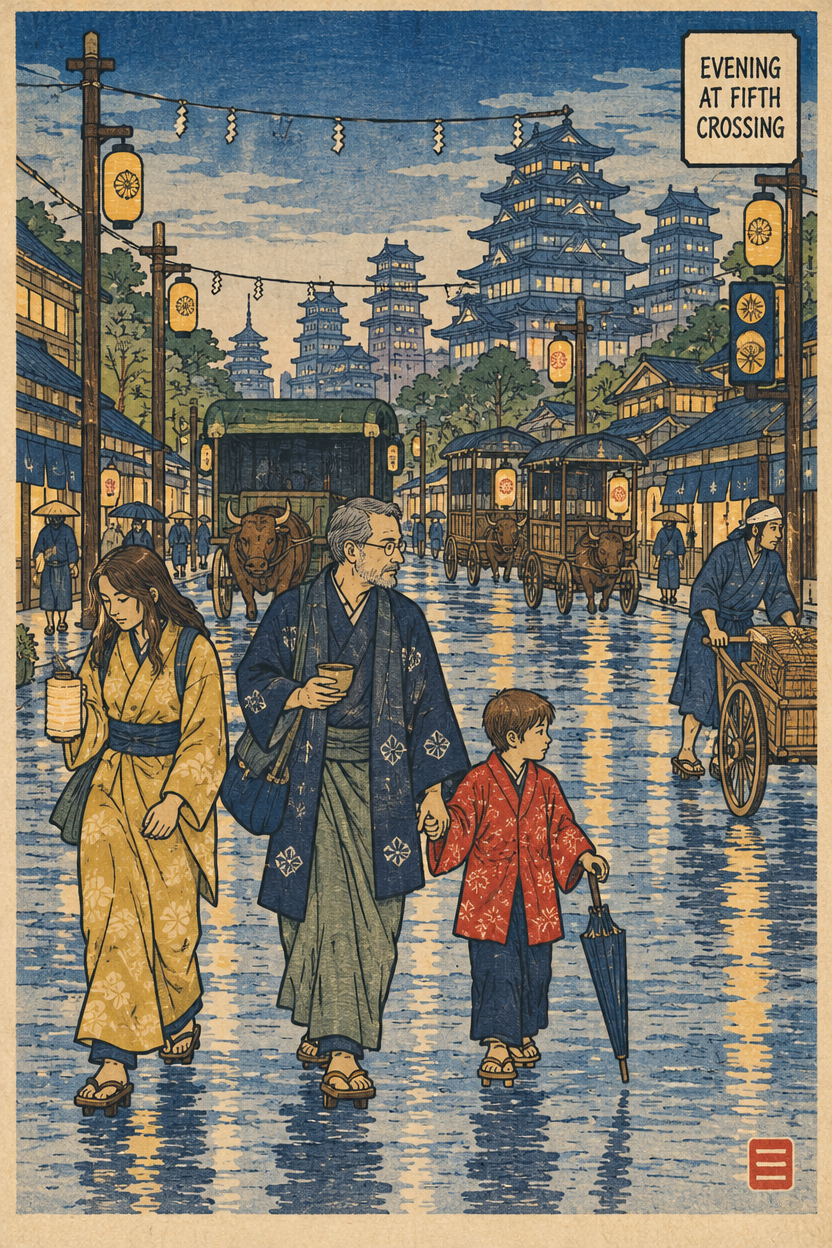
Photo to Woodblock Print
Chạy trực tuyến
Chạy trong sandbox của SandBase và xem kết quả trong Lab.
Mở trong Lab ↗Bạn nhận được gì
Bring one photo you may use plus consent; optionally a short title for the cartouche and a sky of as-photo, snow, rain or night. The Skill returns one portrait 2:3 PNG cut as a woodblock print in five flat inks with a black key line, wood grain and a blank seal.
Cách hoạt động
- 01
Pick a photo, a title and a sky
Photo to Woodblock Print works best on a busy photo of a street, station, café or room with people, vehicles and lights to translate. The brief names the photo, sets consent to accepted, and may add a short title for the cartouche and a sky: as-photo keeps the weather, while snow, rain and night redraw it as patterned weather or a moonlit indigo sky.
- 02
Let the Skill check the file, then run one edit
Nothing leaves your machine until the photo passes local checks: PNG or JPEG by content, 8 MB at most, a short side of at least 512 pixels and an upright orientation. Location metadata is removed. The plan command writes the prompt offline; run uploads the cleaned photo to your SandBase storage and makes one portrait 2:3 call to openai/gpt-image-2.5-flare/edit.
- 03
Check the print before you share it
The report lists the pixel size, the run ID and the settled cost, and marks the image for human review. Open the PNG at full size: everyone from the photo should still be there and recognisable, modern objects should have period stand-ins, the title should be spelled exactly, and the seal, signs and curtains should carry no other writing. Small objects may stay modern or be merged.
Câu hỏi thường gặp
What does Photo to Woodblock Print produce?
Photo to Woodblock Print produces one portrait 2:3 PNG, 832 × 1248 pixels in the samples. It shows the scene from your photo from the same viewpoint, cut as a colour woodblock print on cream paper: a black carved outline, five flat inks, a graded sky, visible wood grain and a small vermilion seal with no characters. Each run also writes report.json plus an English and a Chinese HTML report.
Which modern things get replaced, and with what?
The prompt lists the common cases. Phones become folded letters or small hand lanterns, buses and cars become ox wagons or carts, trams become chains of wooden carriages, towers become watchtowers and castle keeps, street lamps become paper lanterns and umbrellas become oiled-paper parasols. Anything else should turn into a wooden, paper, cloth or stone object doing the same job. In the samples a laptop and a bicycle stayed recognisably modern, so check small objects.
Will the people in my photo still look like themselves?
The edit asks the model to keep each person's face shape, hair, beard, glasses, age, build and gesture, and to add or drop nobody. In the samples a grey-haired man in round glasses, a young woman and a child kept their places, poses and features, now in period robes. Likeness is best effort, not guaranteed, so only use a photo where everyone shown has agreed to be edited and recognised.
How does the title work, and can I leave it out?
A title of up to 28 characters, or 10 Chinese characters, is written exactly once in a slim ivory cartouche near the upper right. Latin titles come back as upright brush capitals and Chinese titles as one vertical column. The model is asked to copy it letter for letter, but check the spelling. Leave the title out and the prompt asks for a print with no lettering at all.
What do the sky settings change?
As-photo keeps the time of day and weather your photo shows. Snow adds falling snow as round white dots and white caps on roofs, rails and hats. Rain draws ruled diagonal lines across the picture, wet indigo ground and open parasols. Night gives a deep indigo sky, a small moon and lit lanterns and windows. The setting steers the picture only and is never written on it.
What happens to my photo, and what does a run cost?
The photo is checked and stripped of metadata on your machine, then uploaded to your own SandBase storage so the model can read it; in Lab it is deleted within an hour of the run. Before any call the Skill compares its preflight estimate with your budget cap and stops if the cap is too low. The settled cost is written into the run report, and current rates are on the SandBase pricing page.
Thêm Skills
Tất cả Skills Illustration →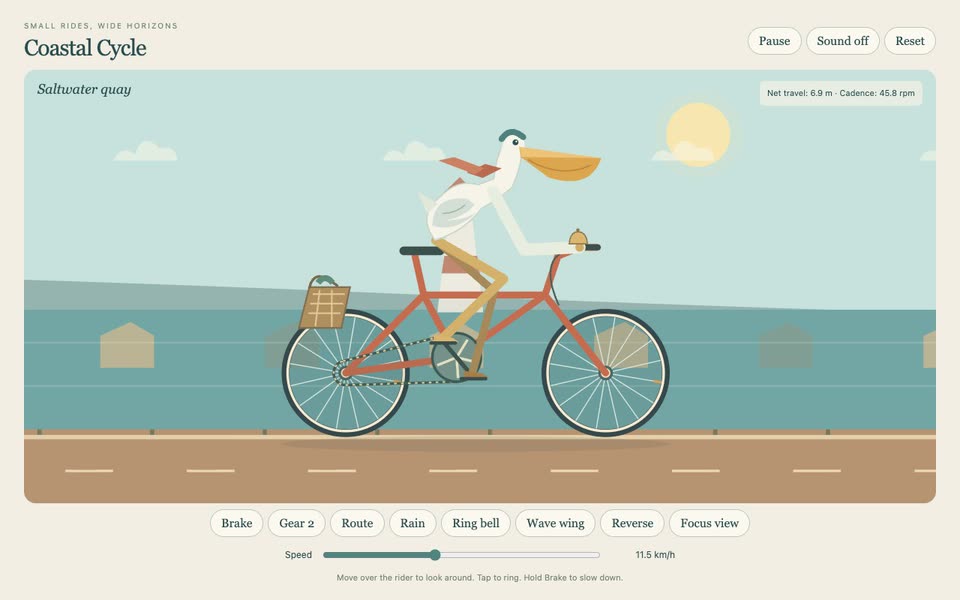
Coastal Cycle: Harbor Pelican
An authored SVG pelican rides a coral bicycle beside the sea. Measured travel drives the wheels, gear ratio drives the crank, and solved joints keep both feet on their actual pedals. Brake, reverse and explore three coastal palettes offline.
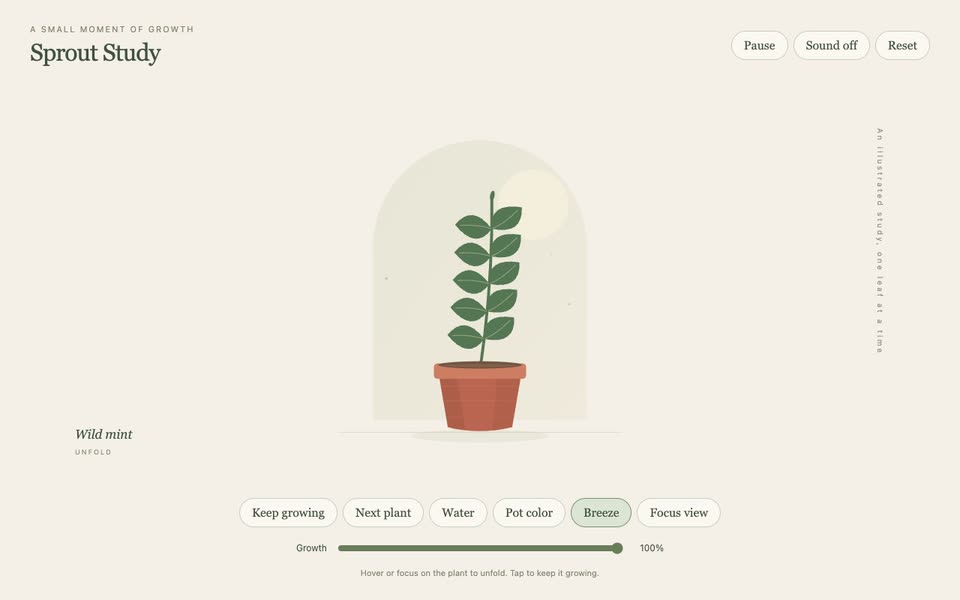
Sprout Study: Terracotta Mint
A quiet SVG botanical illustration. Hover or focus to grow the continuous stem, unfold leaves in sequence and fold them again. Touch hold, exact growth scrubbing and editable plants in one offline HTML.
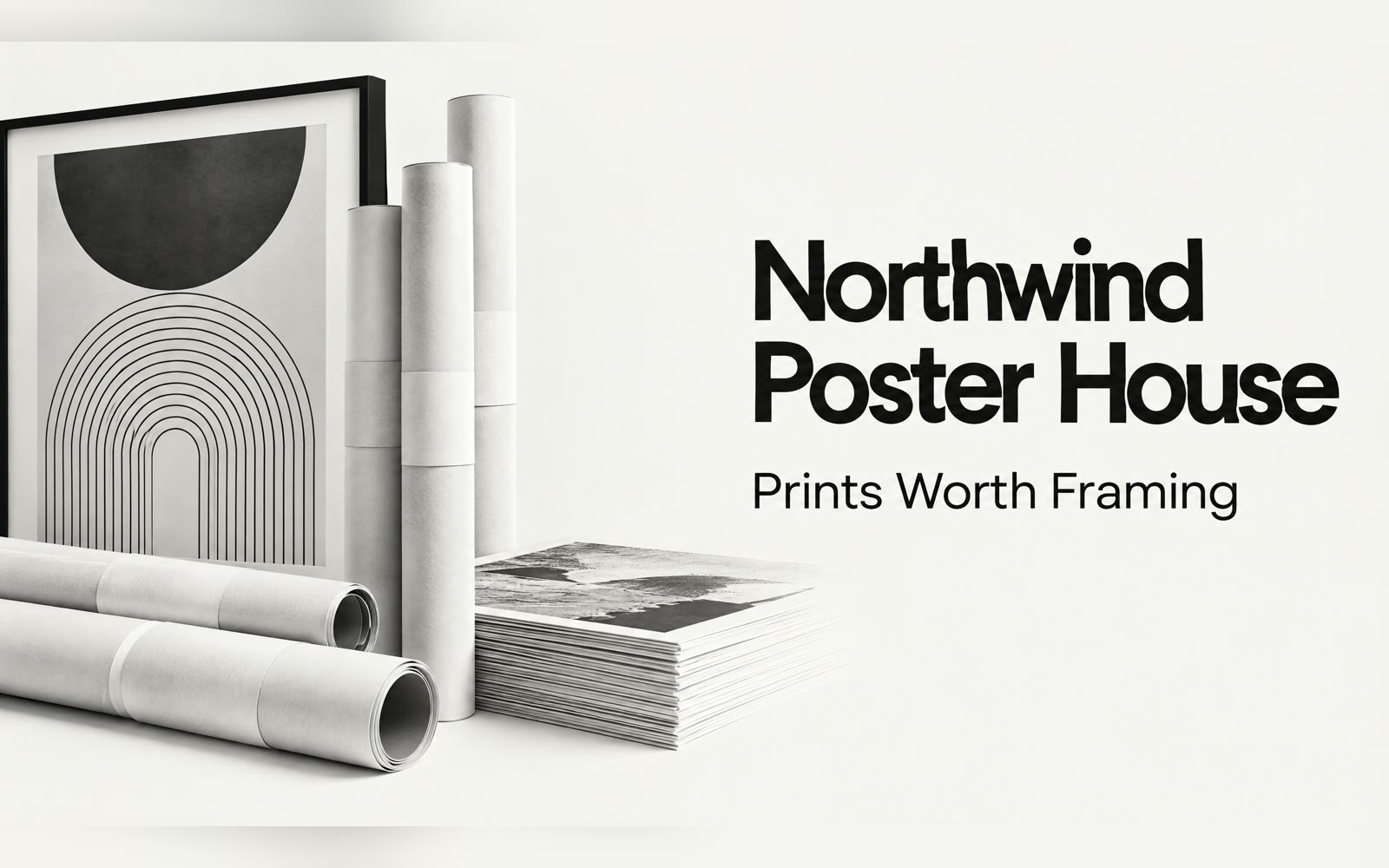
Monochrome editorial
Turn a brand, one headline and context into a high-key monochrome editorial card.
Isometric diorama
Turn a brand, one headline and context into a modular isometric card.

Converging lines
Turn a brand, one headline and context into a precise line-convergence card.

Gradient horizon
Turn a brand, one headline and context into a warm gradient-horizon card.