
Resin Diorama
- Lab Skill
- v0.2.0
- Interactive 3D
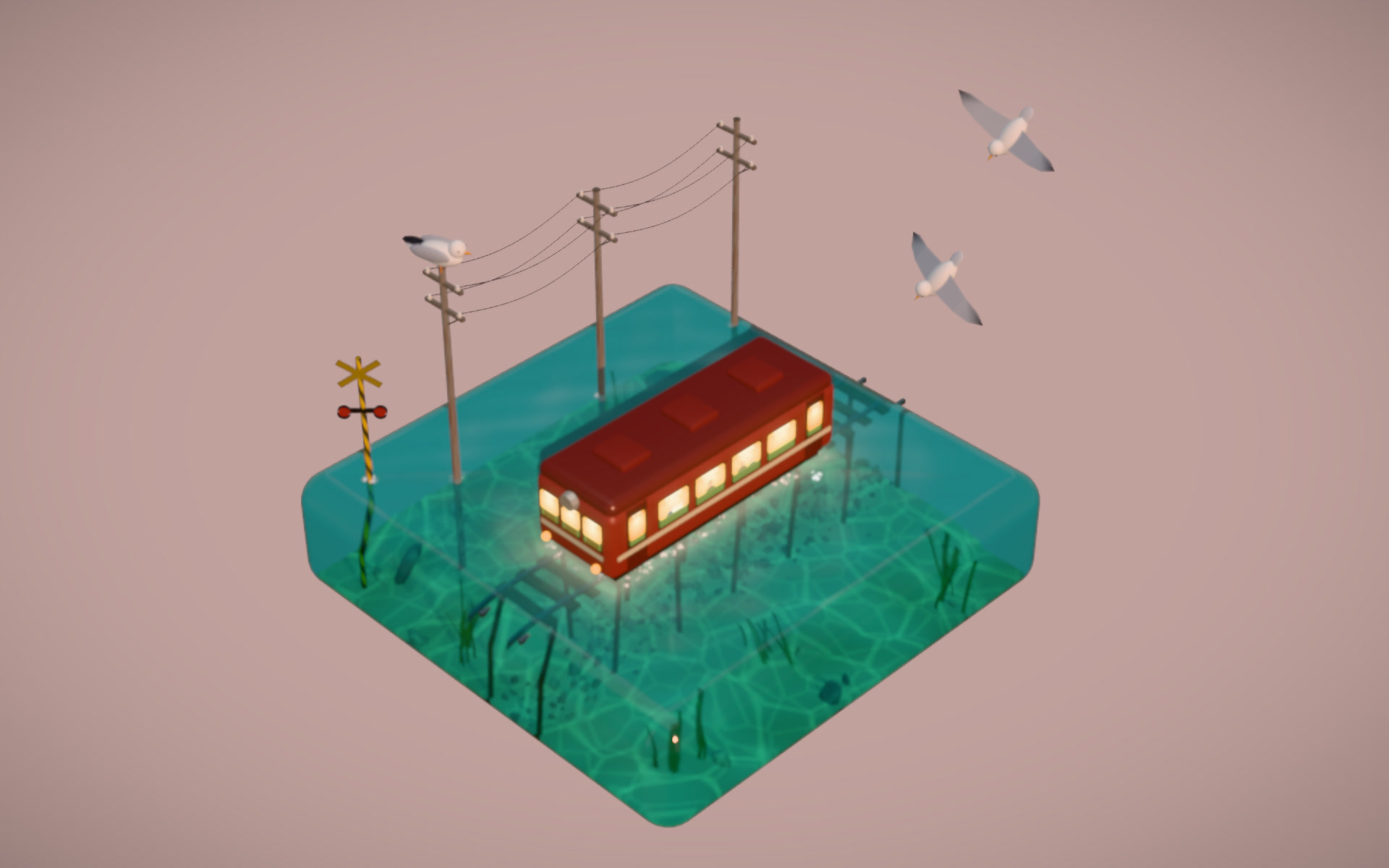
Live 3D resin-block dioramas in your browser: send a little tram across a clear turquoise sea, or ripple the bay of a cliff island. Synthesized sound, and every scene can be tuned.
Ví dụ · 2
Chạy trong khung được sandbox hóa, không có quyền truy cập vào trang này.
Chạy trực tuyến
Chạy trong sandbox của SandBase và xem kết quả trong Lab.
Mở trong Lab ↗Bạn nhận được gì
Bring a theme, a reference image and the elements that must appear. The Skill returns a downloadable Skill (meta prompt, lessons, verification) with two runnable reference scenes.
Cách hoạt động
- 01
Fill theme, subject and must-haves
Resin Diorama needs three slots, theme, subject and mustHave, and accepts optional ones such as referenceImage, interaction, medium, floor, underwater, disturbance, bigMove and background, each up to 2000 characters. Run node scripts/fill-prompt.mjs --slots slots.json --lang en --out prompt.md and give your coding agent the prompt with the reference image. The sea-train.json and resin-island.json files show both shipped scenes.
- 02
Swap the subject into a scene
new-project copies a three.js app with two scenes, src/scenes/sea-train and src/scenes/resin-island, and the agent picks the closer one. Both already have the resin block, clear water, caustics, heightfield ripples, jelly wobble, a procedural environment, synthesized sound and the Tune panel in src/lib/controls.mjs. Everything runs locally after npm ci installs pinned packages; the agent replaces the subject and must-have elements.
- 03
Shoot each scene and hand over
Run npm run shoot -- --file dist-single/index.html --scene all in local Chrome after each round and compare the screenshots with your reference image. The delivered dist-single/index.html is one self-contained page of about 1.7 MB with no network or storage. Its report checks console errors, CSP violations, gull counts, the clipping cap, caustics, the tuning panel, audio state and frame rate per scene.
Câu hỏi thường gặp
What scenes does Resin Diorama ship with?
Resin Diorama ships two scenes in one file. Sea Train sends a little red tram on laps through a turquoise resin block while you hold the mouse or Space, turning the light to dusk, and brakes back when you release. Resin Island, opened with ?scene=resin-island, is a cliff island whose water ripples under a drag and wobbles on a click.
Does Resin Diorama call a model or need a key?
No. Resin Diorama has no keys and nothing in it calls a model or a network service, because your own coding agent edits the reference project locally. The npm ci step fetches pinned packages from the public npm registry, and the finished page plays offline, so running or rebuilding a diorama adds no SandBase charge.
Can I put my own theme in Resin Diorama?
Yes. Resin Diorama takes your theme, subject and must-have elements through the slots, and the agent replaces the subject components inside whichever reference scene is closer. The Tune button then exposes water colours, clarity, caustics, waves, sun, train or tide, jelly stiffness, depth of field, glow, ambient light and the quality mode for fine adjustment.
Does Resin Diorama look photoreal?
No. Resin Diorama is real-time WebGL with a product-photo look, not photoreal parity with a rendered reference image. It also avoids model or texture files, so a scene that depends on them is a poor fit.
How does Resin Diorama handle phones and slow machines?
Resin Diorama starts phones, detected by coarse pointer and small screen, on the low tier, and they are not device-tested. Desktops start on high, and after a 3 second warm-up a sustained low frame rate drops them to low. The Tune panel also lets a visitor force automatic, high or low quality.
What tools does Resin Diorama's verification need?
Resin Diorama's shoot and record scripts need Node 22.4 or newer and a local Chrome, and record also requires ffmpeg. Headless capture records no audio, so the synthesized sound and its mute button are a manual listening check.
Thêm Skills
Tất cả Skills Interactive 3D →
3D Vehicle Worlds
Explore interactive 3D vehicle worlds in your browser, with varied terrain, camera controls and driving effects. Choose a playable example to begin.
3D Firefly Terrariums
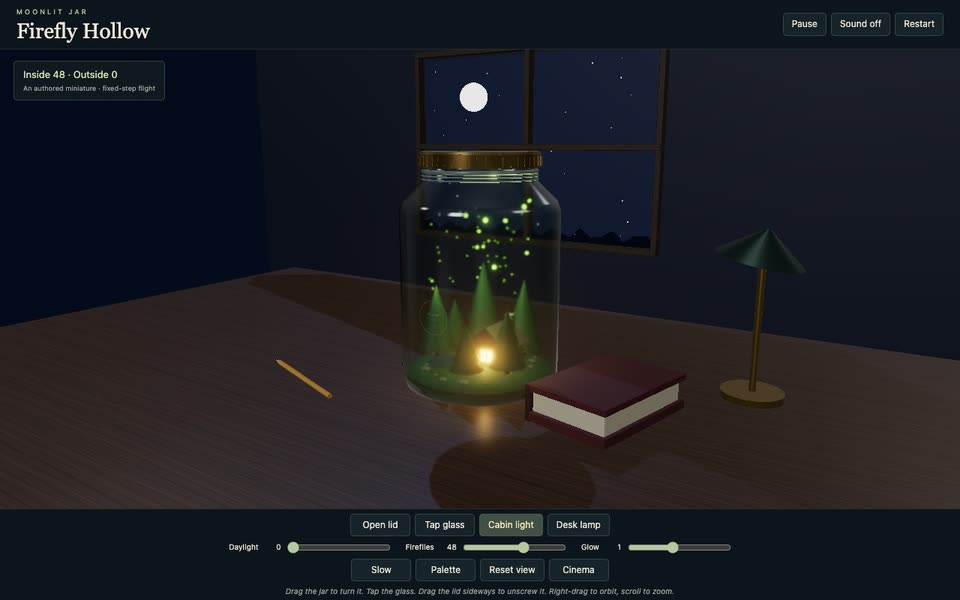
Turn a thick glass miniature, scatter glowing fireflies and open its brass lid. Actual particles leave through the neck and return before it seals. A moonlit cabin, forest and real local lights in one offline HTML.
Jelly Candy: Fruit Bears
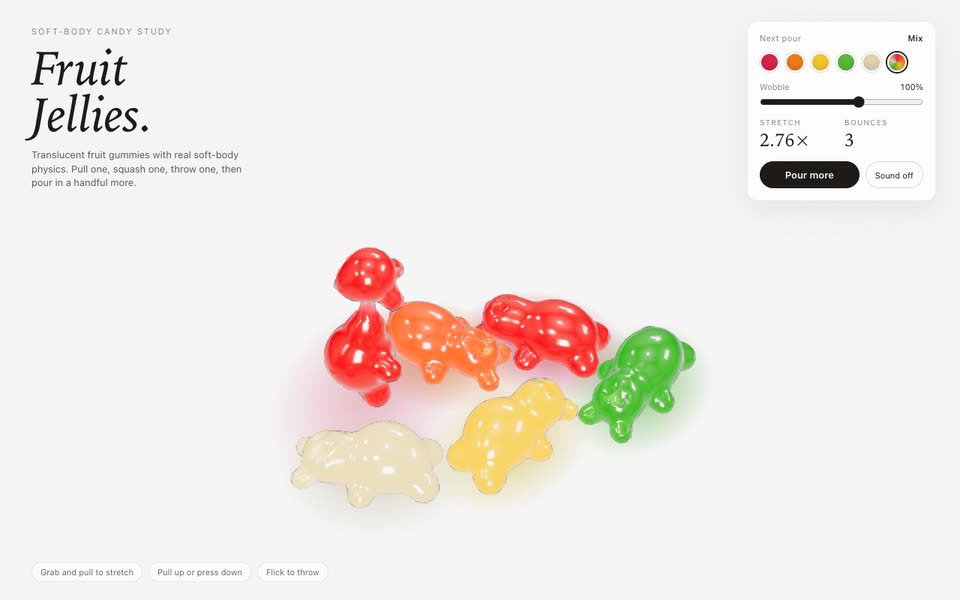
Six translucent fruit gummies on a white table. Grab any part and pull, lift a head until the neck stretches thin, press one flat until it springs back, flick one across the pile or pour in more. Fixed-step soft-body physics and a marching-cubes skin in one offline HTML.
WebGPU Soft-Body Gummy Bears
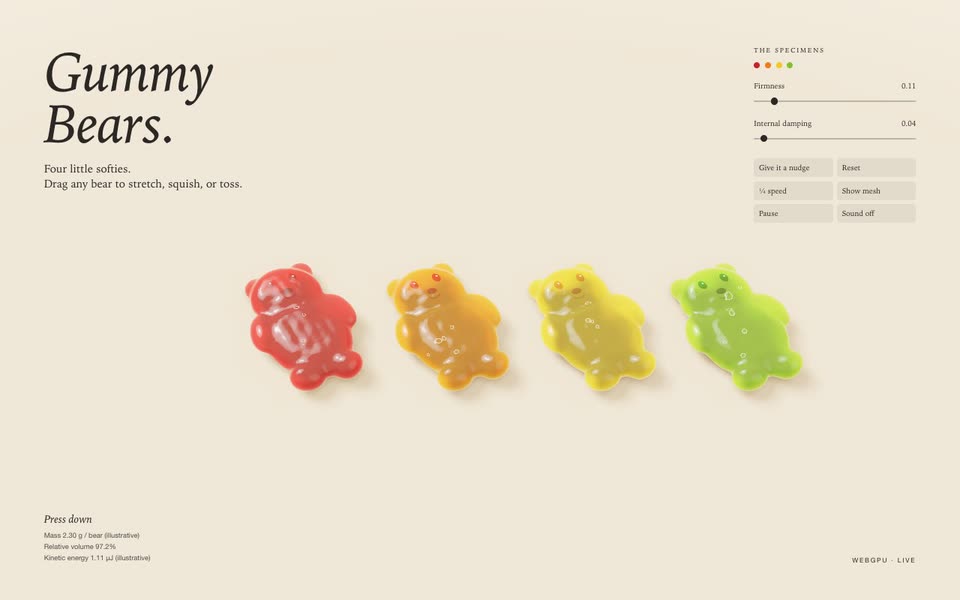
Four translucent gummy bears on an ivory floor, rendered with native WebGPU. A deterministic 36-second choreography stretches, presses, flips and tumbles them before they settle back to the exact rest pose. Drag any bear to stretch, squish or toss it. A fixed-step tetrahedral XPBD solver in one offline HTML.
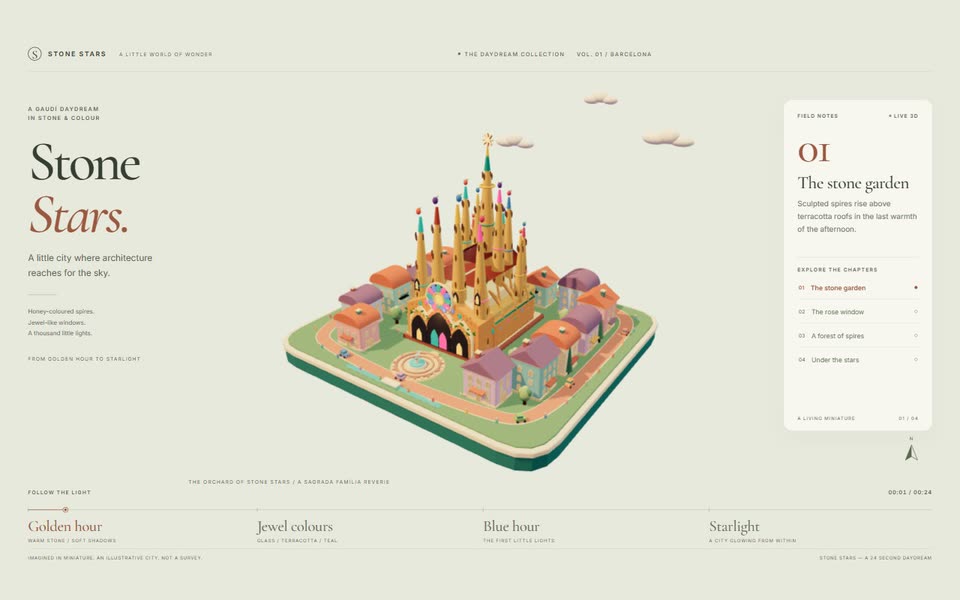
Stone Stars: 3D Miniature Landmark City
Turn a city into a storybook 3D island around one landmark, with chapters, a daylight-to-starlight slider, street life and a matching scored 24-second film. Sample: a Gaudí-style basilica.
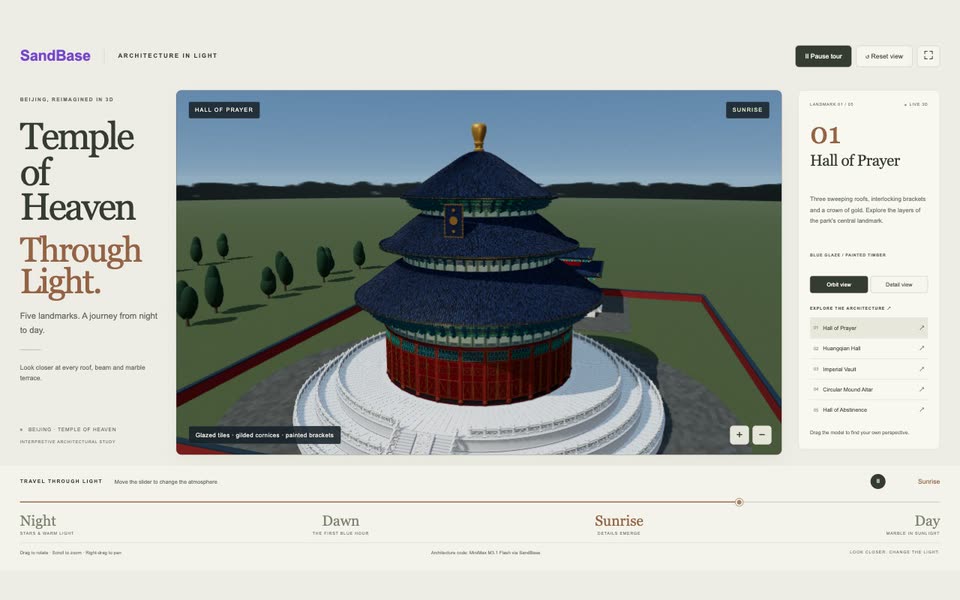
3D Architecture Night-to-Day Explorer
Turn any architectural site into a detailed 3D scene with a night-to-day light slider and a matching 20-second film. Sample: the Temple of Heaven.