
Linktree Destination Audit
- Lab Skill
- v0.1.0
- Linktree
Audit a public Linktree page to understand its destinations and visitor journey.
Ảnh bìa
Bạn nhận được gì
Bring a Linktree URL and the journey you want to review. The Skill returns a destination inventory, identity check and practical navigation recommendations.
Cách hoạt động
- 01
Read the Linktree profile
From a public Linktree URL and the page's intended primary action, the Agent reads the Linktree profile endpoint through SandBase: title, username, description and destination cards, read together to establish which brand the page represents. If the goal is missing, it inventories first and asks you to choose the primary action.
- 02
Inventory and classify cards
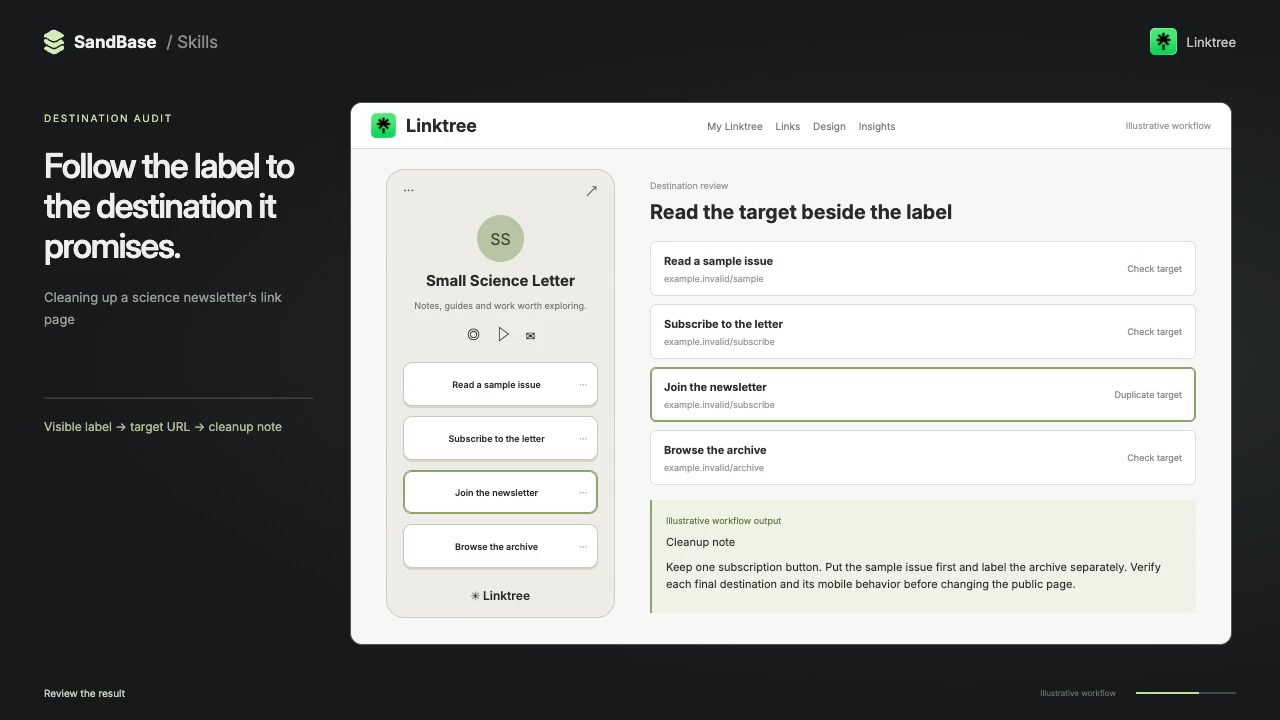
Card order, IDs, labels, types and original destination URLs are preserved, and cards are counted separately from linked social fields, since the same destination can appear in both. Destinations are classified by observable action, such as watch, listen, read, shop or subscribe, with uncertain ones marked for review, and exact duplicates identified.
- 03
Check and propose changes
The audit checks for ambiguous labels, missing text, locked cards and identity mismatches with your brief. It proposes changes that make the path to the primary action clearer. The Linktree data does not show availability, click-through or conversions, so the audit makes no performance claims.
Câu hỏi thường gặp
What does Linktree Destination Audit check?
Linktree Destination Audit checks a public Linktree page: which brand it represents, what each destination card does, which links are duplicates and whether the labels make the path to the page's main action clear. It ends with proposed changes. It reads one page per run.
Does it show which links get clicked?
No. Linktree Destination Audit reads the one public profile endpoint available, which does not report availability, click-through or conversions. The audit judges clarity and structure, and makes no claims about performance. Use Linktree's own analytics, if you own the page, to see clicks alongside the audit.
Is the profile read billed?
Linktree Destination Audit makes one SandBase call to the Linktree profile endpoint, which covers the whole page, and that call is billed to your SandBase account. The Agent discovers and inspects the tool before running it, so you see the price first; see https://www.sandbase.ai/pricing for rates.
Why count cards and social links separately?
Linktree Destination Audit counts them separately because the same destination can appear as a card and as a linked social icon. Merging them would hide duplicates or inflate the count of distinct destinations. Duplicates are listed for review. Duplicates are listed for review.
What if I don't know the page's main goal?
Linktree Destination Audit inventories the page first and then asks you to choose the primary action, such as subscribe or shop. Recommendations depend on that choice, so it does not guess one for you. The inventory is useful either way.
Thêm Skills
Tất cả Skills Linktree →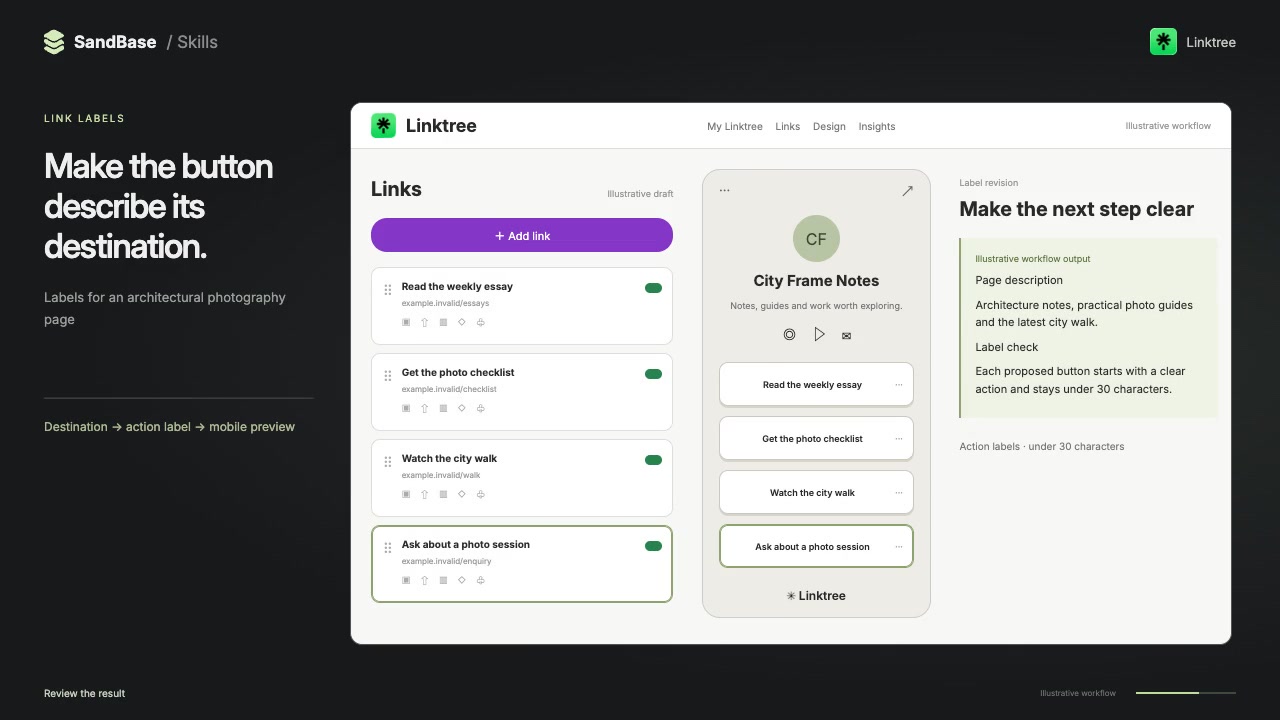
Linktree Link Labels
Rewrite a link-in-bio page so every button says what the visitor will do, and the link that matters now sits first.
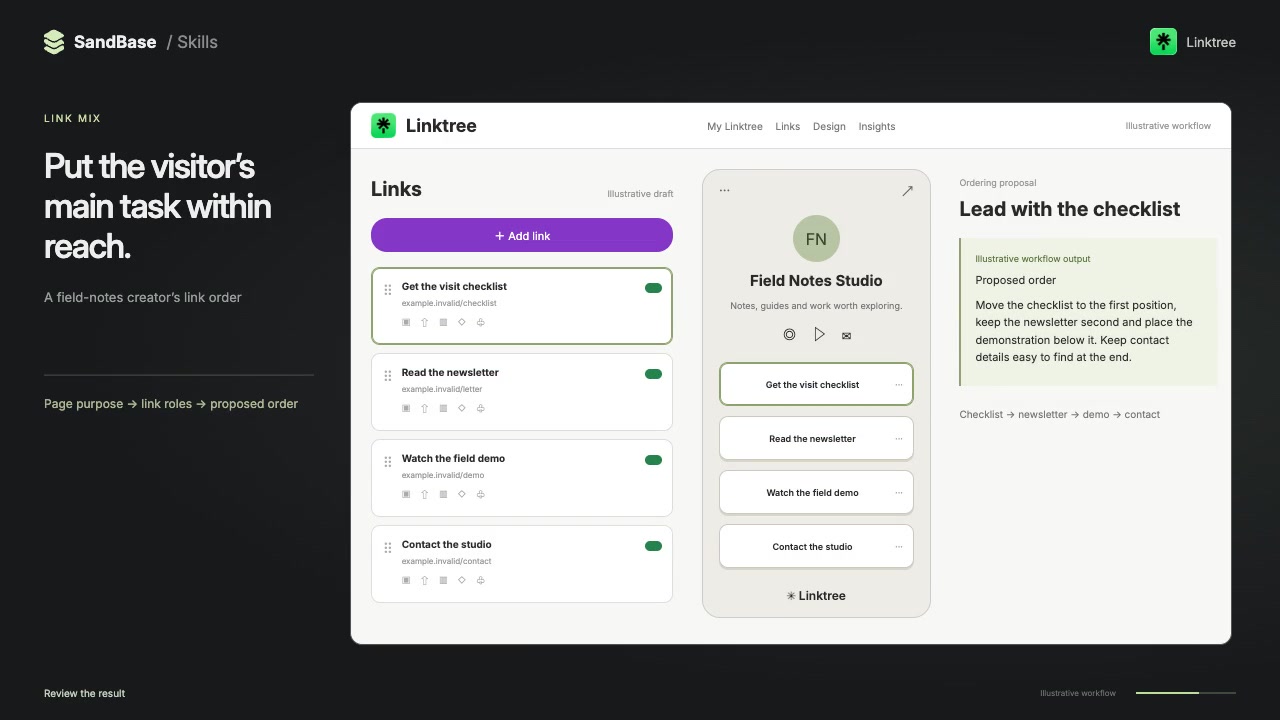
Linktree Link Mix
See what a link-in-bio page asks visitors to do, what it puts first, and how to reorder it.
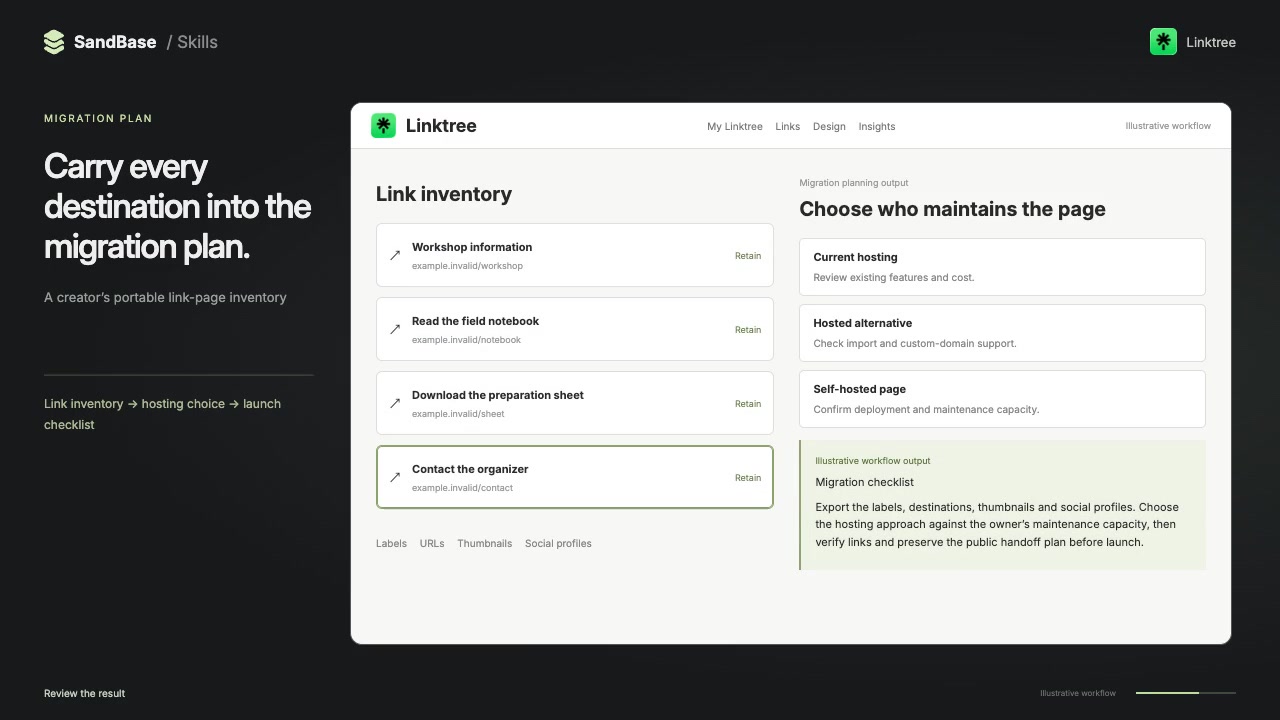
Linktree Migration Plan
Decide whether to leave Linktree and see exactly what moving involves — every link accounted for, three paths compared, a go-live checklist.
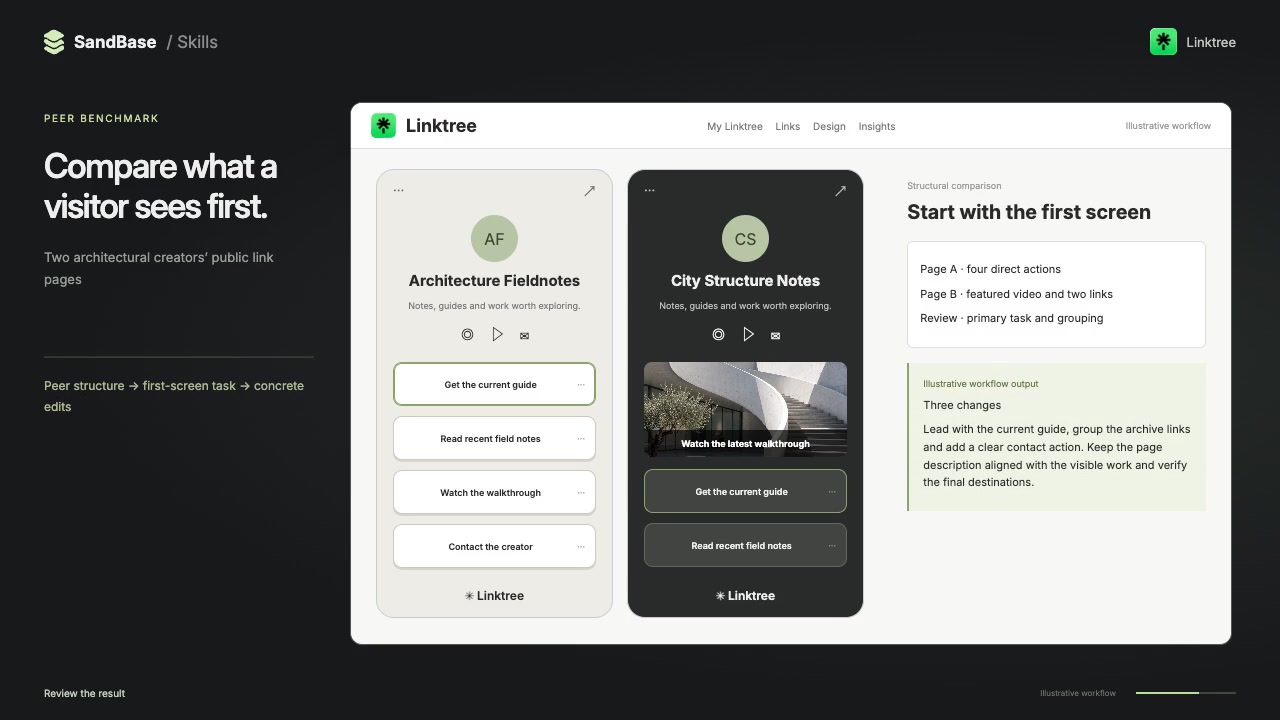
Linktree Peer Benchmark
See how your link-in-bio page's structure stacks up against comparable pages — sections, embeds, social profiles, first-screen choices — without guessing.