
Cursor Workflow Film
- Lab Skill
- v0.2.3
- Product marketing
Show a product workflow through accurately targeted pointer actions, visible response states and readable results.
Ví dụ · 2
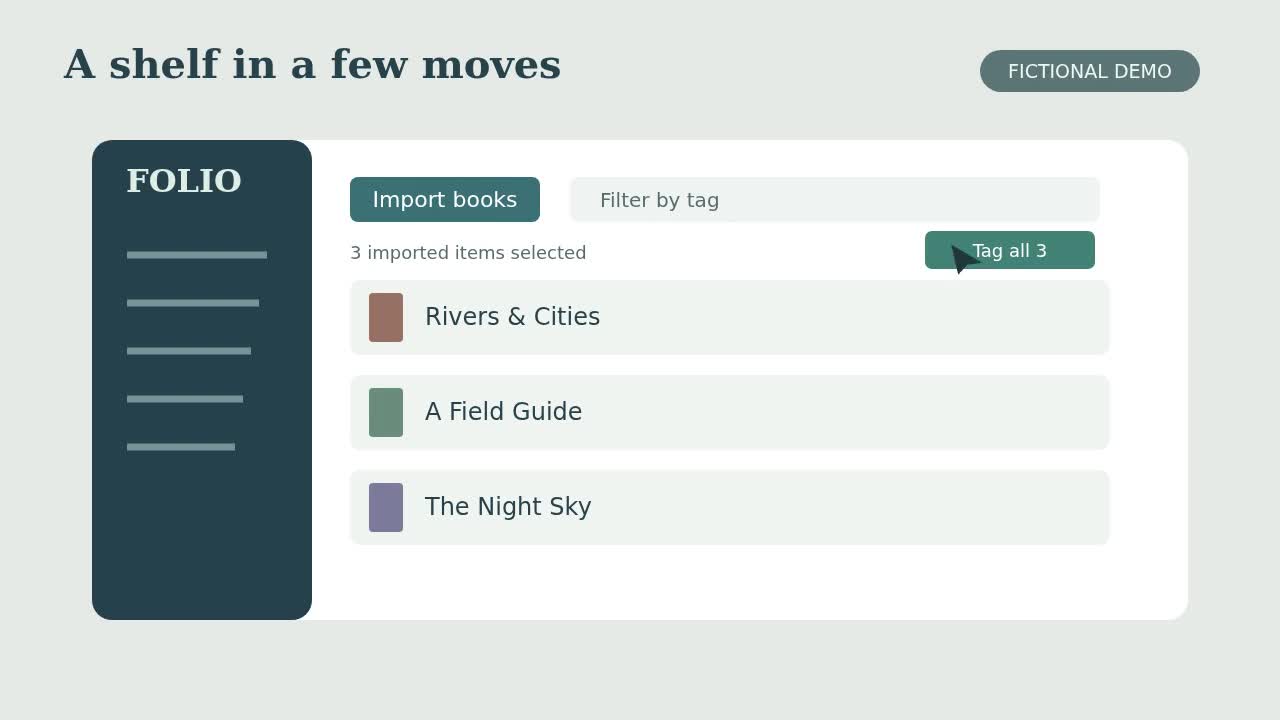
Chạy trực tuyến
Chạy ví dụ của Cursor Workflow Film trong SandBase sandbox và xem kết quả ngay tại đây.
Cách hoạt động
- 01
Gather the brief and captures
Your Agent collects the subject, the action to show, authorized assets, the aspect ratio, duration and audio needs, using evidence for real products and labelling fictional demonstrations. It records the actual initial screen, input event, waiting state and result, and uses captures as dimensional references. references/briefs.md gives two distinct starting cases.
- 02
Install the renderer and author scenes
With Node.js 22 or newer, Git, Chrome or Chromium, FFmpeg and ffprobe, node scripts/runtime.mjs install TOOL_DIR checks out a fixed, verified renderer revision, with no credentials or paid model calls. The Agent then writes new HTML and GSAP scenes for each brief, keeping pointer, target and controls in one coordinate system. It builds the hardest transition first.
- 03
Render and review
Run the production checks, a render with one worker and qa through runtime.mjs run. Inspect encoded frames at the beginning, each handoff and the end, and play the whole film at normal speed. Pointer contact must land within the control, each result must follow its action, and compressed waiting must not imply fake speed. Record render, playback and acceptance separately.
Câu hỏi thường gặp
Does Cursor Workflow Film turn any text into a finished film automatically?
No. Cursor Workflow Film is an Agent authoring workflow: for each brief the Agent writes new HTML and GSAP scene code, then renders and checks it. It does not promise automatic rendering from arbitrary text, and the demonstration videos show particular authored implementations, not a template.
What do the Cursor Workflow Film examples show?
The two Cursor Workflow Film examples are 14-second 1280×720 silent films. One imports three books, applies a Research tag through a bulk control and filters a shelf. The other drags an overlapping workshop to a free slot in a timetable, then moves to Save and confirms the plan.
Does Cursor Workflow Film need an API key?
No. Cursor Workflow Film's pinned renderer runs locally from a verified Git revision, and the Agent's scene code needs no credentials, so the workflow makes no paid model calls. Any optional generated assets would need separately authorized SandBase access, and real product captures must be yours to use.
How does Cursor Workflow Film keep actions believable?
Cursor Workflow Film keeps pointer, target and controls in one coordinate system, so a click lands within its control. Immediate press feedback is shown separately from a completed operation, and genuine waiting is compressed with a visible working state rather than faked speed. Real product features are never invented.
What happens if a Cursor Workflow Film render is blocked?
Cursor Workflow Film keeps the working inputs and asks you to diagnose the failed layer. Missing assets, an unavailable browser, unreadable labels, incorrect state transitions or nondeterministic seeking prevent completion, and a successful build is never claimed as reference parity or listening approval.
Thêm Skills
Tất cả Skills Product marketing →
Pixel Story
Turn a product brief into a pixel film with clear actions, scene traversal and a memorable payoff.
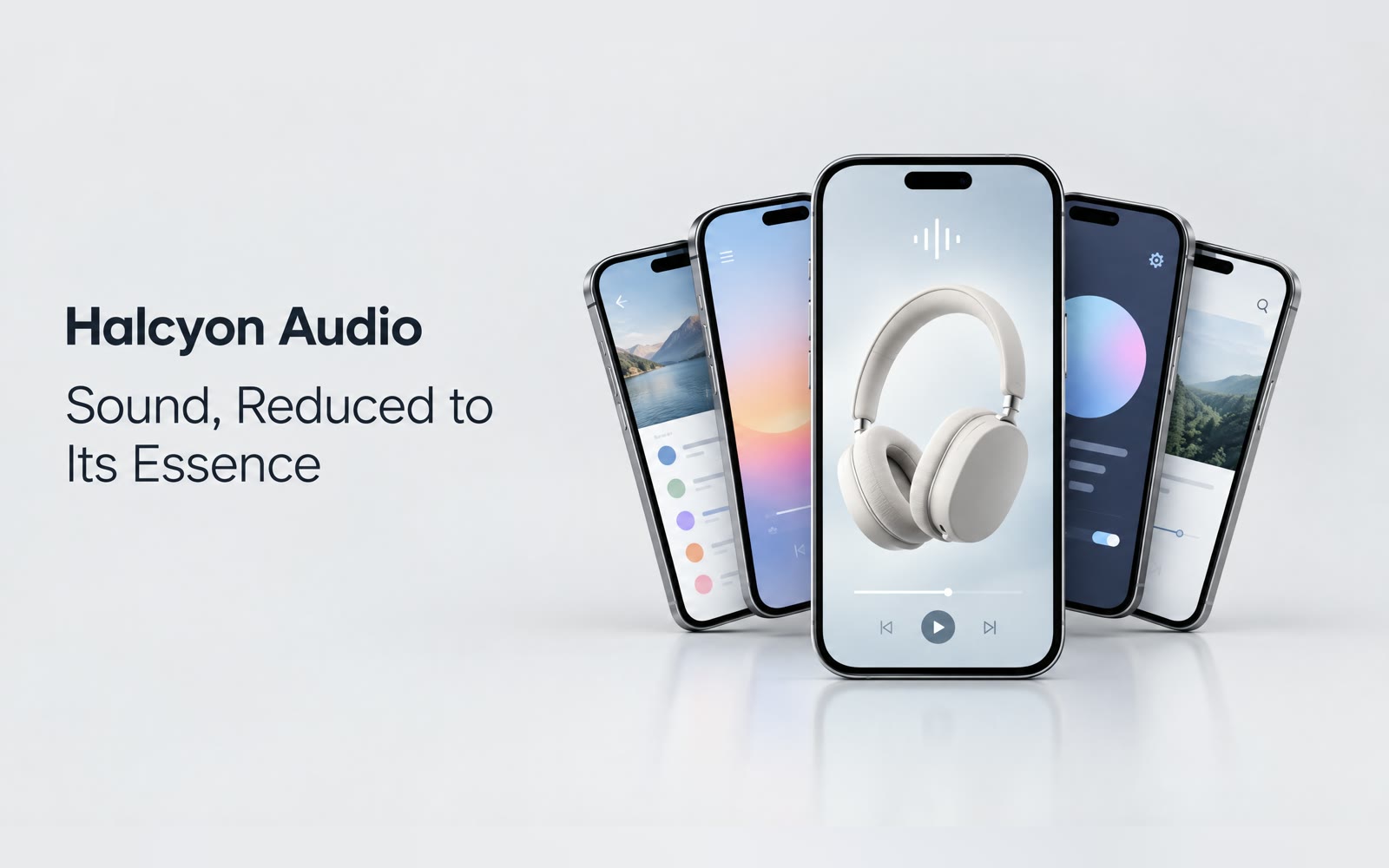
Device fan
Turn a brand, one headline and context into a calm device-showcase card.
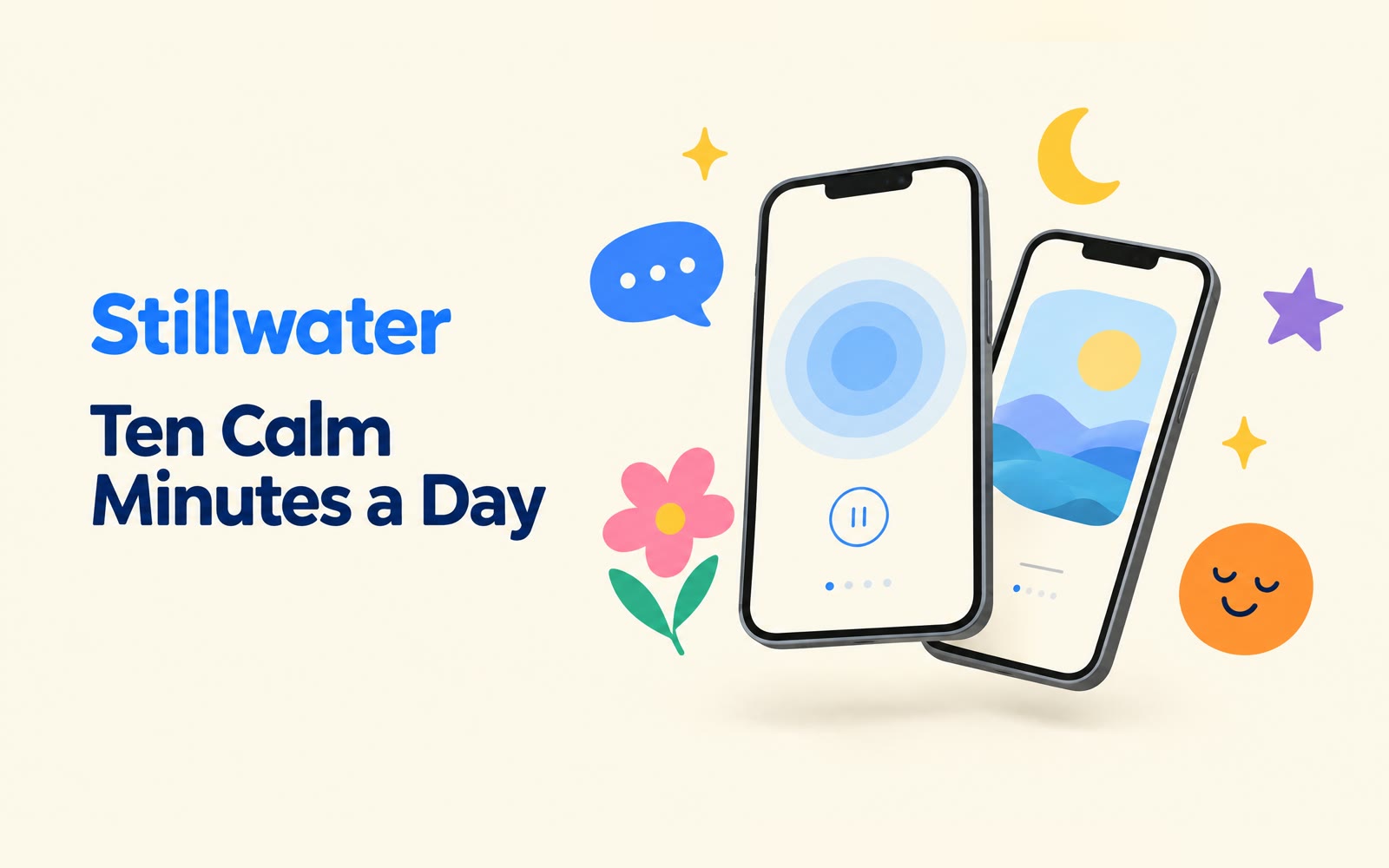
Floating phones
Turn a brand, one headline and context into a warm-ivory card with floating phone screens and playful, friendly doodles.

Floating analytics dashboard
Turn a brand, one headline and context into a split-column card: a narrow charcoal brand column anchoring a large white analytics dashboard that floats across a vivid violet gradient field.
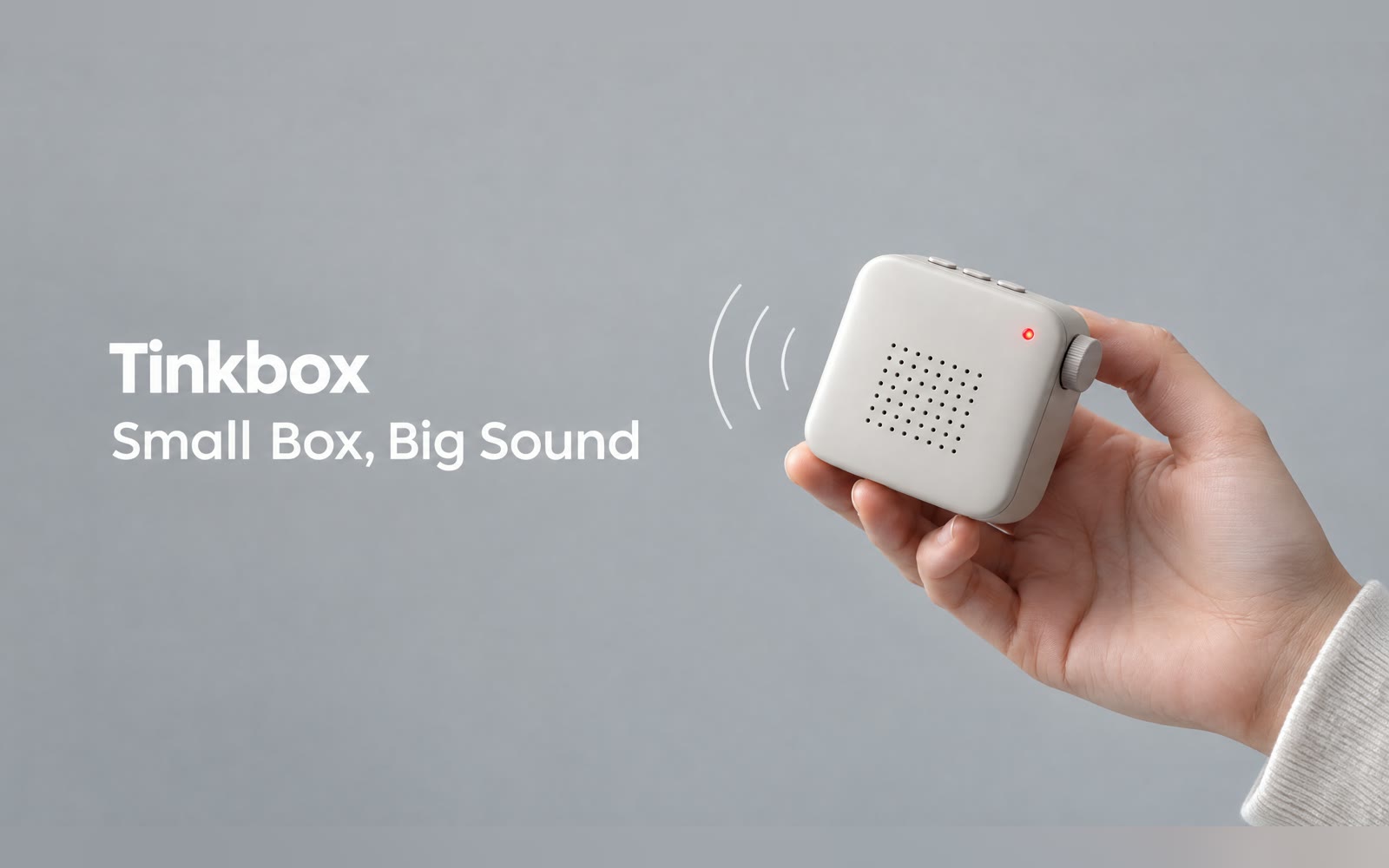
Minimal handheld product
Turn a brand, one headline and context into a high-key studio card: a softly lit hand holding an original compact pale device against a seamless gray background, with broad empty space and a tiny red light as the only accent.
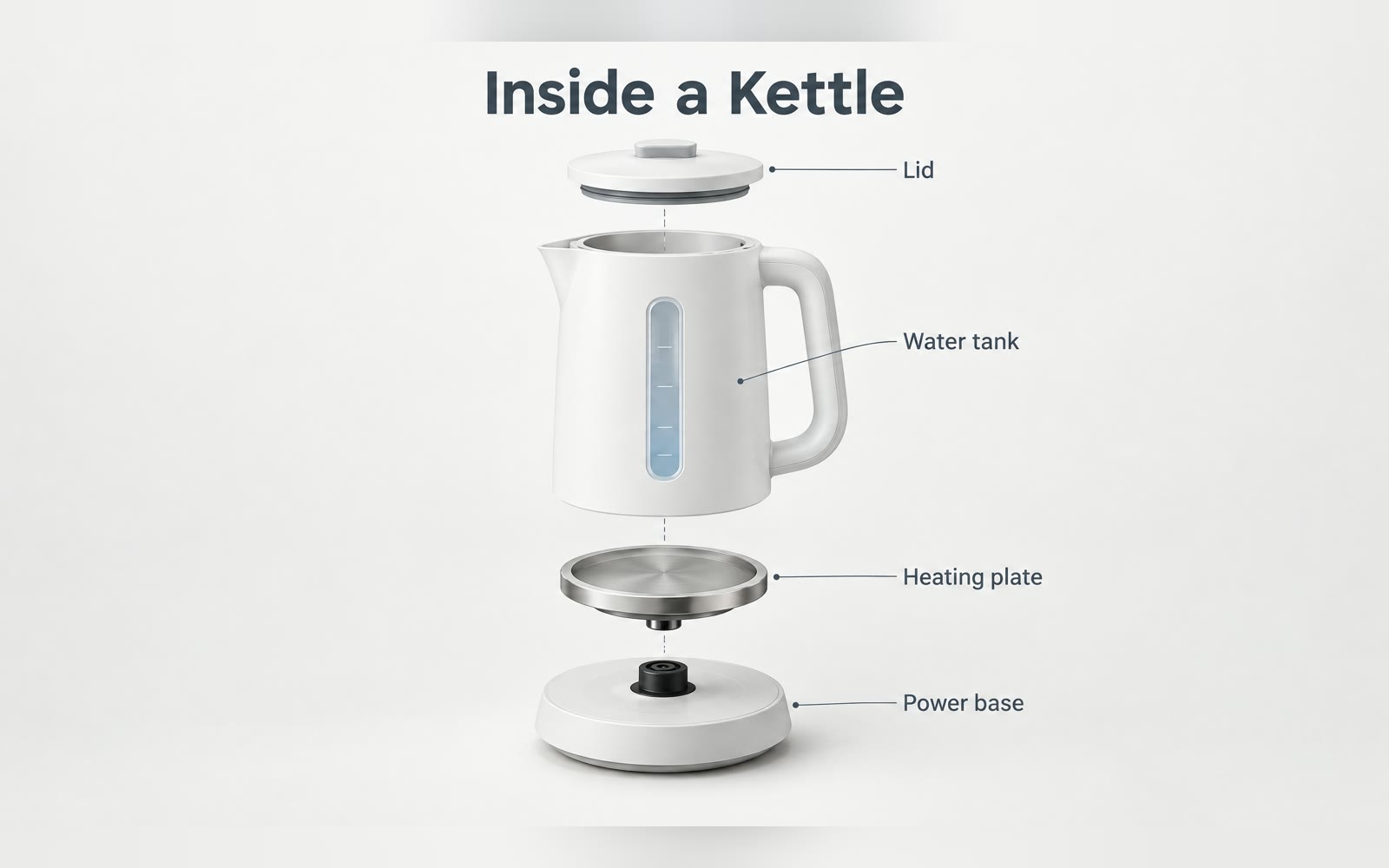
Appliance exploded poster
Turn a household appliance into a polished 16:9 exploded-view poster: part groups separated along one axis, with a title and three to five exact labels.