
Stride Program Slides
- Lab Skill
- v1.0.1
- Product marketing
Launch or pitch a programme that gets people moving: one oversized rounded frame per page, drawn outdoor scenes under a flat shade, uppercase headings with an accent run, frosted panels, rings behind cut-out figures, a phone held in hand and oversized chapter cues.
Ví dụ · 2
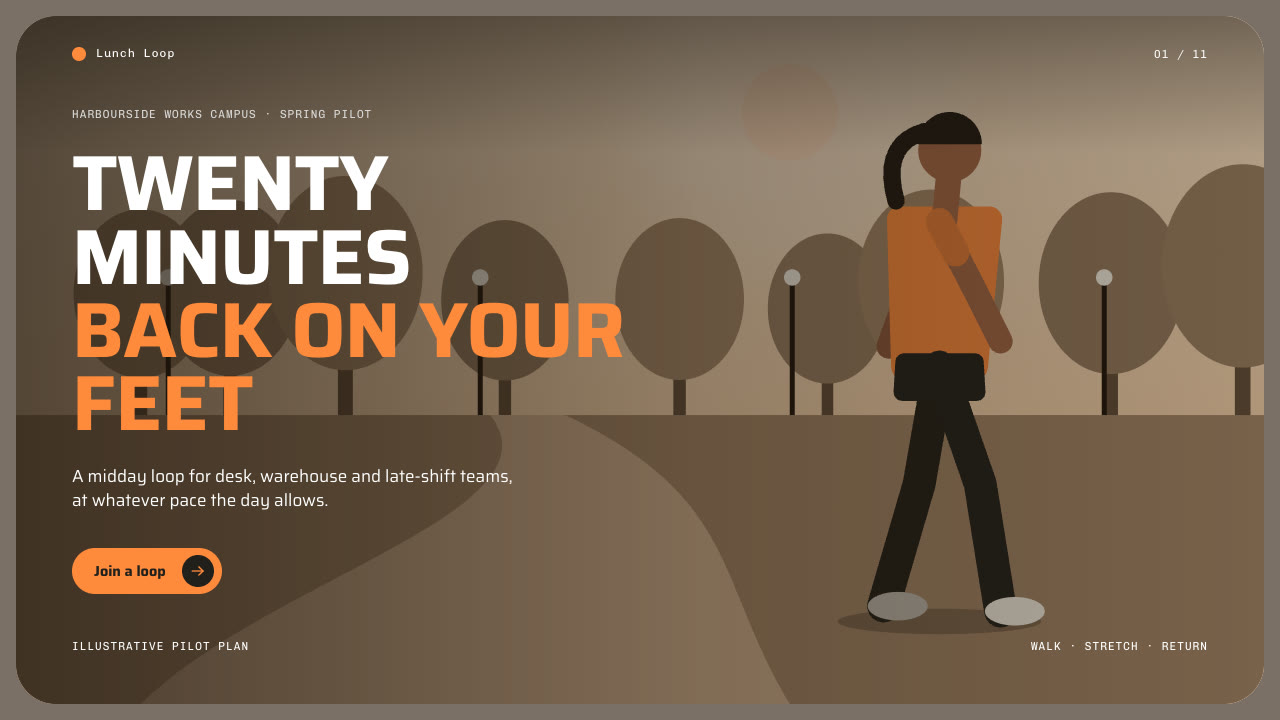
Bạn nhận được gì
Bring the programme, the audience, the one action the deck should prompt, the facts you can stand behind and the page count; pictures optional. The Skill returns one offline HTML deck that edits in the browser and exports editable PowerPoint.
Cách hoạt động
- 01
Brief the programme and action
Stride Program slides asks for the programme, the audience (members, staff, residents, parents or a funder), the action the deck should prompt, sessions, places, times and contacts you stand behind, page count and language. It never invents health outcomes, attendance, testimonials or prices, and marks planning numbers as illustrative in foot-a, note and the speaker notes.
- 02
Draw outdoor scenes and compose
Without your pictures, the Agent lists slots in art.json and runs python3 scripts/stride-art.py art.json --out art/ to draw parks, courts, tracks or shores with faceless figures, a phone in hand and sports still lifes. plan.json fills the brand mark on every page, then kit.py compose and apply-palette.py deck.json --palette solar set one of four palettes.
- 03
Build and check frames and panels
make-deck.py writes presentation.html and verify-deck.py reports leftover sample strings against the kit. The Agent checks that headings stay within 7 uppercase words with the accent on the last phrase, that no page has more than two accent panels and that pictures never stack. Building needs only Python 3; verify-pptx.py needs python-pptx for the PowerPoint check.
Câu hỏi thường gặp
What programmes is Stride Program slides made for?
Stride Program slides makes decks for movement and sport programmes: club launches, workplace activity schemes, community classes, and rehab or school sport plans. The story runs from a starting point to a small next step. The demos are an 11-page lunchtime walking pilot and a 9-page adult return-to-swimming proposal to a city leisure board.
Which layouts and palettes does Stride Program slides offer?
Stride Program slides offers twelve layouts: kickoff, context, questions, companion, flex, formats, loop, cues, details, together, record and finish. Plain paper pages such as context, companion, loop and details give the eye a rest between framed scenes. Palettes are solar, pool, alpine and berry, listed by apply-palette.py --list.
Is Stride Program slides billed for drawing its scenes?
No. Stride Program slides draws its outdoor scenes and figures with stride-art.py using only the Python standard library, so no model or image service is involved and nothing is billed. The deck builds and edits without network access. python-pptx is an extra dependency only for verifying an exported PowerPoint.
Can Stride Program slides show our real participants?
Not from the generator. Stride Program slides draws stylised vector pictures with anonymous faceless figures in seven poses, and it does not show real people, real places or hands in fine detail. Use rights-cleared photographs or your own pictures when the audience expects them, and say drawn figures are illustrations if they could be mistaken for participants.
How do Stride Program slides pictures behave in PowerPoint?
Stride Program slides exports each drawn scene as its own picture inside the frame, with the flat shade over it as a separate translucent shape. To change a scene, regenerate it with stride-art.py or replace the picture. Install Saira and Chivo Mono for close wrapping, since the export names both fonts.
Thêm Skills
Tất cả Skills Product marketing →
Pixel Story
Turn a product brief into a pixel film with clear actions, scene traversal and a memorable payoff.
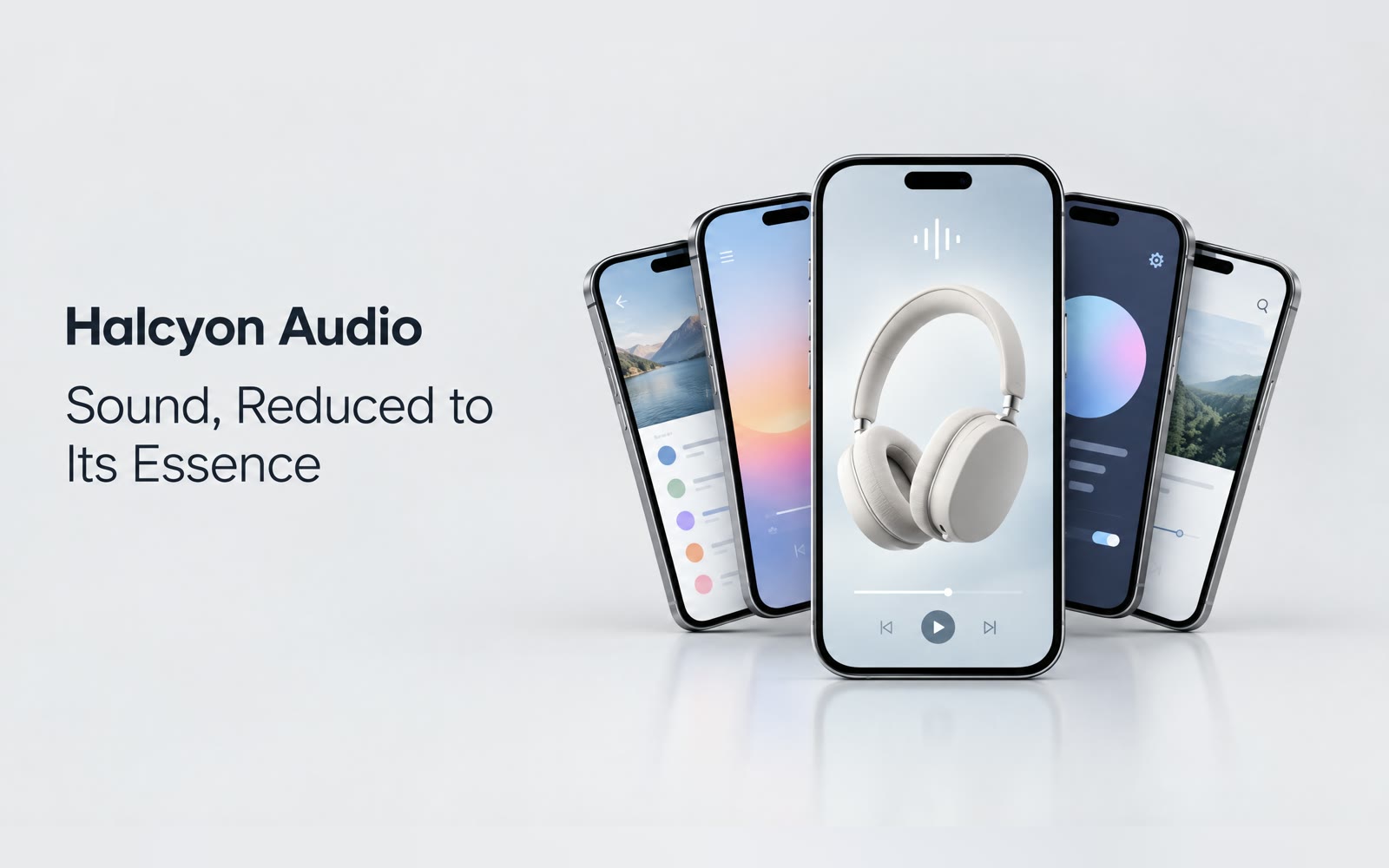
Device fan
Turn a brand, one headline and context into a calm device-showcase card.

Floating phones
Turn a brand, one headline and context into a warm-ivory card with floating phone screens and playful, friendly doodles.

Floating analytics dashboard
Turn a brand, one headline and context into a split-column card: a narrow charcoal brand column anchoring a large white analytics dashboard that floats across a vivid violet gradient field.
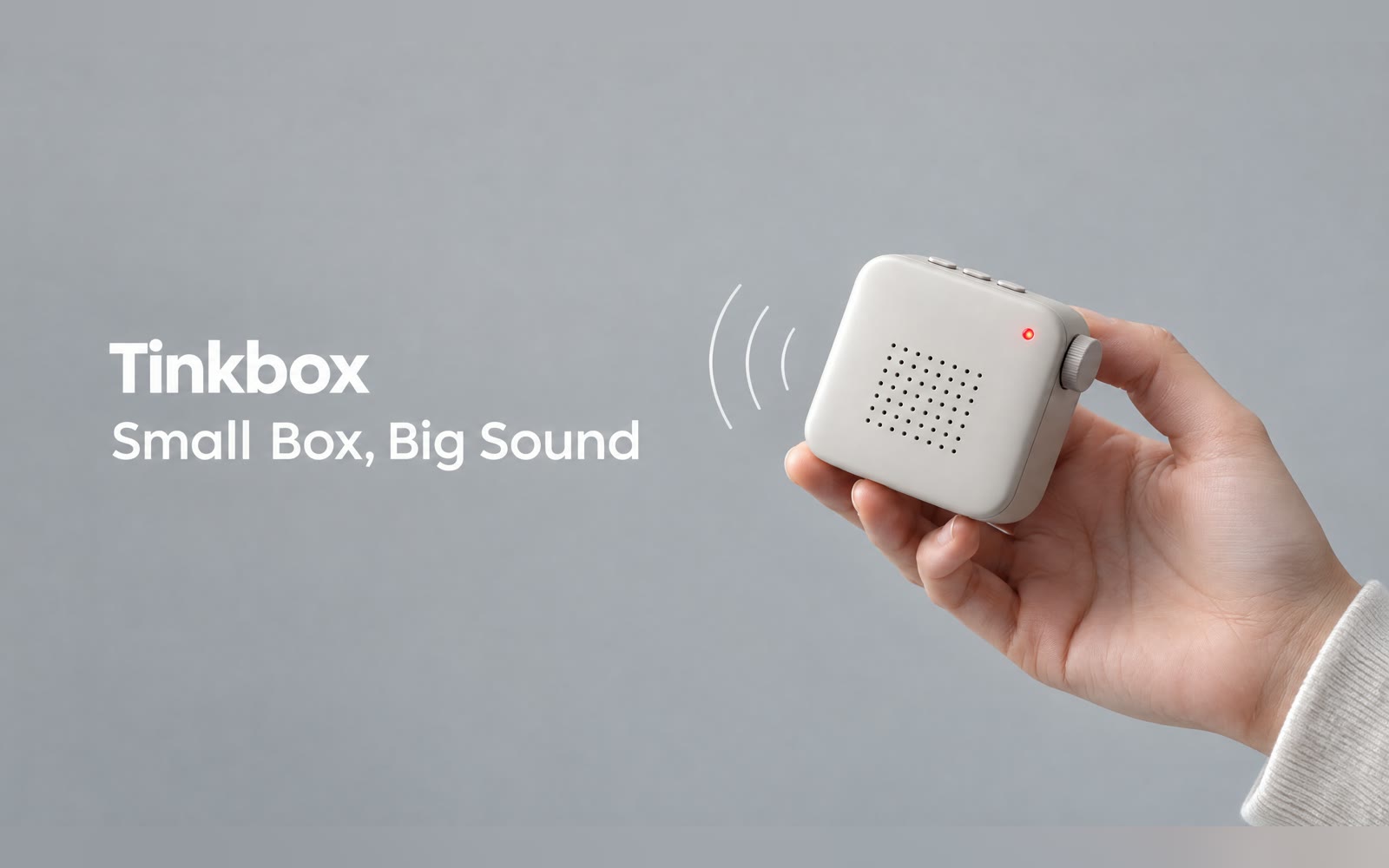
Minimal handheld product
Turn a brand, one headline and context into a high-key studio card: a softly lit hand holding an original compact pale device against a seamless gray background, with broad empty space and a tiny red light as the only accent.
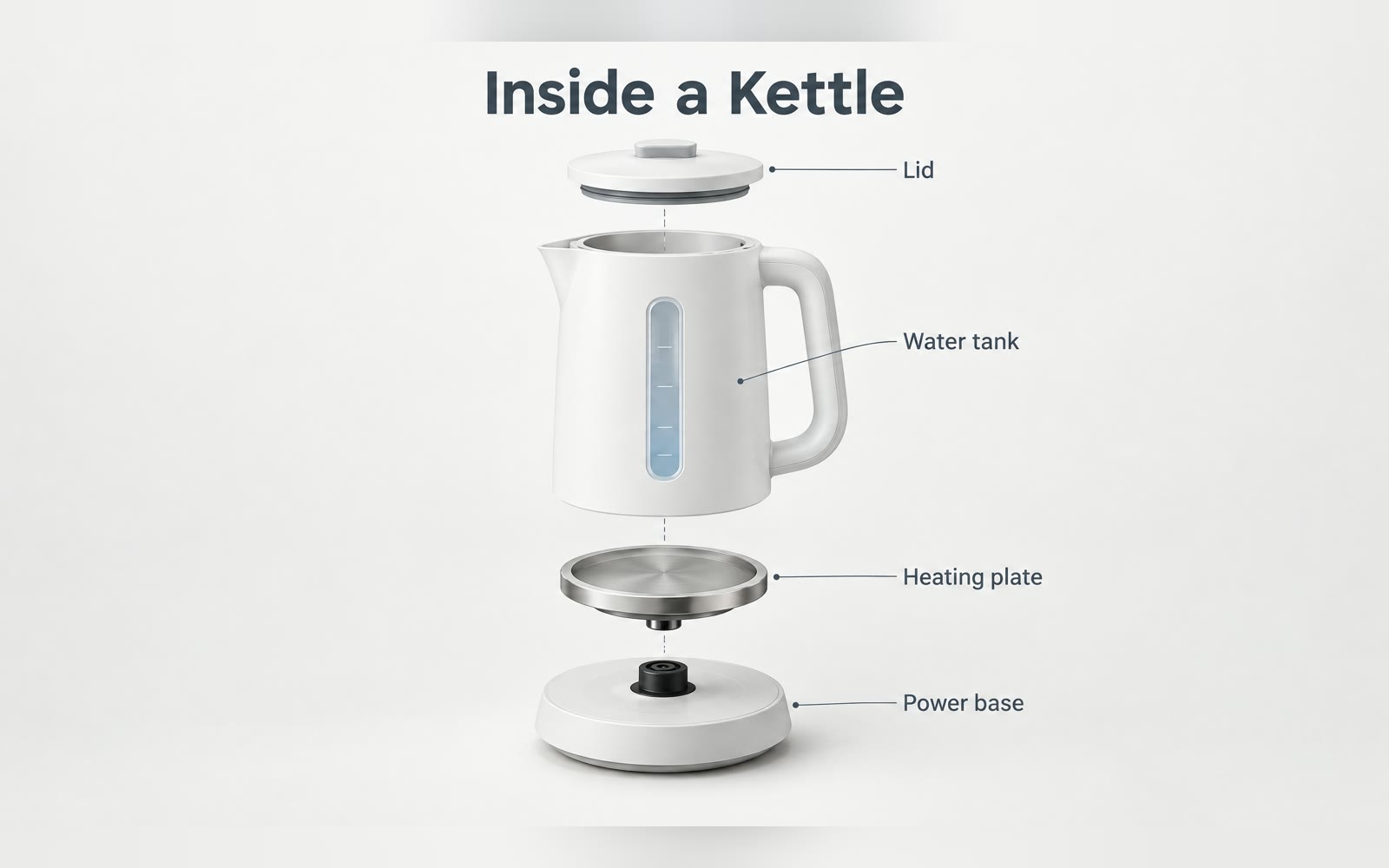
Appliance exploded poster
Turn a household appliance into a polished 16:9 exploded-view poster: part groups separated along one axis, with a title and three to five exact labels.