
Greenline Report Slides
- Lab Skill
- v0.1.0
- Business reporting
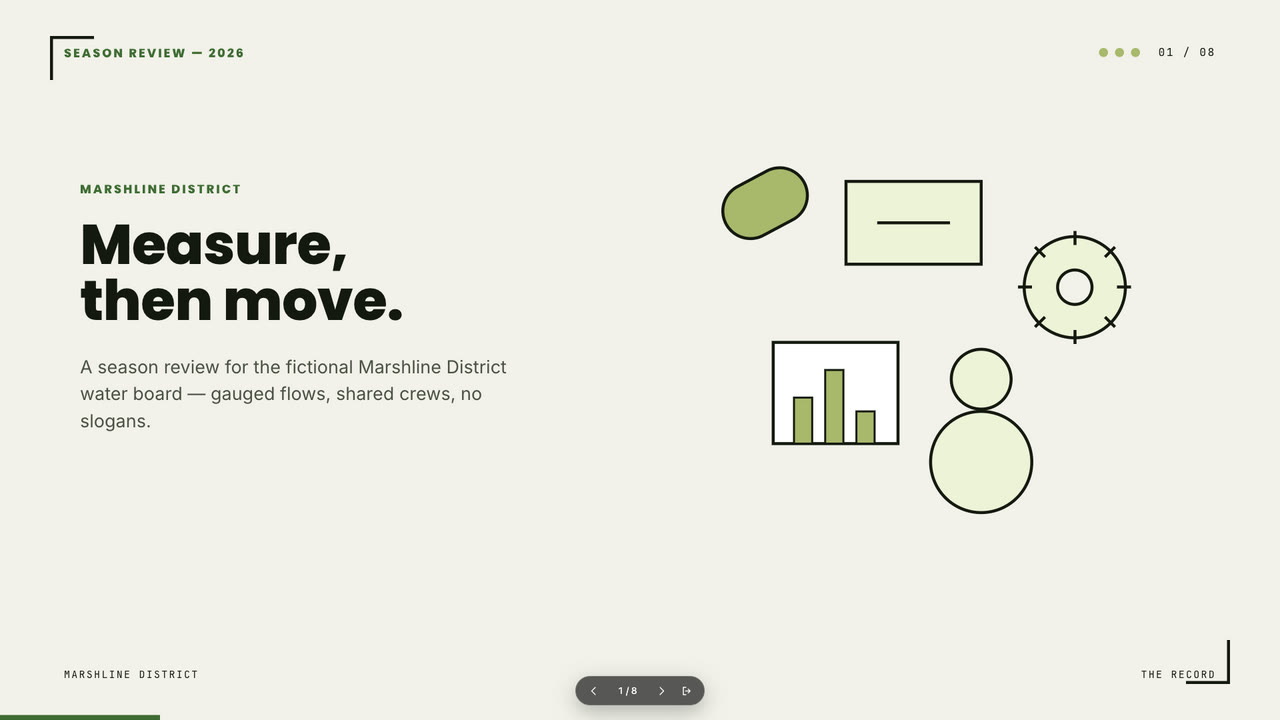
Make decks that read as sustainability annual reviews: cream field, black ink frames and rules, leaf-green accent fills, deep-green numerals and kickers, mint panels, corner brackets, hard-shadow score cards and line-art ecology clusters.
Ví dụ · 2
Bạn nhận được gì
Bring the reporting period, the audience, the facts and figures to use exactly, the page count and content language. The Skill returns one offline HTML deck that edits in the browser and exports editable PowerPoint.
Cách hoạt động
- 01
Brief the decision and figures
Greenline Report Slides asks what is being reported, the one decision the deck supports, the audience, the figures you can stand behind, the page count and the language. Its register is measured and accountable: short claims, named owners and drawn diagrams. Invented figures carry an illustrative note on the page. A sample prompt asks for an 8-page district council season review.
- 02
Draw plates and compose
scripts/greenline-art.py draws the register's plates: an ecology cluster, leaf badge, footprint bars, owner rings and a roadmap strip, using the same palette set in art.json. The Agent writes plan.json, runs kit.py compose, then make-deck.py and verify-deck.py. Everything runs locally in Python, and the engine makes no network calls.
- 03
Review brackets, bars and score card
Each page is opened over local HTTP to check the cream field, corner brackets on cover and close, mint number chips, leaf bar tracks, owner rings and the hard-shadow score card. Editing, undo, Save, reopen and Present are tried. The output is presentation.html, with an optional presentation.pptx checked by verify-pptx.py.
Câu hỏi thường gặp
What does Greenline Report Slides look like?
Greenline Report Slides uses a cream field, black ink frames and rules, leaf-green fills, deep-green numerals and kickers, mint panels, corner brackets and white score cards with a mint hard shadow. Headlines are Poppins ExtraBold, body text is Inter and chrome is JetBrains Mono. It reads as an annual or season review.
Can I change the colours in Greenline Report Slides?
Yes, within the greens. Greenline Report Slides ships palette presets in palettes.md that retune the green family while keeping cream paper and black ink; the Lab copy names Leaf, Moss and Fern. A non-green accent is outside the register. The same palette set must go into art.json for drawn plates.
Does Greenline Report Slides call an AI model?
No. Greenline Report Slides draws its ecology clusters, badges and roadmap strips with a bundled Python script and builds the deck with a local engine that makes no network calls, so a build is not billed.
How many items fit on a Greenline Report Slides page?
Greenline Report Slides fixes its geometry: contents holds four items, metrics four cells, bars four rows, roadmap five stops and owners four rings. Rewrite the text inside them; do not add or remove. Metric numerals hold up to 4 characters, such as 31%, before they crowd the card.
Is Greenline Report Slides good for financial dashboards?
No. Greenline Report Slides is report-driven rather than chart-driven, and its register is environmental and community. It fits sustainability reviews, district council updates and green programmes. It is also Latin-script only in this release.
What does Greenline Report Slides output?
Greenline Report Slides outputs one self-contained presentation.html that edits in the browser, presents full screen and saves into itself, plus an optional presentation.pptx and Print/PDF. In PowerPoint the leaf fills, numerals, mint panels, corner brackets and score cards are native objects. Inline SVG plates are kept under about 8 KB each.
Thêm Skills
Tất cả Skills Business reporting →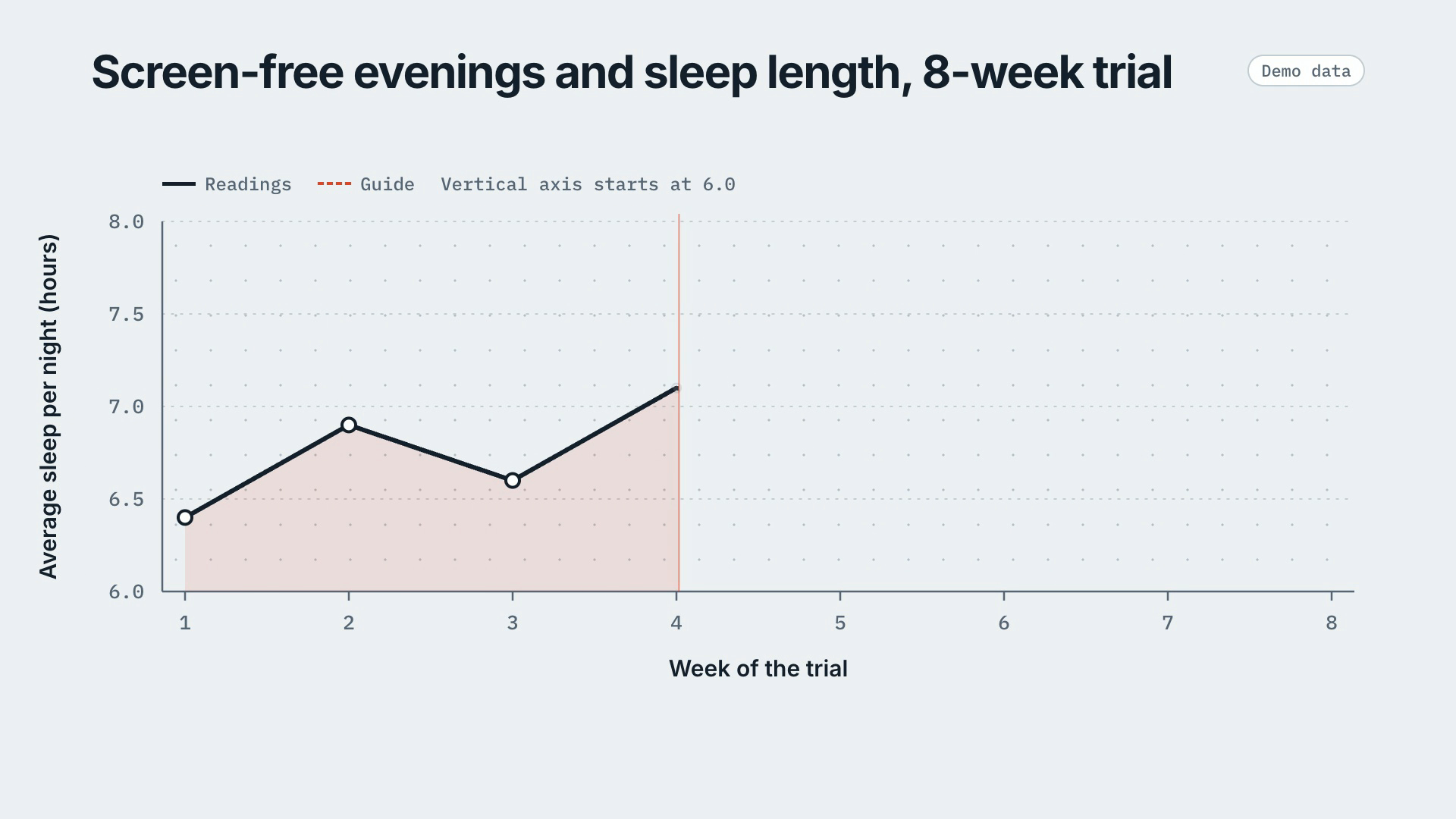
Trend Line
Reveal measured readings, a separate dashed guide and a final takeaway on an editable chart.

Advisory Thread Slides
Argue one recommendation to a committee or board with action titles, a storyline tracker, evidence charts and a bounded decision ask.
Civic Bars Slides
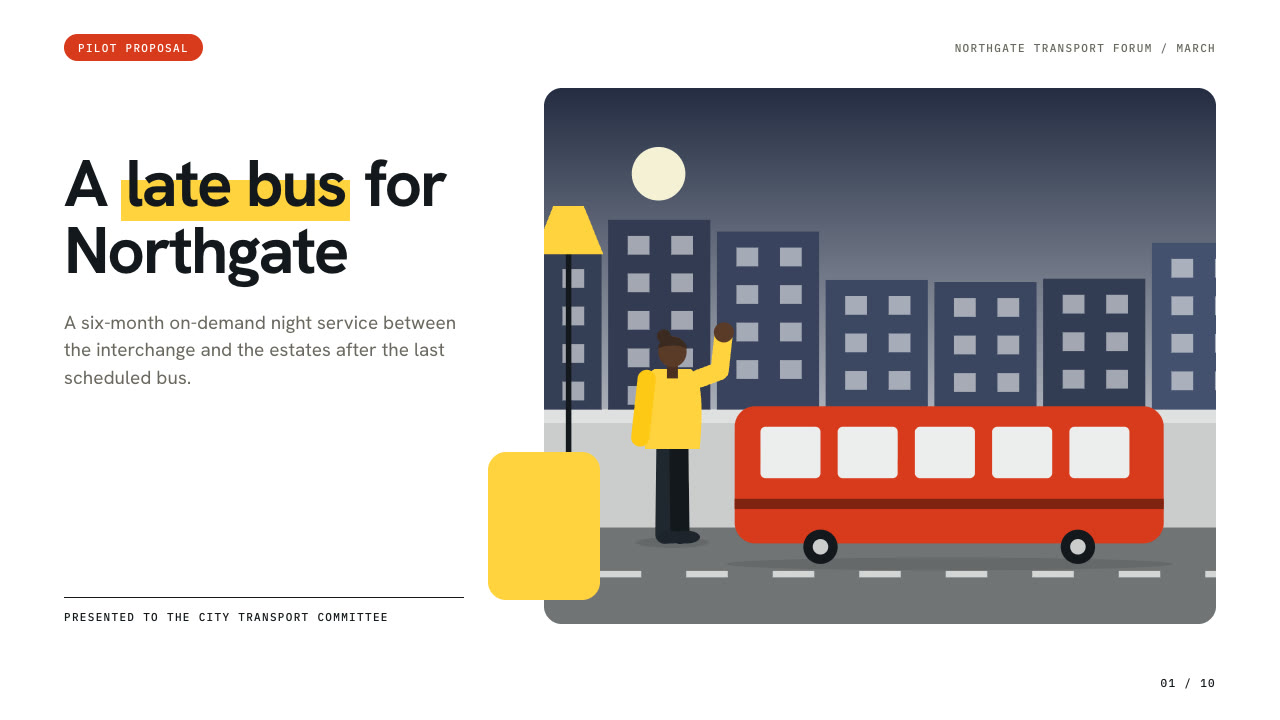
Make the case for a public or community service decision with picture cards, thin bar charts, stat tiles and a clear ask.
Site Sequence Slides
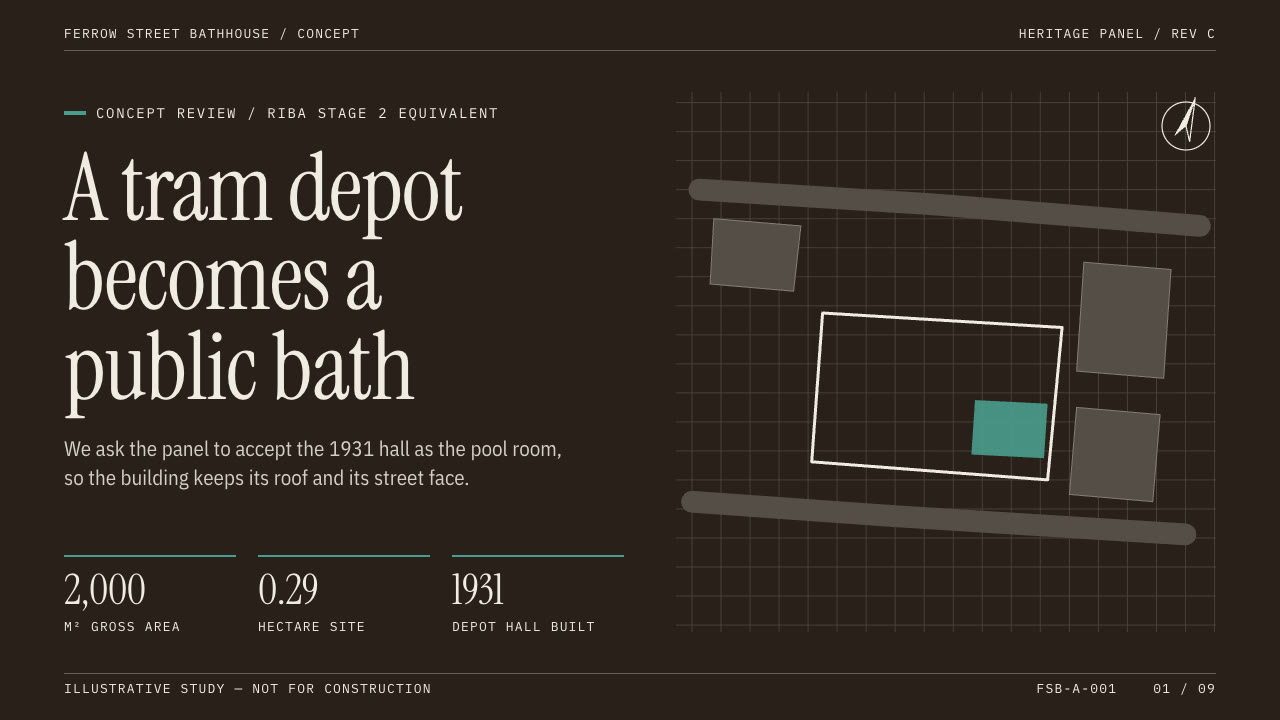
Take an architecture or site-design proposal to a review panel like a drawing sheet: site, massing, plan and section, program, phasing and one clear decision.

Deepframe Company Slides
Present a company, practice or member organisation calmly: white pages, offset colour blocks behind pictures, service cards, ring figures, value bars and a portrait row.
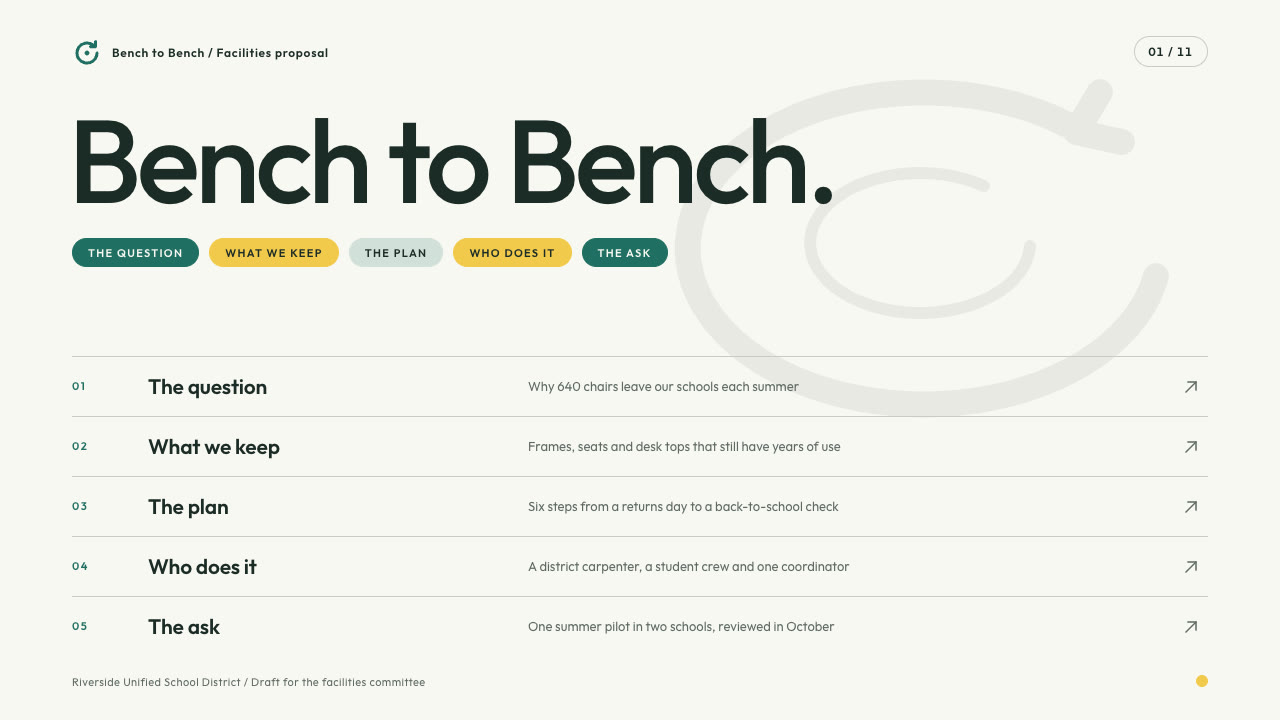
Circular Module Slides
Propose a repair, reuse or take-back step in a light modular deck: rounded cards and pill capsules, an open-ring motif, notched principle cards, a six-step grid and a capsule bar chart.