
Native Shape Slides
- Lab Skill
- v1.0.0
- Business reporting
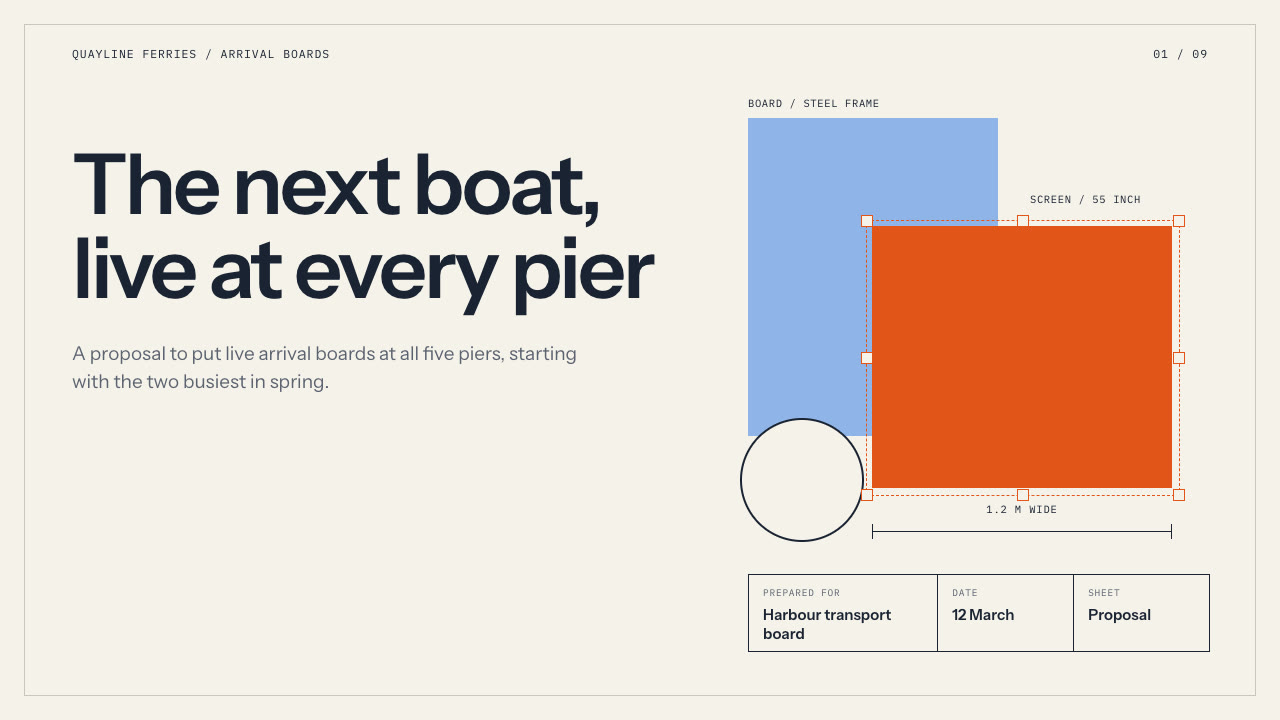
Make budget, strategy, launch and handoff decks that stay fully editable in PowerPoint: a technical-drawing look with paper sheets, a thin frame, a cover title block, dimension lines, mono object tags, native bars and tables, and an object ledger that proves no slide is a screenshot.
Ví dụ · 2
Bạn nhận được gì
Bring the subject, the audience, the decision, the figures to use exactly and the page count. The Skill returns one offline HTML deck that edits in the browser and exports editable PowerPoint.
Cách hoạt động
- 01
Brief what must stay editable
Native Shape Slides asks for the topic, audience, the decision wanted, facts and figures you stand behind, page count, language and which objects must stay editable in PowerPoint. Its ten layouts are cover, tension, modules, flow, columns, figures, ledger, audit, section and close, with light and dark sheets alternating. Planning figures are marked as estimates.
- 02
Compose with native shapes only
plan.json sets a layout, text including tag, icons from icons.json and bar heights in css per page. Then kit.py compose and apply-palette.py deck.json --palette drafting run, followed by make-deck.py and verify-deck.py. The style is drawn entirely from shapes, so there is no picture step, and everything builds on the Python 3 standard library.
- 03
Export and run the object ledger
After PowerPoint export, verify-pptx.py checks the file and object-ledger.py presentation.pptx --report object-ledger.json --markdown object-ledger.md --strict lists text boxes, shapes, tables and pictures per slide, names the fonts and flags full-slide pictures. Put its real counts on an audit page or in the handoff, then open the file in your presentation app.
Câu hỏi thường gặp
What is Native Shape Slides for?
Native Shape Slides is for decks someone else will edit later: product reviews, strategy or launch proposals, roadmap decisions and engineering handoffs. Every visible piece is live text, a flat shape, a rule, a literal bar chart or a real table, in a technical-drawing look with a sheet frame, title block, dimension lines and mono object tags.
What does the Native Shape Slides object ledger check?
Native Shape Slides runs object-ledger.py on the exported PowerPoint to list, per slide, the text boxes, shapes, tables and pictures, the fonts the file asks for and any full-slide picture. With --strict it fails on a full-slide picture, so a pasted screenshot is caught. It uses only the standard library.
Can Native Shape Slides include photos?
Only your own. Native Shape Slides has no photography or illustration generator. Pictures you add in the editor export as pictures and show up in the object ledger, so a reviewer can see which slides contain images.
Is Native Shape Slides free to run?
Yes. Native Shape Slides draws only text, shapes and tables, so there is nothing to generate and no model or API is called; building, presenting and exporting run offline without a bill. python-pptx is needed only for verify-pptx.py.
How much data fits in a Native Shape Slides chart?
Native Shape Slides takes up to five bars per chart, each a rectangle with its value written above, and tables of three columns with up to four body rows. Bar values are written into the plan rather than computed, and the source goes into the note.
What are the Native Shape Slides limits?
Native Shape Slides has fixed geometry per layout, and verify-deck.py does not measure wraps, so text far over budget can run into neighbouring blocks. Line icons export as small pictures. Small text on the accent block reaches only about 3.6 to 4.2:1 contrast. Install Instrument Sans and IBM Plex Mono for exact wrapping.
Thêm Skills
Tất cả Skills Business reporting →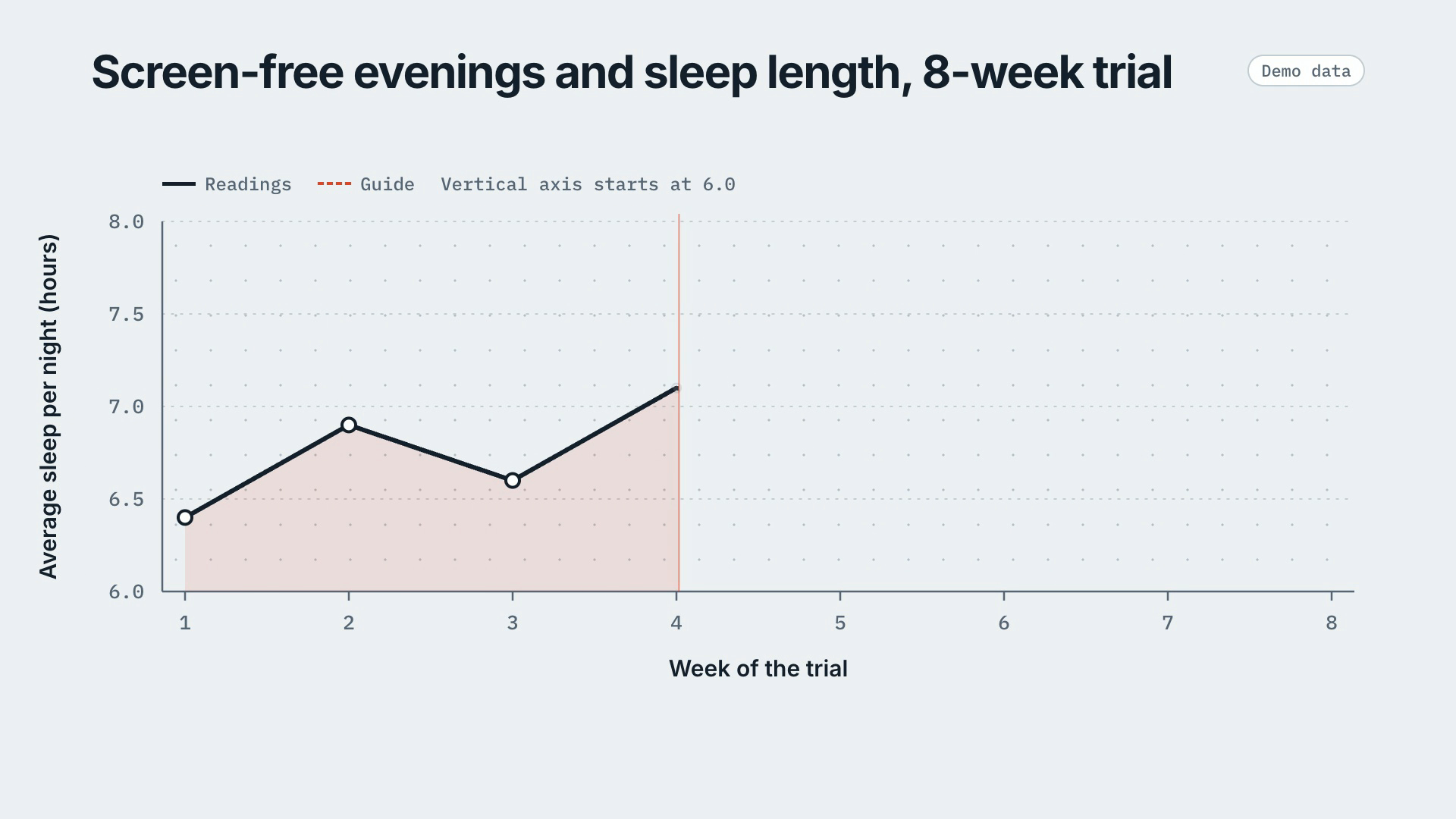
Trend Line
Reveal measured readings, a separate dashed guide and a final takeaway on an editable chart.

Advisory Thread Slides
Argue one recommendation to a committee or board with action titles, a storyline tracker, evidence charts and a bounded decision ask.

Civic Bars Slides
Make the case for a public or community service decision with picture cards, thin bar charts, stat tiles and a clear ask.
Site Sequence Slides
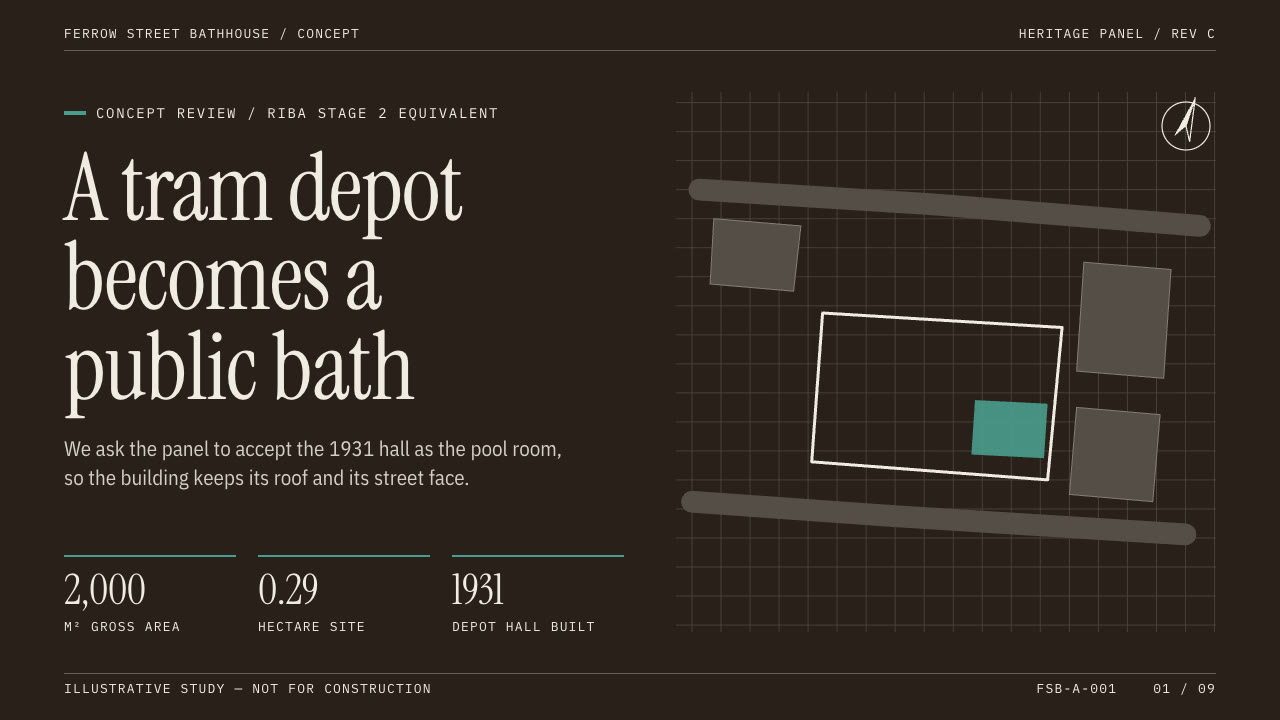
Take an architecture or site-design proposal to a review panel like a drawing sheet: site, massing, plan and section, program, phasing and one clear decision.

Deepframe Company Slides
Present a company, practice or member organisation calmly: white pages, offset colour blocks behind pictures, service cards, ring figures, value bars and a portrait row.
Circular Module Slides
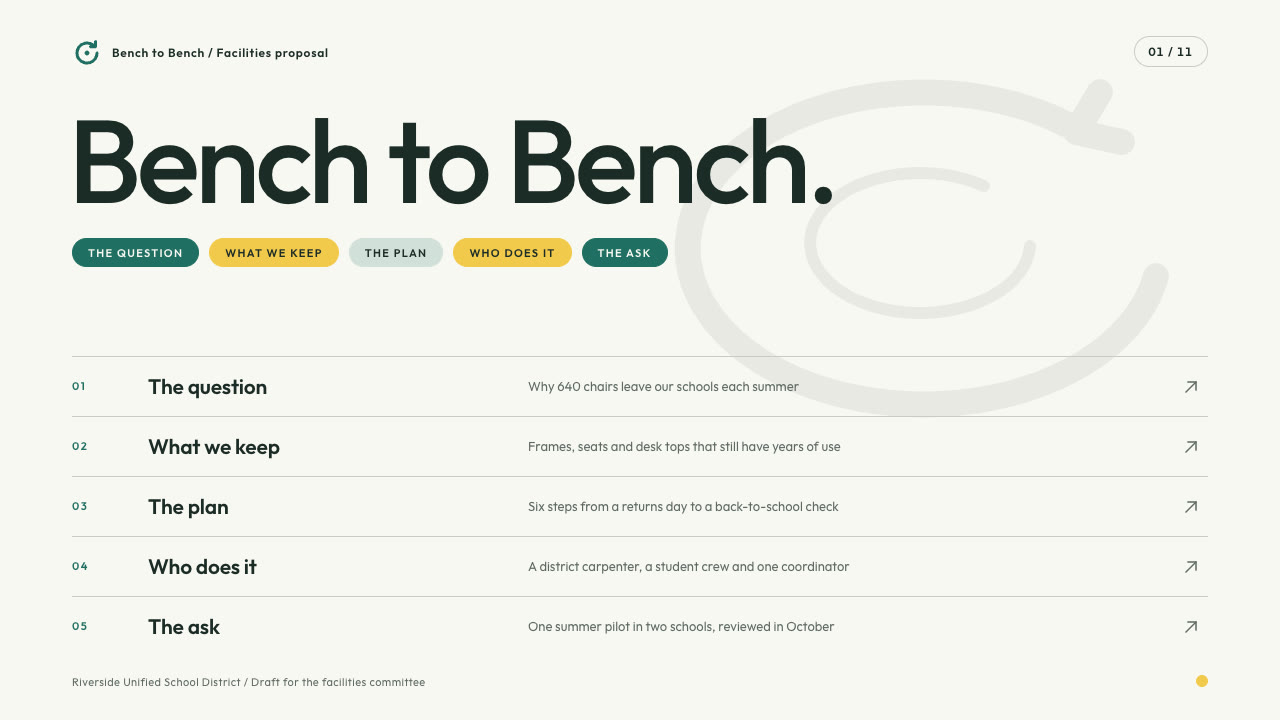
Propose a repair, reuse or take-back step in a light modular deck: rounded cards and pill capsules, an open-ring motif, notched principle cards, a six-step grid and a capsule bar chart.