Snapchat Story Plan
- Lab Skill
- v0.1.1
- Snapchat
Plan a set of saved Snapchat Stories named the way a strong public profile names them, and script the first one snap by snap.
Ảnh bìa
Bạn nhận được gì
Bring the event or topic, what you can film, and any date, place or link. The Skill returns a reference profile’s saved Stories sorted by kind, four Story titles in that style, and a six-to-eight-snap script with on-screen text and one sticker.
Cách hoạt động
- 01
Read a reference profile
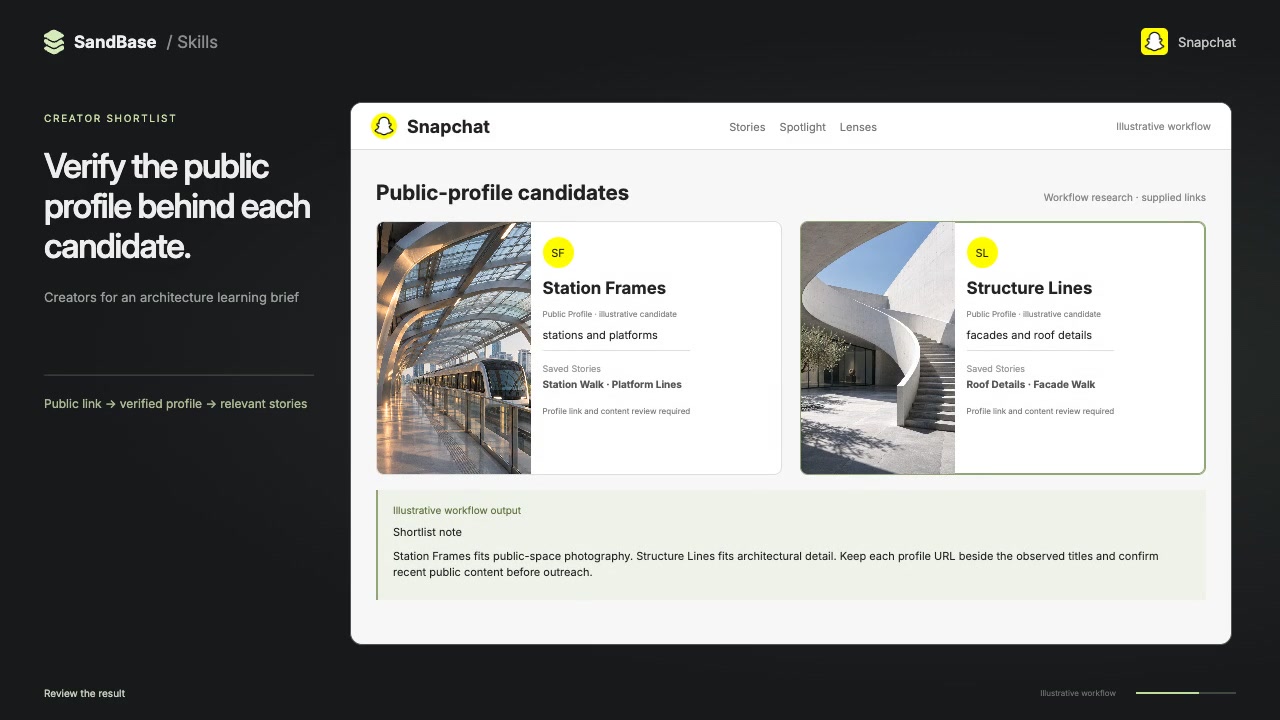
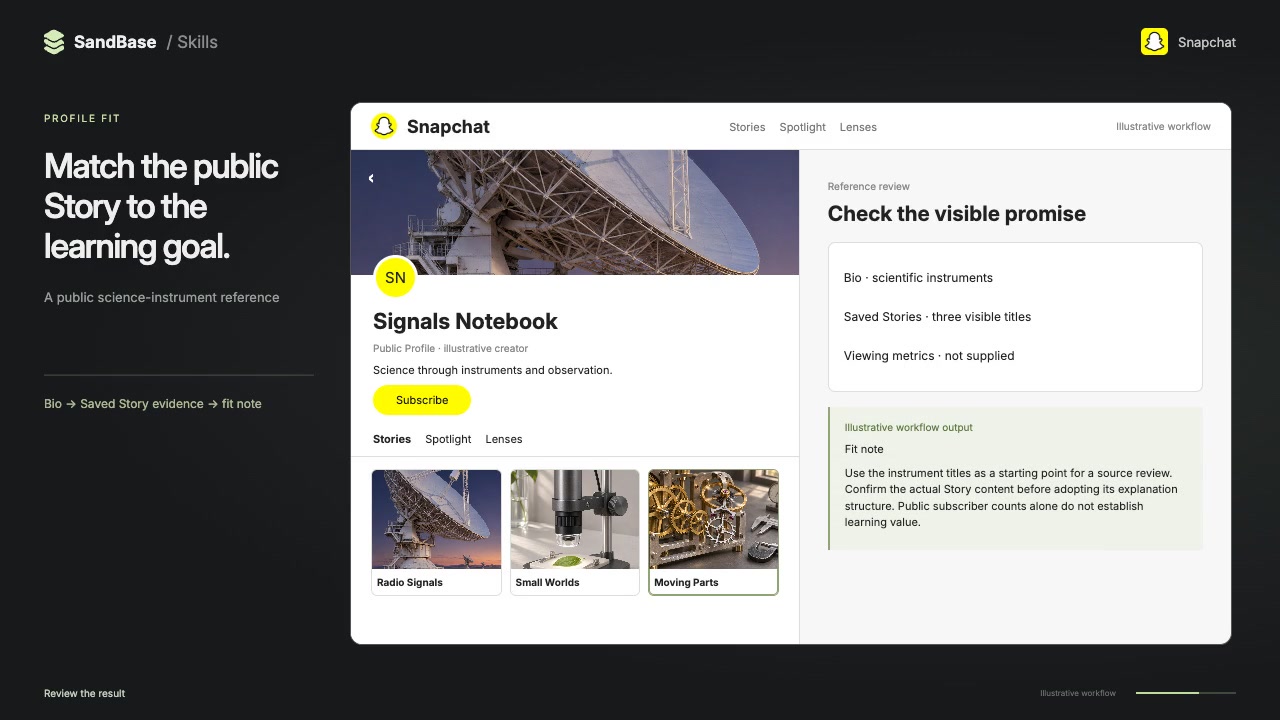
From your account or a reference account of the same kind, the Agent reads the public Snapchat profile through SandBase: display name, category, bio, subscribers and saved Story titles in returned order. Some usernames return nothing, and another account of the same kind is tried.
- 02
Sort titles and plan four Stories
Each saved title gets one kind: explainer, behind the scenes or tour, try-this lens or filter, giveaway or download, or event. Four Stories are planned, one per kind that fits your topic and the reference's mix, titled in the same style, each with one line on what it shows.
- 03
Script the first Story
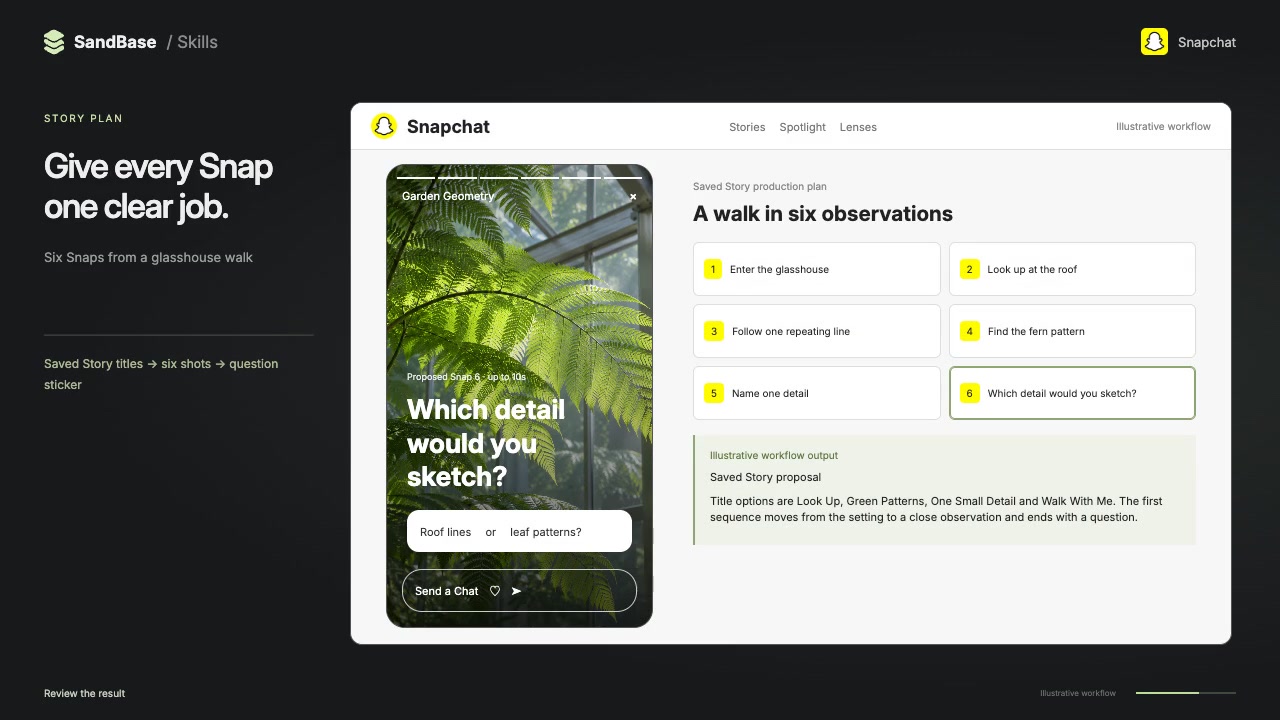
The first Story is scripted as six to eight snaps, each up to ten seconds: what is filmed, on-screen text of at most eight words kept clear of the bottom of the screen, and any lens or link. The plan follows naming and mix, not measured performance, since the profile shows no views. You film and post.
Câu hỏi thường gặp
What does Snapchat Story Plan produce?
Snapchat Story Plan plans four saved Snapchat Stories for your event or topic and scripts the first one snap by snap. It learns the naming style and mix from a public profile, because a saved Story's title decides whether a visitor taps it.
Is the plan based on views?
No. Snapchat Story Plan follows naming and the mix of Story kinds on a reference profile. The profile shows saved titles in returned order with no dates, views or completion, so the plan makes no claims about what performs. Your own results will show what works.
Is the reference profile read billed?
Snapchat Story Plan makes one or two SandBase Snapchat profile calls, usually one for the reference. They are charged to your SandBase account; see https://www.sandbase.ai/pricing for current rates.
Why keep text clear of the bottom?
Snapchat Story Plan keeps on-screen text away from the bottom of the screen because Snapchat's own controls and replies sit there and can cover it. Short text of at most eight words stays readable. The script marks where each line of text sits on screen.
Will it post the Stories?
No. Snapchat Story Plan plans and scripts only. You film and post the Stories. Thumbnails are not inspected, so check how your first frame looks before saving it to your profile. The plan gives each Story a title in the reference's style, so your saved Stories read as a consistent set.