
Old Photo Restore
- Lab Skill
- v0.1.0
- Social media
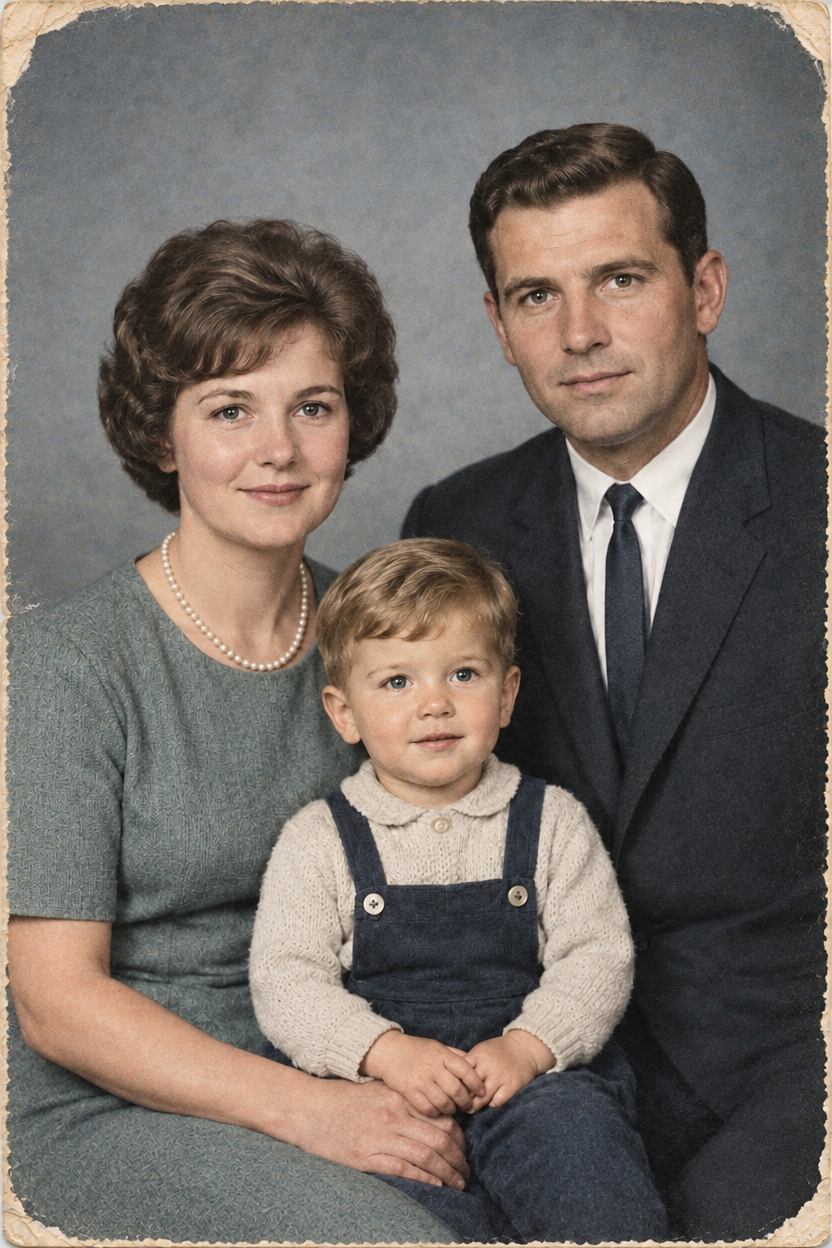
Repair a scratched, creased, faded or stained old photo — damage removed, missing patches rebuilt, and restrained period colour restored if you want it.
Ví dụ
Old Photo Restore
Chạy trực tuyến
Chạy trong sandbox của SandBase và xem kết quả trong Lab.
Mở trong Lab ↗Bạn nhận được gì
Bring one old photo you may use, a colour choice (colorize or mono) and a fidelity choice (faithful or clean). The Skill returns a 2:3 restored rendering — same scene, damage gone — plus a report.
Cách hoạt động
- 01
Set colour and fidelity
Old Photo Restore takes photo, consent, color and fidelity. color colorize repairs damage and adds restrained period colour; mono repairs only and keeps the black-and-white or sepia tone. fidelity faithful keeps light silver-halide grain and a period feel; clean aims for a tidier digital look. Yellowed, scratched, creased or faded prints up to 8 MB are fine.
- 02
Repair the damage layer
On Node.js 18 or later with SANDBASE_API_KEY set, a command such as node scripts/generate.mjs run --brief assets/sample-brief.en.json --out /tmp/restore-run sends the stripped scan to openai/gpt-image-2.5-flare/edit. The model removes scratches, creases, mildew spots, fading and stains, and in-paints small damaged areas with matching texture.
- 03
Compare restored.png with the original
The run returns restored.png at 2:3 plus JSON and bilingual HTML reports. Hold it next to the source: the composition, poses, clothing and background must be the same. Inspect repair quality, colour restraint and remaining period feel at full size and as a thumbnail. Any added caption, date stamp, signature or watermark is a defect.
Câu hỏi thường gặp
Is the Old Photo Restore result a real photograph?
No. Old Photo Restore produces a restored and optionally colorized rendering of your photo, not a forensic record. It repairs damage and may add period colour, but it does not recover the original scene. Never present the output as an authentic, unretouched or newly taken photograph.
Will Old Photo Restore change the people in the picture?
No. Old Photo Restore keeps the composition, people, poses, clothing and background as they were. Only the damage layer is repaired, so nothing in the scene should be added, moved or restyled. Check this against the source before you keep the result.
What does the fidelity setting in Old Photo Restore do?
Old Photo Restore offers faithful, which keeps a little silver-halide grain and the period feel of the print, and clean, which smooths grain and tightens tones toward a tidier digital look. Both stay a restored rendering rather than a flawless modern portrait.
Does Old Photo Restore bill each restoration?
Yes. Old Photo Restore sends one openai/gpt-image-2.5-flare/edit request for every brief you approve, billed to your SandBase account. The plan step runs offline, and the run step's --budget flag sets the preflight budget the estimate is checked against before anything is submitted. Resume only polls the same execution. Rates are at https://www.sandbase.ai/pricing.
Can Old Photo Restore keep my photo black and white?
Yes. Old Photo Restore uses color mono to repair damage while keeping the original black-and-white or sepia tone. Choose colorize instead for restrained period colour. The fidelity setting works with either choice.
Whose old photos can I restore with Old Photo Restore?
Old Photo Restore requires a photo you have the right to use and consent set to accepted. It is not for photos of other people without that right, identity documents, or brand or trademark reproduction. The finished image may carry no logo, signature, watermark or official-seal mark.
Thêm Skills
Tất cả Skills Social media →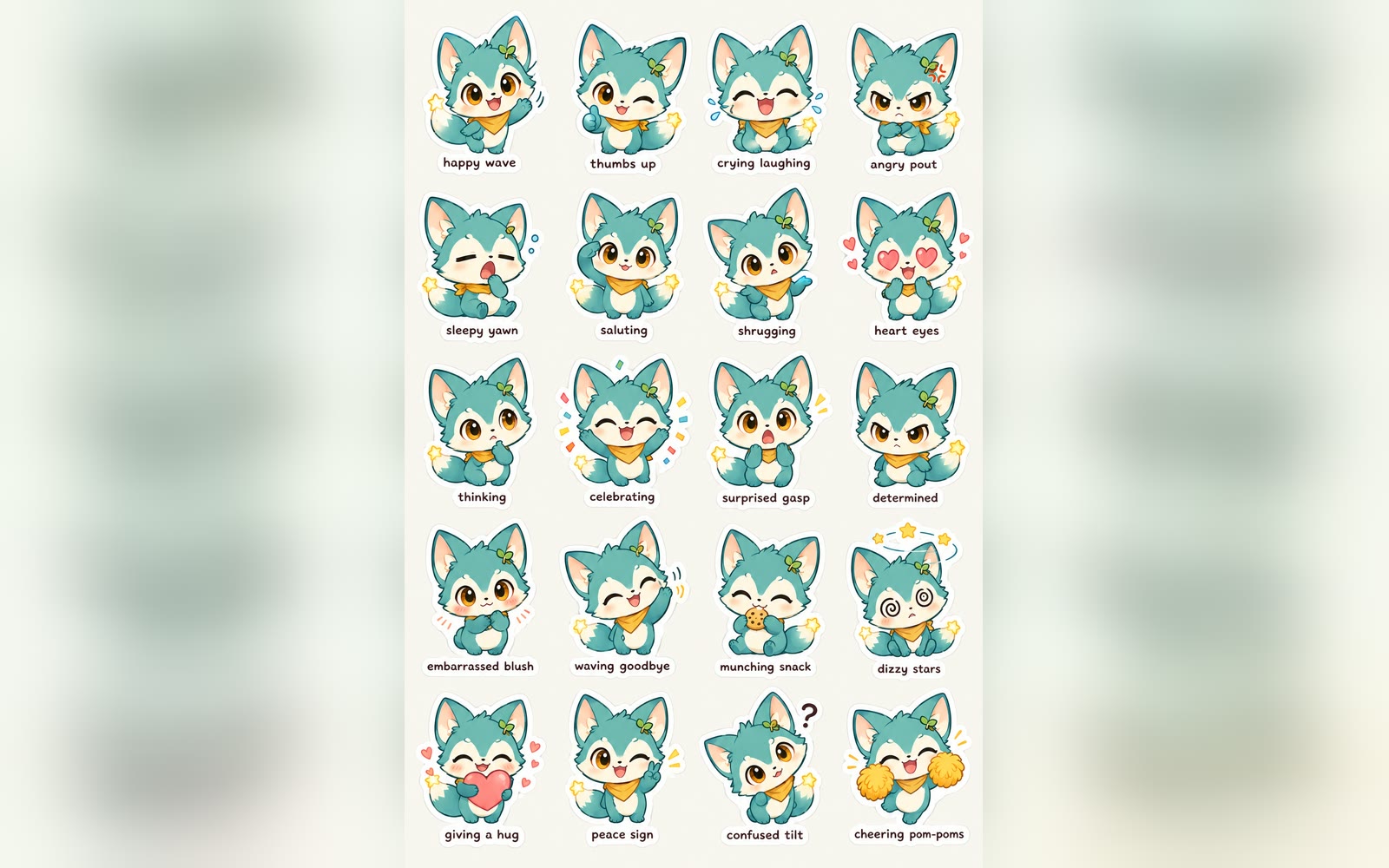
Chibi Sticker Sheet
One original mascot becomes a whole sheet of die-cut chibi stickers.
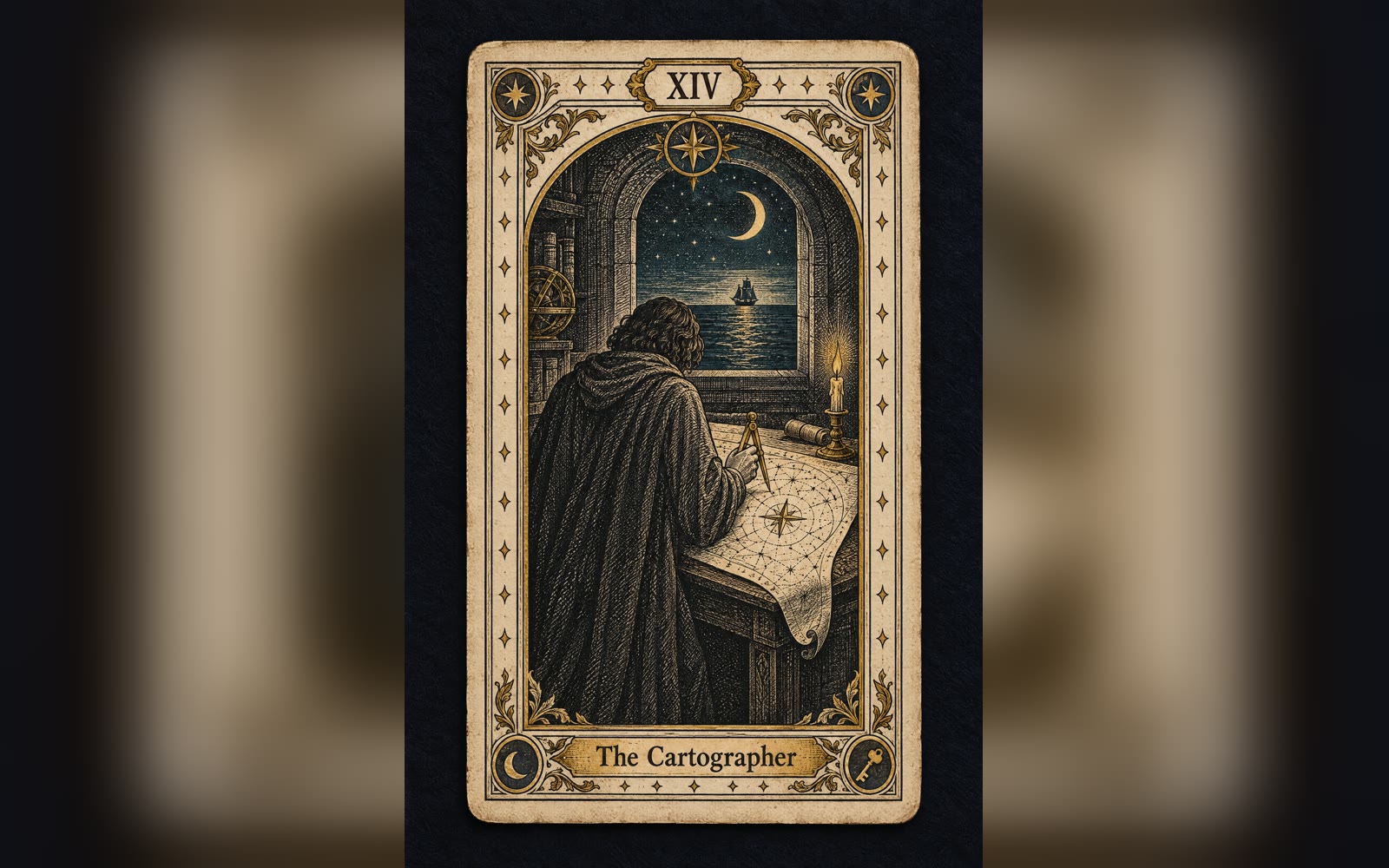
Tarot Card Poster
One invented arcana becomes an ornate engraved card face.
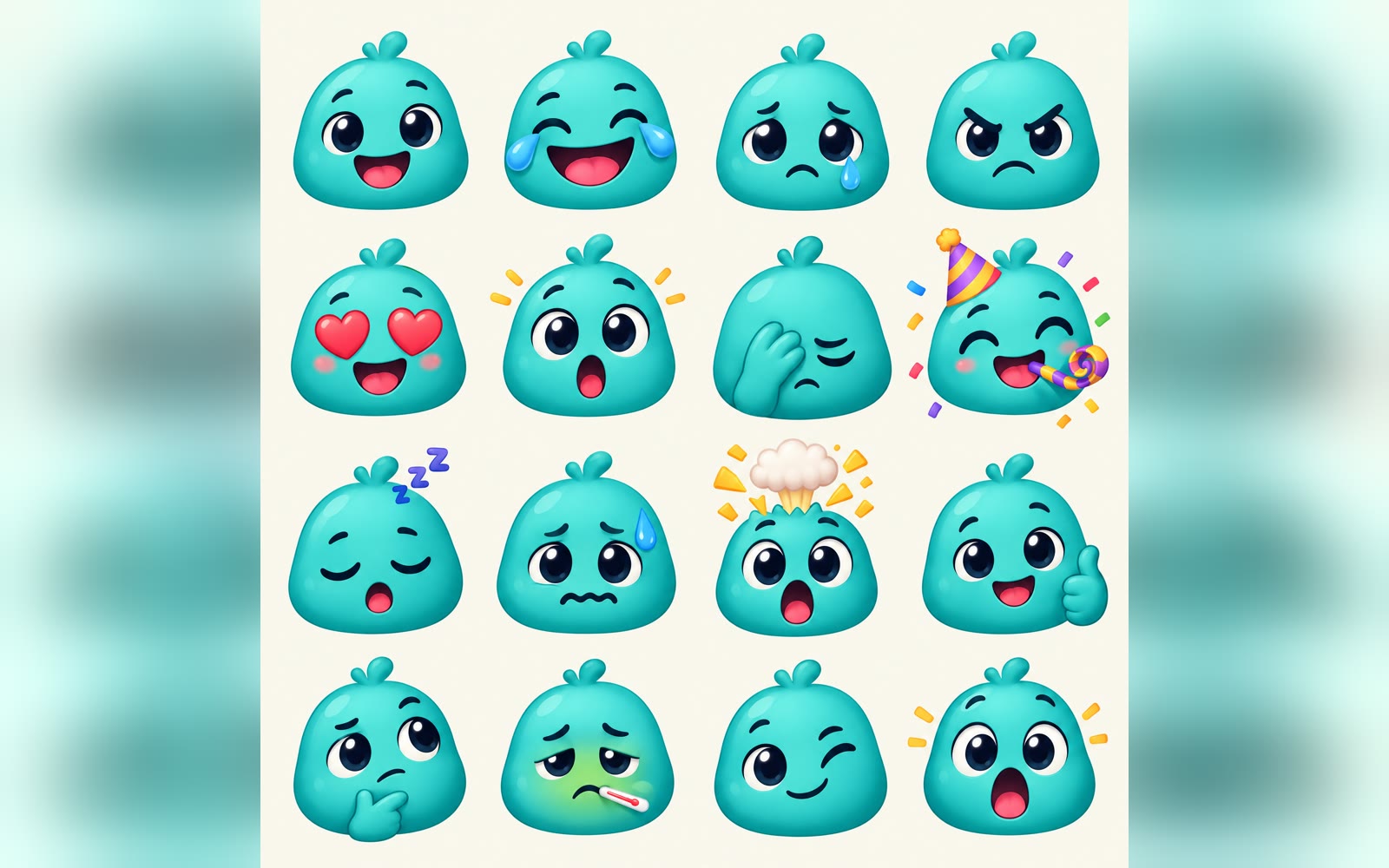
Emoji Pack Sheet
Turn one fictional character into a full grid of matching emoji faces.
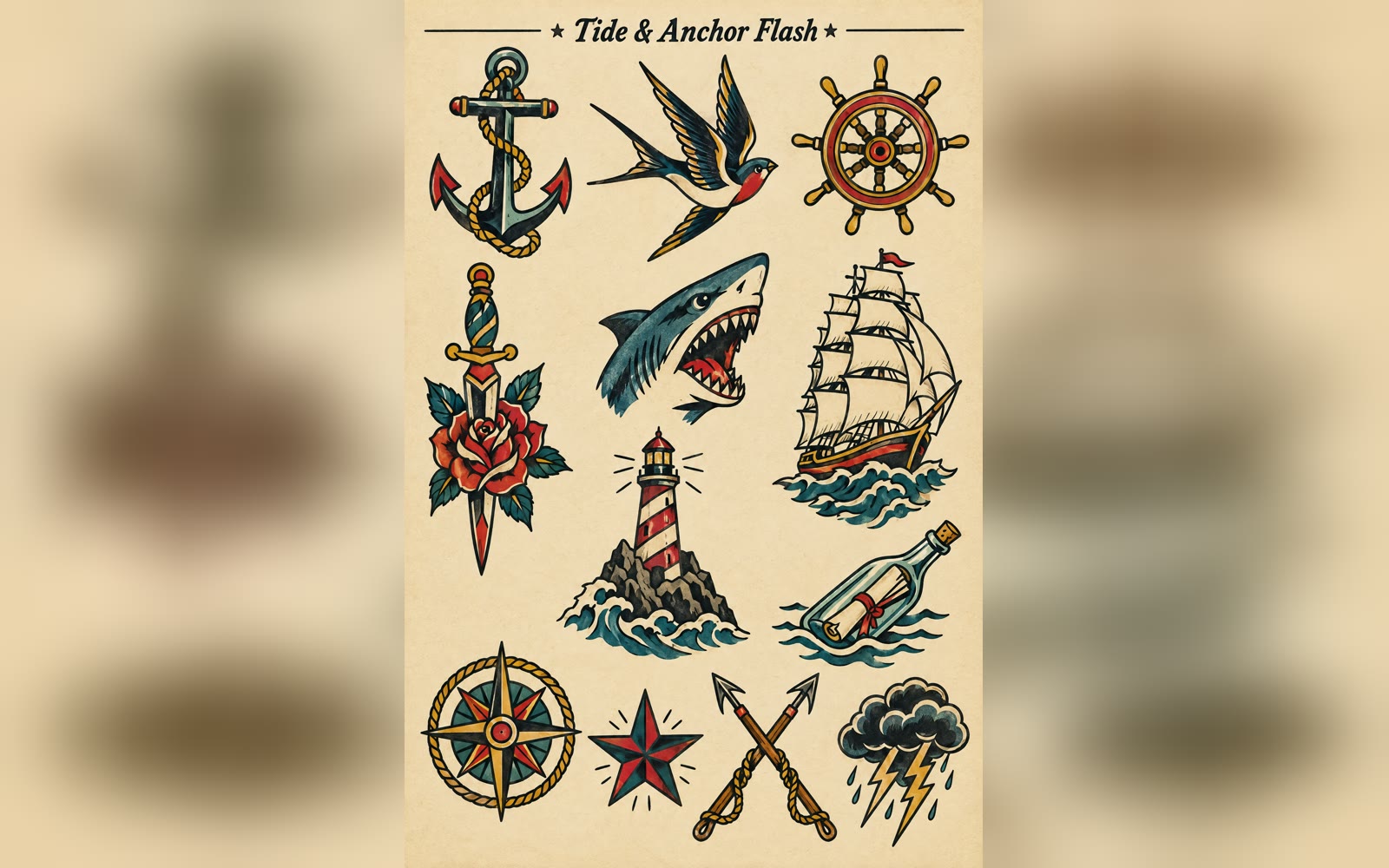
Tattoo Flash Sheet
Fill one aged-paper board with a matching set of traditional tattoo motifs.
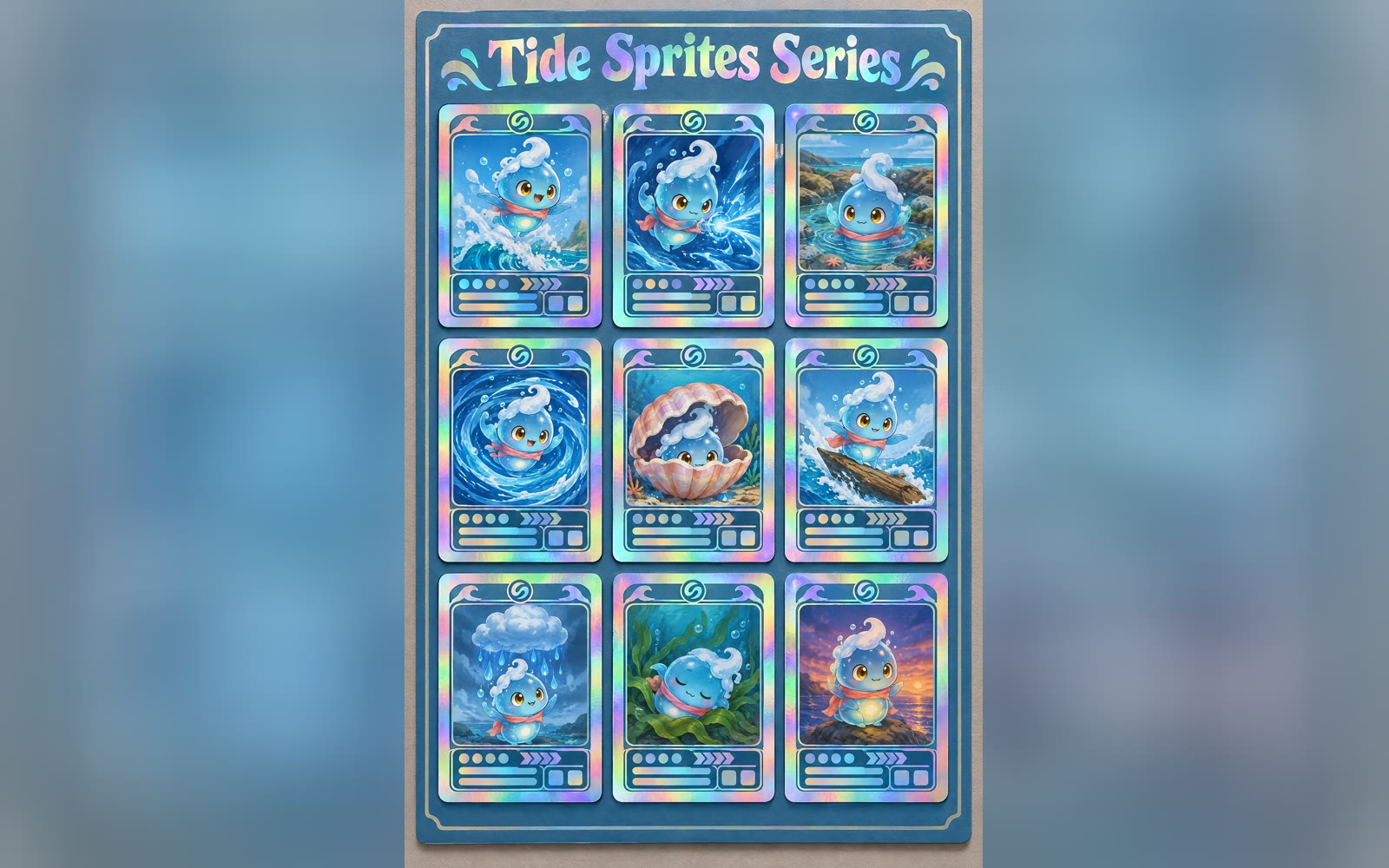
Trading Card Sheet
Reveal one invented character as a 3×3 set of collector game cards on a printed board.
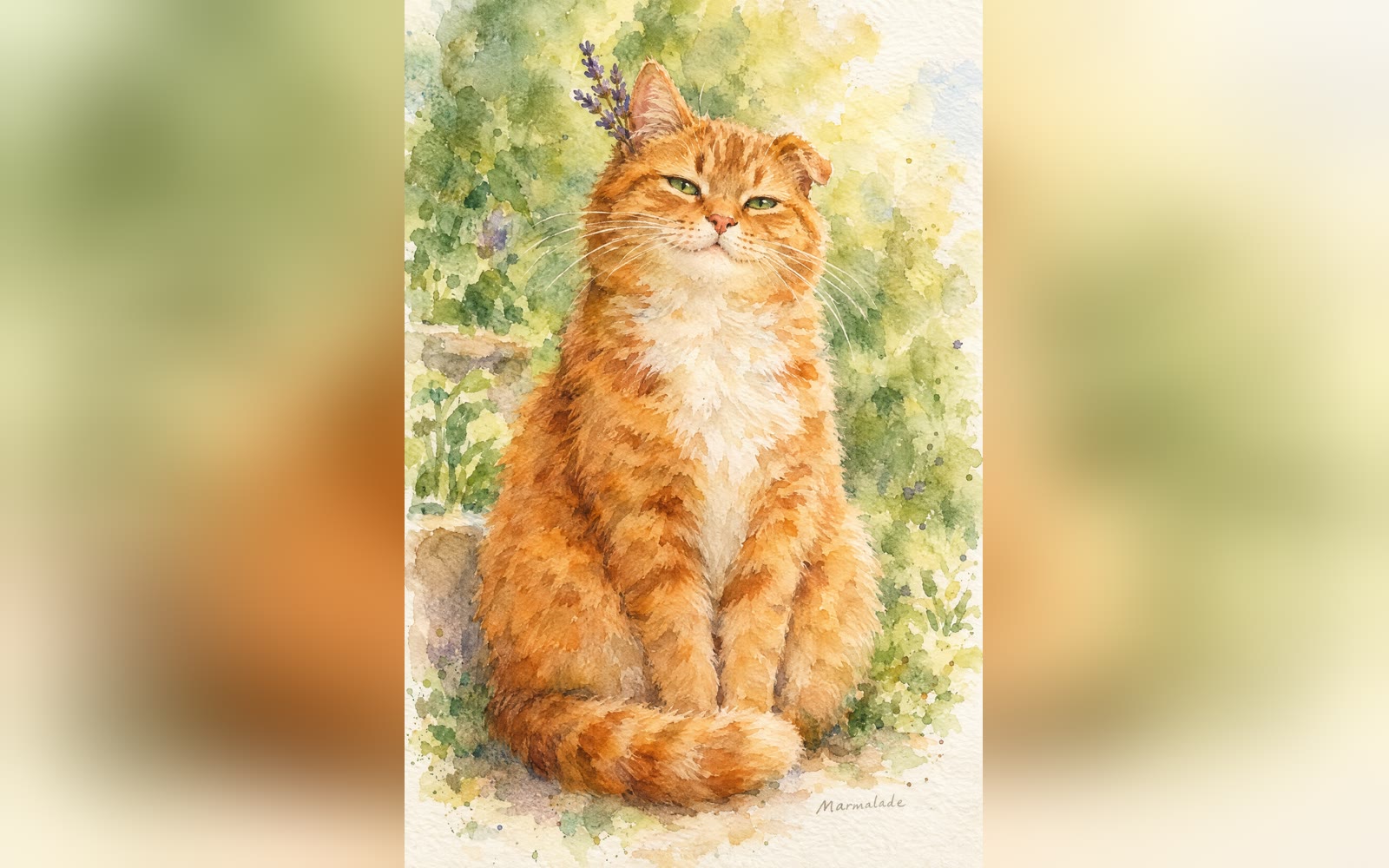
Watercolor Pet Portrait
Paint one invented animal as a loose, keepsake-style watercolor portrait.