
Word Cloud Generator
Miễn phíBiểu đồ và sơ đồPaste survey answers, a speech or any text. The optional English common-word filter removes words like "the" and "and". Choose a weighted list to supply positive weights; repeated exact phrases are added together. Set shape and image size independently, then inspect the selected-word table before downloading.
- Các con số chính xác của bạn
- Tải xuống PNG
- Không tải lên gì
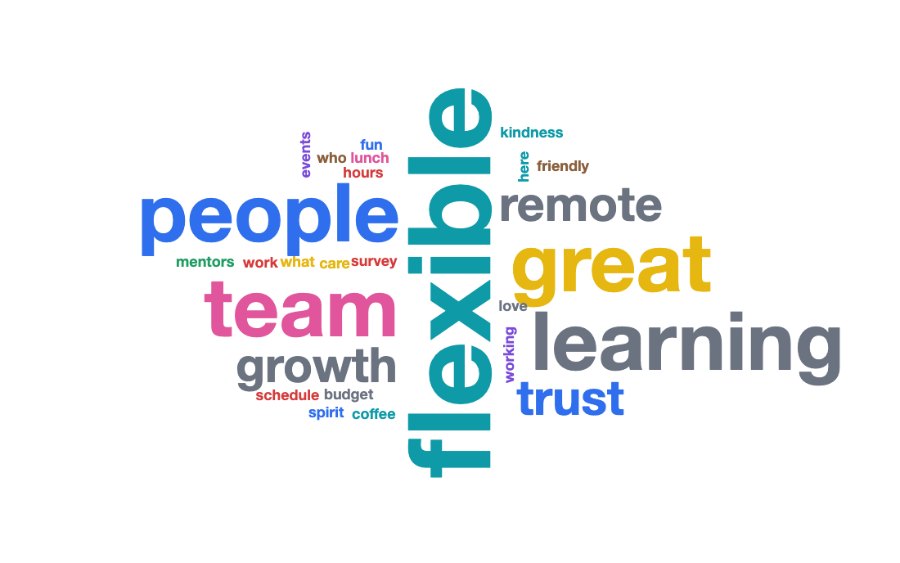
View selected words (27 rows)
27 of 27 unique words selected; 0 excluded by the Words limit. Text is lowercased; the optional common-word filter is English only. If the selected words cannot all fit, download is blocked with an error. Font size shows relative prominence, not an exact numerical scale.
| Word / phrase | Count |
|---|---|
| flexible | 4 |
| great | 3 |
| learning | 3 |
| people | 3 |
| team | 3 |
| growth | 2 |
| remote | 2 |
| trust | 2 |
| budget | 1 |
| care | 1 |
| coffee | 1 |
| events | 1 |
| friendly | 1 |
| fun | 1 |
| here | 1 |
| hours | 1 |
| kindness | 1 |
| love | 1 |
| lunch | 1 |
| mentors | 1 |
| schedule | 1 |
| spirit | 1 |
| survey | 1 |
| what | 1 |
| who | 1 |
| work | 1 |
| working | 1 |
Ví dụ
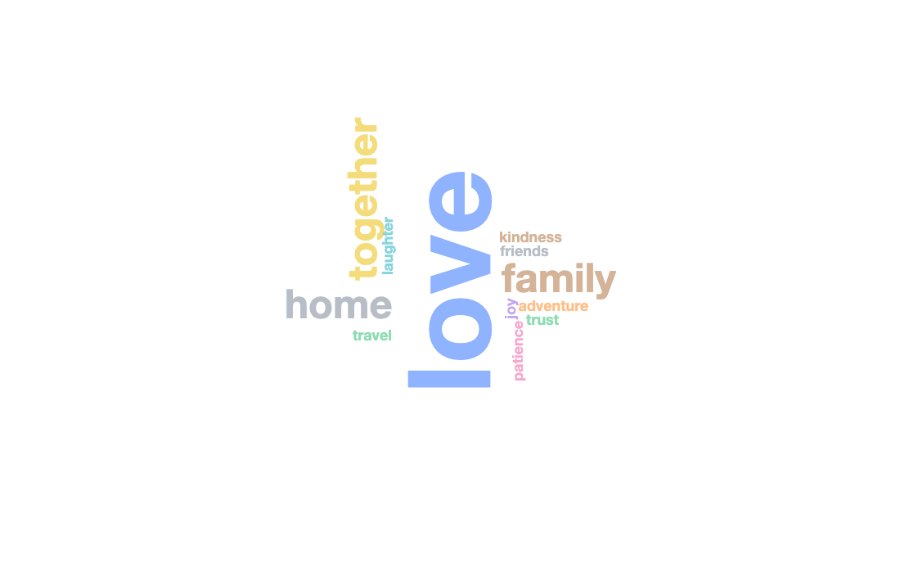
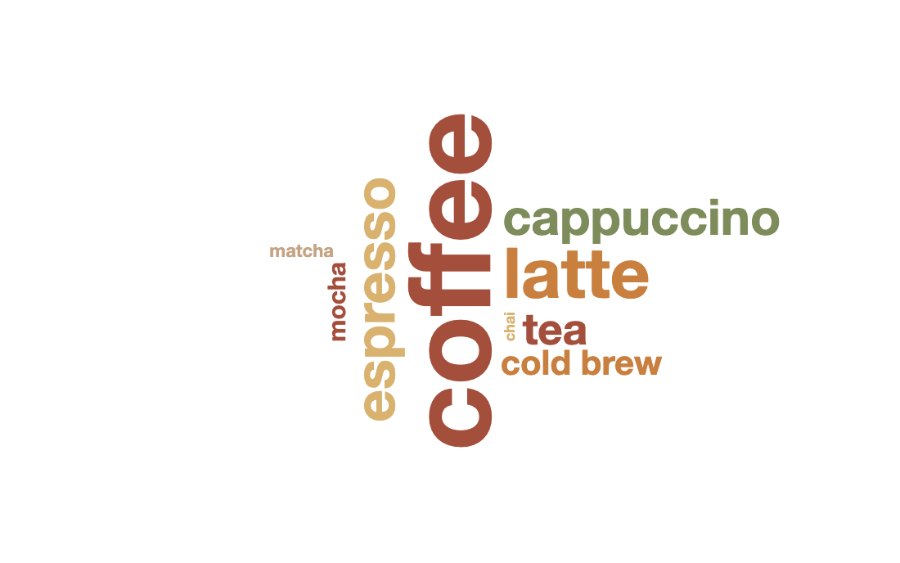
Được tạo bằng công cụ này. Mở một ví dụ để bắt đầu từ đó và thay đổi bất cứ thứ gì.
Cách dùng Word Cloud Generator
- 01
Choose Plain text or Weighted word list, then paste text or one word and positive weight per line.
- 02
Pick a shape, colors and how many words; press Shuffle again for a new layout.
- 03
Download the word cloud as a PNG.
Mọi người dùng nó để làm gì
Survey and feedback summaries
See the words people use most.
Classroom activities
Start a lesson with the words from a poem or a chapter.
Gifts and posters
Turn a toast, a letter or song lyrics into a keepsake.
Mẹo để có kết quả tốt hơn
- Paste more text for a fuller cloud; 200 words or more works well.
- Use "word, weight" lines to set sizes yourself.
- Press Shuffle again until you like the layout.
- Leave common words out unless they matter.
Câu hỏi thường gặp
What are the input limits?
Use up to 50,000 characters of input and select 1–200 words. Each word or weighted phrase can contain up to 64 characters. If every selected word cannot fit without overlap, reduce the count, shorten phrases or choose a rectangle.
How are word sizes decided?
Counts or positive weights control relative prominence. Font size is not an exact numerical scale; inspect the selected-word table for the numbers.
Can I use other languages?
Unicode words are supported. Modern browsers use word segmentation for languages such as Chinese and Japanese; results can vary by browser. The common-word filter is English only. Use a weighted list to control exact phrases and counts.
Why are some words missing?
The Words limit selects the highest-weight words, and plain text may exclude common English words. The table reports the number excluded by the limit. If selected words cannot fit, the tool shows an error instead of silently omitting them.
Is my diagram generated locally?
Your inputs are drawn in your browser, and the PNG is created locally. No diagram-generation API is used.
Thêm tools
Bracket Maker
Make a printable single-elimination bracket for 2 to 64 teams.
Comparison Chart Maker
Compare products or plans in a table with check marks.
Family Tree Maker
Draw a family tree from an indented list of names and dates.
Flowchart Maker
Turn a list of steps into a flowchart with decisions.
Gantt Chart Maker
Turn tasks with start and end dates into a Gantt chart.
Area Chart Maker
Make an area graph that fills under the line to show volume over time.