
File Folder Labels
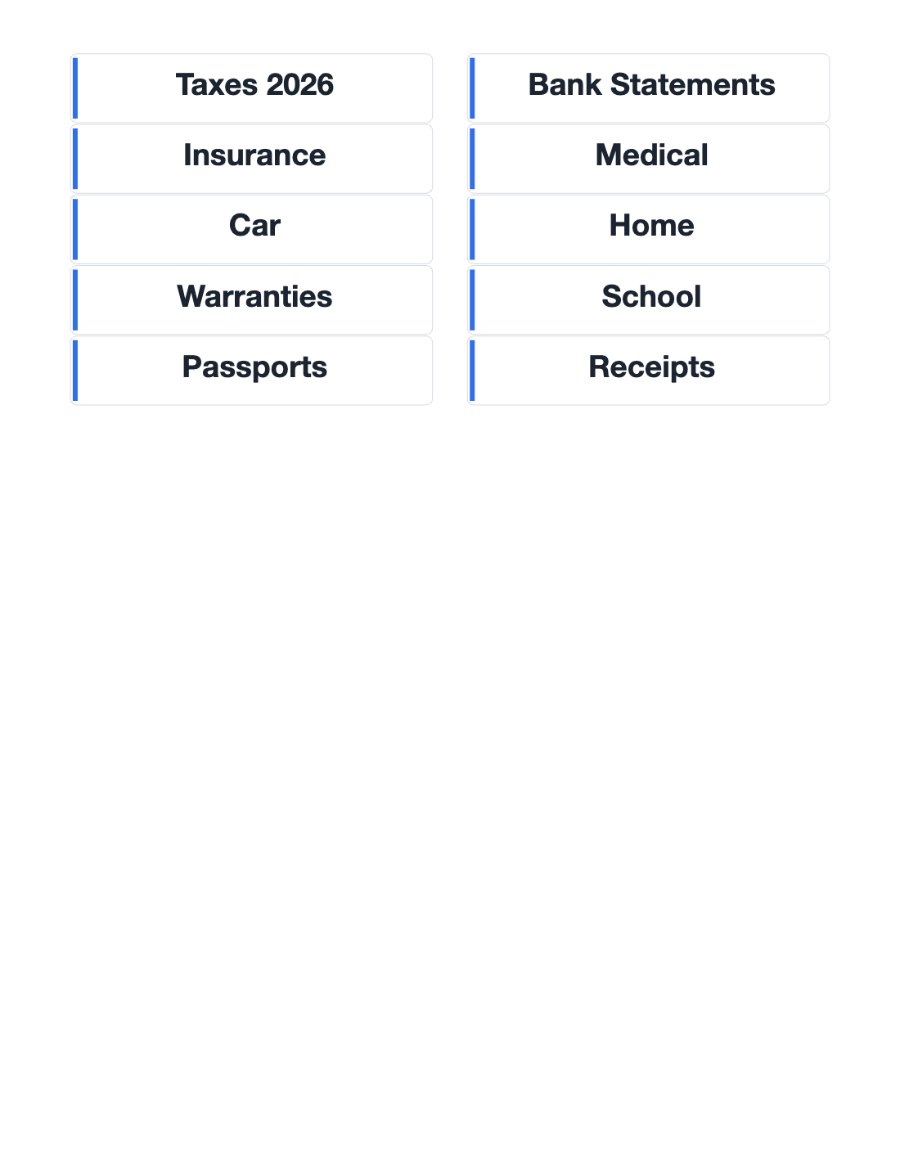
Miễn phíThẻ và nhãnType one folder name per line. The labels match the common 30-per-sheet file folder size, with an optional color bar to group folders.
- PDF sẵn sàng để in
- Letter hoặc A4
- Không tải lên gì
Ví dụ
Được tạo bằng công cụ này. Mở một ví dụ để bắt đầu từ đó và thay đổi bất cứ thứ gì.
Cách dùng File Folder Labels
- 01
Type one label per line, or separate longer labels with an empty line.
- 02
Pick the label sheet that matches your labels, a style and a font.
- 03
Download the PDF and print it at 100% (actual size).
Mọi người dùng nó để làm gì
Home filing
Taxes, bills, insurance and warranties.
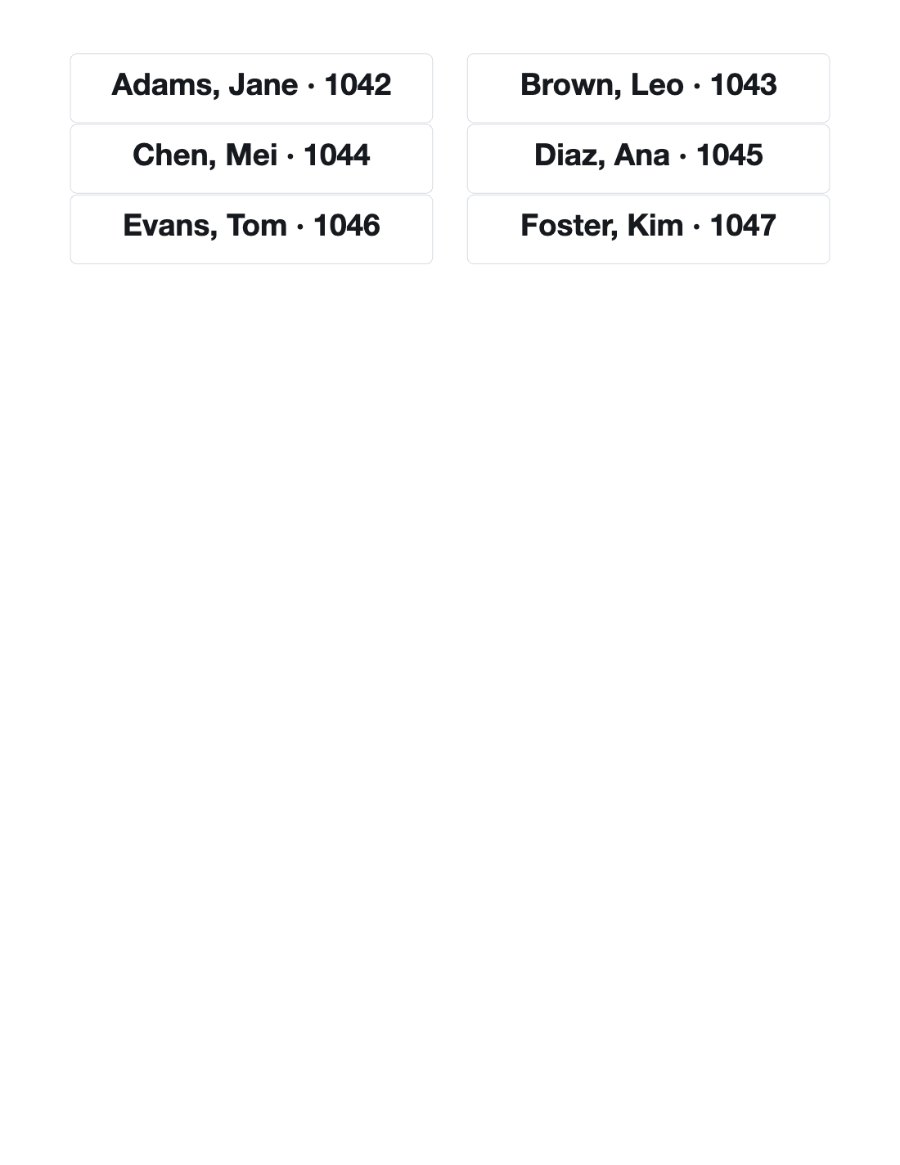
Offices
Client and project files.
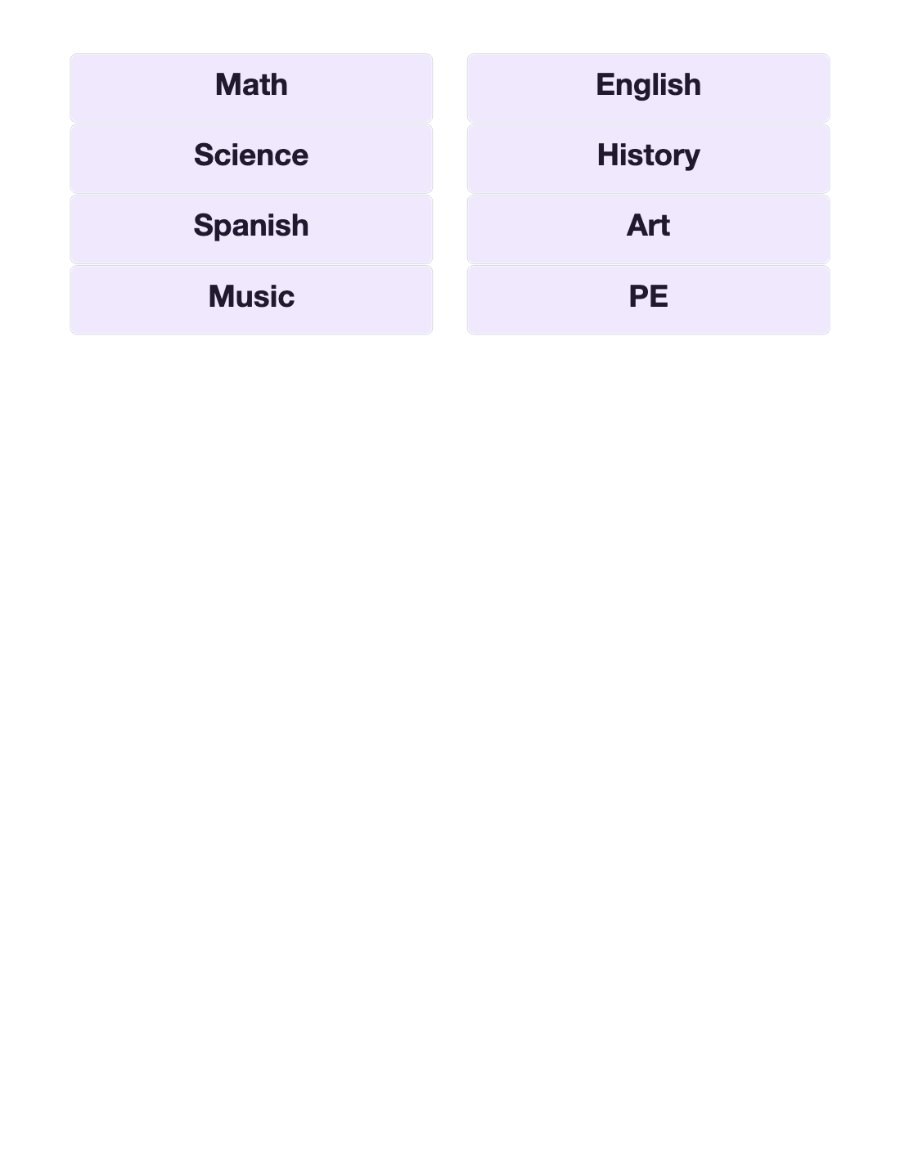
Classrooms
Student and subject folders.
Mẹo để có kết quả tốt hơn
- Print one sheet per color to color code.
- Use last name first for client files.
- Print a test sheet on plain paper first.
- Keep names short to fit the tab.
Câu hỏi thường gặp
Which label sheets fit?
⅔ × 3 7/16 inch file folder labels, 30 per sheet (Avery 5366 size).
How do I color code?
Print one sheet per color, such as blue for money and green for health.
Which labels fit?
⅔ × 3 7/16 inch file folder labels, 30 per sheet (Avery 5366 size).
Can I use them on hanging files?
Yes, or cut them to fit the plastic tabs.
Does File Folder Labels upload what I type?
No. File Folder Labels draws the page in your browser from what you type, so it works offline once the page has loaded and nothing is sent anywhere.
Thêm tools
Pantry Labels
Printable pantry labels for jars, bins and canisters.
Spice Jar Labels
Printable round labels for spice jars, with your spice names.
Address Label Template
Print address labels on 30-per-sheet label paper and other sizes.
Award Certificate Maker
Make an award certificate with your own title and reason.
Baby Shower Bingo
Printable baby shower bingo cards filled with baby gift words.
Funeral Program Template
A printable funeral program with the order of service.