
Luggage Tag Maker
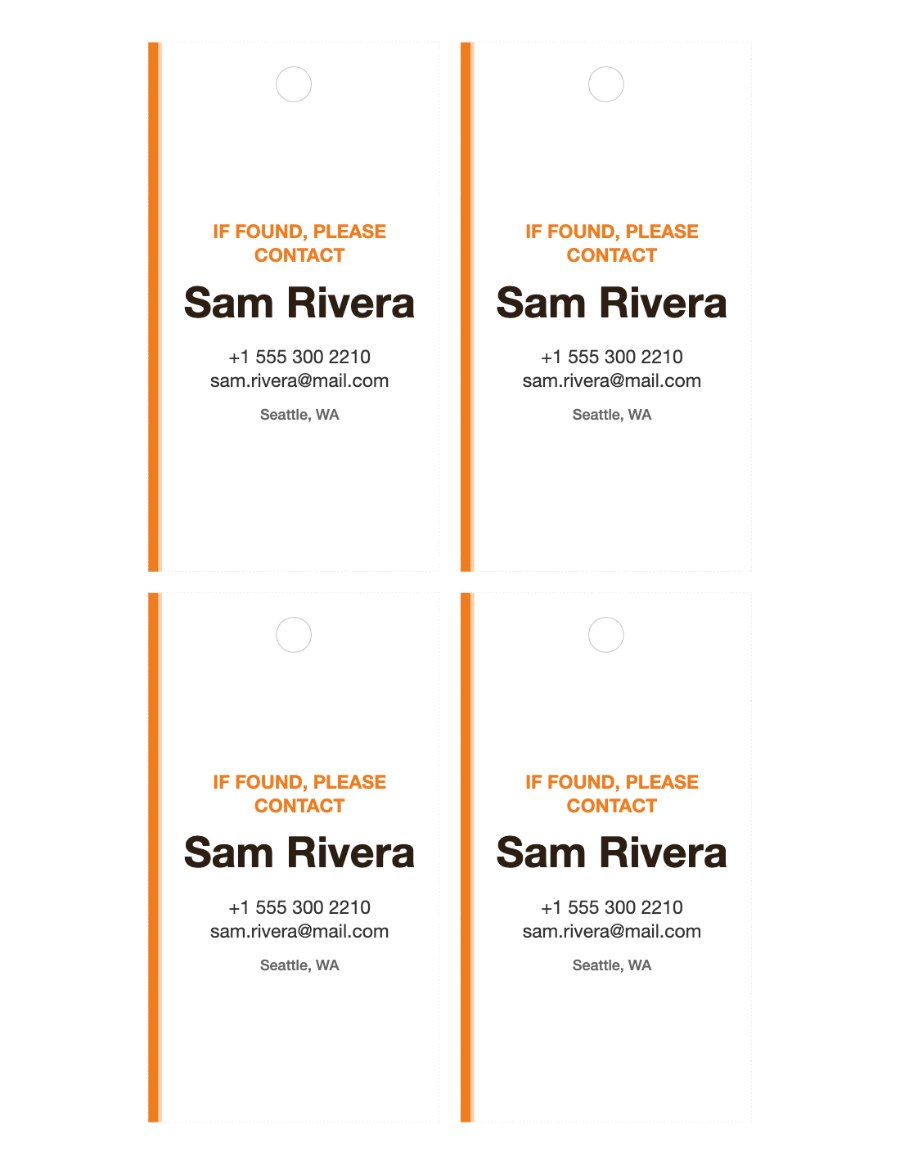
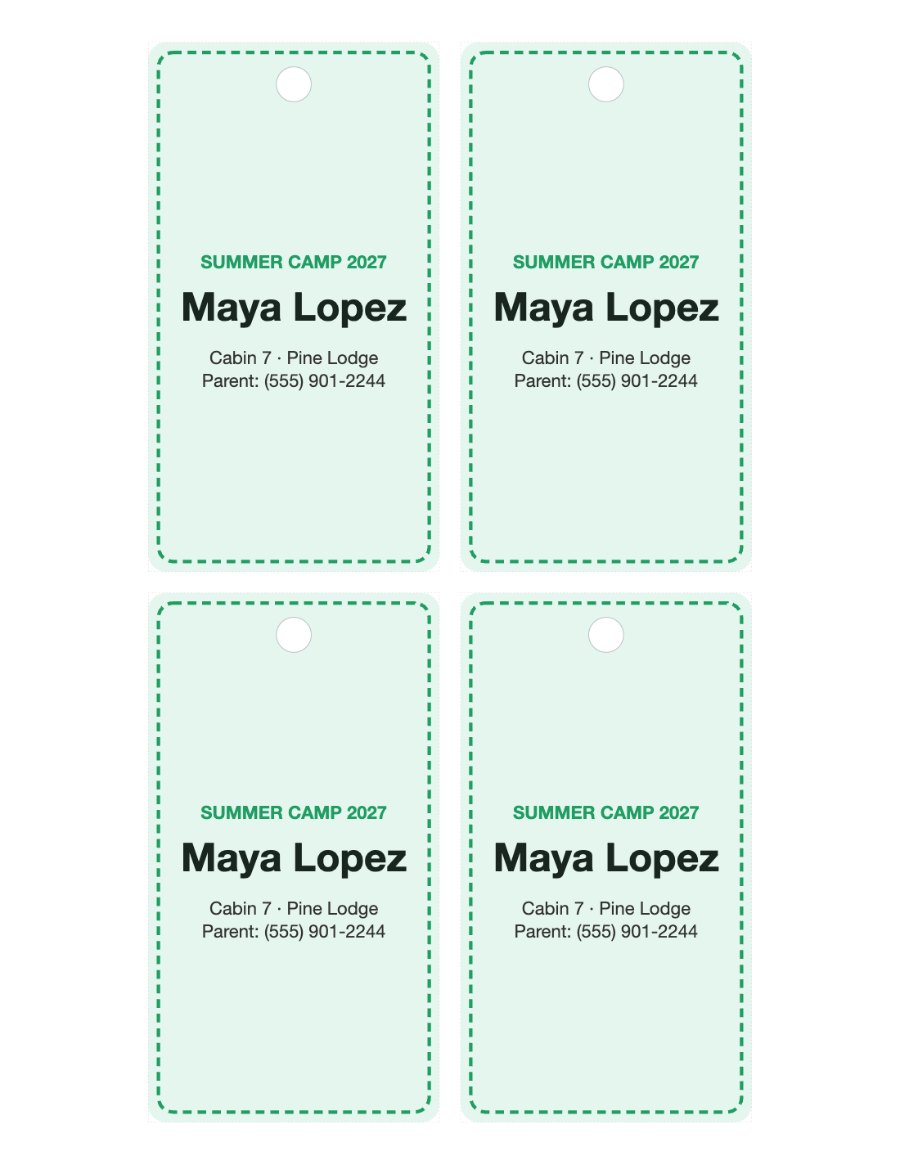
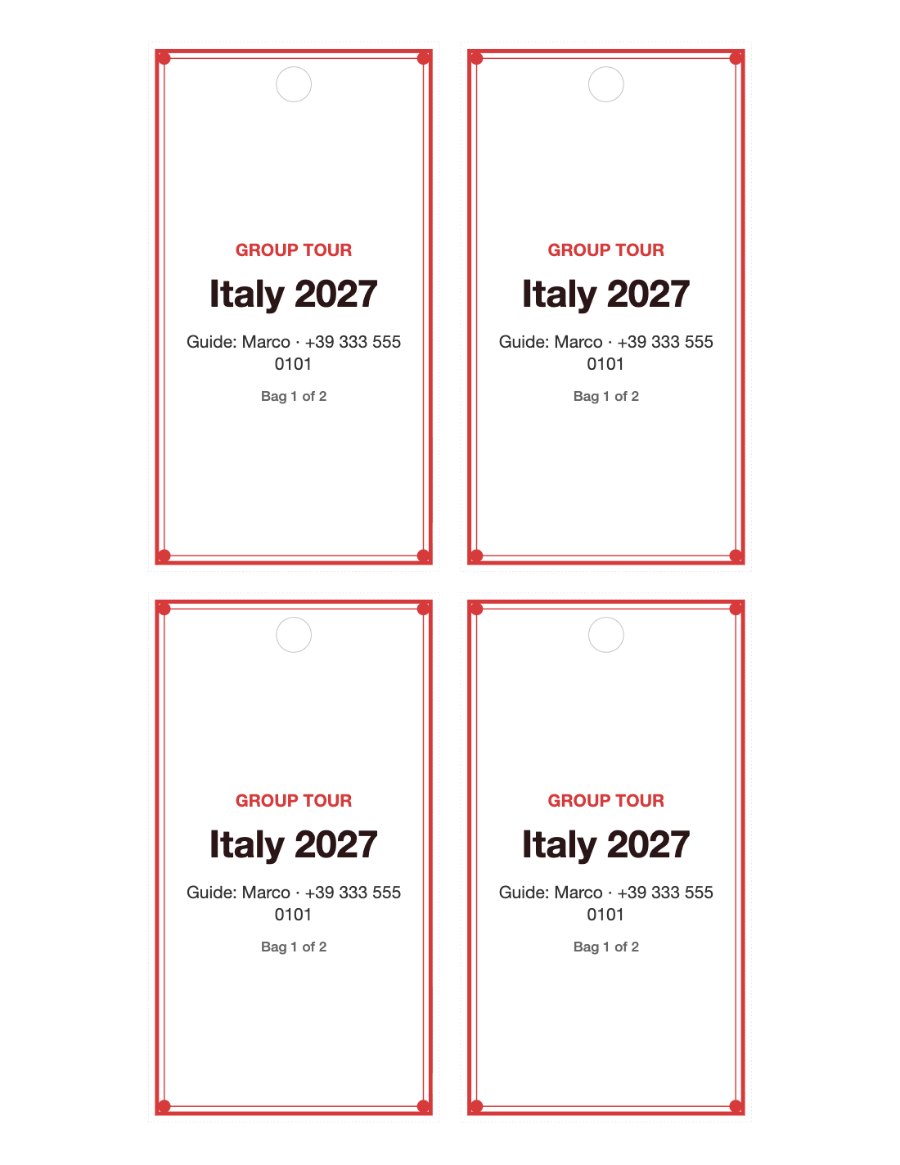
Miễn phíThẻ và nhãnType your name and how to reach you. Tags print 2.75 × 5 inches with a strap hole; laminate them or use a clear tag holder.
- PDF sẵn sàng để in
- Letter hoặc A4
- Không tải lên gì
Ví dụ
Được tạo bằng công cụ này. Mở một ví dụ để bắt đầu từ đó và thay đổi bất cứ thứ gì.
Cách dùng Luggage Tag Maker
- 01
Type the words for the card.
- 02
Pick a style, colors and font, and add a photo if you like.
- 03
Download a print-ready PDF sheet, or a single card as a PNG.
Mọi người dùng nó để làm gì
Travel
A tag for every bag.
Camps and school trips
Names and cabins on kids’ bags.
Group tours
Matching tags for a group.
Mẹo để có kết quả tốt hơn
- Use only phone and email for privacy.
- Laminate or use a clear holder.
- Put a copy inside the bag too.
- Use a bright color to spot your bag fast.
Câu hỏi thường gặp
Should I put my home address?
Many travelers use only a phone and email so the bag does not show when the house is empty.
Will paper tags last?
Laminate them or slip them into a plastic tag holder.
Should I put my address?
Many travelers leave it off so the bag does not show the house is empty.
How many fit?
Four 2.75 × 5 inch tags per page.
Does Luggage Tag Maker upload what I type?
No. Luggage Tag Maker draws the page in your browser from what you type, so it works offline once the page has loaded and nothing is sent anywhere.
Thêm tools
Gift Tag Maker
Printable gift tags with names, a message and a ribbon hole.
Name Tag Maker
Print name tags with a big name and a small second line.
Price Tag Maker
Print hang-on price tags with price, item and size.
Button Badge Maker
Make round 2.25-inch button badges with text or a photo.
Binder Cover Template
A full-page binder cover with a title, subtitle and name.
Menu Template
A printable menu with sections, prices and descriptions.