
Postcard Maker
Miễn phíThẻ và nhãnAdd a photo and it fills the left side, with your greeting and message on the right. Print on card stock and write the address on the back.
- PDF sẵn sàng để in
- Letter hoặc A4
- Không tải lên gì
Ví dụ
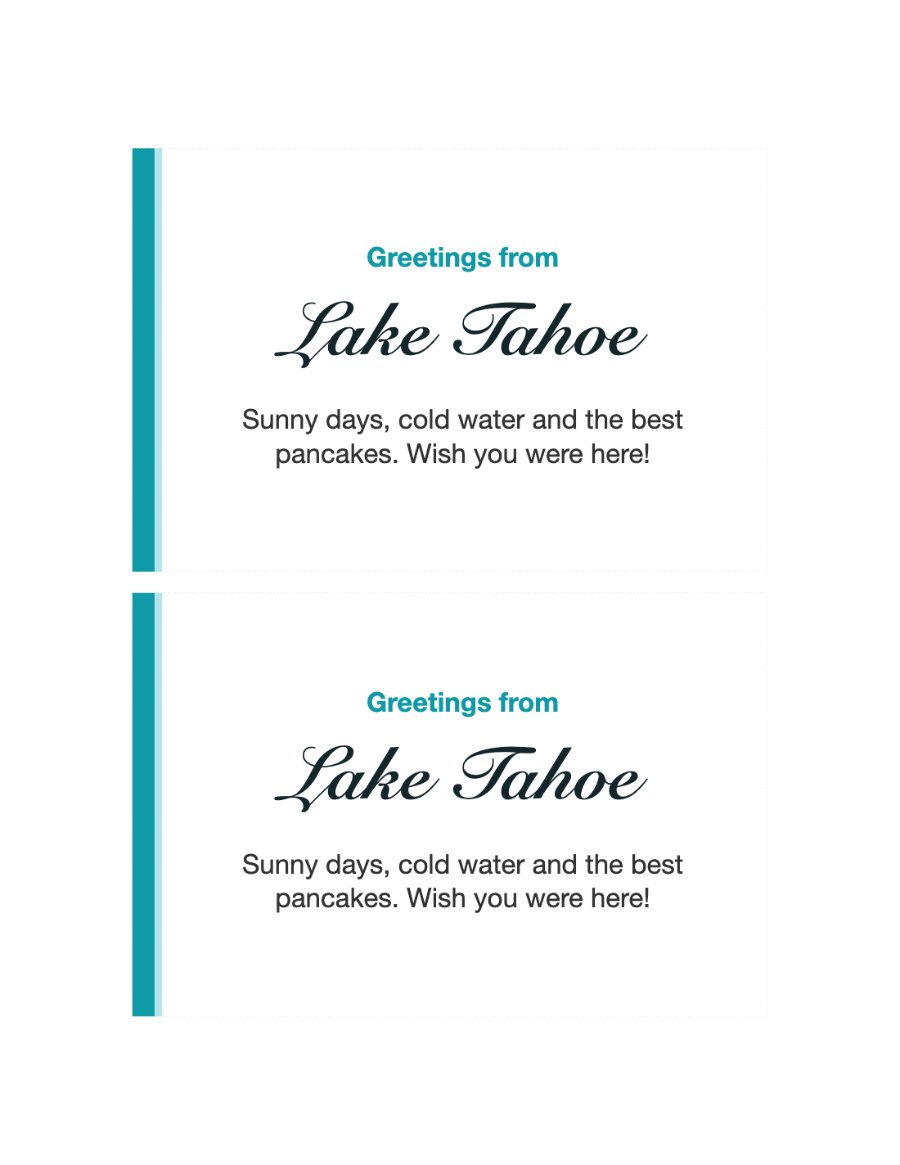
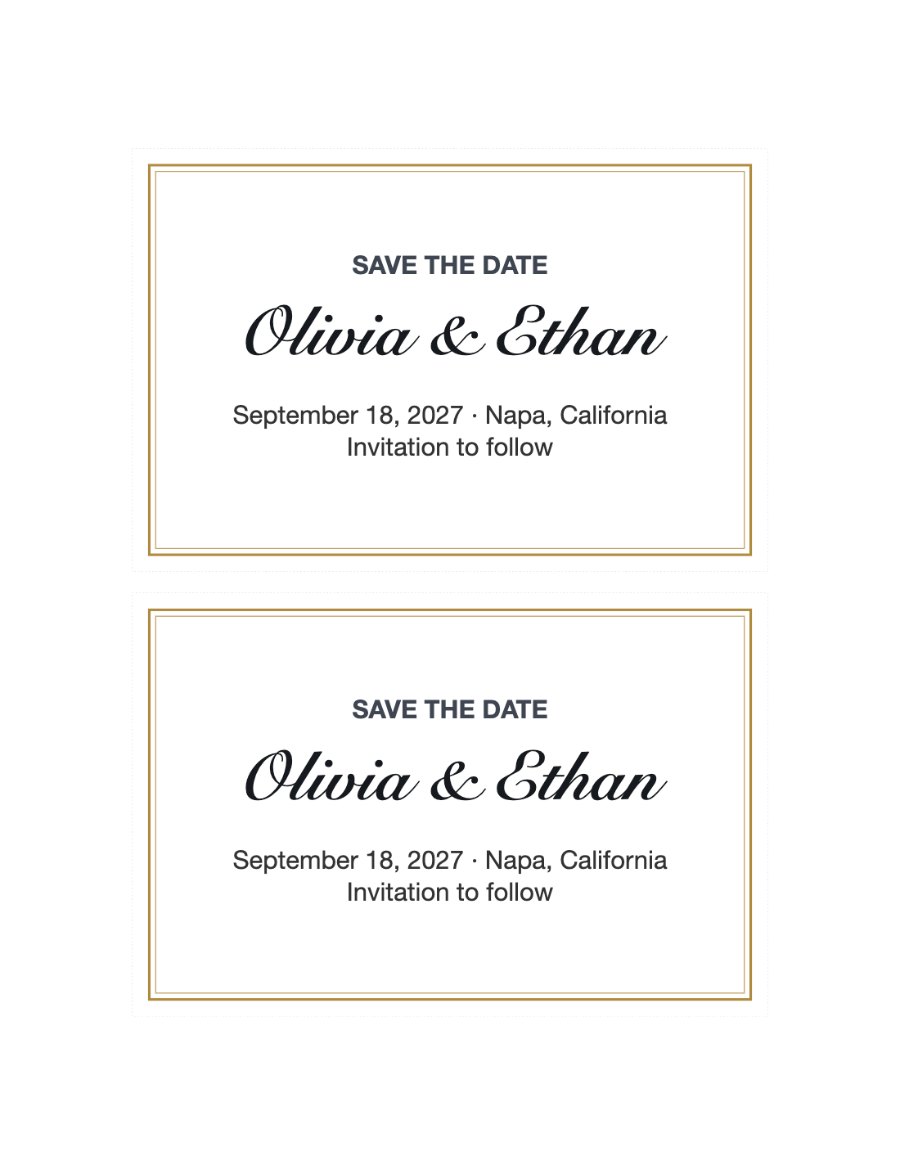
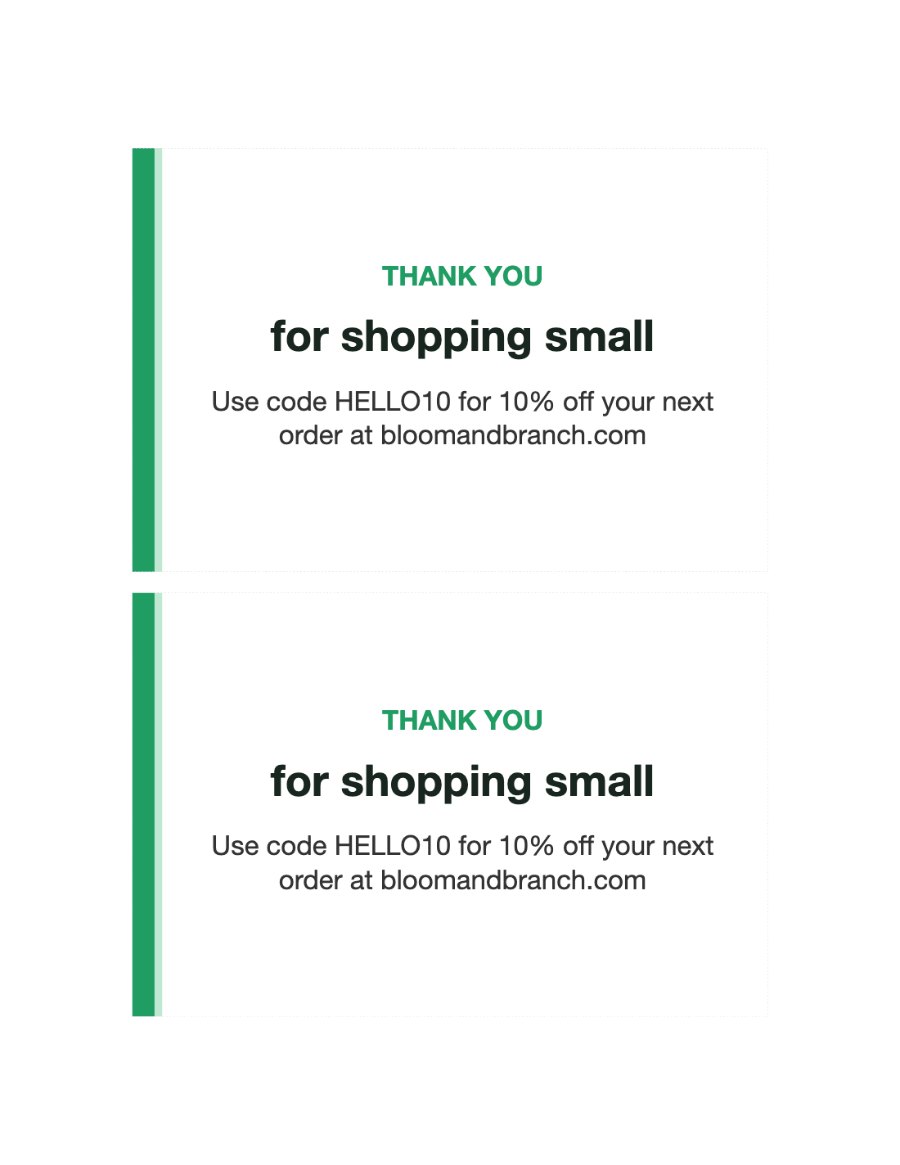
Được tạo bằng công cụ này. Mở một ví dụ để bắt đầu từ đó và thay đổi bất cứ thứ gì.
Cách dùng Postcard Maker
- 01
Type the words for the card.
- 02
Pick a style, colors and font, and add a photo if you like.
- 03
Download a print-ready PDF sheet, or a single card as a PNG.
Mọi người dùng nó để làm gì
Travel postcards
Your own photo as a postcard.
Save the dates and announcements
Cheaper to mail than cards.
Small businesses
Thank-you cards in every order.
Mẹo để có kết quả tốt hơn
- Add a photo; it fills the left side.
- Print on card stock and cut to 6 × 4 inches.
- Keep the message short.
- US postcards up to 6 × 4.25 inches mail at the postcard rate.
Câu hỏi thường gặp
What size is a postcard?
6 × 4 inches here, the common US size.
Can I make a back side?
Write the address by hand, or make a second card with just "Place stamp here".
Can I print the back?
Write the address by hand, or make a second card for the back.
Does Postcard Maker upload what I type?
No. Postcard Maker draws the page in your browser from what you type, so it works offline once the page has loaded and nothing is sent anywhere.
Thêm tools
Button Badge Maker
Make round 2.25-inch button badges with text or a photo.
Binder Cover Template
A full-page binder cover with a title, subtitle and name.
Birth Announcement Maker
Make a 5 × 7 baby announcement with photo, name and birth stats.
Business Card Template
Make a business card and print 10 on a Letter or A4 sheet.
Coupon Maker
Make printable coupons with an offer, details and expiry.
Price Tag Maker
Print hang-on price tags with price, item and size.