
Classroom Seating Chart
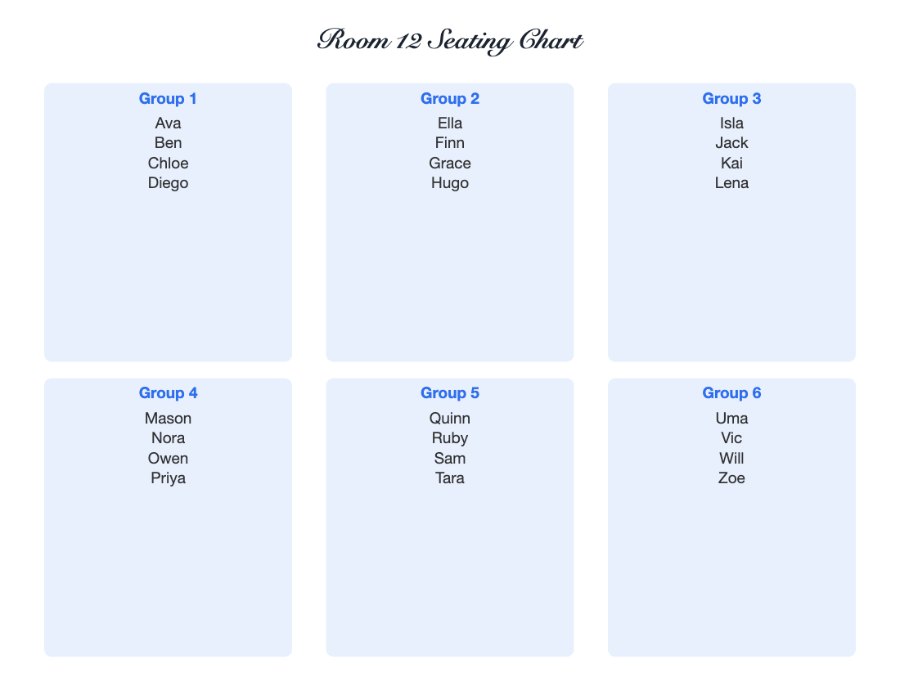
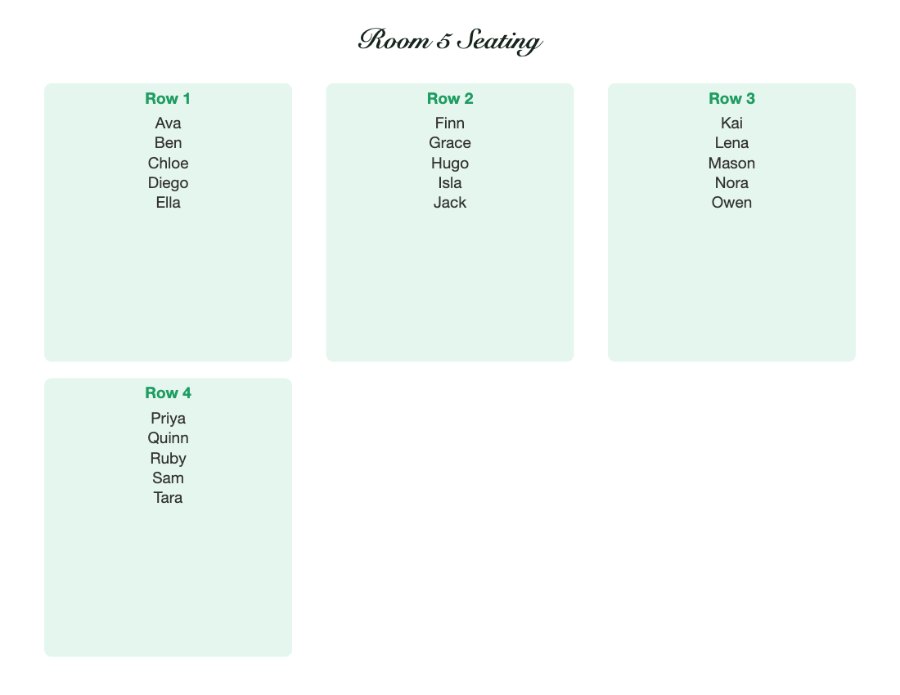
Miễn phíPhiếu bài tậpType each group or row and the students in it. The plan prints landscape, handy for substitute teachers learning names.
- PDF sẵn sàng để in
- Letter hoặc A4
- Không tải lên gì
Ví dụ
Được tạo bằng công cụ này. Mở một ví dụ để bắt đầu từ đó và thay đổi bất cứ thứ gì.
Cách dùng Classroom Seating Chart
- 01
Type each group as "Group 1: name, name".
- 02
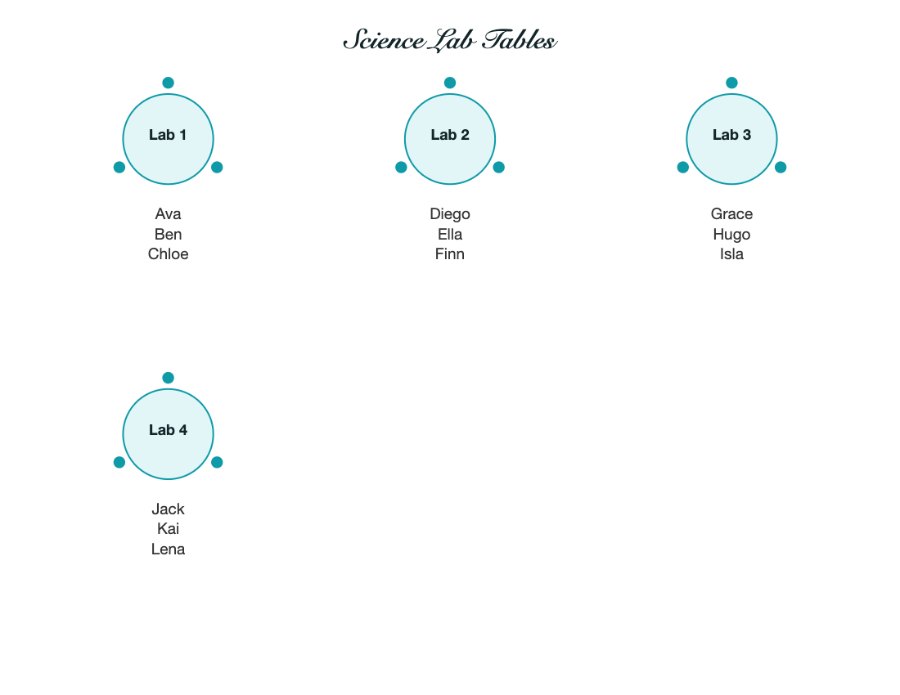
Pick round or square tables and colors.
- 03
Download a PDF to print, or a PNG.
Mọi người dùng nó để làm gì
Substitute teachers
Learn names fast with a seating plan.
New classes
Plan seating before the first day.
Group work
Set up groups for projects.
Mẹo để có kết quả tốt hơn
- Seat students who need support near the front.
- Mix talkers with quiet workers.
- Change seats every four to six weeks.
- Keep a copy in the sub folder.
Câu hỏi thường gặp
Can I set it up in rows?
Yes. Type "Row 1: names" for each row and turn off round tables.
How often should I change seats?
Many teachers switch every four to six weeks.
Rows or groups?
Rows suit tests and lectures; groups suit projects. Make one of each.
Does Classroom Seating Chart upload what I type?
No. Classroom Seating Chart draws the page in your browser from what you type, so it works offline once the page has loaded and nothing is sent anywhere.
Thêm tools
Report Card Template
A printable report card with grades, comments and signatures.
Spelling Test Template
A numbered spelling test with bonus lines and a word list page.
Worksheet Maker
Make a worksheet with your questions, answer lines and choices.
Alphabet Chart
A printable ABC chart with pictures and words, A to Z.
Hundreds Chart
A printable 100, 120 or 200-number chart with matching practice answers.
Crossword Maker
Make a crossword from your words and clues, with an answer key.