
Icon to 3D
- Lab Skill
- v0.1.0
- Illustration
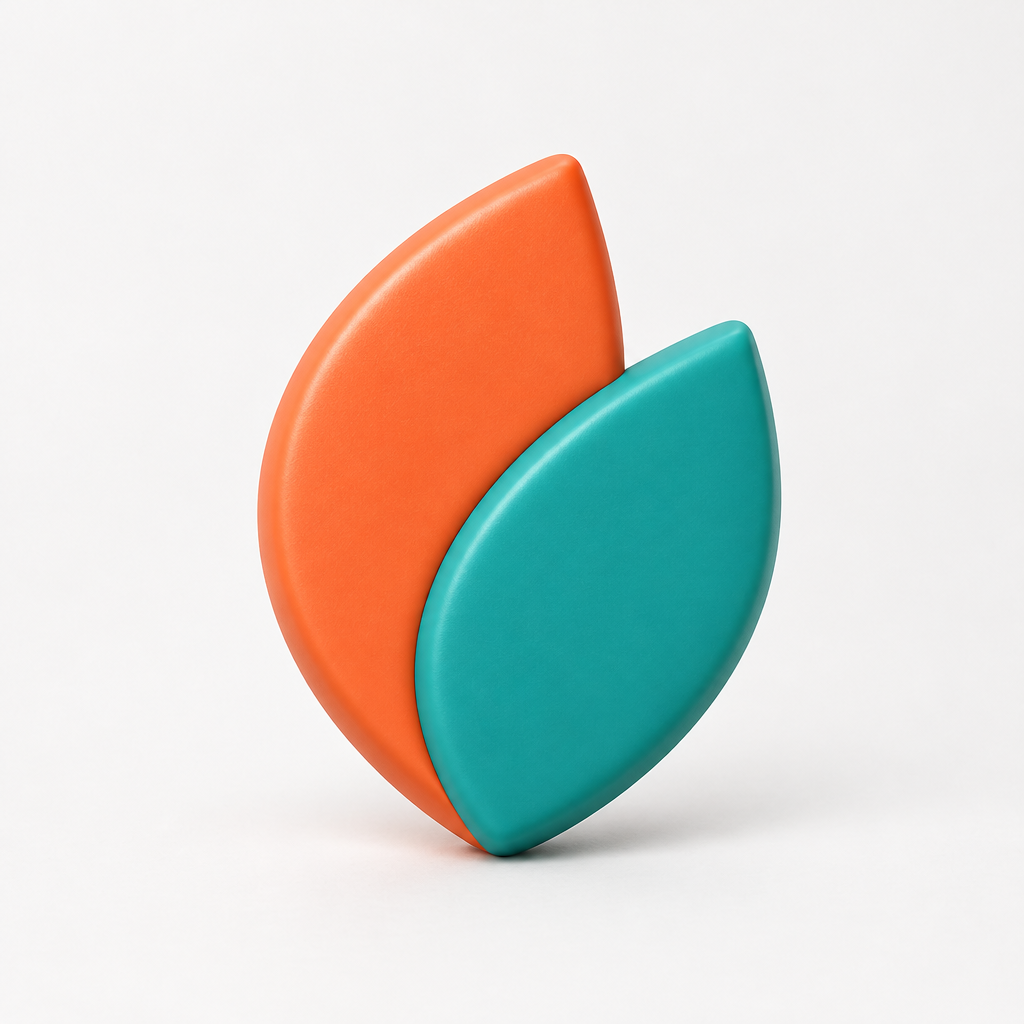
Turn your own flat icon or mark into a real material object — soft plastic, frosted glass or polished metal — lit like a studio product shot.
示例
Icon to 3D
在线运行
在 SandBase sandbox 中运行,并在 Lab 中查看结果。
在 Lab 中打开 ↗你将获得什么
Bring one flat icon or mark you designed or may use, plus the material and backdrop. The Skill returns a square render of the same mark with real depth, bevels and studio light — silhouette and colours kept.
工作原理
- 01
Point to your own icon
Icon to 3D takes a drawing path to a local PNG or JPEG of at most 8 MB with a short side of at least 512 px, a material of soft-plastic, frosted-glass or polished-metal, a backdrop of studio or float, and consent set exactly to accepted. The image is checked locally, and location and other metadata are removed before upload.
- 02
Edit the mark into 3D
Icon to 3D uploads the stripped image to your own SandBase account storage and calls openai/gpt-image-2.5-flare/edit at medium quality, 1k, 1:1 PNG. It needs Node.js 18 or newer in SandBase Sandbox and SANDBASE_API_KEY. Example: generate.mjs run --brief assets/sample-brief.en.json --out /tmp/icon-run --lang en, with --budget set. Resume never uploads again.
- 03
Judge silhouette and material
Icon to 3D returns icon.png and the run reports. The frame should read as one studio photograph of a manufactured object, keeping the source silhouette and colours, centred with breathing room, never a grid or mockup. Treat any added lettering as a defect unless the mark is itself a glyph. Inspect silhouette, material and shadow at full size and as a thumbnail.
常见问题
What does Icon to 3D do to my icon?
Icon to 3D edits one flat icon or mark into a single square 3D render with depth, bevels and studio light. It keeps the source silhouette, palette and recognisable design, and applies a soft-plastic, frosted-glass or polished-metal finish on a studio sweep or floating with a soft shadow.
Can Icon to 3D render someone else's logo?
No. Icon to 3D edits only artwork you designed or have the right to use, and consent must be accepted. It refuses third-party logos or trademarks you do not control, other people's app icons, identity documents and credentials. The result is a stylised render, never proof of brand ownership.
Which image files does Icon to 3D accept?
Icon to 3D accepts one PNG or JPEG, detected by content, of at most 8 MB, with a short side of at least 512 px and a long side of at most 6000 px. EXIF Orientation must be absent or 1, so rotate other images upright first. Colour profiles are kept.
What happens to my artwork after Icon to 3D runs?
Icon to 3D in local mode uploads the stripped image to your own SandBase account storage, where retention follows SandBase platform rules; the Skill cannot delete that copy. In hosted mode Lab passes a signed address valid for 15 minutes and deletes the uploaded original within 1 hour after the run. The result stays in your private run history until you delete it.
How is Icon to 3D billed?
Icon to 3D bills one openai/gpt-image-2.5-flare/edit call per approved brief to your SandBase account. Running plan first sends nothing to the model. The run command compares the inspected estimate with the --budget flag before submitting, and that flag's default is its maximum. Afterwards the run report shows what the call actually cost or null. Rates are at https://www.sandbase.ai/pricing.
更多 Skills
所有 Illustration Skills →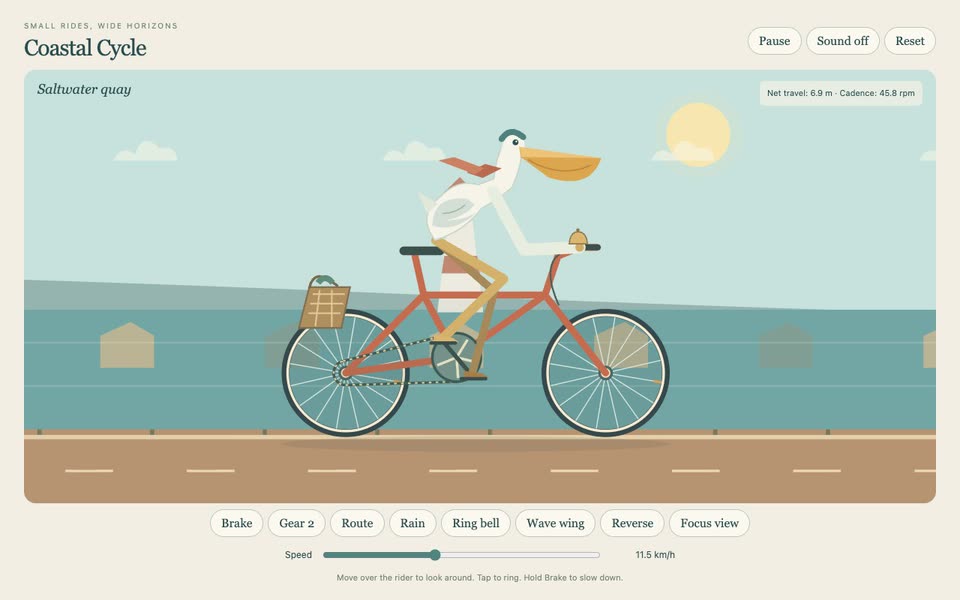
Coastal Cycle: Harbor Pelican
An authored SVG pelican rides a coral bicycle beside the sea. Measured travel drives the wheels, gear ratio drives the crank, and solved joints keep both feet on their actual pedals. Brake, reverse and explore three coastal palettes offline.
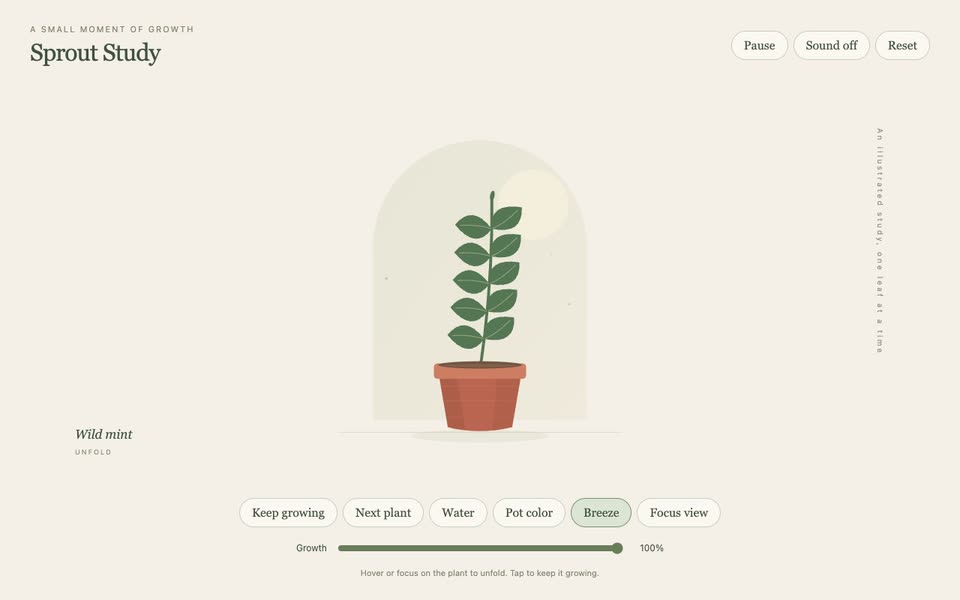
Sprout Study: Terracotta Mint
A quiet SVG botanical illustration. Hover or focus to grow the continuous stem, unfold leaves in sequence and fold them again. Touch hold, exact growth scrubbing and editable plants in one offline HTML.
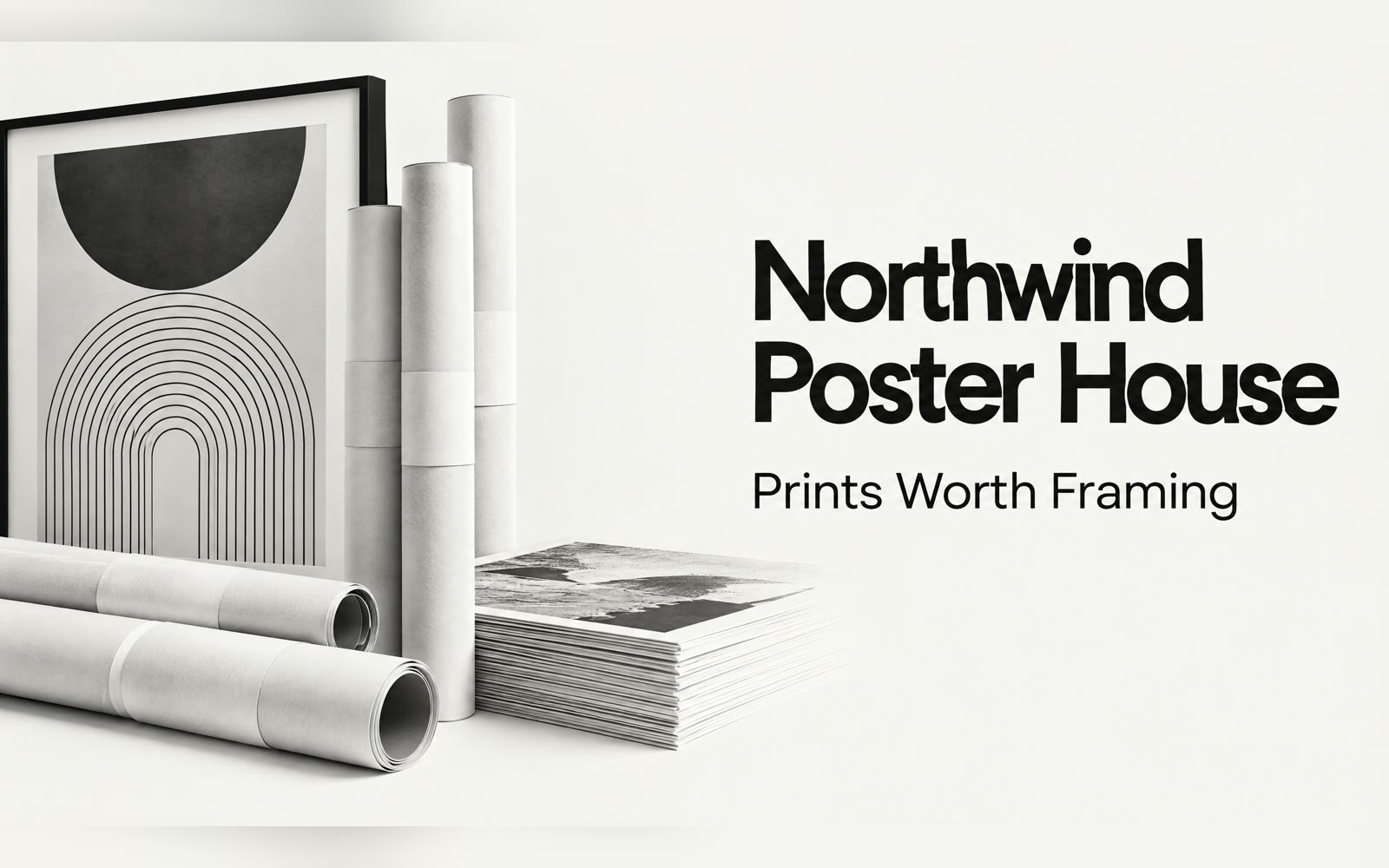
Monochrome editorial
Turn a brand, one headline and context into a high-key monochrome editorial card.
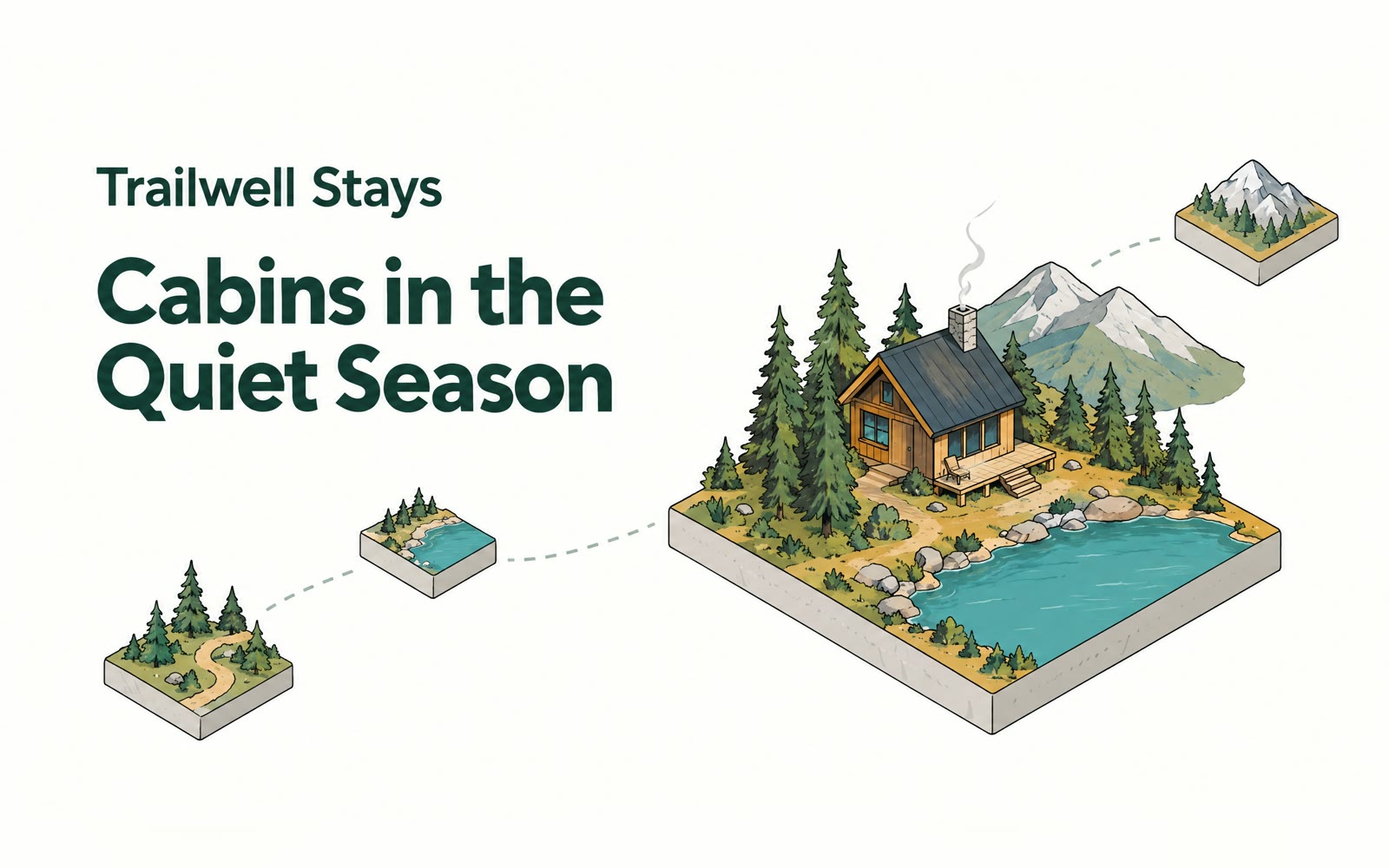
Isometric diorama
Turn a brand, one headline and context into a modular isometric card.
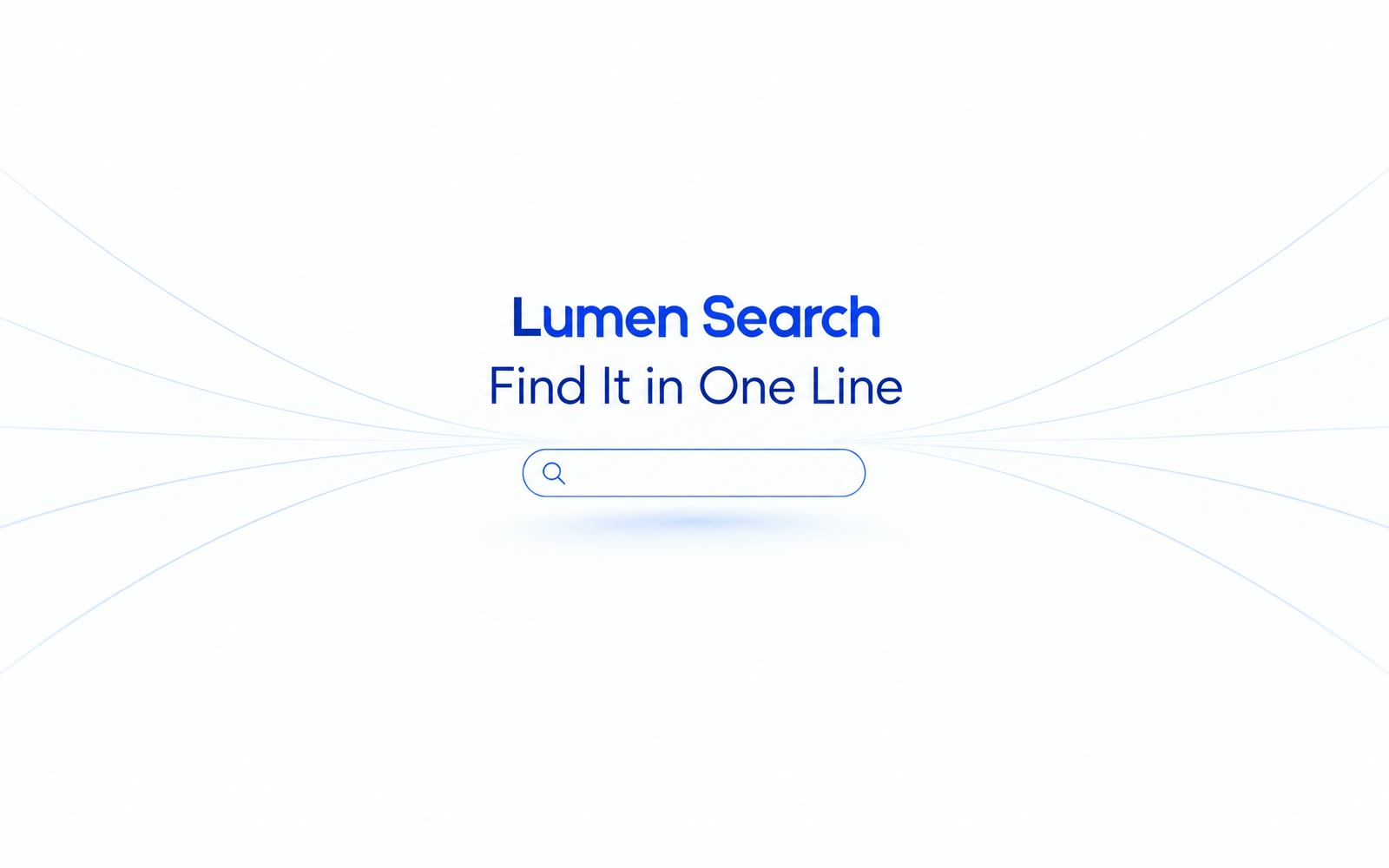
Converging lines
Turn a brand, one headline and context into a precise line-convergence card.
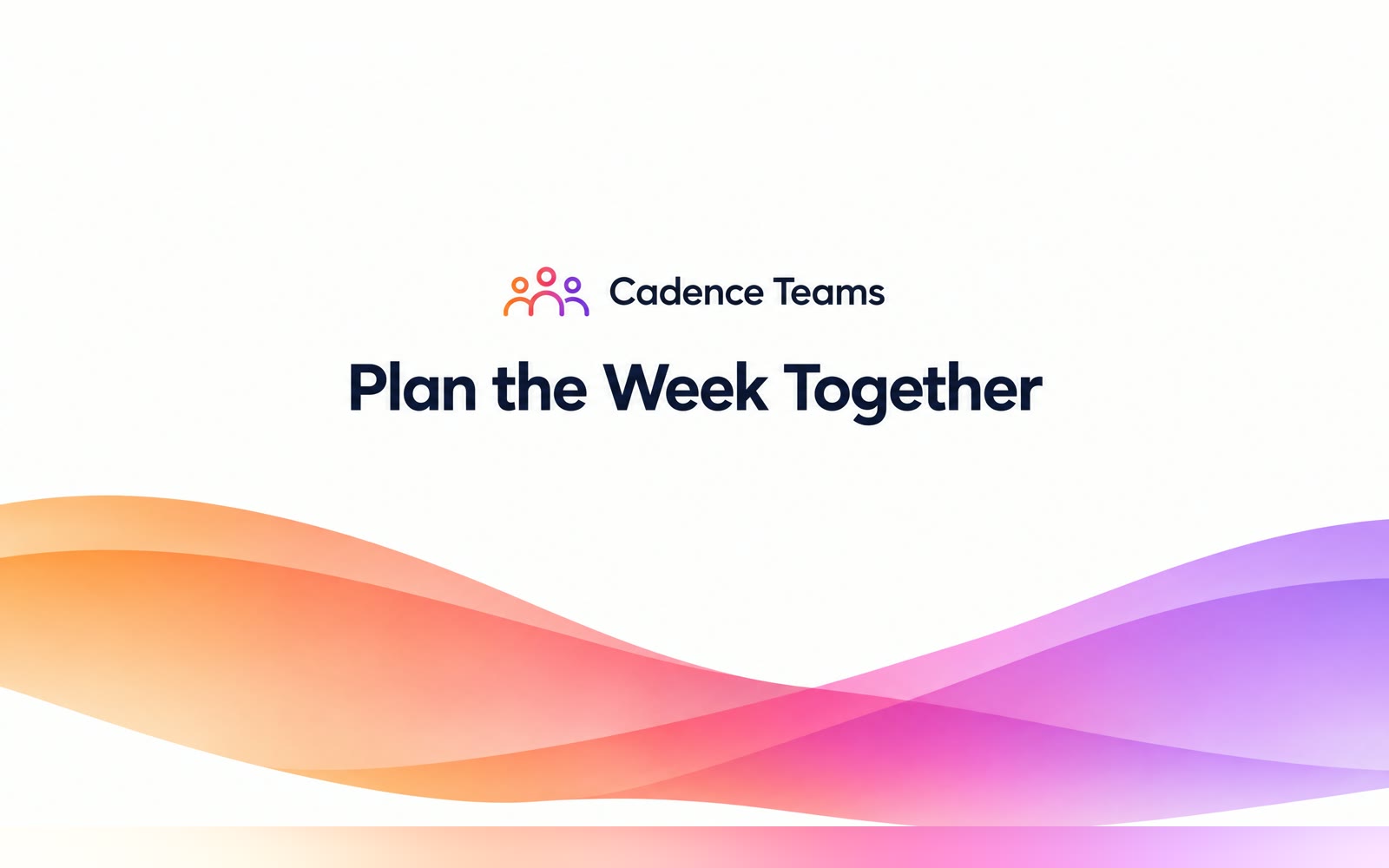
Gradient horizon
Turn a brand, one headline and context into a warm gradient-horizon card.