
Festival Grid Slides
- Lab Skill
- v1.0.2
- Motion
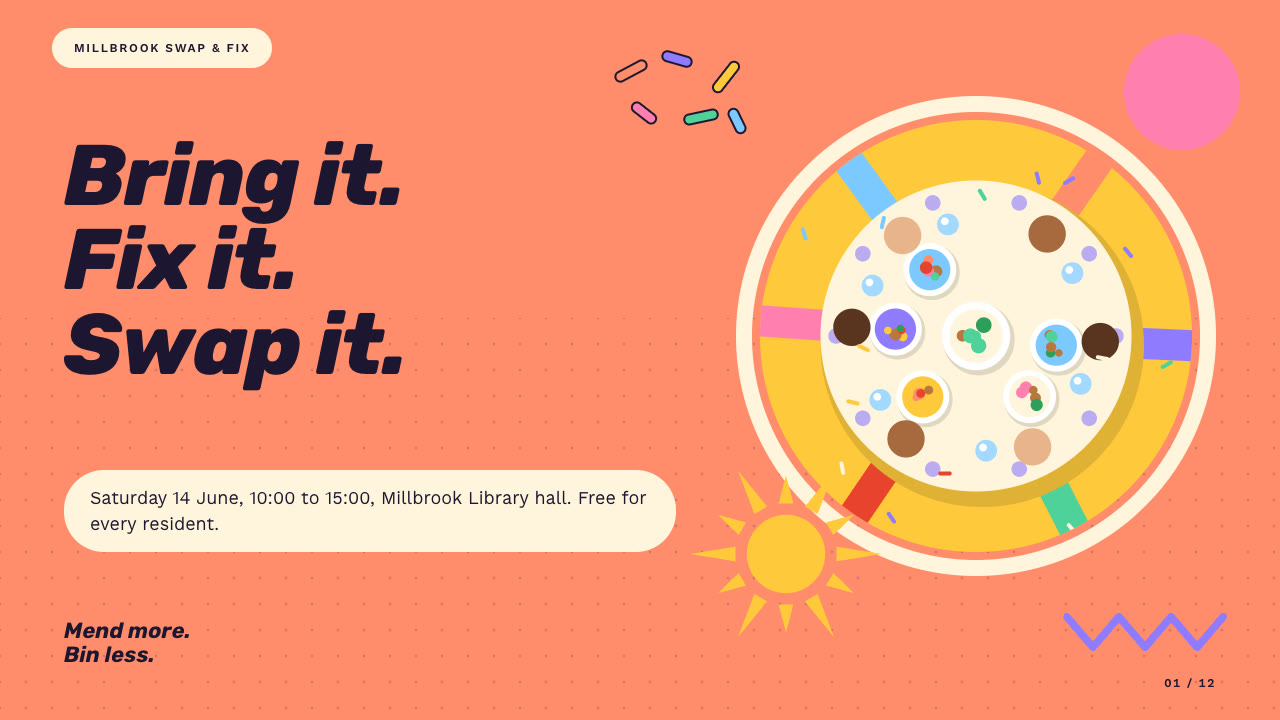
Invite people to a fair, open day or club season, or pitch one, in a bright festival deck: whole-page colour fields with a fine dot grid, heavy slanted headlines, cream cards and tickets, round pictures, and suns, rosettes, rings, bunting and sprinkles.
示例 · 2
你将获得什么
Bring a brief with the event, the audience, what people should do next and the facts you can stand behind; pictures optional. The Skill returns one offline HTML deck that edits in the browser and exports editable PowerPoint.
工作原理
- 01
Outline the event, one job per page
Festival Grid slides asks for the event, audience, what people should do afterwards, the dates, places and prices you can stand behind, and the page count. Your Agent picks from thirteen layouts such as opening, lineup, schedule, spotlight, route, tally, roster and finale, and changes the field colour so that neighbouring pages differ. Planning figures are marked as estimates.
- 02
Fill rounds with generated festival pictures
One preset is applied with python3 scripts/apply-palette.py deck.json --palette sorbet, or Lagoon in the kite day demo. Pictures you own come first. Otherwise each scene goes into scenes.json and festival-art.py draws flat invented people, stalls and objects for the round and rounded-rectangle frames. kit.py compose builds deck.json, and decoration such as sun, rose, bunting and zigzags may stay as sample artwork.
- 03
Build the invitation and check every wrap
make-deck.py writes presentation.html and verify-deck.py lists any sample string still in the deck. Your Agent then checks headline wraps, ticket and card heights, wheel numbers, bar labels, table rows and picture crops in a browser, and runs Edit, undo, Save, reopen and Present. If you ask for PowerPoint, verify-pptx.py inspects the export, which python-pptx makes possible.
常见问题
What does a Festival Grid slides deck look like?
Festival Grid slides gives every page one bright colour field with a fine dot grid, a heavy slanted Rubik headline, plain Work Sans text, cream cards and tickets, round pictures and a few festive shapes at the edges. It reads like an invitation. The demos are the 12-page Millbrook Swap and Fix Fair, which invites residents to a repair day, and the 10-page Kestrel Park Kite Day grant request.
Can Festival Grid slides use photographs instead of drawings?
Yes. Festival Grid slides puts pictures you supply and may use ahead of everything else, cropped to the ratio each layout lists. Its own festival-art.py only draws flat cheerful vector scenes of invented people, tables and stalls, so photographic decks need your files. Pictures carry no lettering and each one appears on a single page.
Does Festival Grid slides need an API key?
No. Festival Grid slides draws its scenes with the bundled festival-art.py on your computer and makes no model calls, so building an event deck adds no usage charge. The build scripts run on Python 3 alone. python-pptx is only required when verify-pptx.py checks an exported PowerPoint file.
Which parts of Festival Grid slides stay editable in PowerPoint?
Festival Grid slides keeps text, cards, tickets, discs, rings, bars and tables as separate native objects in the PowerPoint export, with speaker notes. Suns, rosettes, bunting, zigzags, sprinkles, the wheel, the step path, the dot grid and the line icons export as pictures without text. Install Rubik and Work Sans, both SIL Open Font License, for exact wrapping.
How much text fits on a Festival Grid slides page?
Festival Grid slides allows headlines of at most 8 words, or 6 on the opening page, one supporting line of up to 22 words and about 50 words per page. Detail belongs in the speaker notes. Body text stays at 14.5 px or more. Layout geometry is fixed except the roster, whose table moves down under a longer headline; text far over budget runs into neighbouring blocks.
Does Festival Grid slides support Chinese or Japanese text?
Yes, with a fallback. Festival Grid slides embeds Rubik and Work Sans for Latin letters, digits and common punctuation only, so Chinese, Japanese and Korean switch to a system face that the browser slants. Keep CJK headlines to about 16 characters. Check the wraps on the presenting machine, because the substituted face changes line lengths.
更多 Skills
所有 Motion Skills →
Image Blaster
Turn one frozen moment into a camera-orbit concept video.
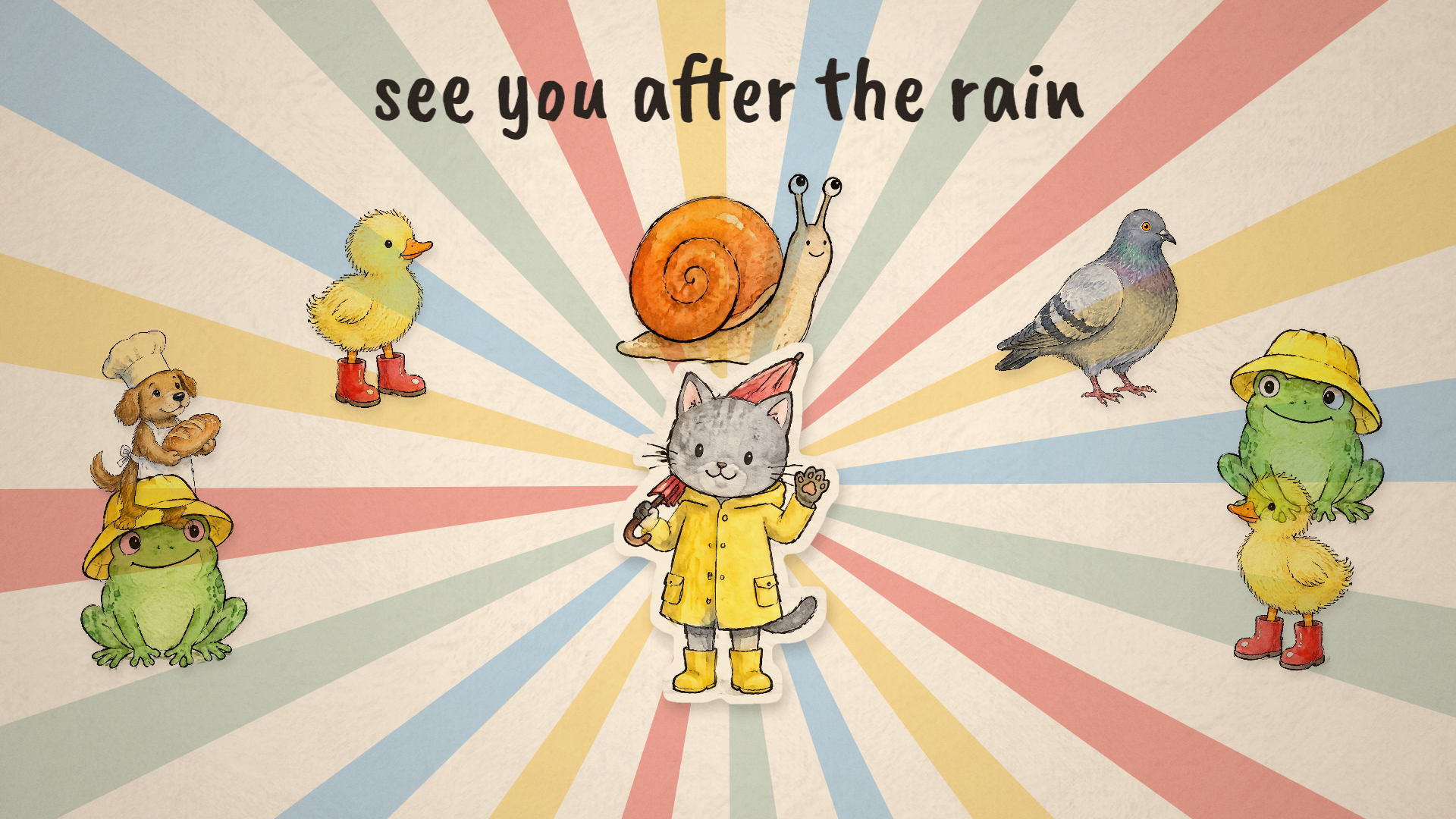
Sketchbook Film
Bring photographed sketchbook drawings to life as a short film with cut-out characters, ink lettering and a score.

SVG Paint Stages
Show a picture being painted: construction marks, contours, flat colour and finer patches, as a layered SVG and a short film.
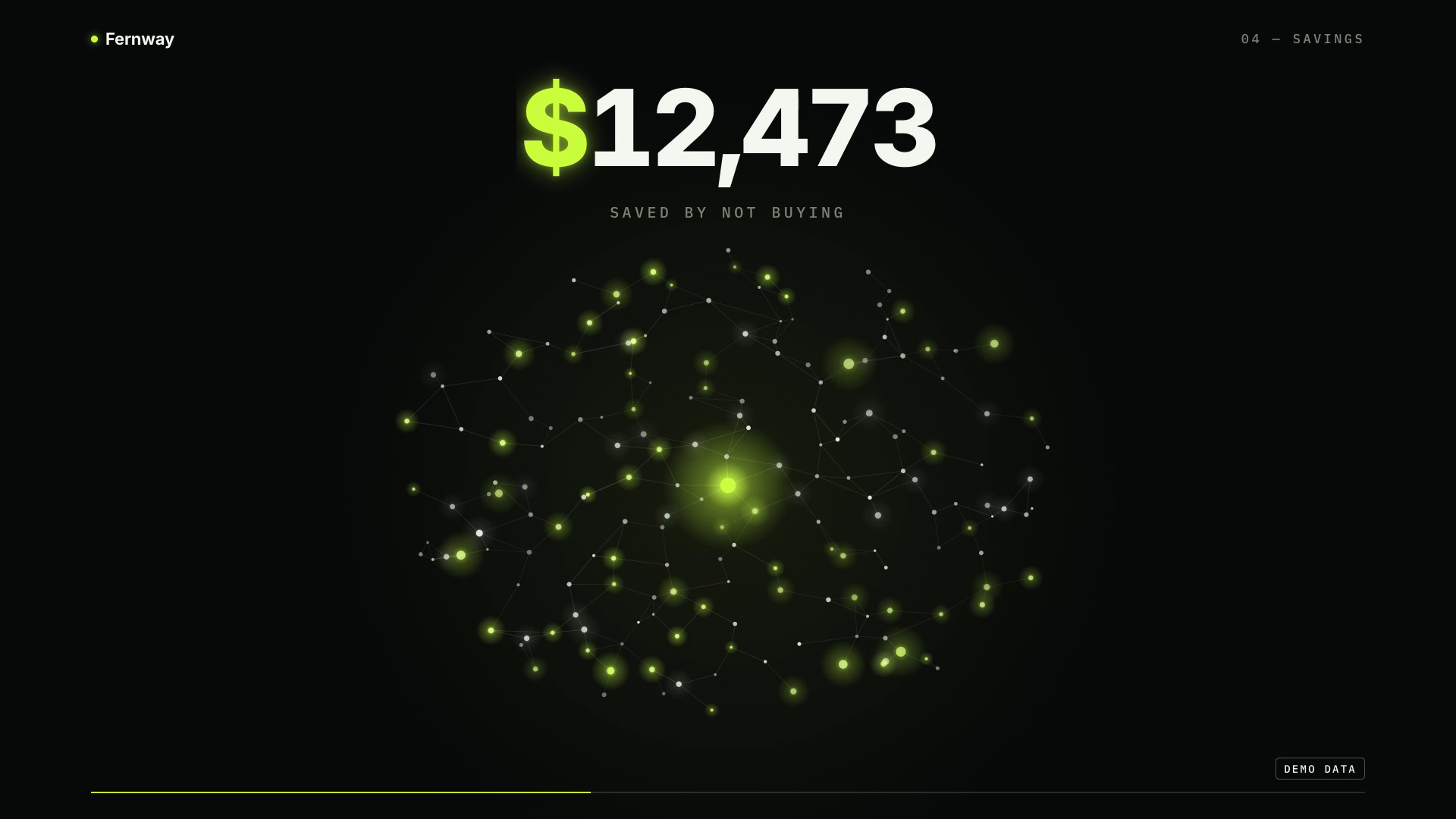
Network Tally
Tell a growth story with real numbers: one node network grows with each counter, flashes, dims behind a spike chart and closes on an end card.
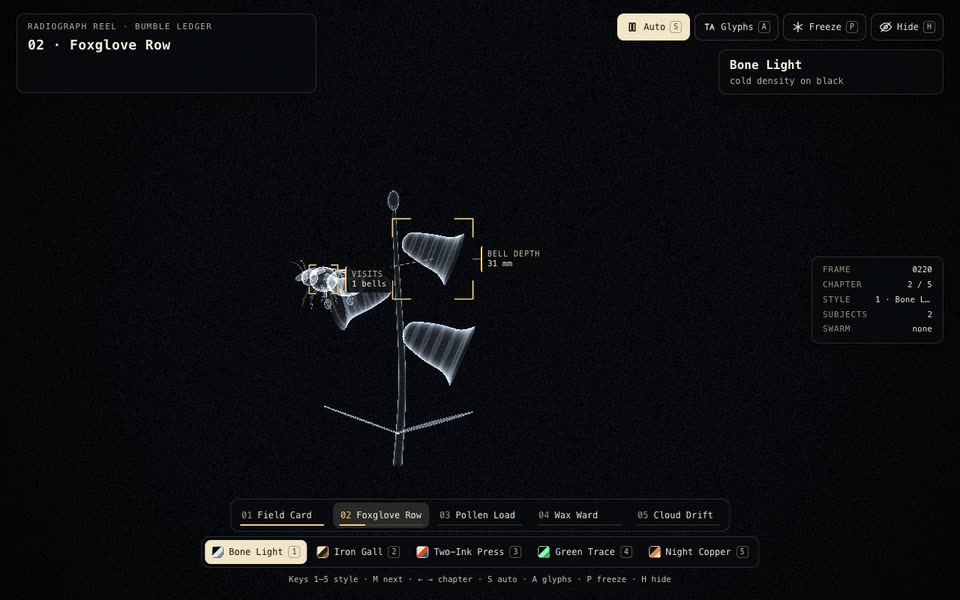
Radiograph Reel: Bumble Ledger
A specimen film reel: procedural bees, flowers and a wax comb glow as X-ray density, print in five switchable film styles with tracking labels, and a swarm morphs between formations.
Wash Scroll Slides
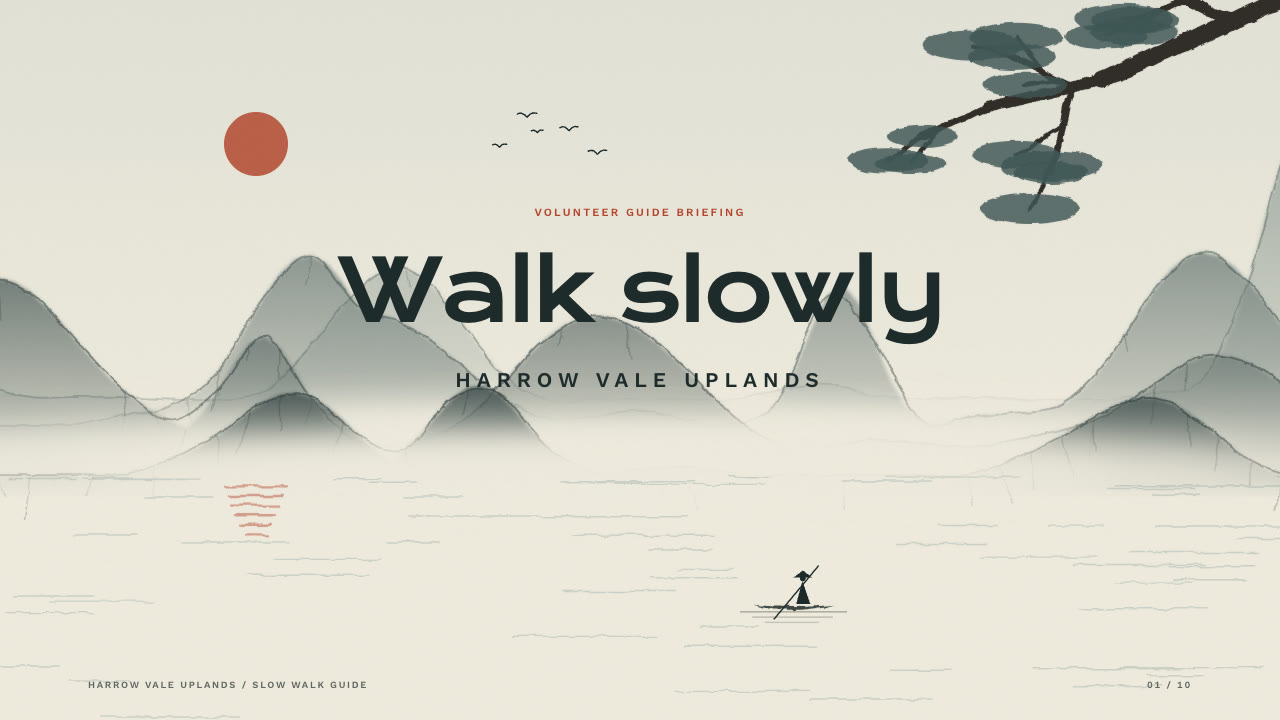
Present a place, a walk, a craft or a cultural programme in an ink-wash idiom: pale layered landscapes alternate with quiet paper pages, a hanging-scroll contents page, a seal-red map with native pins, a sparse timeline, oversized counts and fine gold linework.