
Linemap Program Slides
- Lab Skill
- v0.1.0
- Business reporting
Present a programme or roadmap as a transit line map, with coloured workstream lines, ringed milestone stops, interchanges, a departure-board table and service notices.
示例 · 2
你将获得什么
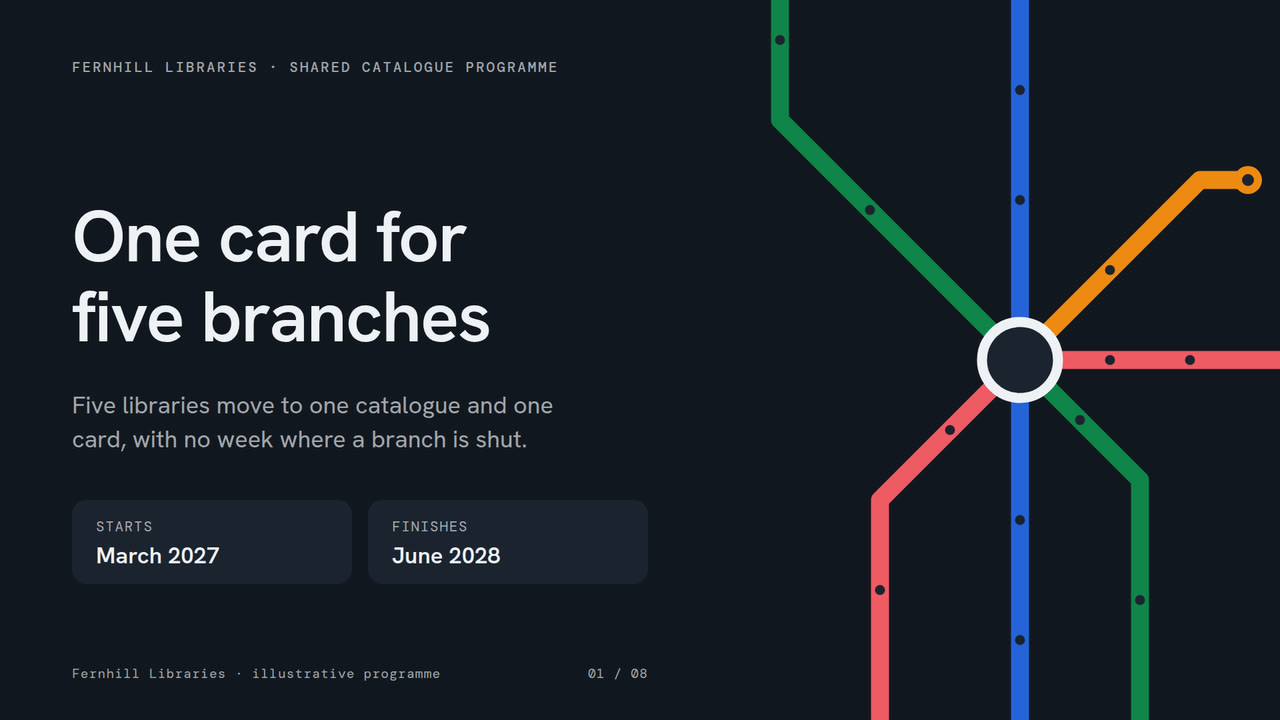
Bring your programme, workstreams, milestones, dates, figures, page count and optional local pictures. The Skill returns one offline HTML deck with browser editing and editable PowerPoint export.
工作原理
- 01
Describe the programme as lines and stops
Tell the agent what the programme delivers, who the audience is, and which workstreams run in parallel. Give each workstream its milestones with real dates, the dependencies between them and any figures that must stay exact. Choose a page count and one of the three palettes. Where you have no real figure yet, the agent labels the invented one as illustrative instead of passing it off as fact.
- 02
Lay out the route map and line pages
The agent picks from ten reviewed layouts: cover, network, line, station, interchange, departure board, progress chart, notices, statement and terminus. Each workstream keeps one line colour and letter through the deck, and repeated line pages can switch colour. A bundled script draws an abstract network plate in the chosen palette, so no image service or photograph of a real system is needed.
- 03
Check, edit and export the deck
The agent composes the plan, builds one offline HTML file and verifies the page count, text budgets and embedded fonts. Open it in a browser to present with the arrow keys, edit any heading or stop name in place, undo, and save the edits into a new copy of the file. Export an editable PowerPoint when you need one, and inspect it in your own presentation app before sharing.
常见问题
What makes this line-map style distinctive?
Each workstream is drawn as a coloured line with ringed stops for milestones, and dependencies appear as interchanges where two lines cross. Letter roundels, a departure-board table, service notice cards and a pale platform ground with a small footer track keep the transit vocabulary consistent, while the headings stay in a plain grotesk that reads well at a distance.
How many workstreams can one deck show?
The network page holds four lines with a legend row each, and the fixed line colours are an accent plus blue, green, orange and violet. A deck can repeat the line and station layouts for more workstreams and recolour each repeat, but keep each workstream on the same letter and colour through the whole deck so the audience can follow it.
Can I change the dates, figures and page order?
Yes. Every text slot, table cell, bar height and stop name comes from the plan, and the ten layouts can be repeated, reordered or omitted. One example moves a library service to a shared catalogue in eight pages; the other renews water mains across three valleys in twelve pages with a different palette and page sequence.
Are the network maps real places?
No. The bundled drawing script makes abstract plates from a seed and a palette, with lines that run only horizontally, vertically or at forty-five degrees, a river band and ringed interchanges. It draws no labels, real routes or operator branding. You can also use your own 4:3 picture for the map slot when you own the rights to it.
Does it work offline, and what does it cost to run?
The Skill runs on Python 3 with no external requests, model calls or API keys, and the finished deck embeds its fonts and pictures so it opens without a network connection. Any charge depends only on the agent you use to write the plan; the Skill itself makes no paid calls.
How faithful is the PowerPoint export?
The export keeps text boxes, line bars, stops, notes and the departure-board table as separate editable objects, and the network plate and cover lines travel as pictures. Presentation apps can wrap fonts slightly differently from the browser, so open the file in your own app and check the stop names, table cells and notices before you deliver it.
更多 Skills
所有 Business reporting Skills →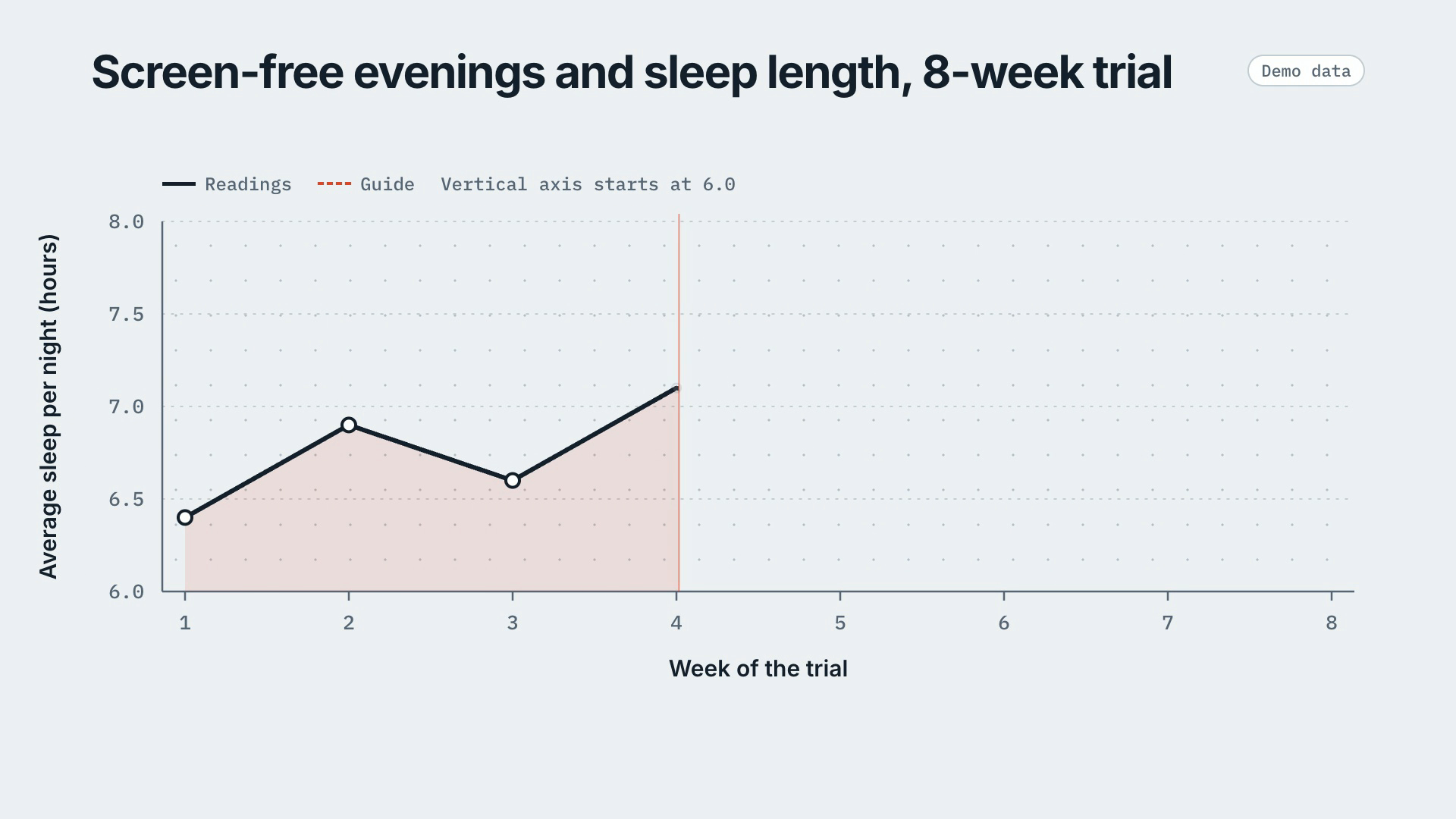
Trend Line
Reveal measured readings, a separate dashed guide and a final takeaway on an editable chart.

Advisory Thread Slides
Argue one recommendation to a committee or board with action titles, a storyline tracker, evidence charts and a bounded decision ask.
Civic Bars Slides
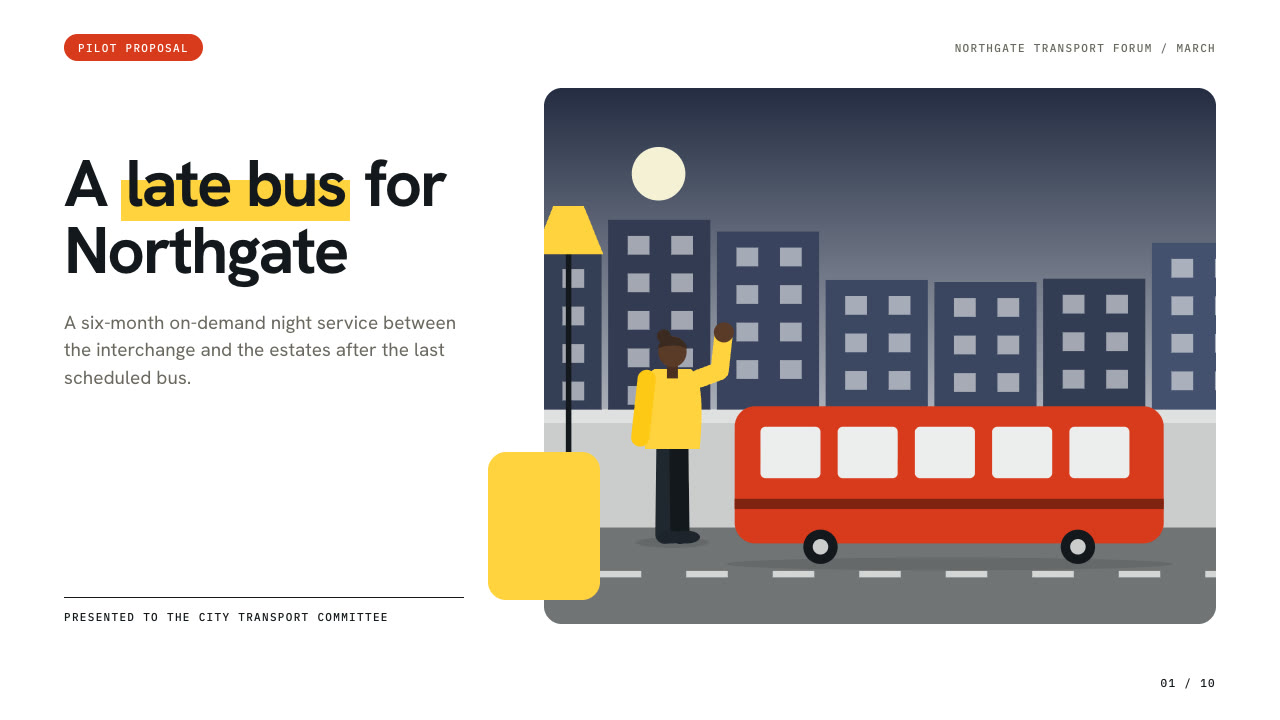
Make the case for a public or community service decision with picture cards, thin bar charts, stat tiles and a clear ask.
Site Sequence Slides
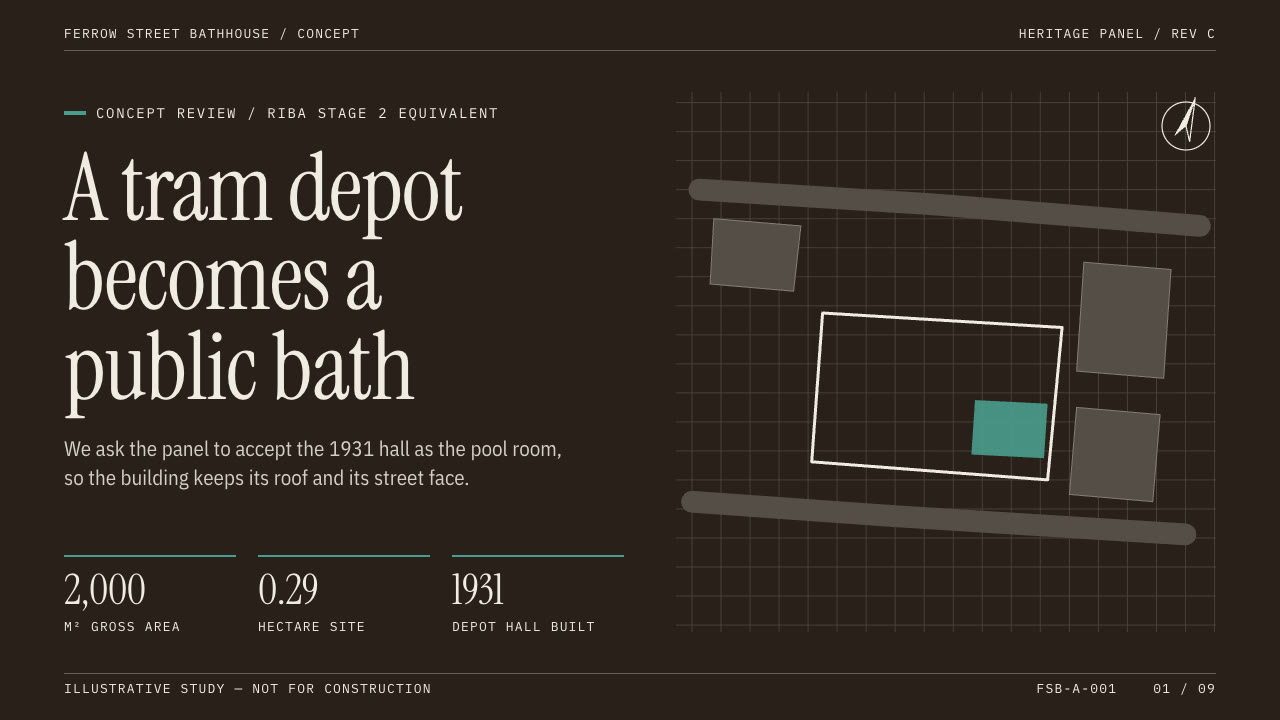
Take an architecture or site-design proposal to a review panel like a drawing sheet: site, massing, plan and section, program, phasing and one clear decision.

Deepframe Company Slides
Present a company, practice or member organisation calmly: white pages, offset colour blocks behind pictures, service cards, ring figures, value bars and a portrait row.
Circular Module Slides
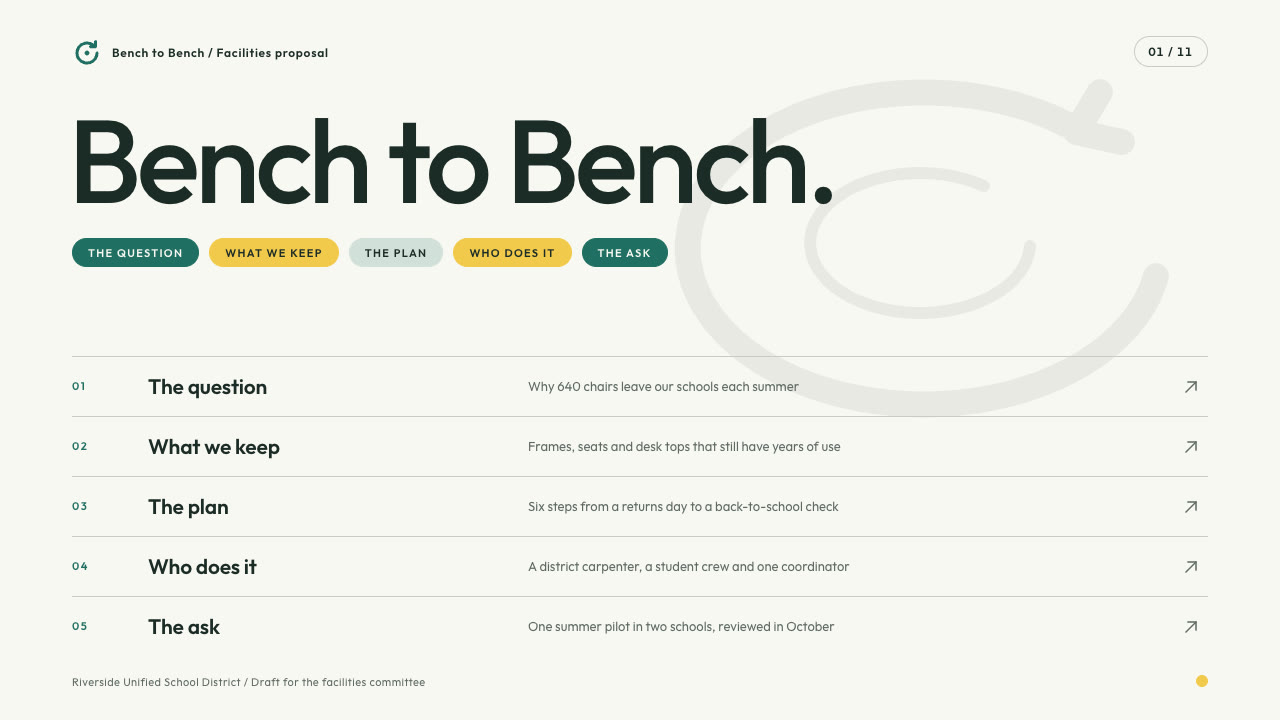
Propose a repair, reuse or take-back step in a light modular deck: rounded cards and pill capsules, an open-ring motif, notched principle cards, a six-step grid and a capsule bar chart.