
YouTube Community Posts
- Lab Skill
- v0.2.0
- YouTube
Turn confirmed creator facts into community updates, polls or image captions.
封面
你将获得什么
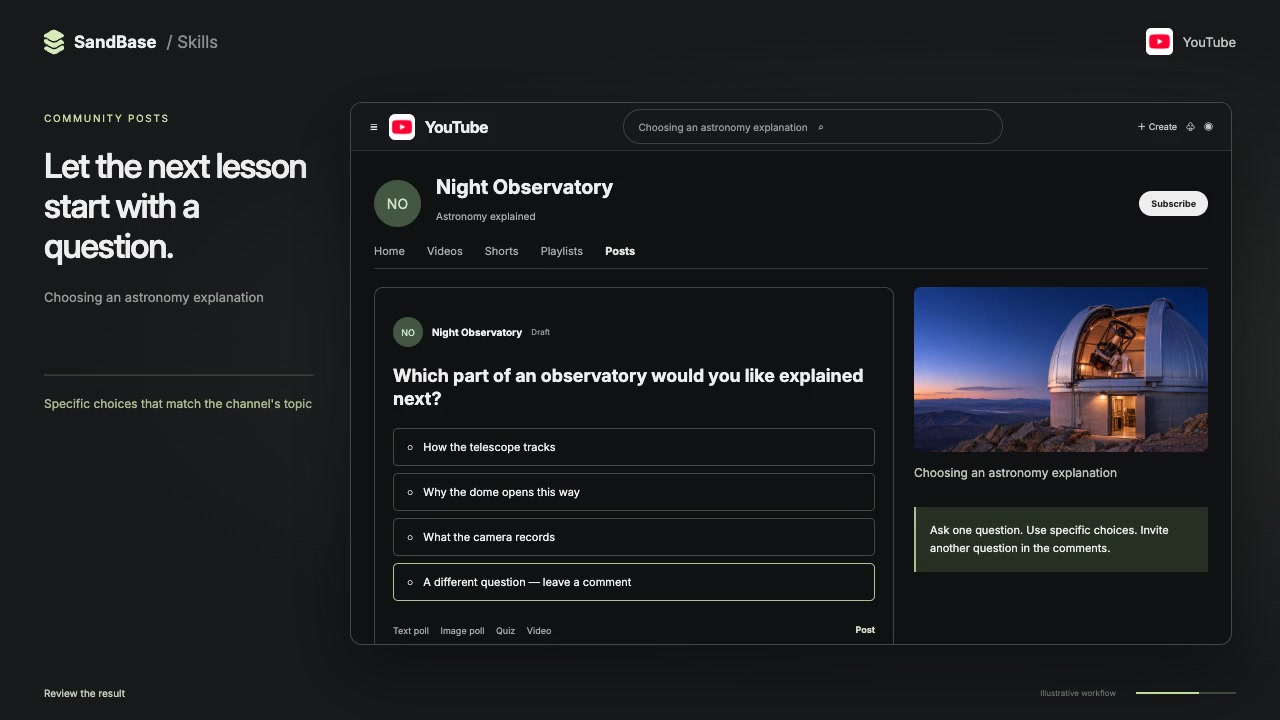
Bring confirmed update facts, a channel or style reference, and desired post format. The Skill returns ready-to-copy posts or polls; actual PNG/JPEG and alt text for requested image posts.
工作原理
- 01
Read recent posts and facts
From your goal, an update, question, idea selection, video follow-up or teaser, plus confirmed facts and links, audience, language and voice examples, the Agent reads a bounded page of the channel's community posts through SandBase. They show recent subjects and observed tone. Your facts are listed as confirmed, proposed or unknown.
- 02
Match format to purpose
Each post takes the format that fits: a text update, a specific question, a poll, or a caption for an image. For a poll, the decision and distinct options are defined. A supplied image is captioned from its description or inspection; when image production is requested, a real image is generated through SandBase.
- 03
Write and check
Each post gets a clear first sentence, enough context and one primary ask, with no vote-bait or promise the creator has not made. A follow-up to a video answers only what is established. Text and option lengths are counted with code when you set limits, and copy blocks hold only publishable text.
常见问题
What does YouTube Community Posts write?
YouTube Community Posts writes community updates and polls the creator can review and paste: the actual text and poll options, built from confirmed facts and the channel's recent posts. When an image post is requested, it also generates a real image through SandBase.
Will YouTube Community Posts promise an upload date?
Only if you confirmed one. YouTube Community Posts never promises an upload the creator has not committed to. In the included example, a follow-up post avoided an unconfirmed date, and a viewer suggestion was treated as a request, not a plan.
Can YouTube Community Posts use another channel's posts?
As a reference for format and tone only. YouTube Community Posts never turns another channel's partnership, date or experience into yours. Your posts are built from your confirmed facts, with anything unknown kept out of the copy. Its tone can still guide yours.
How is YouTube Community Posts billed?
YouTube Community Posts calls YouTube community post and post comment tools through SandBase when it reads context, and an image model only for a requested image post, each billed per use. The Agent inspects the image model first; see https://www.sandbase.ai/pricing.
Will YouTube Community Posts call a generated image supplied?
No. YouTube Community Posts never generates a picture and presents it as one you supplied. A supplied image is captioned from your description or direct inspection, and a generated one is labelled as generated in the output. You choose which to post.
更多 Skills
所有 YouTube Skills →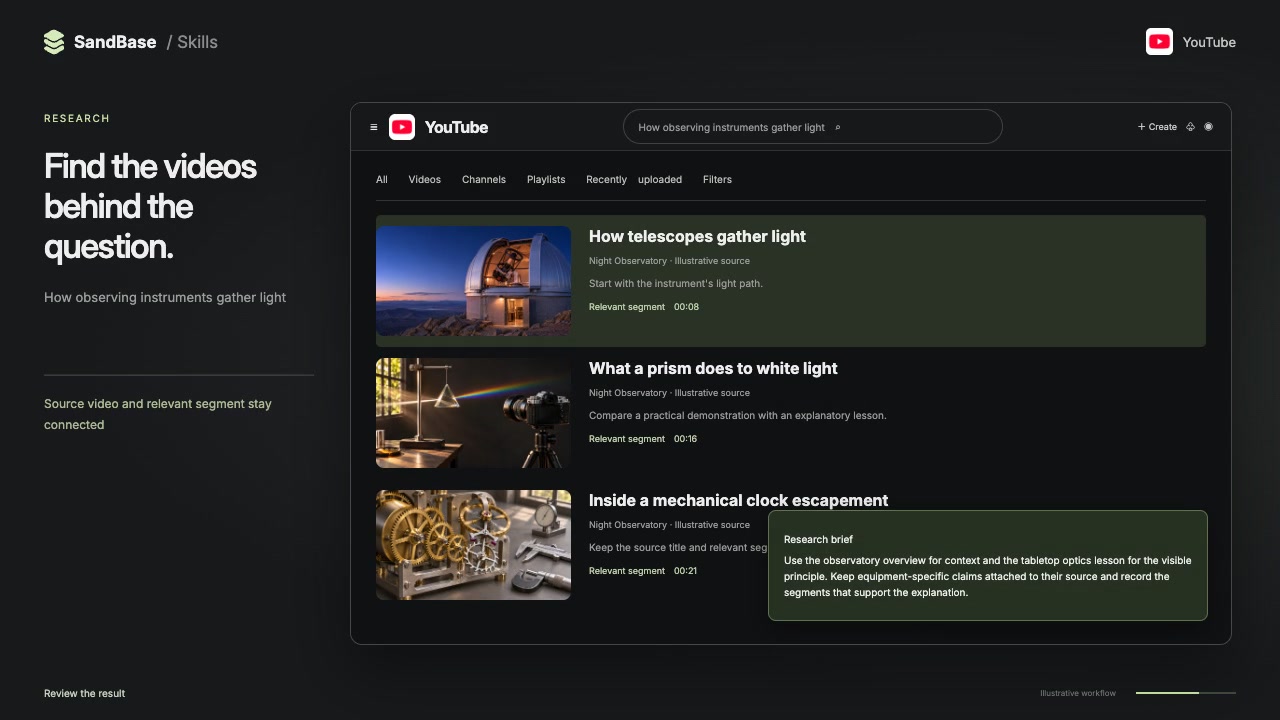
YouTube Research
Search videos, analyze channels, extract captions, read comments, and discover trends on YouTube through SandBase. Use when asked for YouTube research, video discovery, channel analysis, content strategy research, comment sentiment, or video transcript extraction.
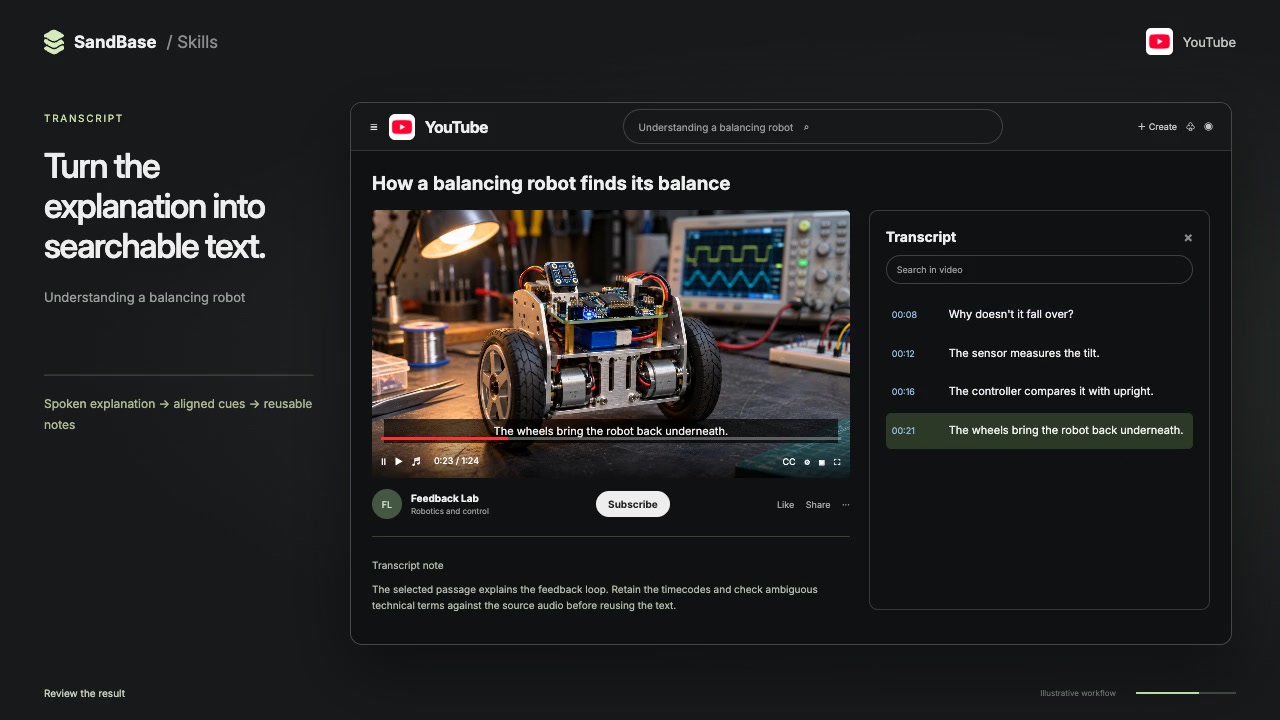
YouTube Transcript
Extract full transcripts and captions from YouTube videos for content analysis, summarization, note-taking, and repurposing. Supports multiple languages and auto-generated captions. Ideal for research, content creation, and accessibility workflows.
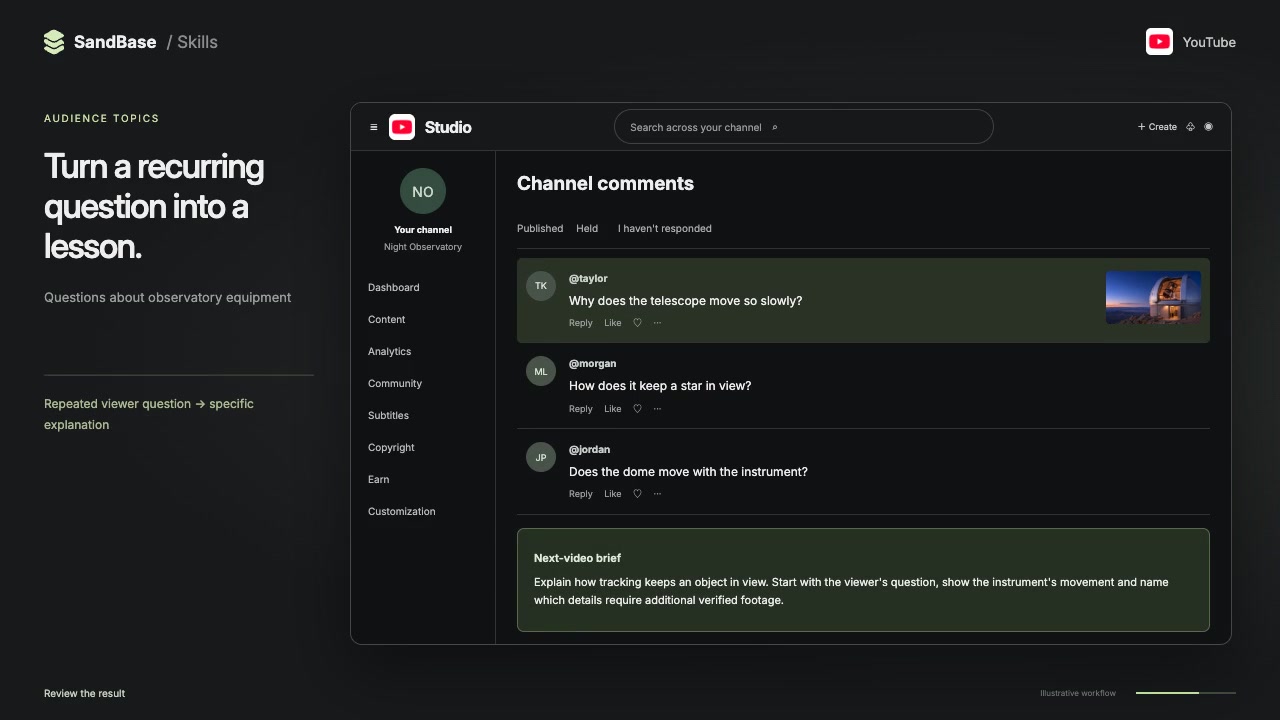
YouTube Audience Topics
Find the next useful video question in a bounded comment sample.
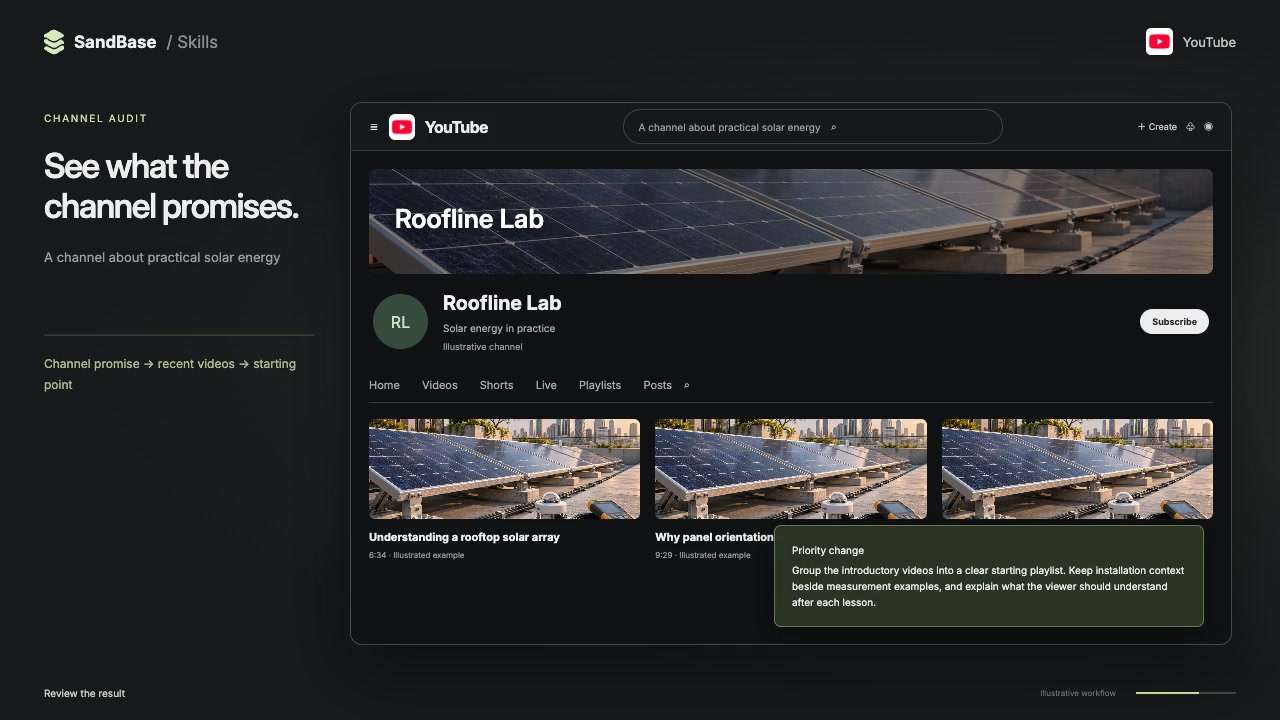
YouTube Channel Audit
Review recent titles, upload rhythm and transcript openings to choose one main fix.
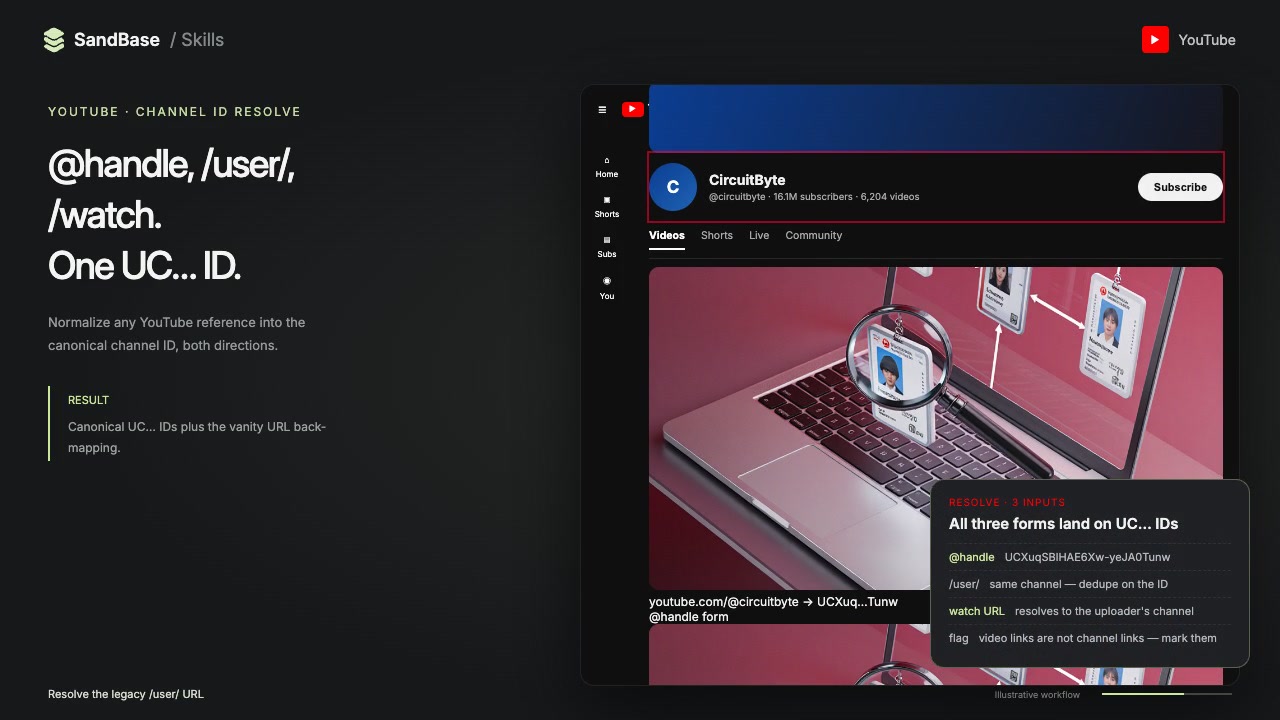
YouTube Channel Id Resolve
Resolve any YouTube channel reference
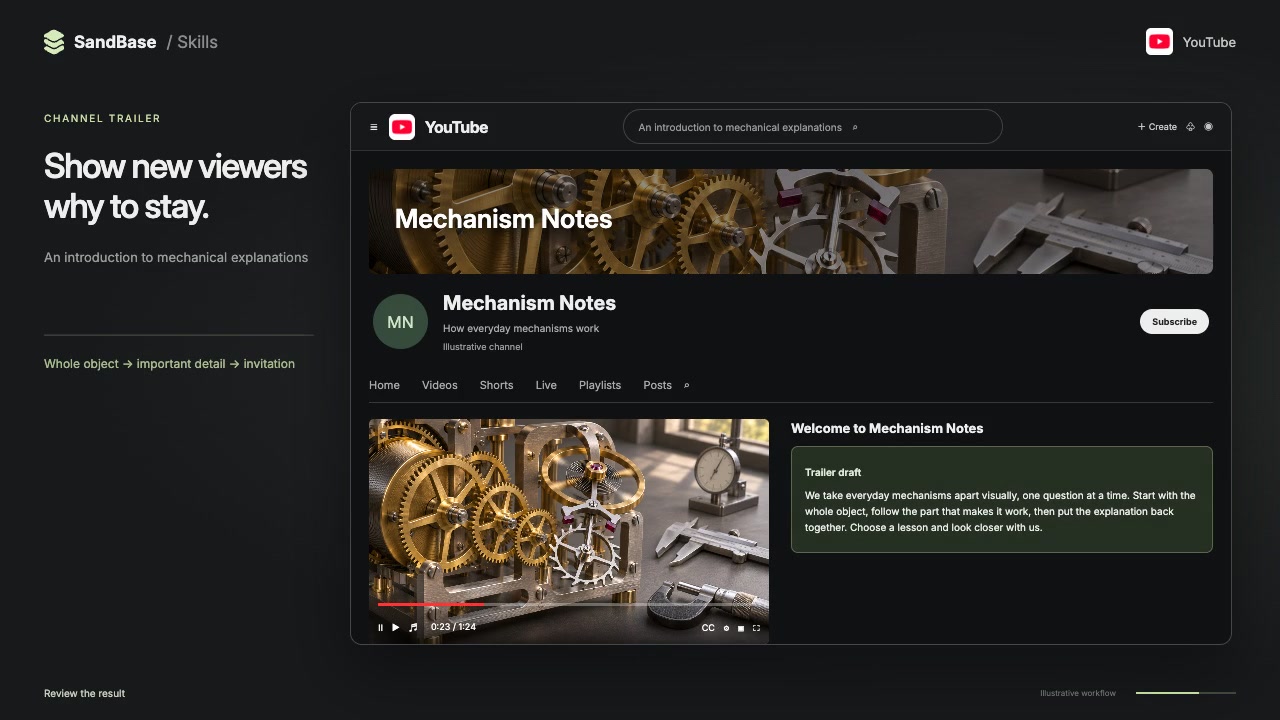
Write a YouTube channel trailer
Introduce the channel with concrete examples and a script that fits the available time.