
YouTube Script Writer
- Lab Skill
- v0.3.0
- YouTube
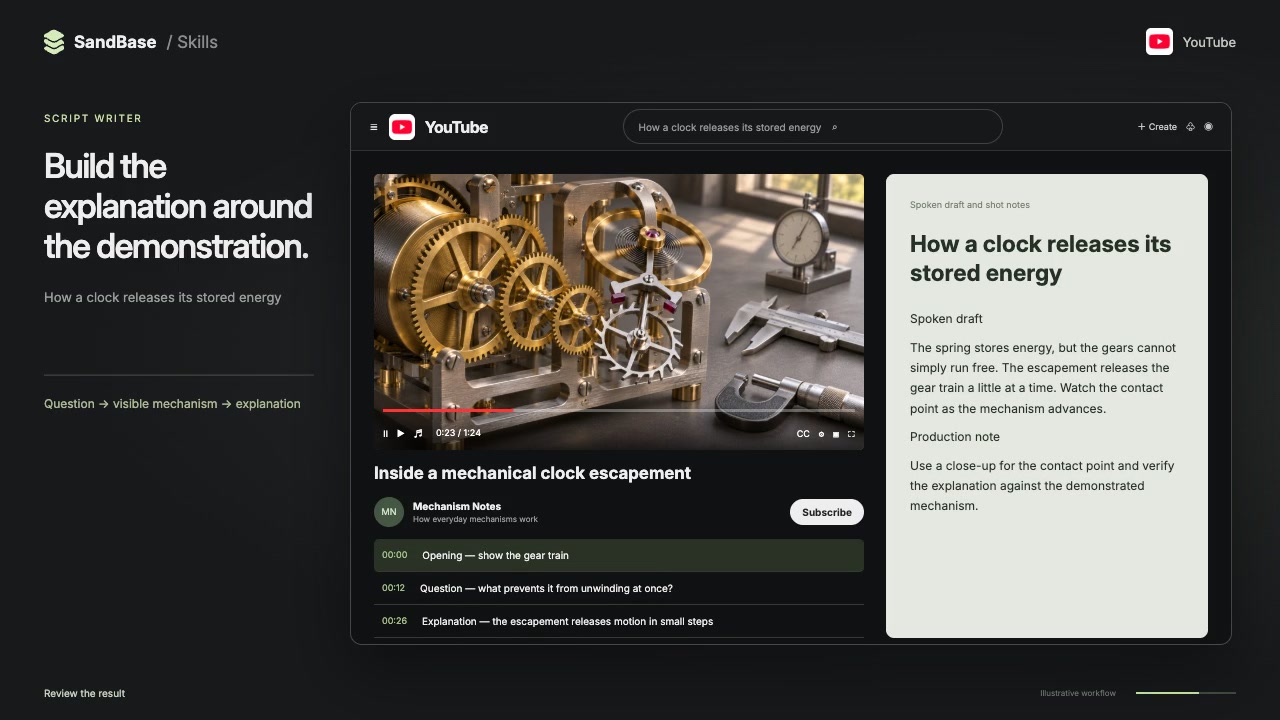
Turn supplied notes into a spoken script with a promise-to-payoff check and estimated runtime.
封面
你将获得什么
Bring original material, audience, target length and speaking rate; optional production request and budget. The Skill returns a complete timed script and requested voice/visual assets. Optional short generated B-roll is illustrative and needs frame review.
工作原理
- 01
Build the fact sheet and promise
From the topic, viewer, your source material, target length and speaking rate, the Agent lists every claim the script will make and where it came from. Anything not on the sheet becomes a placeholder or question. One sentence states what the viewer will know at the end, and the hook states it using fact-sheet content only.
- 02
Write the sections
The script uses section headings, and every line starts with SAY for spoken words, SCREEN for proposed on-screen text or b-roll, or NOTE for production. Lines are written for the ear: short sentences, one idea per line, numbers as they will be said. It closes on the payoff, with your call to action if supplied.
- 03
Count and optionally produce
A bundled Node script counts spoken words per section and computes section start times and estimated runtime from your rate. Every claim is checked against the fact sheet. When requested, a SandBase text-to-speech voice preview and original visual assets are produced after the script and timing are done.
常见问题
What does YouTube Script Writer produce?
YouTube Script Writer produces the complete spoken script for one long-form video or Short from your material, with an actual word count, section start times and an estimated runtime. Production mode adds a synthetic voice preview and original visual assets. Title and thumbnail packaging are separate.
Will YouTube Script Writer invent results?
No. YouTube Script Writer keeps every claim on a fact sheet with its source. The hook contains no benefit, time saving or result you did not supply. Missing facts become placeholders or questions instead of fluent filler. Every number traces to a source.
How does YouTube Script Writer estimate runtime?
YouTube Script Writer runs a bundled script that counts spoken words per section and divides by your speaking rate, in words per minute or from an earlier timed transcript of your own. Only SAY lines count as speech. Section start times are listed too.
How is YouTube Script Writer billed?
Writing and counting are local. YouTube Script Writer is billed only for optional work: reading a reference transcript through SandBase, a text-to-speech voice preview, or video generation for visual assets, each per use. The Agent inspects them first; see https://www.sandbase.ai/pricing.
Can YouTube Script Writer use another video as reference?
Yes, when you request it. YouTube Script Writer reads the reference transcript and keeps short timestamped structural notes, not its wording. Your own material remains the script's source of truth, and the reference speaker's story never becomes yours. Quoted wording stays minimal.
更多 Skills
所有 YouTube Skills →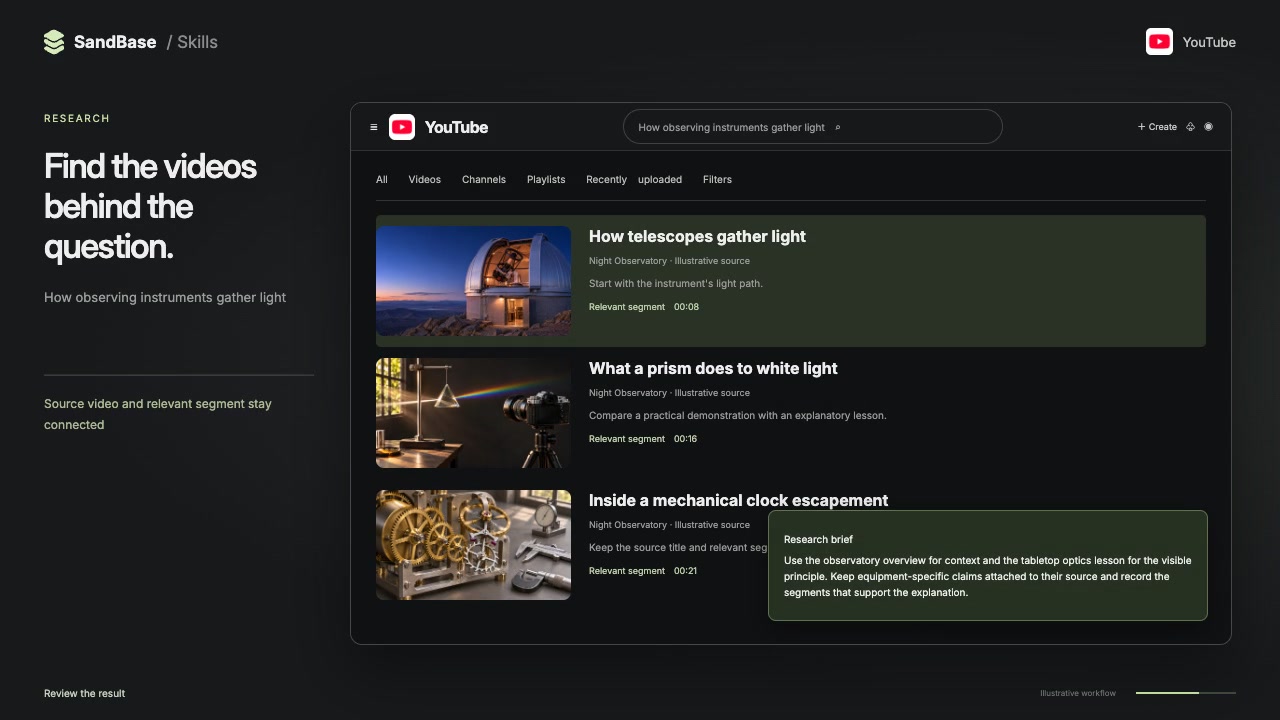
YouTube Research
Search videos, analyze channels, extract captions, read comments, and discover trends on YouTube through SandBase. Use when asked for YouTube research, video discovery, channel analysis, content strategy research, comment sentiment, or video transcript extraction.
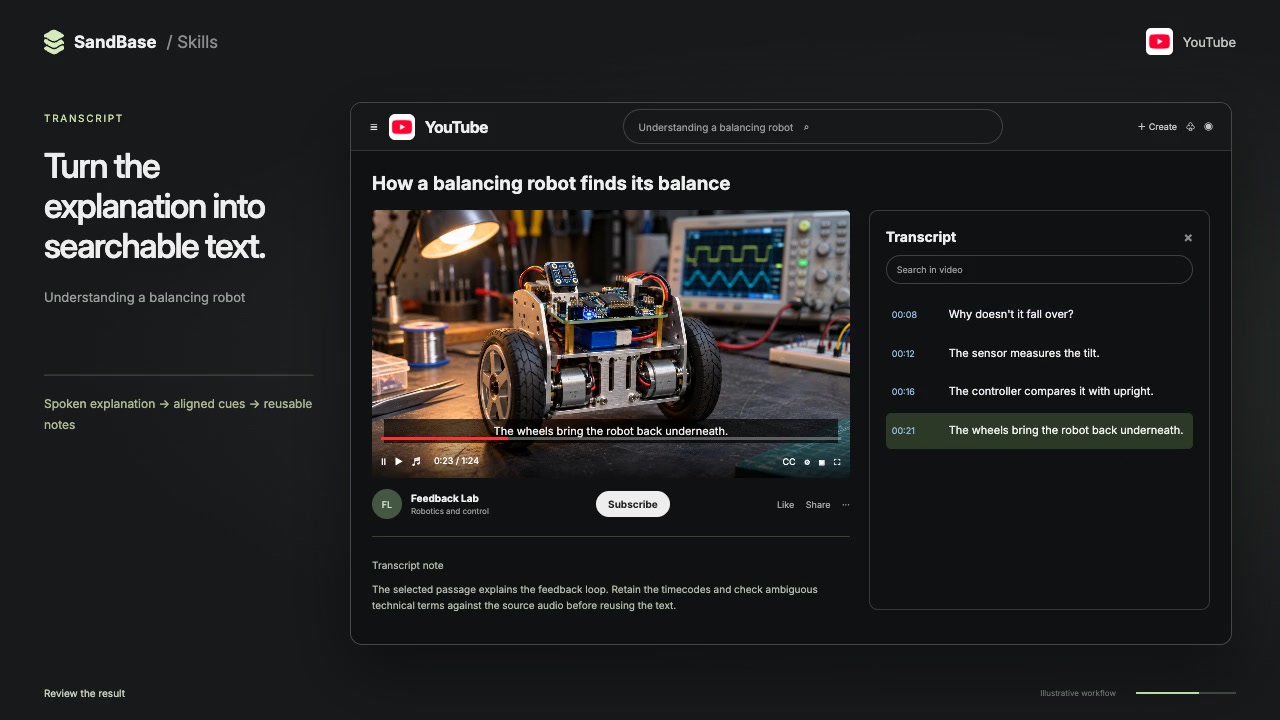
YouTube Transcript
Extract full transcripts and captions from YouTube videos for content analysis, summarization, note-taking, and repurposing. Supports multiple languages and auto-generated captions. Ideal for research, content creation, and accessibility workflows.
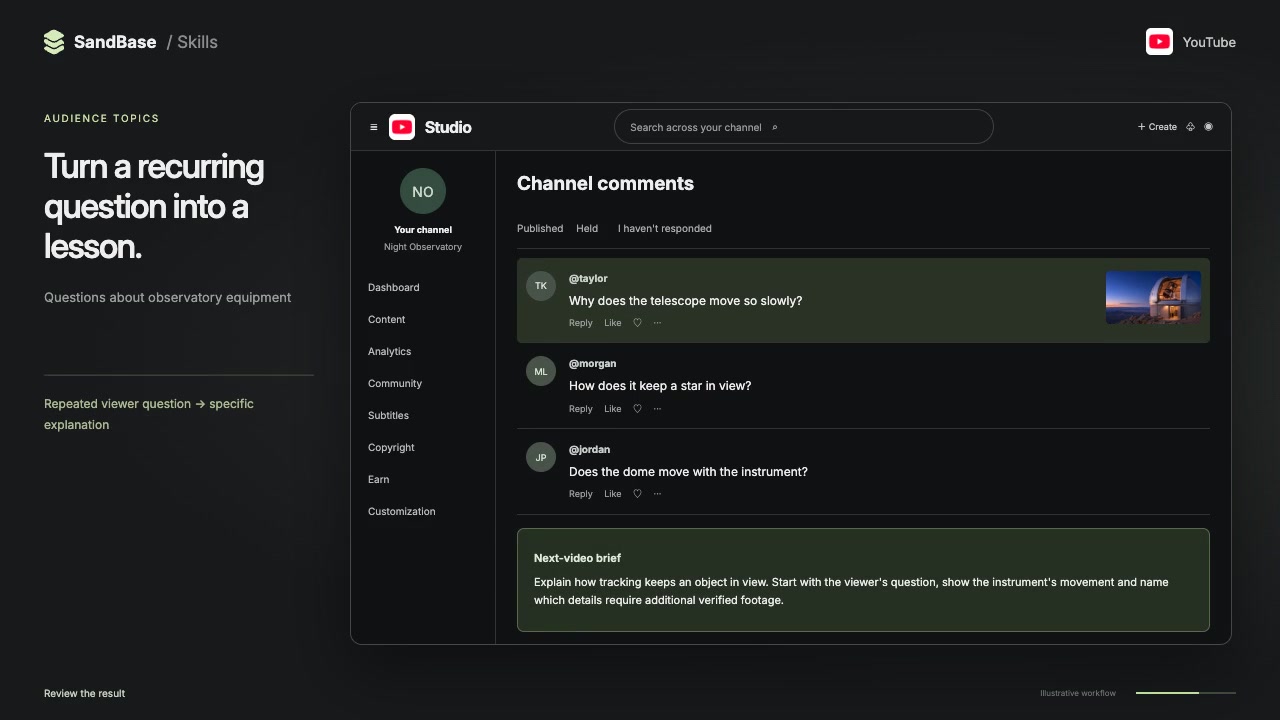
YouTube Audience Topics
Find the next useful video question in a bounded comment sample.
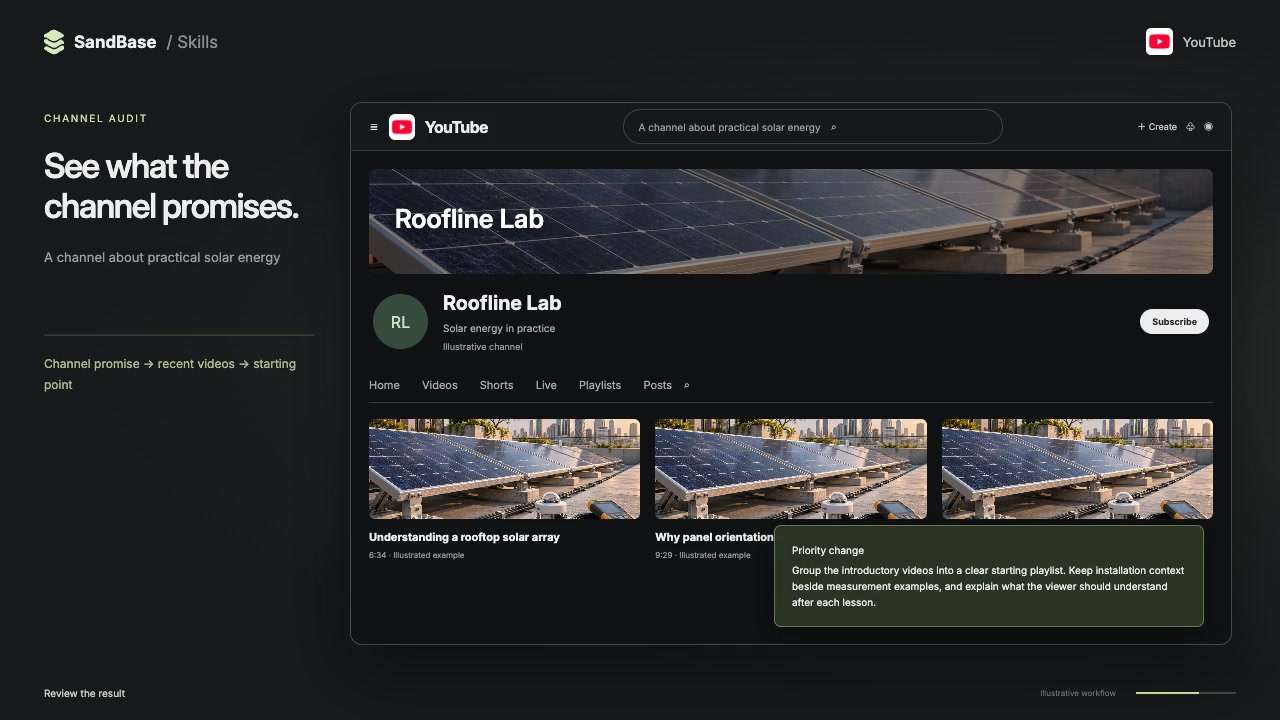
YouTube Channel Audit
Review recent titles, upload rhythm and transcript openings to choose one main fix.
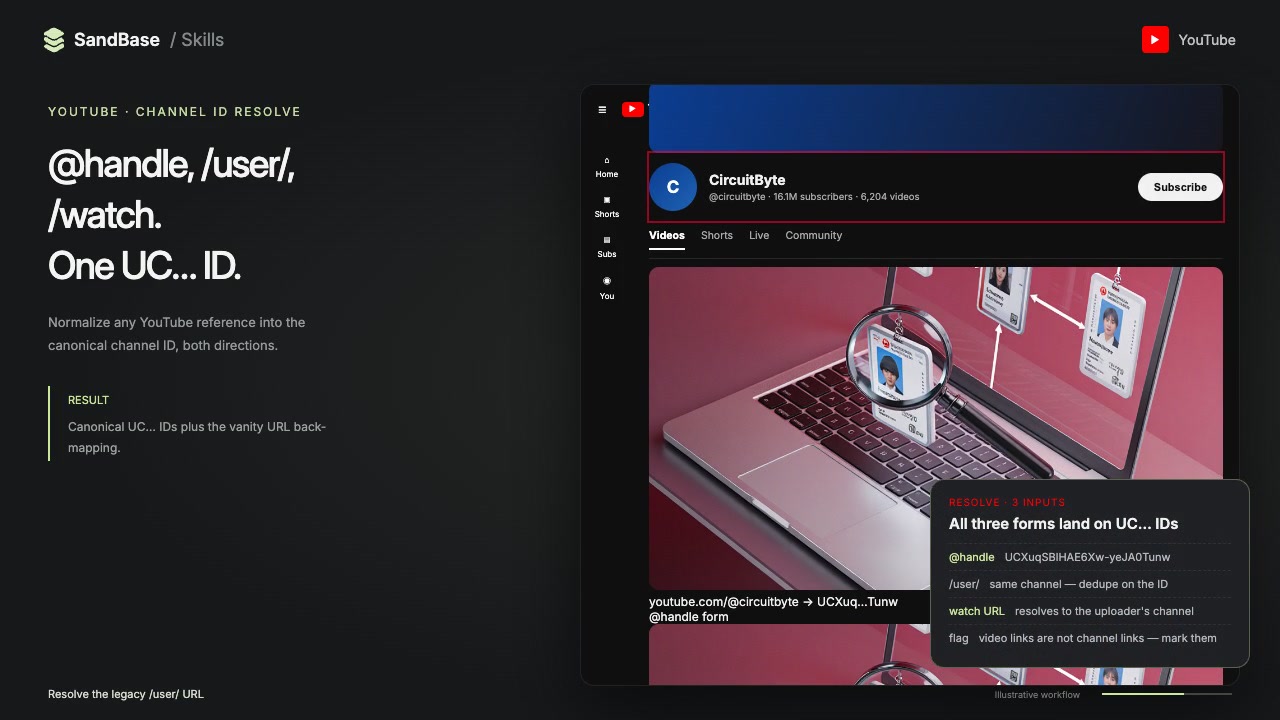
YouTube Channel Id Resolve
Resolve any YouTube channel reference
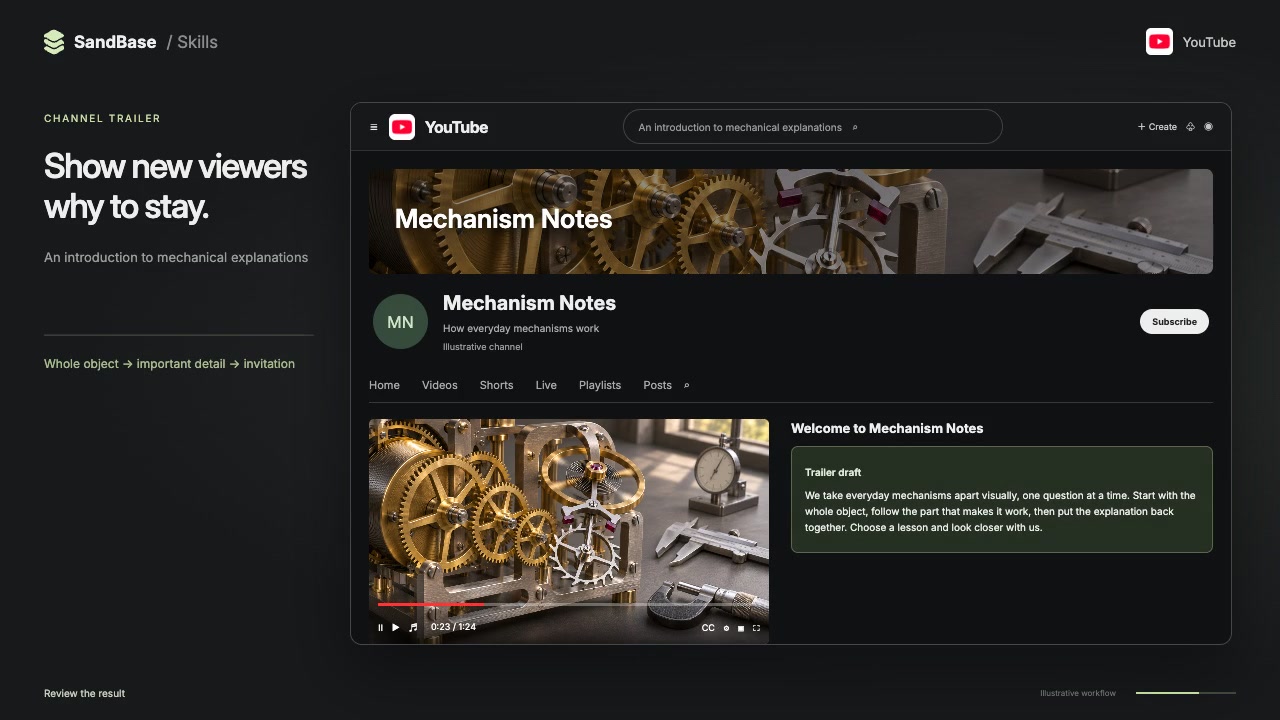
Write a YouTube channel trailer
Introduce the channel with concrete examples and a script that fits the available time.