
Free photo background blur
免费AI 图片Make any photo look like portrait mode: the subject stays sharp while the background melts into a soft blur. Works on people, pets and products, even from a phone photo.
- 100% free
- No sign-up
- No watermark
- Works on phone
示例结果
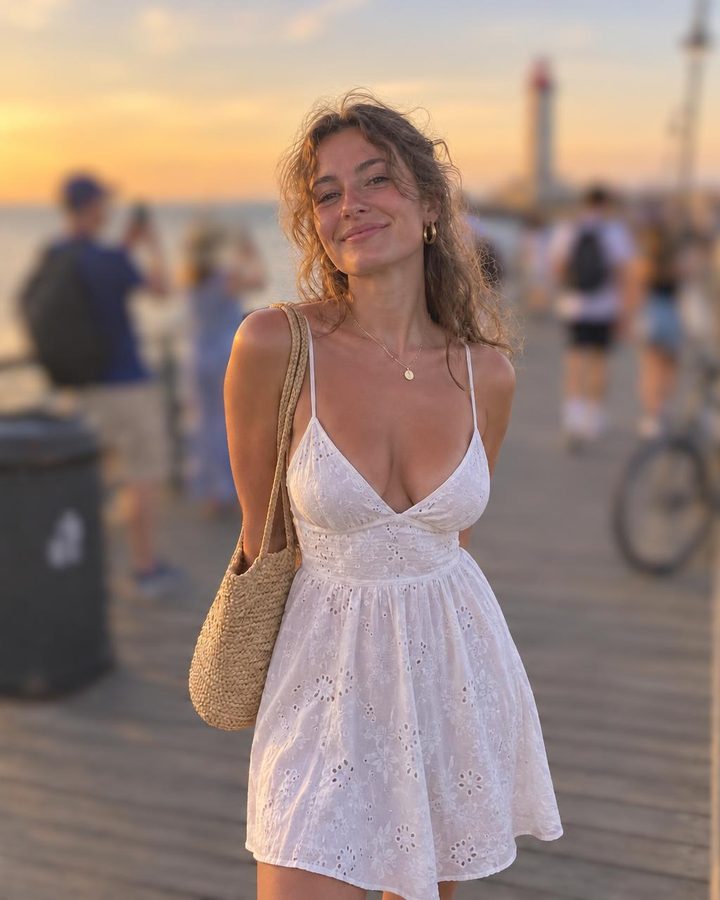
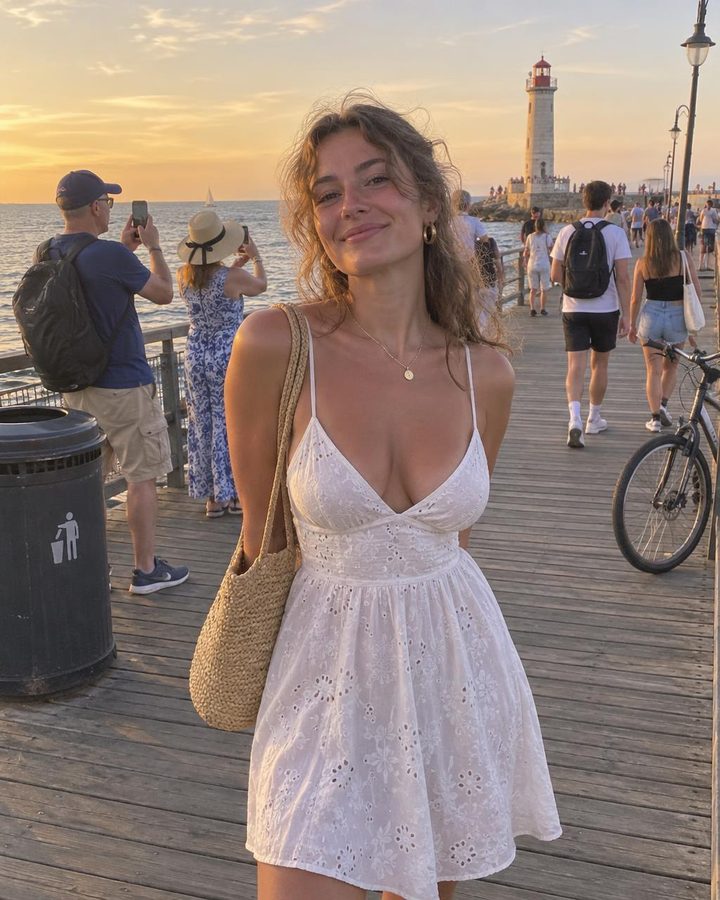 之前之后
A busy pier blurred behind the subject.
如何使用 Blur Background
三个步骤,在电脑或手机上都可以。
- 01
Upload a photo
Drop, paste or pick a JPG, PNG, WebP or HEIC image; on a phone you can take one with the camera.
- 02
Choose blur strength
Pick Blur strength (Soft, Medium or Strong), then select Blur background. A result usually takes about 20 seconds.
- 03
Compare and download
Compare it with your original, then download a JPG. Example on this page: a busy pier blurred behind the subject.
大家用它来做什么
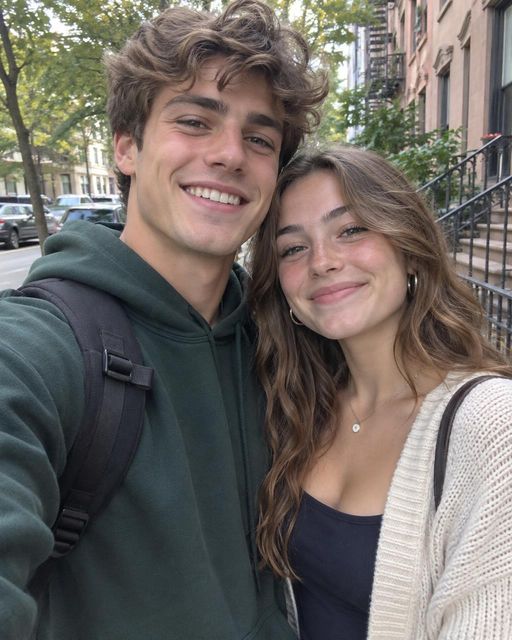
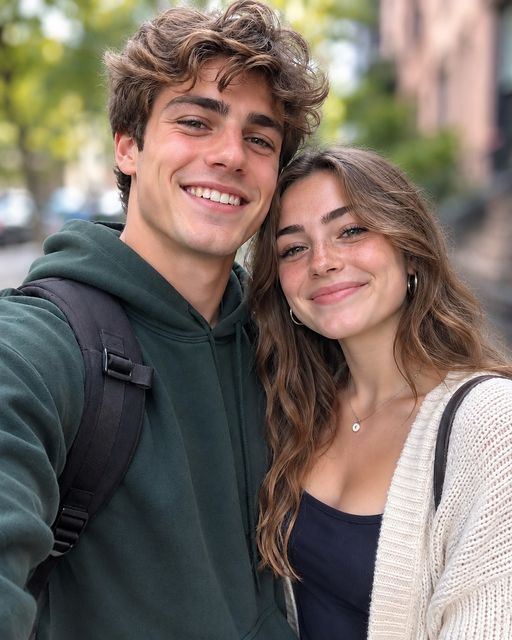
Portraits
Hide a busy street or a messy room behind you.
Product photos
Make a product stand out from its surroundings.
Social posts
A shallow-focus look without a big camera.
获得更好结果的技巧
- Start with Medium; Strong works best when the subject is close to the camera.
- Soft keeps some of the place readable, good for travel photos.
- Hair and glasses edges come out cleaner on a sharp, well-lit photo.
需要更多控制?使用 API
此工具基于 SandBase 图像 API 运行。API 可为你提供免费工具替你固定好的所有设置。
- 更高质量和更大尺寸一次调用即可获得 quality=high、最高 2K 尺寸和透明背景。
- 你自己的提示词修改模板、添加参考图片,或从你的代码或 Agent 批量处理数百张图片。
- 按张付费在免费工具额度之外使用你的 SandBase 余额。仍受模型可用性和 API 速率限制影响。
# Set SANDBASE_API_KEY and choose your local image file.
IMAGE_FILE="photo.jpg"
curl --fail-with-body https://api.sandbase.ai/v1/images/edits \
  -H "Authorization: Bearer $SANDBASE_API_KEY" \
  --form-string 'model=gpt-image-2.6-flare' \
  --form "image=@${IMAGE_FILE}" \
  --form-string 'quality=high' \
  --form-string 'size=2048x2048' \
--form-string 'prompt=Blur the background like a portrait-mode photo with a strong, creamy blur like a fast f/1.4 lens. Keep the main subject perfectly sharp and exactly as it is: same edges, hair, clothing, colors and position. Keep the background'\''s colors and layout, only blurred. Do not add or remove anything.'常见问题
Is it a real lens blur?
It is an AI-made depth-of-field effect: the subject stays sharp and the background gets a smooth, lens-like blur with the same colors and layout.
Blur Background 免费吗?
是的,无水印、无需注册。运行一次 Blur Background 大约需要 20 秒,并会生成 一个 JPG。它会占用每日免费 AI 图像额度的一次运行,该额度在所有 AI 图像工具之间共享:未登录每天 10 次,注册免费 SandBase 账号后每天 30 次。工具会显示你还剩多少次,次数在 UTC 午夜重置;也可能受网络和站点级限制影响。
我上传到 Blur Background 的照片会怎样处理?
你的照片和设置会由 SandBase 及图像提供方处理,以生成这一结果。Blur Background 不会将任何内容发布到公开画廊。结果最多可从缓存中复用 24 小时,因此相同请求不会再次消耗次数;如需保留,请下载你想保存的结果。
SandBase API 适用于此任务
在您自己的代码或 Agent 中使用同类数据:一个 API key,按次计费。
更多工具
AI Background Remover
Remove the background from any photo with AI and download a transparent PNG, or put the subject on white or any color.
White Background Maker
Put any product or portrait photo on a pure white background, with a soft shadow or none. Ready for marketplaces and forms.
Change Background
Change the background of any photo to a scene you describe, while the subject keeps its edges and lighting.
Product Photo Background
Put a product photo on a studio, marble, wood or outdoor background with realistic light and shadow.
Change Background Color of Photo
Put the subject on a plain color background, with the rest of the photo unchanged.
Bokeh Effect
Add portrait-lens bokeh and shallow depth of field, with round, heart or star highlights.