
Favicon generator
免费图片工具Drop your logo or an icon and get a favicon.ico with every size browsers and Windows use, in one file. Nothing is uploaded.
- 在浏览器中运行
- 无需上传任何内容
- 无水印
如何使用 Favicon Generator
- 01
Drop images here, or pick them from your device.
- 02
Tick the icon sizes you need.
- 03
Download each file, or all of them as a ZIP.
大家用它来做什么
New websites
A favicon for the browser tab.
Rebrands
Swap the icon for a new logo.
Web apps
Icons for bookmarks.
提升效果的小贴士
- Start from a square logo of at least 256 px.
- Use a simple mark, not the full logo.
- Add a 180 px apple-touch-icon too.
- Clear the browser cache to see the new icon.
ICO output from this converter
| ICO | |
|---|---|
| Type | Icon container |
| Compression | PNG images at the selected icon sizes |
| Transparency | Yes |
| Animation | No; static output |
| Opens in | Windows and browsers (favicons) |
| Best for | Favicons and Windows icons |
Input columns describe the source format. Output columns describe this converter. File size depends on image content, dimensions and encoding quality. Original EXIF and other source metadata are not copied.
常见问题
How do I add it to my site?
Put favicon.ico in the root of your site, or link it in your page head: <link rel="icon" href="/favicon.ico">.
Why convert image to ICO?
ICO holds several icon sizes in one file. Pick the sizes the icon should contain; 16, 32, 48 and 256 cover Windows and browsers.
Will my image look sharp as an icon?
The image is resized into the selected icon sizes. Small sizes such as 16 and 32 pixels lose detail, so simple shapes work best. Inspect each size before using the icon.
Does this preserve animation?
No. This converter exports a single decoded frame as a still image, or as one PDF page. Use an animation-specific tool to keep multiple frames.
Does Favicon Generator upload my files?
No. Favicon Generator decodes each image file and writes the ICO in your browser, so your files never leave your device.
SandBase API 适用于此任务
在您自己的代码或 Agent 中使用同类数据:一个 API key,按次计费。
更多工具
图片压缩器
在浏览器中压缩 JPG、PNG 和 WebP 图片,带有质量滑块以及压缩前后大小对比。
图片尺寸调整器
可将图片调整为精确像素或百分比,并提供社交媒体和 AI 模型输入的预设。
图片转换器
在 JPG、PNG 和 WebP 之间转换图片,可单张处理,也可一次批量处理。
照片拼贴制作器
将最多 9 张照片拼成一张拼贴:选择布局、形状、间距和背景,然后下载 JPG 或 PNG。
 免费
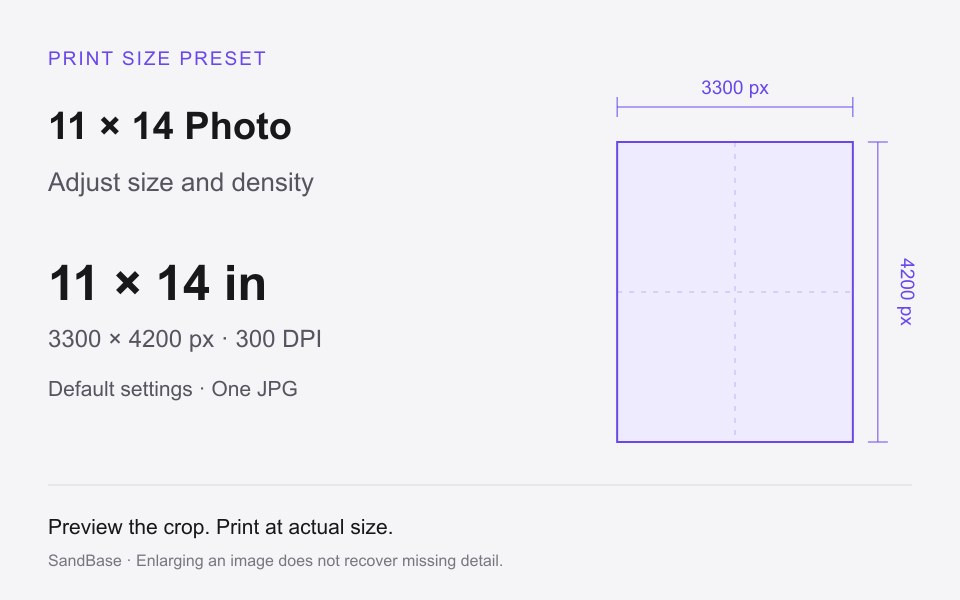
11 × 14 Photo Maker
Start with 11 × 14 in at 300 DPI; adjust the print size and density before saving.
Flip Image
Mirror a picture left to right, or flip it upside down.