
Name Plate Maker
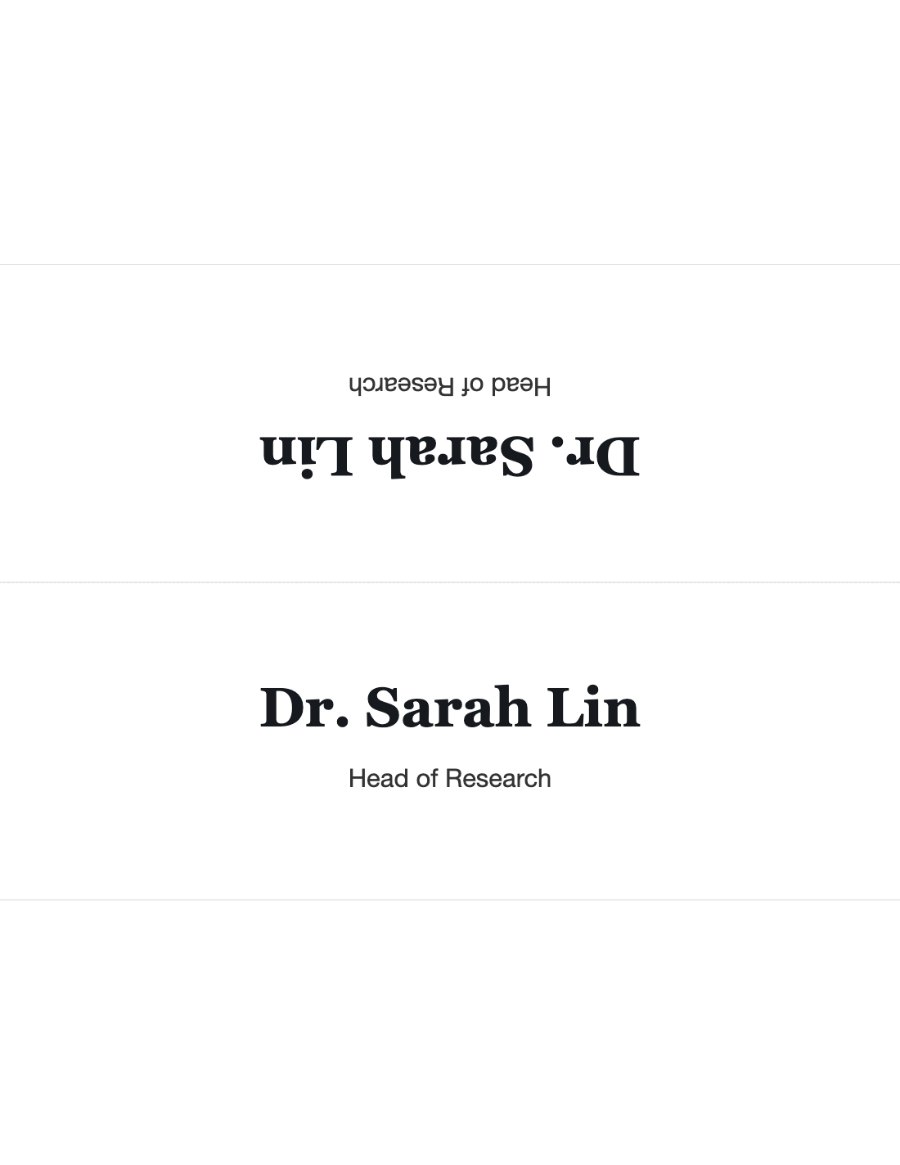
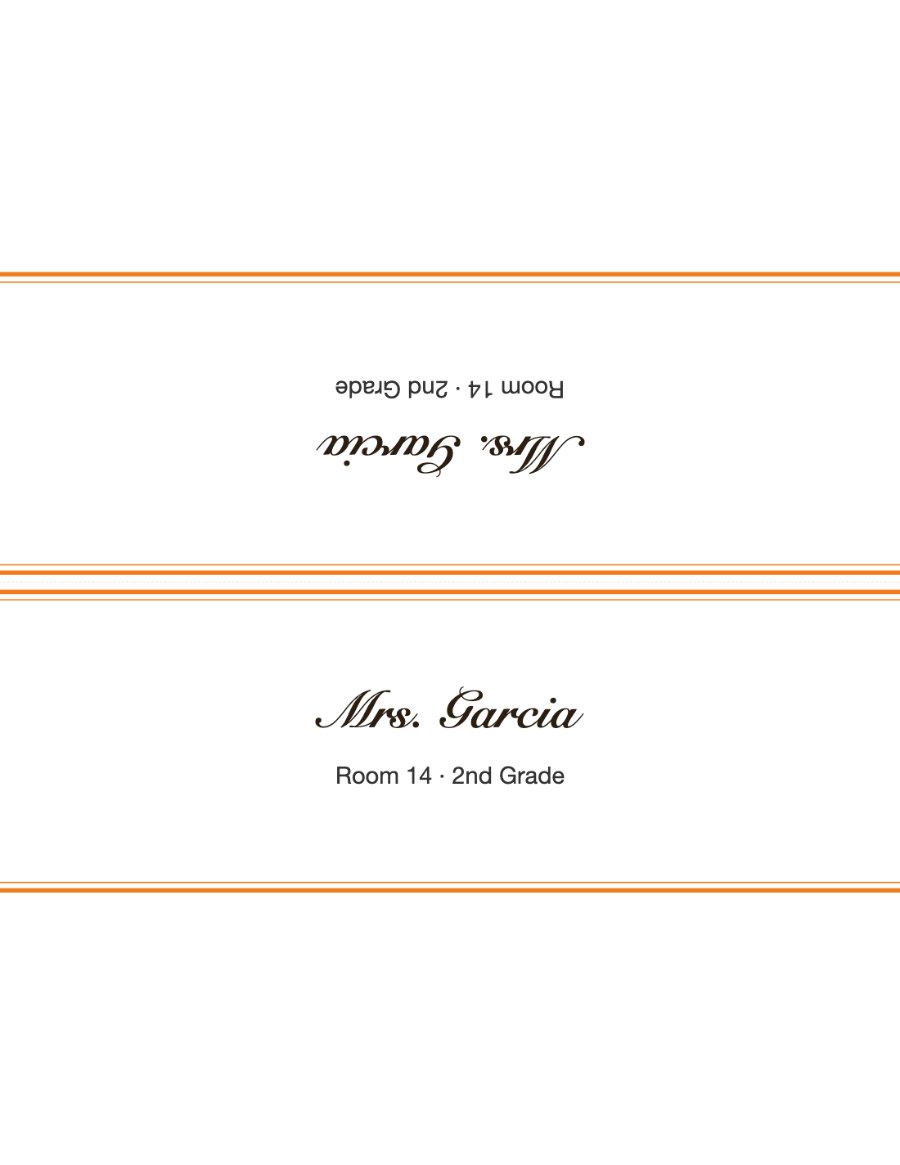
免费卡片和标签The name prints on both halves, one upside down, so after folding along the dashed line it reads the same from both sides of the desk.
- 可直接打印的 PDF
- Letter 或 A4
- 无需上传任何内容

如何使用 Name Plate Maker
- 01
Type the words for the card.
- 02
Pick a style, colors and font, and add a photo if you like.
- 03
Download a print-ready PDF sheet, or a single card as a PNG.
大家用它来做什么
Offices
A name plate for a new desk.
Panels and meetings
Names for speakers at a table.
Classrooms
A teacher’s desk name.
提升效果的小贴士
- Fold along the dashed line.
- Use heavy card stock so it stands.
- Keep the name big and the title short.
- Make one per seat for panels.
常见问题
How do I fold it?
Fold along the dashed line so the name faces out on both sides. Card stock stands best.
Can I make one for each person on a panel?
Change the name and download again for each seat.
Why is one side upside down?
So after folding, the name reads the right way on both sides.
How big is it?
9 × 3 inches on each side.
Does Name Plate Maker upload what I type?
No. Name Plate Maker draws the page in your browser from what you type, so it works offline once the page has loaded and nothing is sent anywhere.
更多工具
Name Tag Maker
Print name tags with a big name and a small second line.
Button Badge Maker
Make round 2.25-inch button badges with text or a photo.
Binder Cover Template
A full-page binder cover with a title, subtitle and name.
Birth Announcement Maker
Make a 5 × 7 baby announcement with photo, name and birth stats.
Business Card Template
Make a business card and print 10 on a Letter or A4 sheet.
Coupon Maker
Make printable coupons with an offer, details and expiry.