
Wedding Seating Chart Maker
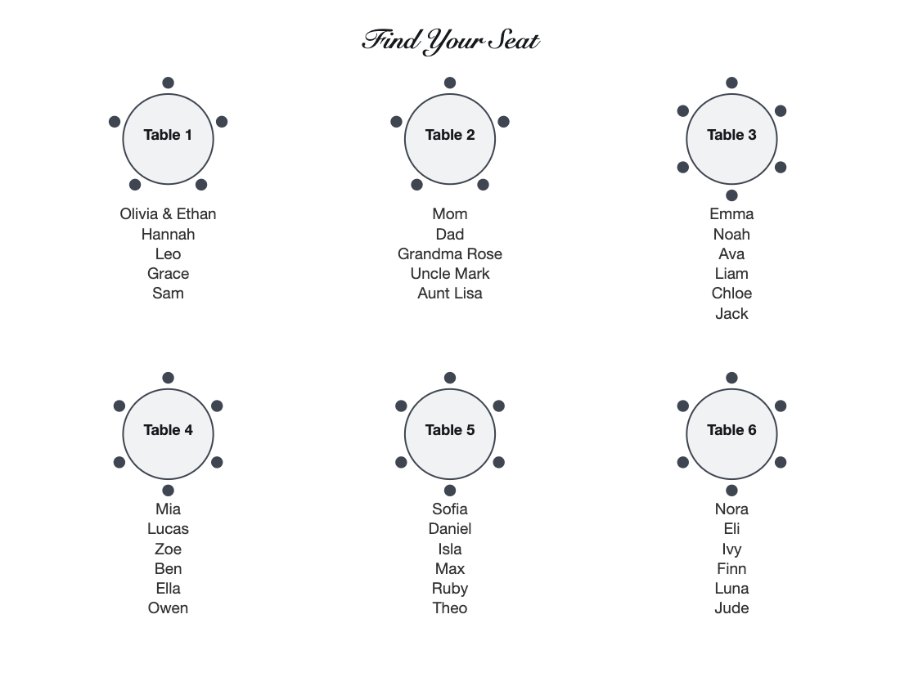
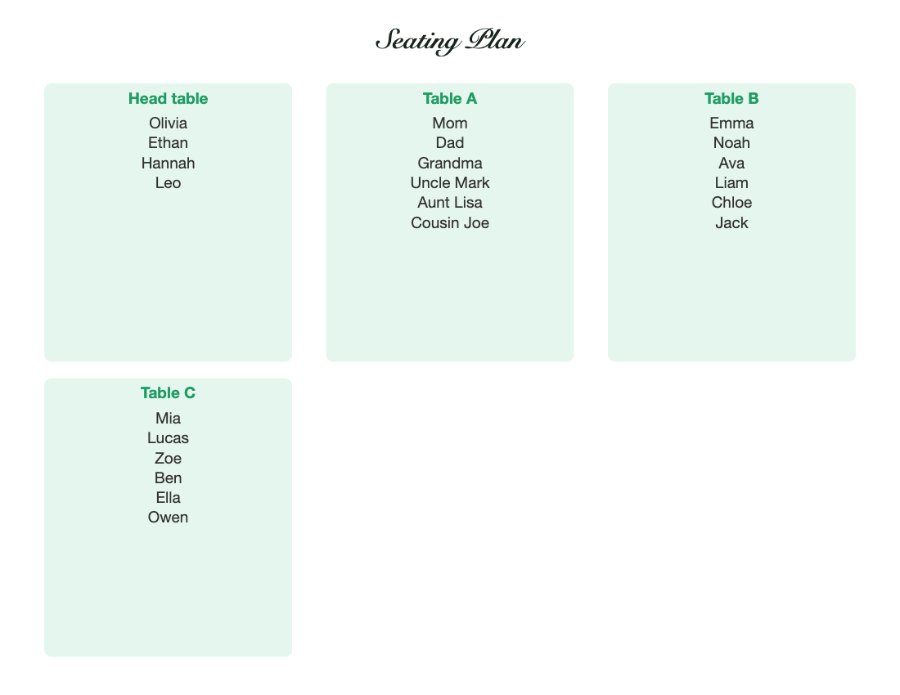
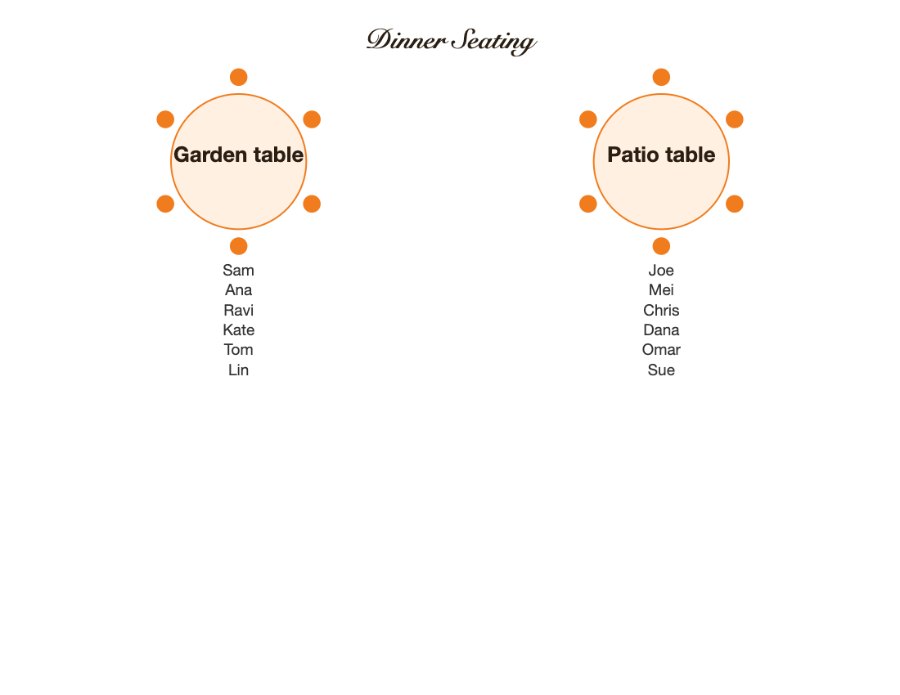
免费卡片和标签Type each table and its guests after a colon. Tables are laid out evenly with names listed under each, ready to print large for the entrance.
- 可直接打印的 PDF
- Letter 或 A4
- 无需上传任何内容
如何使用 Wedding Seating Chart Maker
- 01
Type each table as "Table 1: name, name".
- 02
Pick round or long tables and colors.
- 03
Download a PDF or a large PNG to print as a poster.
大家用它来做什么
Weddings
A sign at the entrance so guests find tables.
Planning seating
Try arrangements before printing place cards.
Galas and dinners
Seating for any event with tables.
提升效果的小贴士
- Seat couples and families together.
- Put elderly guests away from speakers.
- List guests alphabetically if there are many tables.
- Print the PNG large, like 18 × 24 inches.
常见问题
Can I print it as a big poster?
Download the PNG and have it printed at 18 × 24 inches or larger.
How many tables fit?
Up to about 20 stay readable.
Can I print it as a poster?
Download the PNG and print it at poster size at a print shop.
Does Wedding Seating Chart Maker upload what I type?
No. Wedding Seating Chart Maker draws the page in your browser from what you type, so it works offline once the page has loaded and nothing is sent anywhere.
更多工具
Wedding Program Template
A printable wedding program with the ceremony and wedding party.
Funeral Program Template
A printable funeral program with the order of service.
Address Label Template
Print address labels on 30-per-sheet label paper and other sizes.
Award Certificate Maker
Make an award certificate with your own title and reason.
Baby Shower Bingo
Printable baby shower bingo cards filled with baby gift words.
Button Badge Maker
Make round 2.25-inch button badges with text or a photo.