
Canvas Iteration Slides
- Lab Skill
- v1.0.1
- Branding
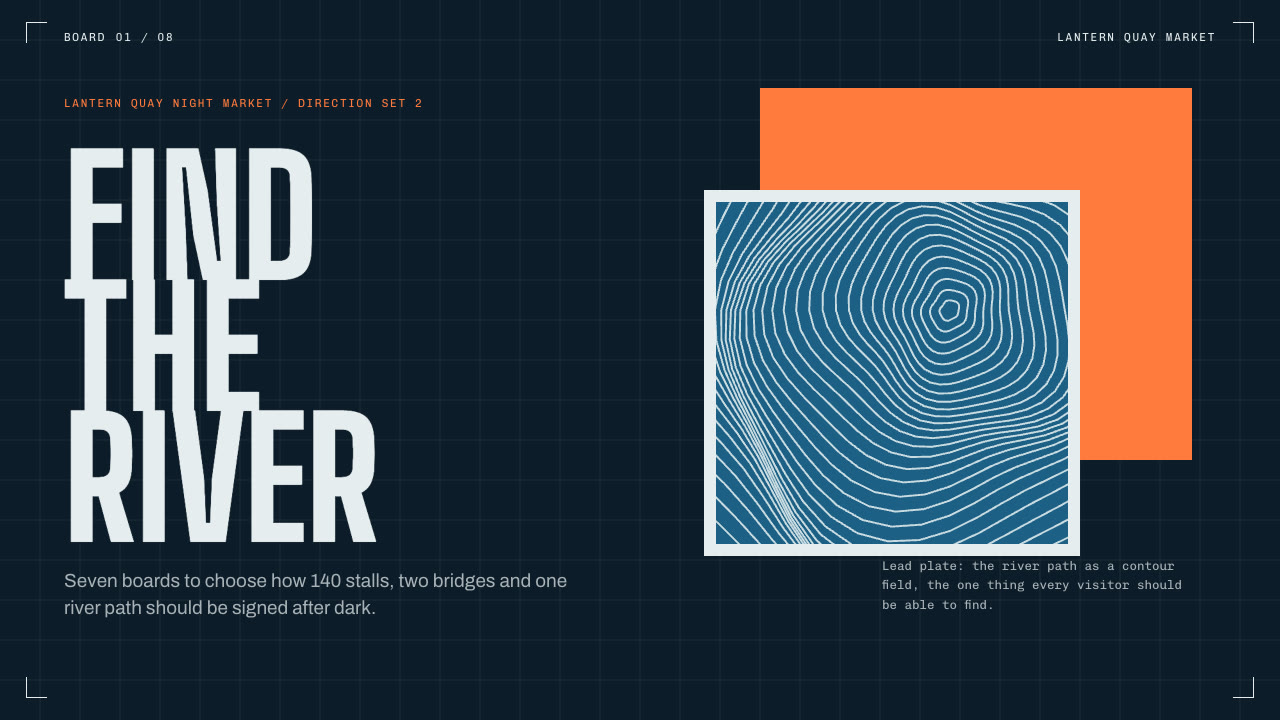
Make exploratory boards for creative direction, workshop synthesis, concept pitches and visual research: each page is an addressed board on a faint drafting grid with crop marks, condensed capitals, staggered specimen plates, a signal field, a verdict with evidence and a pinboard of stage cards, so feedback can name a board and replace or branch it.
範例 · 2
您可獲得什麼
Bring the direction or question, the audience, the findings and quotes to use exactly and the board count; pictures optional. The Skill returns one offline HTML deck that edits in the browser and exports editable PowerPoint.
運作方式
- 01
Approve the board plan first
Canvas Iteration Slides asks only for what is missing: subject, audience, the decision the boards lead to, facts and assets, board count, language and brand limits. The Agent presents the title, a two-line narrative, the ordered board list, the palette and the plate decision together, and builds only after you approve. A labelled default of 8 boards in cyanotype is offered, never picked silently.
- 02
Generate plates and compose
Canvas Iteration Slides places your pictures first. Otherwise each slot gets an entry in plates.json and python3 scripts/plate-art.py plates.json --out art/ draws abstract textures in hatch, halftone, contour, weave, stipple, bands or blocks. kit.py compose builds deck.json, highlighted titles take three parts, before, highlighted and after, and apply-palette.py applies one preset.
- 03
Build, review and iterate
make-deck.py builds presentation.html with the Python 3 standard library, and verify-deck.py checks it with --pages N. The Agent views every board at 1280 by 720, checking title lines, specimen columns, signal labels and stage cards, then tries edit, notes, undo, Save and Present. Replacing a board keeps its id so unrelated boards stay byte-identical; verify-pptx.py checks exports.
常見問題
What are Canvas Iteration Slides boards for?
Canvas Iteration Slides turns a rough brief into boards people can point at and change, for creative direction, workshop synthesis, concept pitches and visual research. Layouts include a mounted-plate cover, staggered specimens, a signal field around one hub, a verdict with an evidence strip, a pinboard of stage cards, a bracketed excerpt and a sign-off. There is no chart layout.
Why does every Canvas Iteration Slides board have an address?
Canvas Iteration Slides prints an address such as Board 03 / 08 in the top left so feedback can name a board exactly. The board counters are renumbered for you. When reporting changes, the Agent refers to boards by address, and a branched direction is named in the board's eyebrow so the two versions can be told apart.
Can I compare two directions in Canvas Iteration Slides?
Yes. Canvas Iteration Slides lets you branch: add a new board with a new id, for example decision-b, next to the original, or copy the plan to a second deck. Use replace instead when refining an approved direction, keeping the board's id so the rest of the deck stays unchanged after the rebuild.
Does Canvas Iteration Slides need an image model?
No. Canvas Iteration Slides generates its material plates with plate-art.py from vector patterns using only the Python standard library, so no model or image service is called and a build is not billed. Two entries that would draw the same plate are refused. python-pptx is only needed for verify-pptx.py.
Which fonts does Canvas Iteration Slides need?
Canvas Iteration Slides uses Big Shoulders Display for condensed capitals, Archivo for text and Chivo Mono for board addresses, all under the SIL Open Font License in references/fonts. Without them installed, PowerPoint substitutes wider faces and titles overflow. Chinese, Japanese and Korean titles drop the capitals and need roughly half the Latin length.
What are the limits of Canvas Iteration Slides?
Canvas Iteration Slides fixes the signal field at one hub and four signals; drop a signal or edit the drawing for other shapes. In PowerPoint the rings, links and nodes form one picture while labels stay editable text. Plates stand for materials or moods and are not photographs of real samples, and copy far over budget wraps past the bottom margin.
更多 Skills
所有 Branding Skills →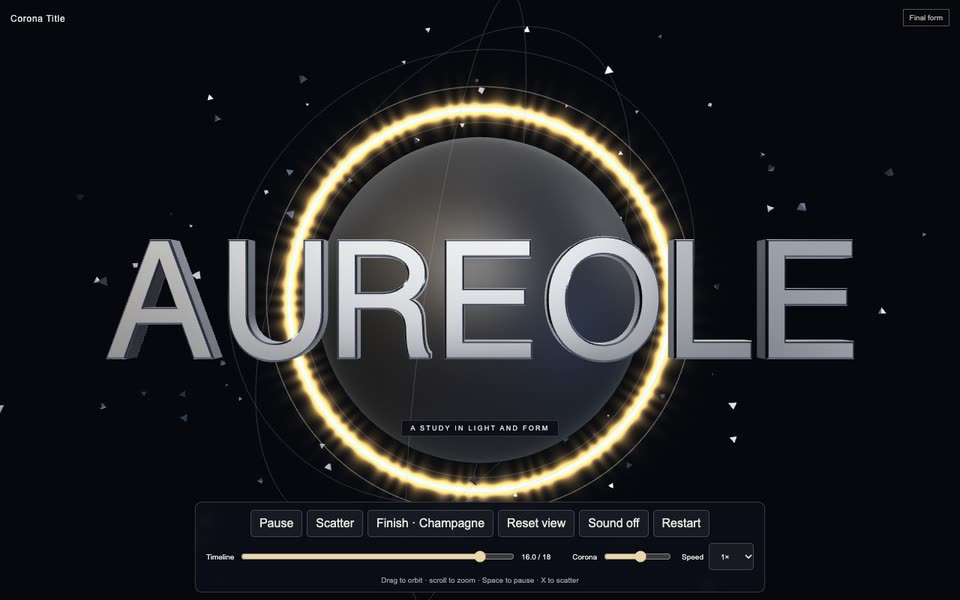
3D Metallic Title Animation
Extruded metallic letters separate and pass the camera, then gather over a luminous corona and dark spherical core. Scrub the eighteen-second timeline in either direction, orbit, zoom, scatter the title or change its finish and light. Editable content and licensed font are bundled offline.

Silhouette wordmark
Turn a brand, one headline and context into a deep-green poster card: flat magenta, orange and cobalt silhouettes around an oversized centered white wordmark.
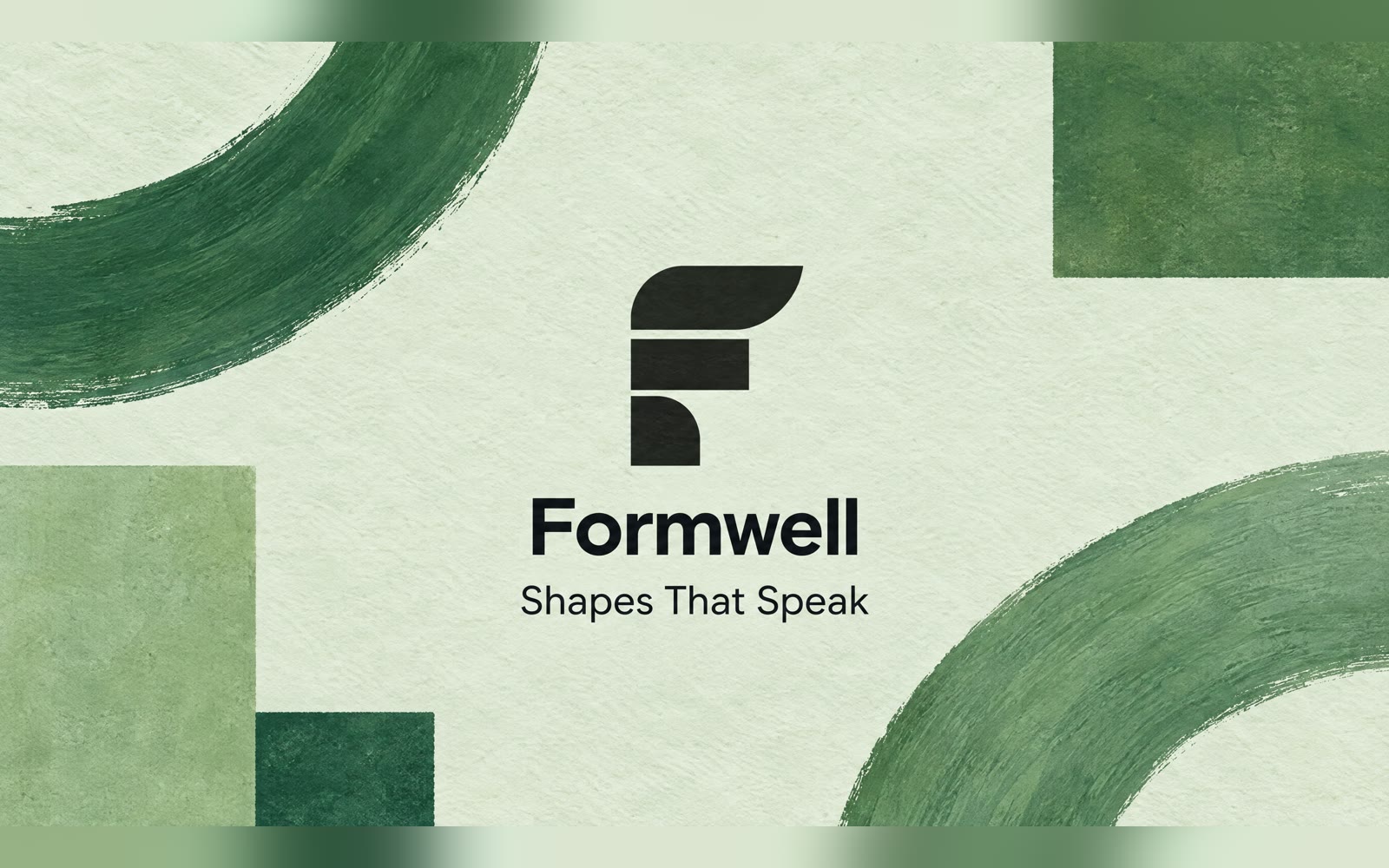
Painted shape monogram
Turn a brand, one headline and context into a gouache-abstraction card: broad green painted arcs and rectangular color blocks surrounding a centered black geometric monogram on a pale mint paper-textured field.

Cosmic observatory identity
Turn a brand, one headline and context into a cinematic starfield card: a bright centered identity floating above a dark observation deck where tiny viewers face oversized, realistic planets against deep navy space.
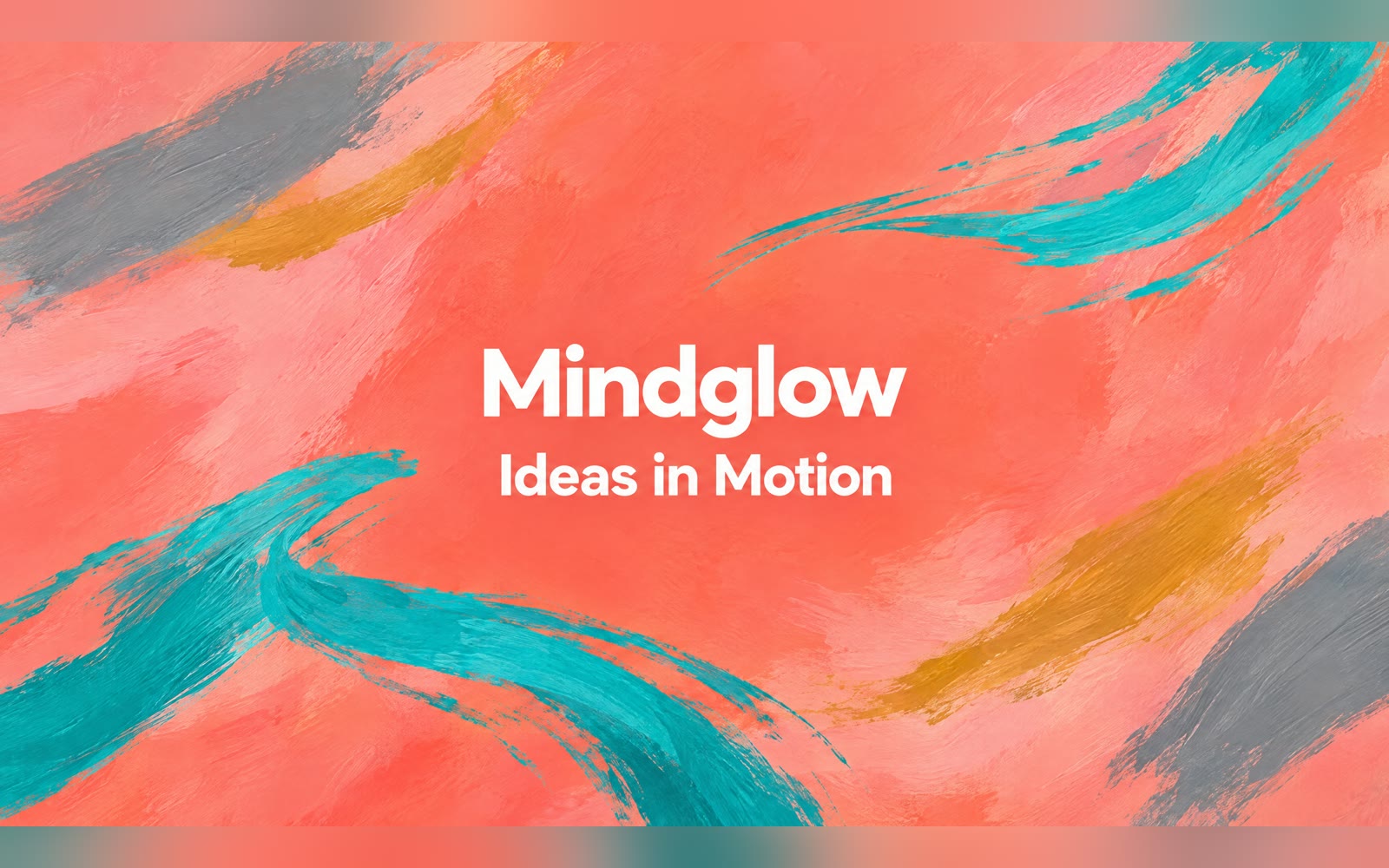
Expressive paint wordmark
Turn a brand, one headline and context into a painterly card: a centered white identity floating over a full-bleed field of broad coral and pink brushwork crossed by energetic turquoise, gray and ochre strokes.
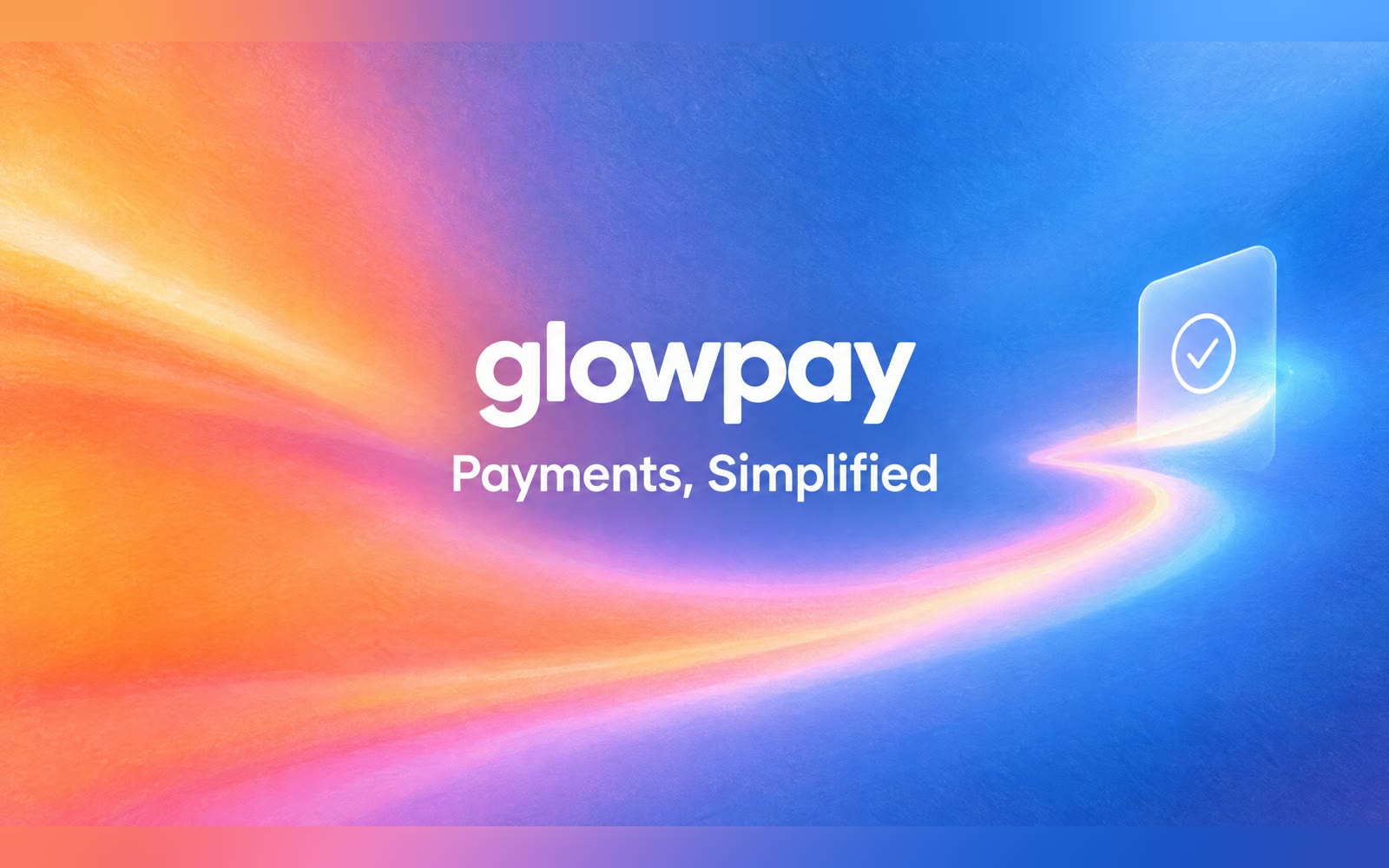
Luminous gradient wordmark
Turn a brand, one headline and context into a luminous gradient card: a bold white lowercase identity centered over sweeping orange, pink, lavender and blue light bands with subtle painted grain.