
Pocket Path
- Lab Skill
- v1.0.0
- Product marketing
Create an editable mobile walkthrough with a travelling target ring, linked instructions and synchronized screen states.
範例 · 2
線上執行
在 SandBase sandbox 中執行 Pocket Path 的範例,並在此立即查看結果。
您可獲得什麼
Bring explore two recorded examples. The Skill returns two films, measured scope reports and retained material notices.
運作方式
- 01
Capture each screen state
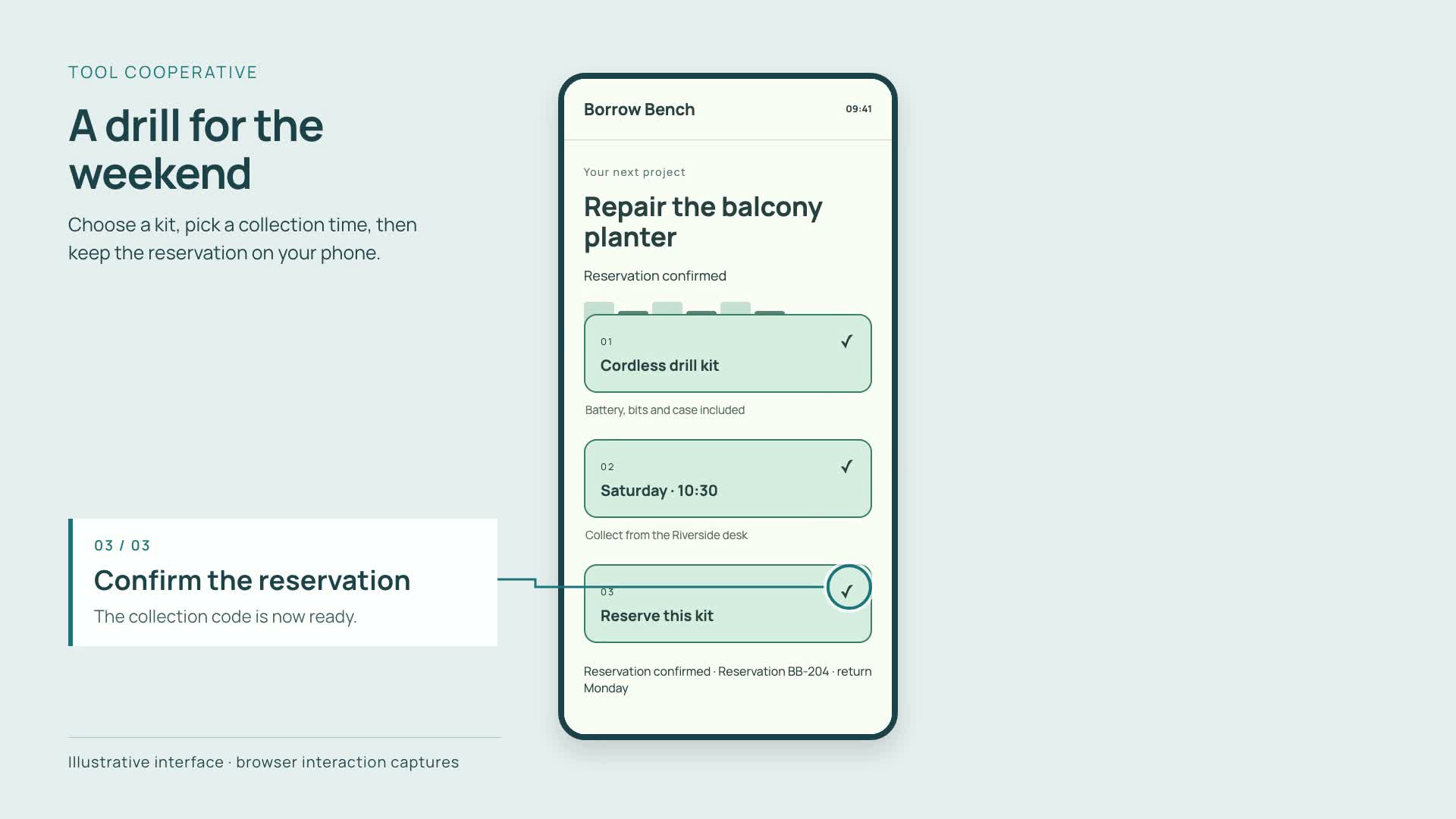
Pocket Path starts from authorized portrait captures at 432 by 864: one opening screen before the first action and one after each meaningful action. For an illustrative product, build a working prototype and capture its real browser states. Each of two to five beats needs an at time, a normalized point on a real control, an instruction of 42 characters, a detail of 80 and the resulting screen.
- 02
Compose the walkthrough brief
The brief also carries heading (45), subtitle (95), optional eyebrow, look of harbor, ember or meadow, seconds and footnote. Leave at least 1.6 seconds between beats and 1.5 after the last, and keep targets within 4 to 96 percent of the viewport. On Node.js 22 with a Chromium usable by HyperFrames, run node compose.mjs /absolute/brief.json /absolute/project.
- 03
Render and check ring contact
Render with npx hyperframes render at 30 fps, strict mode, one worker, --no-browser-gpu and fast capture off. The ring travels for 0.38 seconds, the connector and instruction follow, and the screen changes at at plus 0.54. Check that the ring reaches the intended control before each state change, no screen turns blank, and build.json records the resolved coordinates.
常見問題
What does Pocket Path make?
Pocket Path makes a silent mobile walkthrough where a target ring travels to each control, a linked instruction appears and the phone screen changes to the next state. The 9.6-second demos show a drill for the weekend and moving a load to later.
Does Pocket Path record my app automatically?
No. Pocket Path accepts prepared screenshots and timed guidance; it does not invent an application or record a live service. Capture the states yourself, and do not claim the screenshots are a live recording or draw substitute photographs.
What screenshot size does Pocket Path use?
Pocket Path uses portrait captures at 432 by 864 in PNG or JPEG. File paths resolve beside the brief. Calibrate each point against a real control in the preceding state so the ring lands on something the viewer can press.
Does Pocket Path cost anything to render?
No. Pocket Path builds editable HTML with a paused GSAP timeline in window.__timelines.pocket and renders it through HyperFrames locally. It makes no model call, so there is nothing to bill.
What fonts does Pocket Path use?
Pocket Path sets English briefs in Manrope and Chinese briefs in Noto Sans SC. Font files and their license notices travel with the generated project, so check that text fits each instruction box after rendering.
Can Pocket Path add a voiceover?
No. Pocket Path is silent by default and implies no narration synchronization. A requested soundtrack needs authorized audio, editable timing, a real mixed export and a separate listening review.
更多 Skills
所有 Product marketing Skills →
Pixel Story
Turn a product brief into a pixel film with clear actions, scene traversal and a memorable payoff.
Device fan
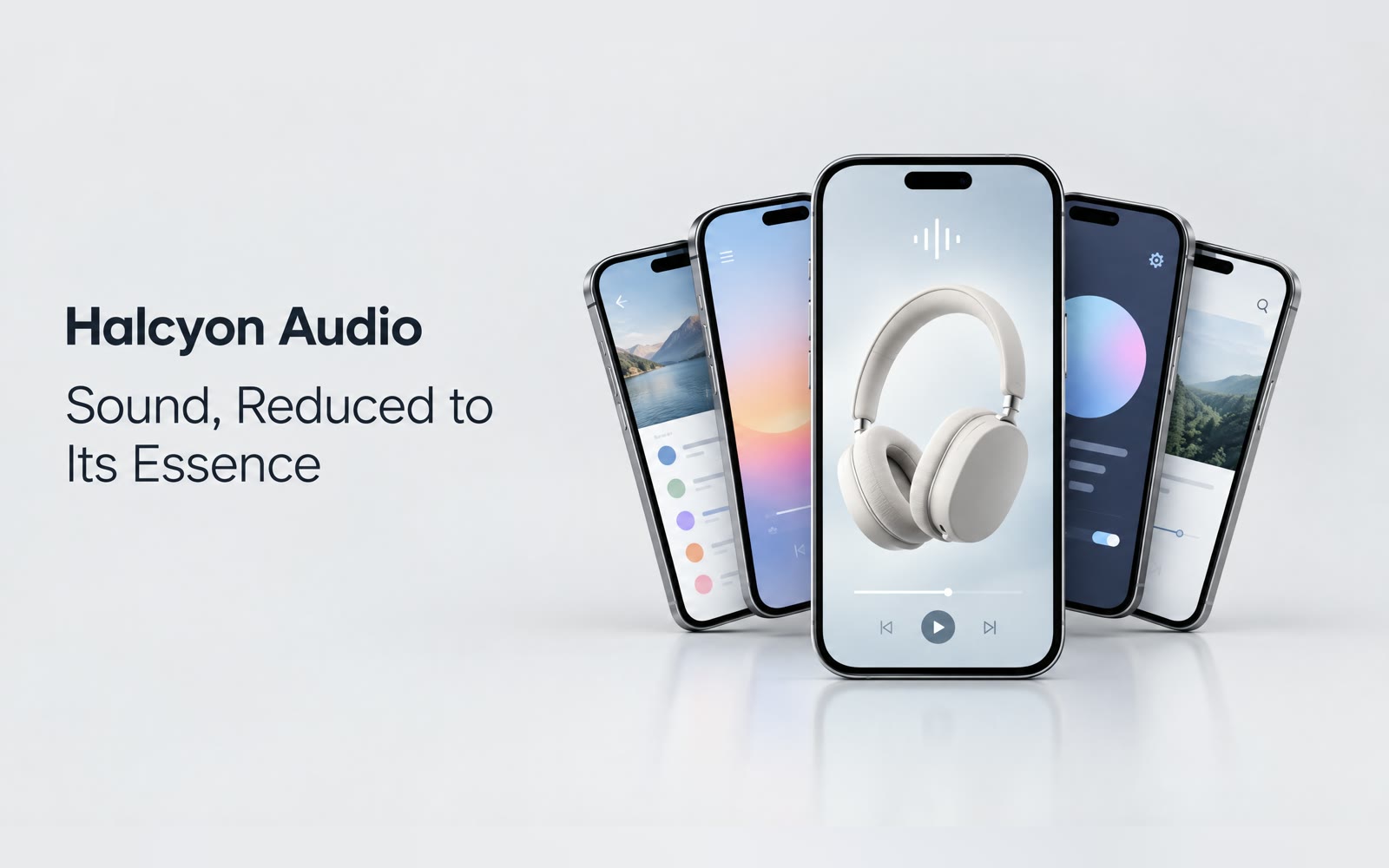
Turn a brand, one headline and context into a calm device-showcase card.
Floating phones
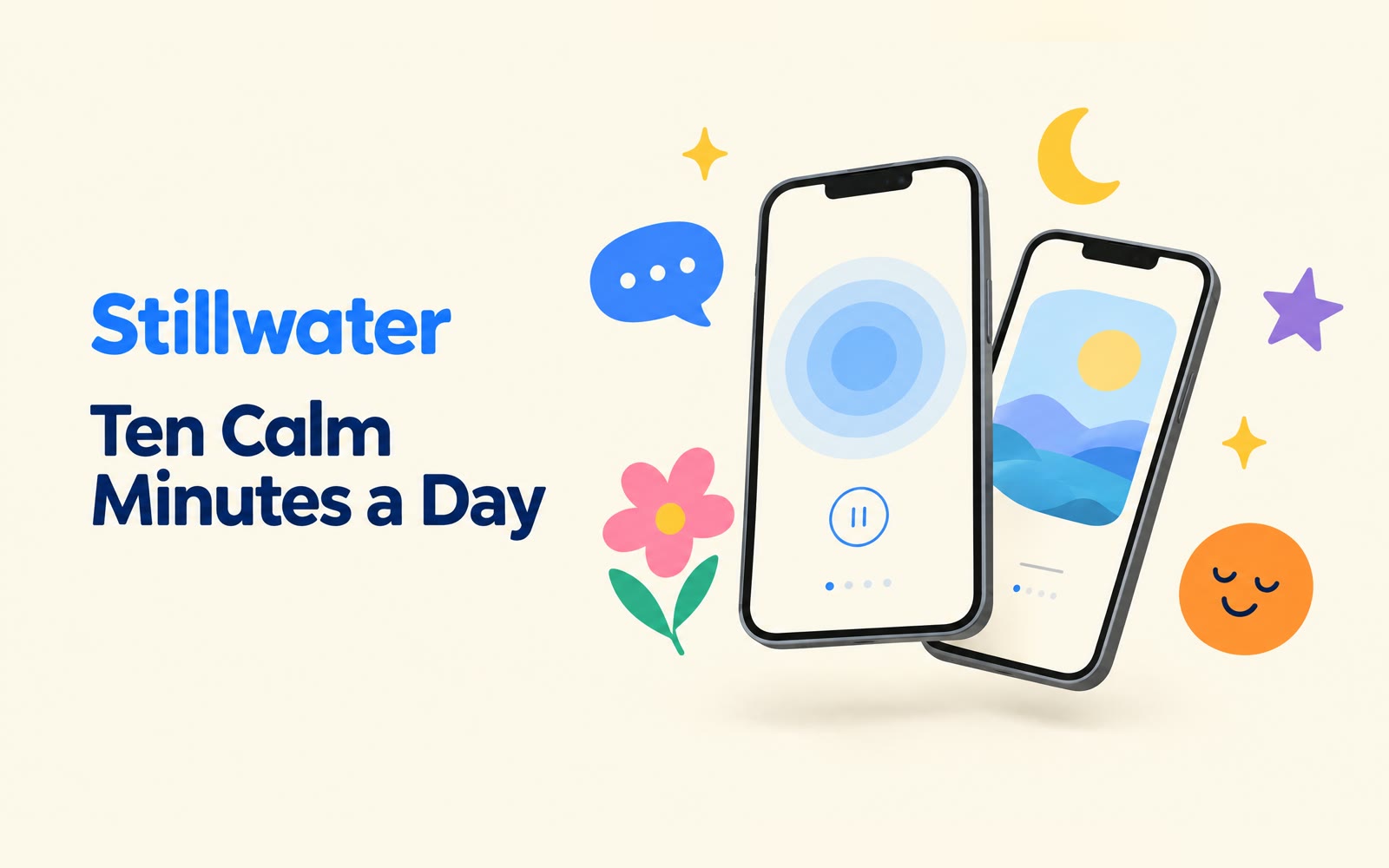
Turn a brand, one headline and context into a warm-ivory card with floating phone screens and playful, friendly doodles.

Floating analytics dashboard
Turn a brand, one headline and context into a split-column card: a narrow charcoal brand column anchoring a large white analytics dashboard that floats across a vivid violet gradient field.
Minimal handheld product
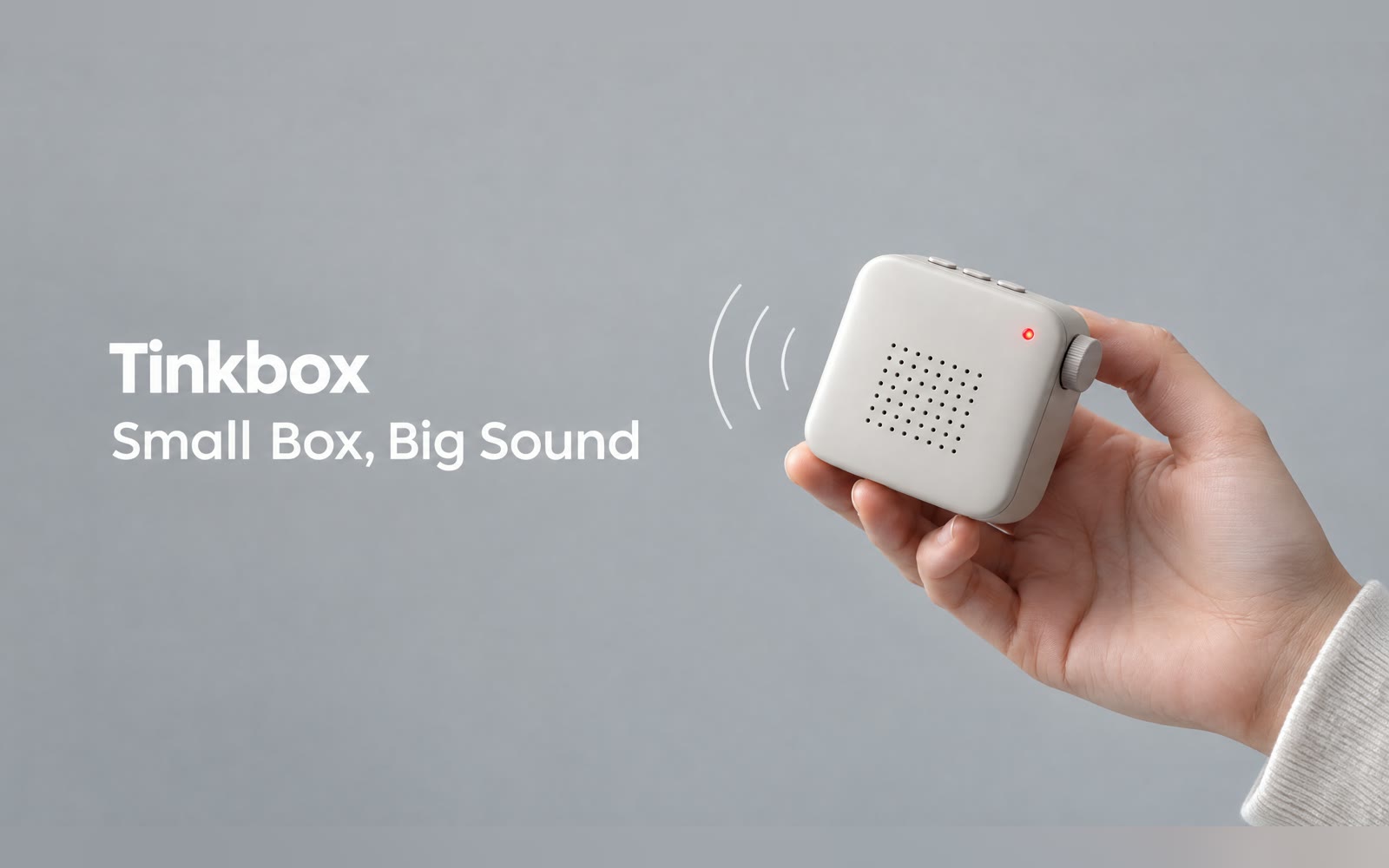
Turn a brand, one headline and context into a high-key studio card: a softly lit hand holding an original compact pale device against a seamless gray background, with broad empty space and a tiny red light as the only accent.
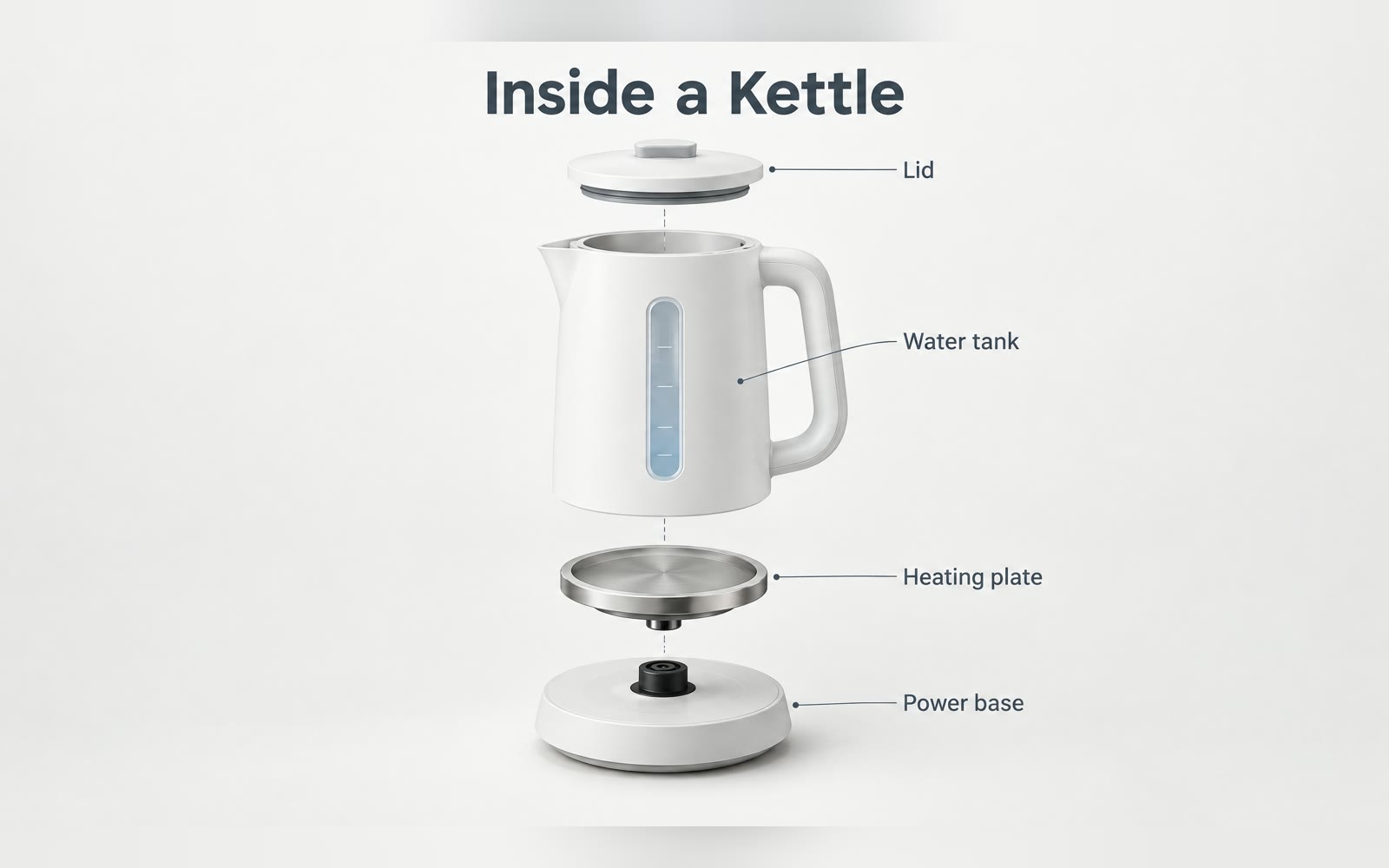
Appliance exploded poster
Turn a household appliance into a polished 16:9 exploded-view poster: part groups separated along one axis, with a title and three to five exact labels.