
Drag Turntable: a One-Screen Product Website That Turns as You Scroll
- Lab Skill
- v0.3.2
- Web design
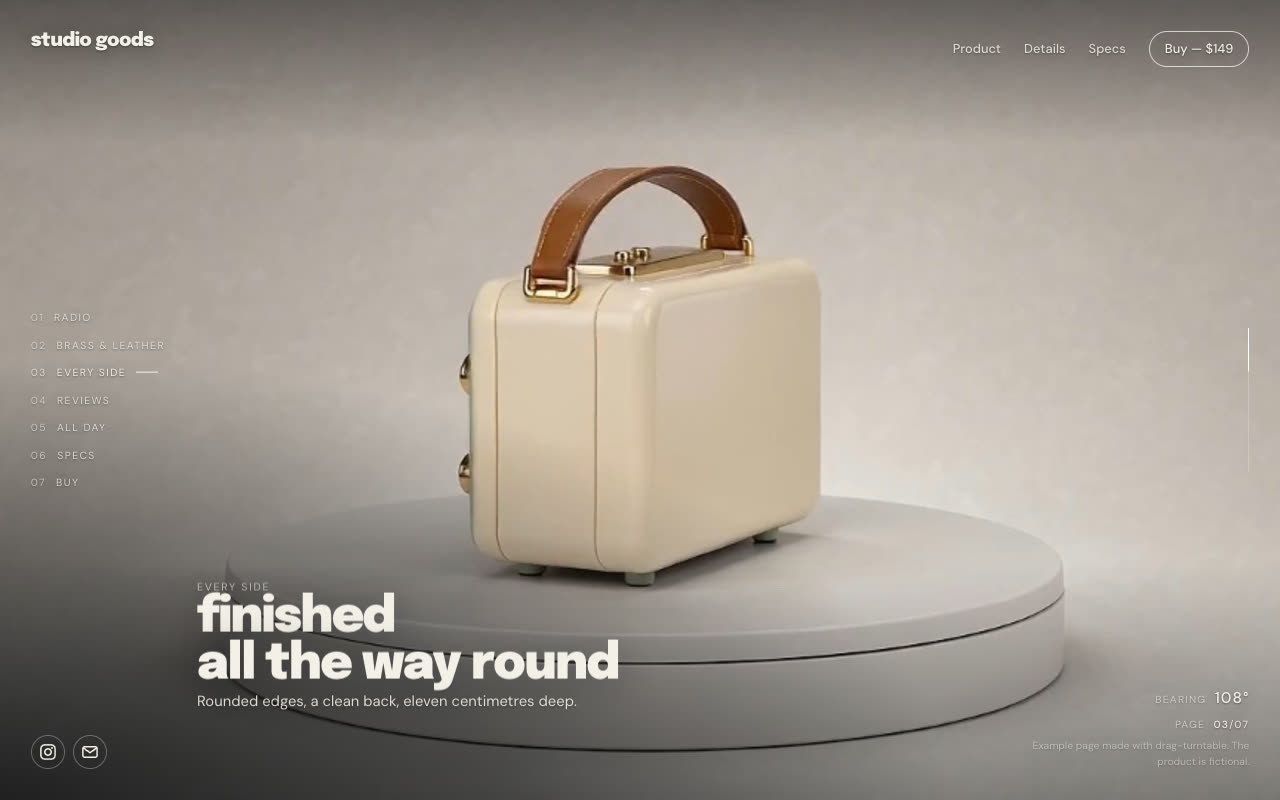
A one-screen product website where the product turns a full circle as visitors scroll: SandBase generates a studio picture and a one-turn clip, and the Skill finds where the turn closes. The clip fills the window on a canvas; the wheel or a swipe turns it through pages that change in place (chapters, a review, specs, buy), and visitors can grab it with the mouse and spin it, with momentum and wrap-around.
範例 · 2
在沙箱框架中執行,無法存取此頁面。
線上執行
在 SandBase sandbox 中執行,並在 Lab 中查看結果。
在 Lab 中開啟 ↗您可獲得什麼
Bring one product to show (or your own picture), name, details, price, links and language. The Skill returns a static one-screen product site (index.html) with its runtime, fonts and the analysed clip, and colours taken from the picture.
運作方式
- 01
Describe one product in site.json
Drag Turntable asks for the subject, brand, copy, links and language, en or zh-CN, and writes site.json. Describe one product standing on its base with its materials and colours, such as a chunky retro sneaker in white leather with orange and navy panels. node scripts/sample.mjs retro-radio --site site.json --out preview, then node scripts/serve.mjs preview, shows it for free.
- 02
Generate and close the turn
node scripts/generate.mjs --subject prints the plan and estimate, and --confirm-real spends. SandBase gpt-image-2 makes the studio product picture and Seedance 2.0 mini makes a 6-second turn with that picture as first and last frame. analyze.mjs in loop mode picks the most alike start and end frames as the seam and refuses loop_not_closed clips. It needs Node 18 and ffmpeg.
- 03
Check the seam and spin it
Look at run/clip-sheet.jpg; exit code 2 means a generated clip was refused with a printed reason. closeRatio in the analysis records how well the seam closes, and a seam at 0.2 to 0.3 shows a small jump once per turn. Open run/site/, scroll through all seven pages, then grab the product with the mouse and flick it to confirm the turn wraps.
常見問題
What does Drag Turntable build?
Drag Turntable builds a one-screen product website around a clip of the product making one full turn on a turntable. The wheel, a swipe or the arrow keys turn it through seven pages: the product, three chapters, a review, specs and buy. Visitors can also grab and spin it, a flick keeps it turning, and a bearing readout follows the turn.
What does Drag Turntable charge for?
Drag Turntable charges only for generate.mjs: SandBase gpt-image-2 for the product picture and Seedance 2.0 mini for the turn, billed to your SandBase account. The plan and estimate print before anything runs, nothing spends without --confirm-real, and --budget-usd sets a cap. A rerun resumes and never resubmits a paid job on its own. Pricing is listed at https://www.sandbase.ai/pricing.
Is a Drag Turntable spin an accurate view of my product?
No. Drag Turntable's unseen sides are invented by the video model, so it is a turn, not a 3D scan. Do not use it as proof of what the back of a product looks like. Say in the subject what sits on each side if that matters.
Which products work badly in Drag Turntable?
Drag Turntable struggles with tall thin objects and objects with fine moving parts such as chains, straps or liquids, which wobble. Use one object only and keep the backdrop plain, because the turn is found by comparing silhouettes against the backdrop.
Can I bring my own spin clip to Drag Turntable?
Yes. Drag Turntable's analyze.mjs measures any clip for free, and build-web.mjs makes the page from it. --image accepts your own product picture instead of a generated one, but a local file is uploaded through sandbase upload and becomes public, so the agent asks first.
Why does Drag Turntable show one frame instead of blending?
Drag Turntable turns off frame blending because moving parts of the product would show twice. scrub-video.js paints the nearest frame for the current position on a canvas instead. Interpolated in-between frames from ffmpeg minterpolate, at three times the model's frame rate, keep the turn smooth.
更多 Skills
所有 Web design Skills →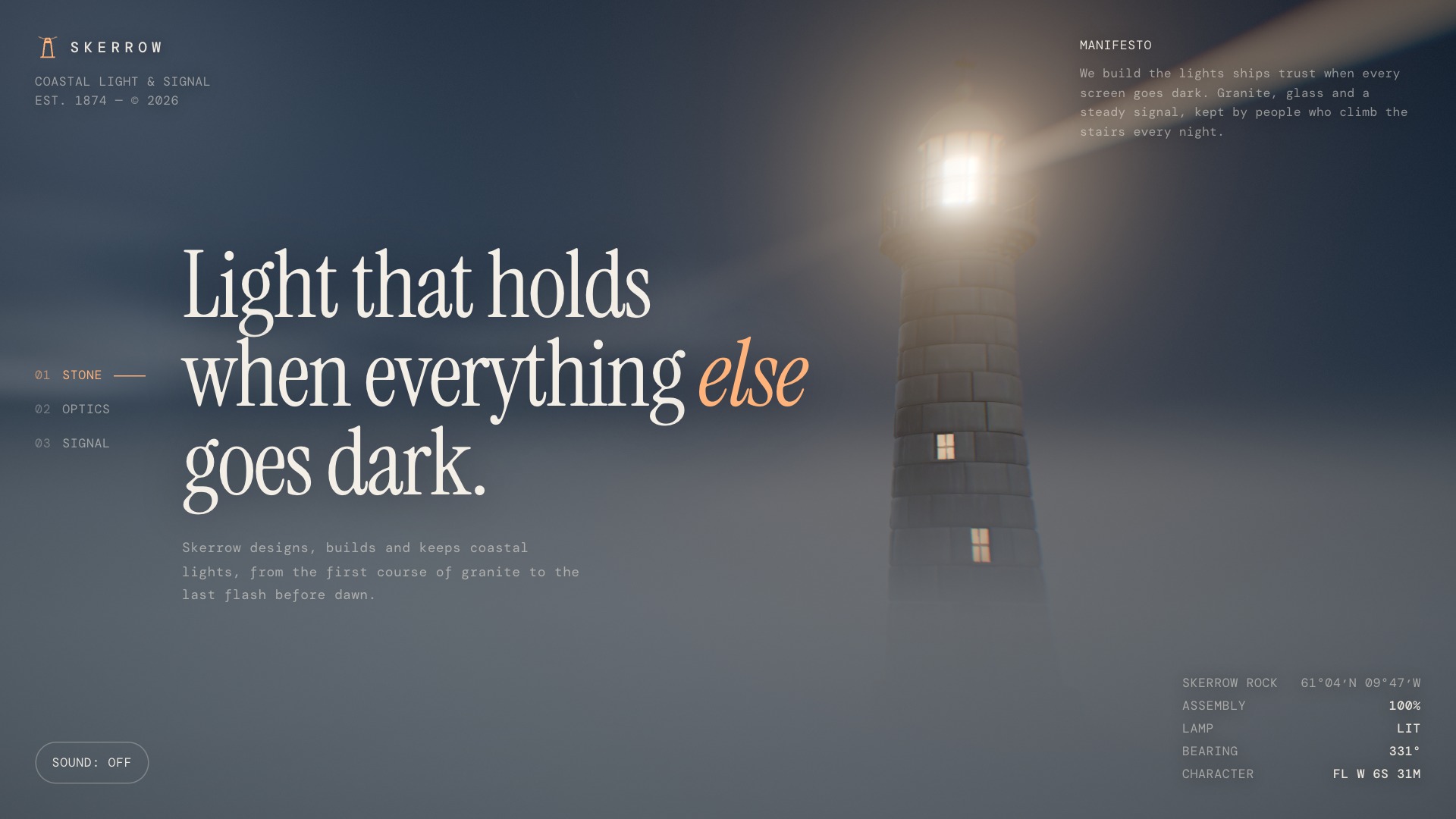
Baked 3D Story Site
A three-page 3D story site with baked light, scroll stops that loop and a shader cut between pages, in one offline file.
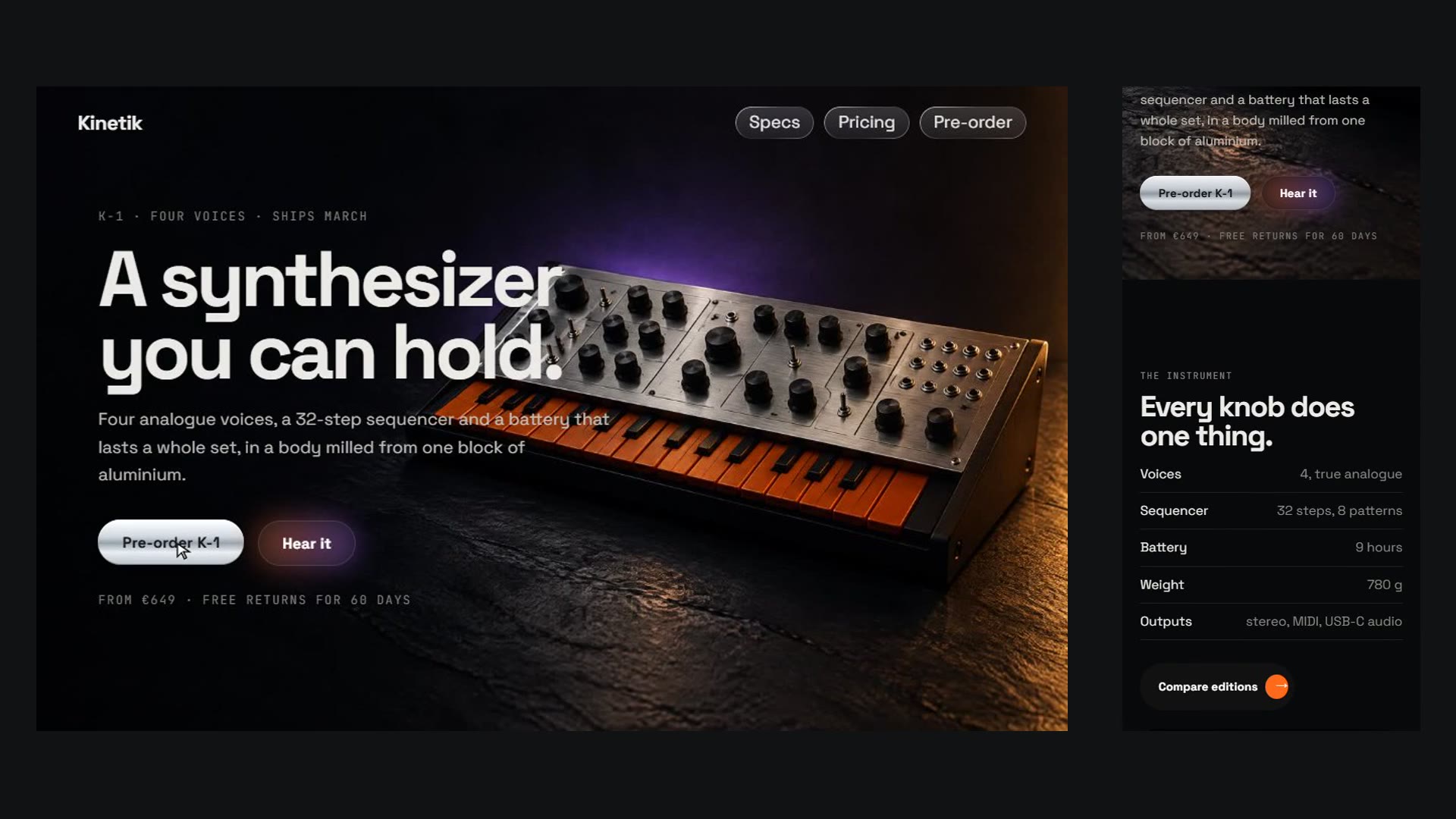
UI Finishes
Metal, jewel, halo, roll, fill, offset and ring buttons, media cards, glass and textures, each checked in rest, hover, focus and pressed for real contrast.
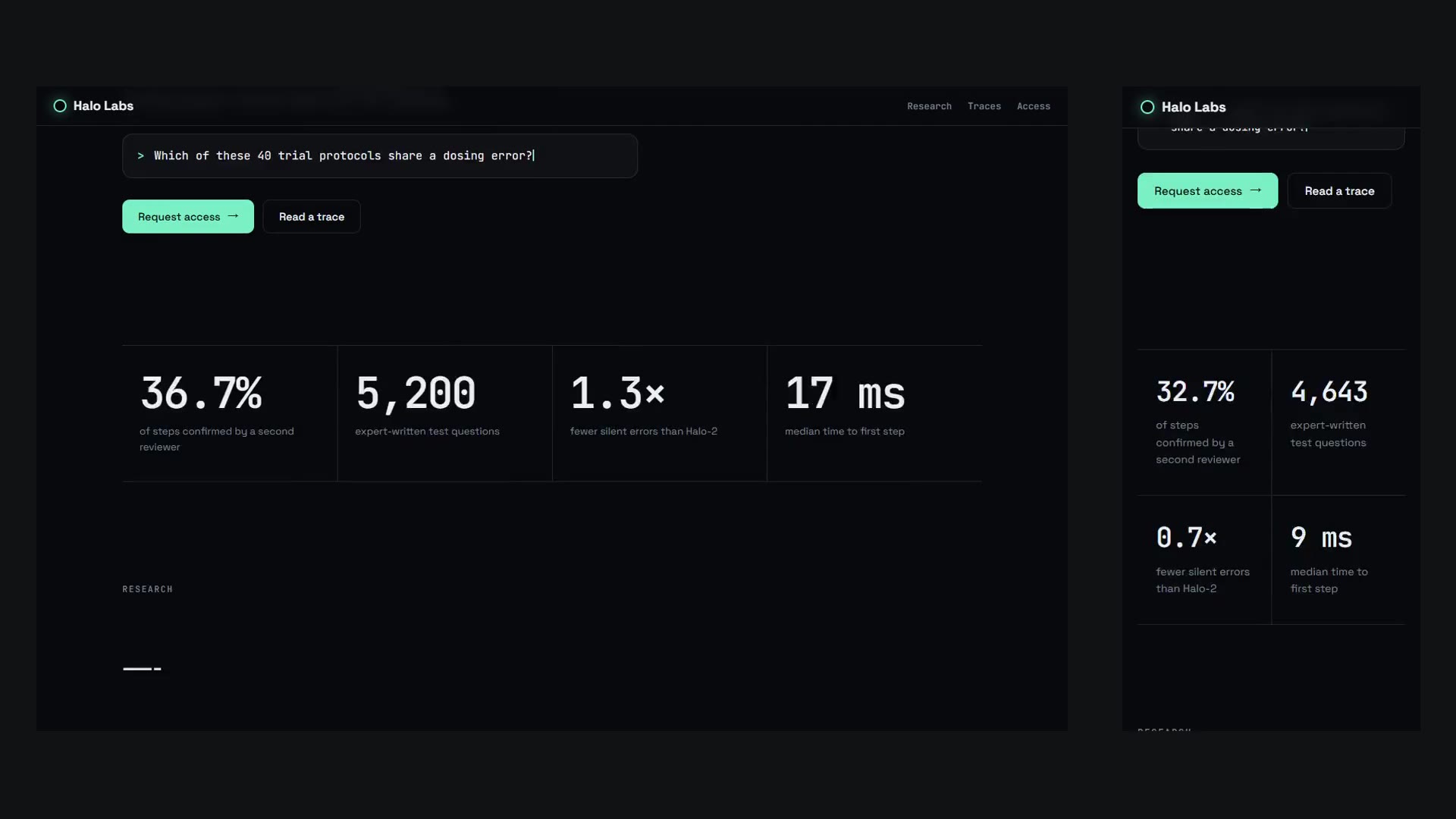
Headline Motion
Headlines, labels and numbers that rise, decode, type, rotate, count and draw themselves without moving the layout, measured in a real browser.
Scroll Chapters
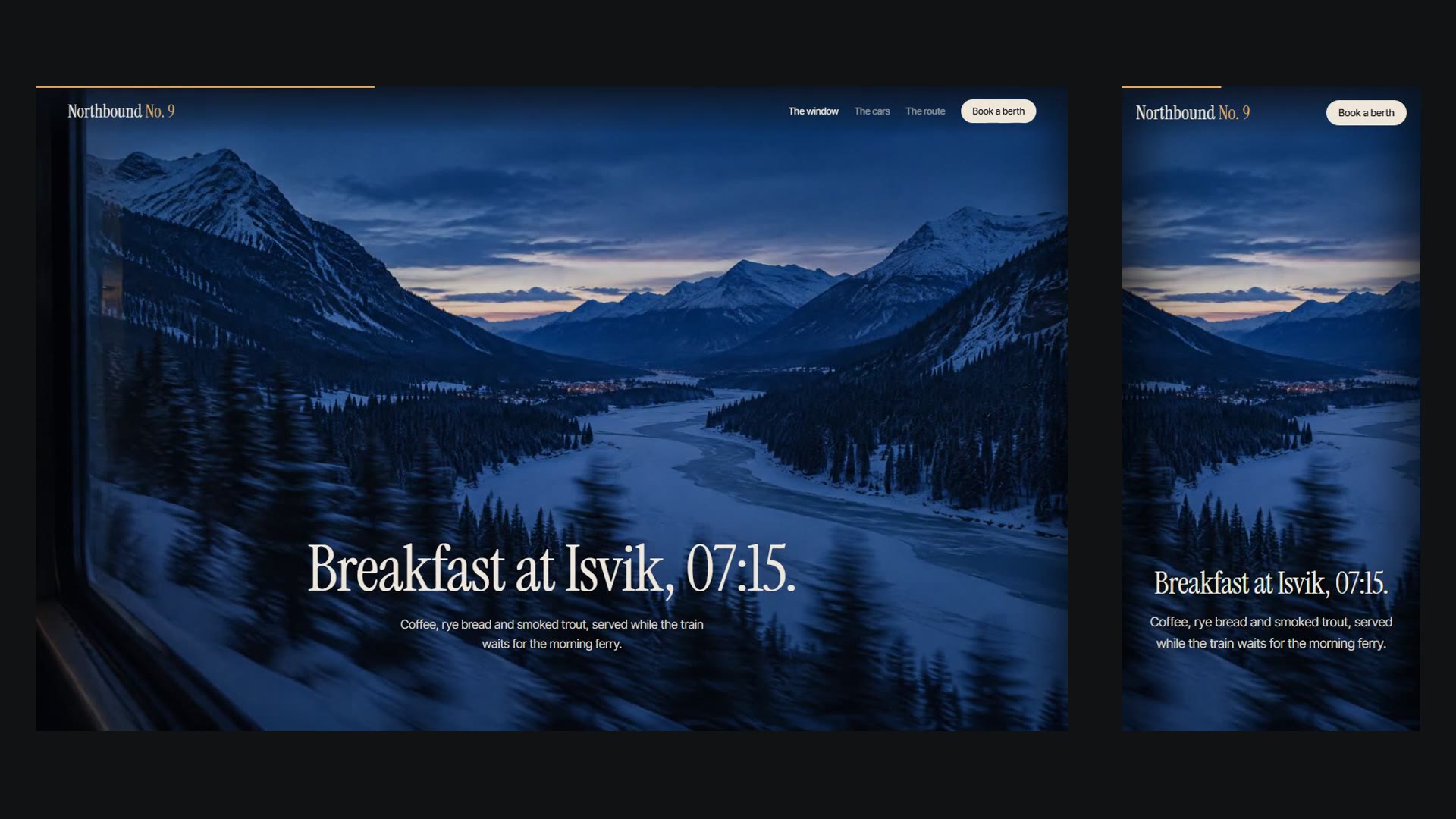
Long pages told chapter by chapter: a pinned stage, sliding panels, a text crawl, lit paragraphs, stacking cards and drifting columns, checked in a real browser for dead scroll.
Scroll 3D Product Site
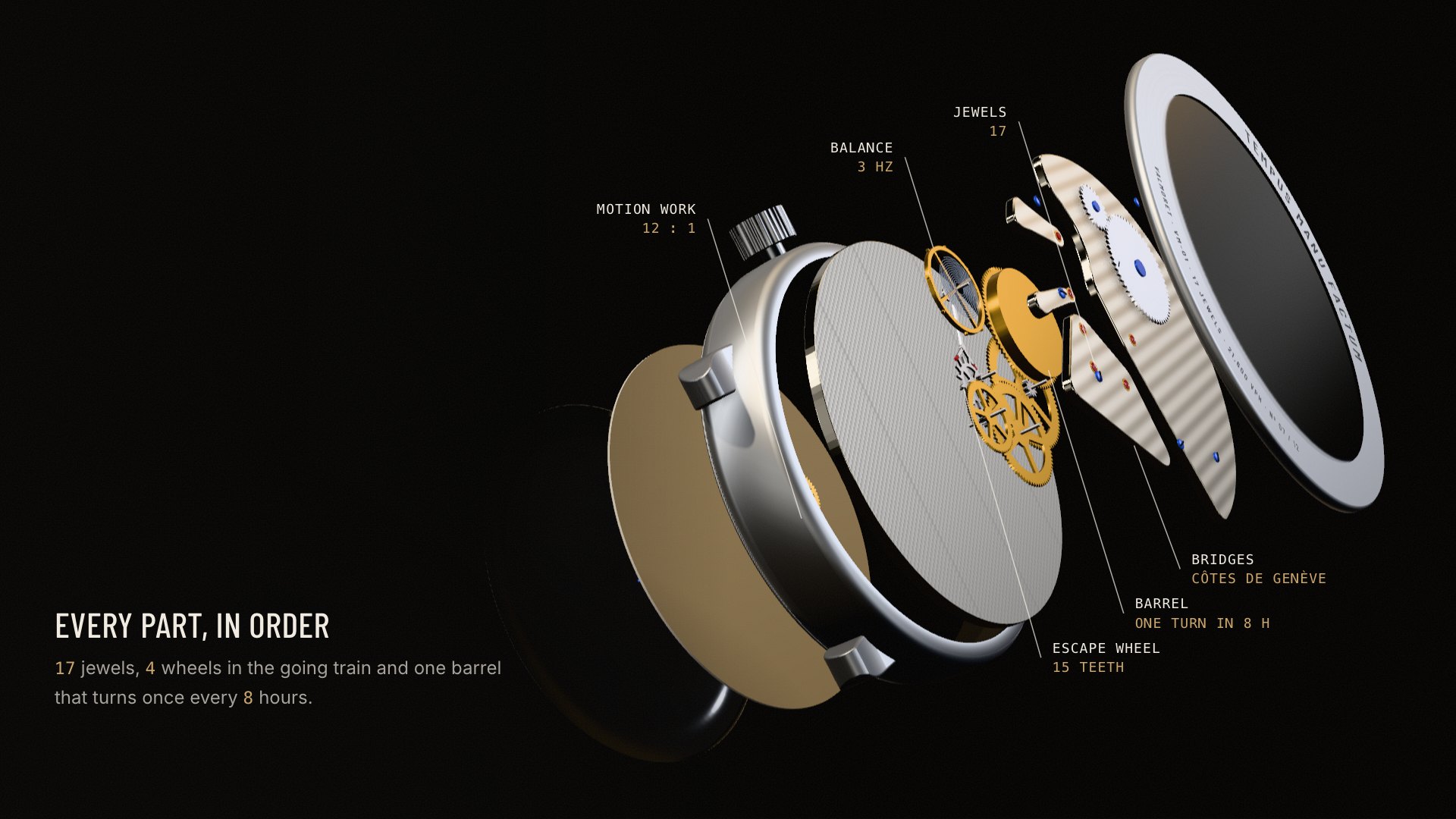
A complete product website where scroll turns, opens and takes apart a live 3D model, with every video and image rendered from that model, in one offline file.
Landing Page System
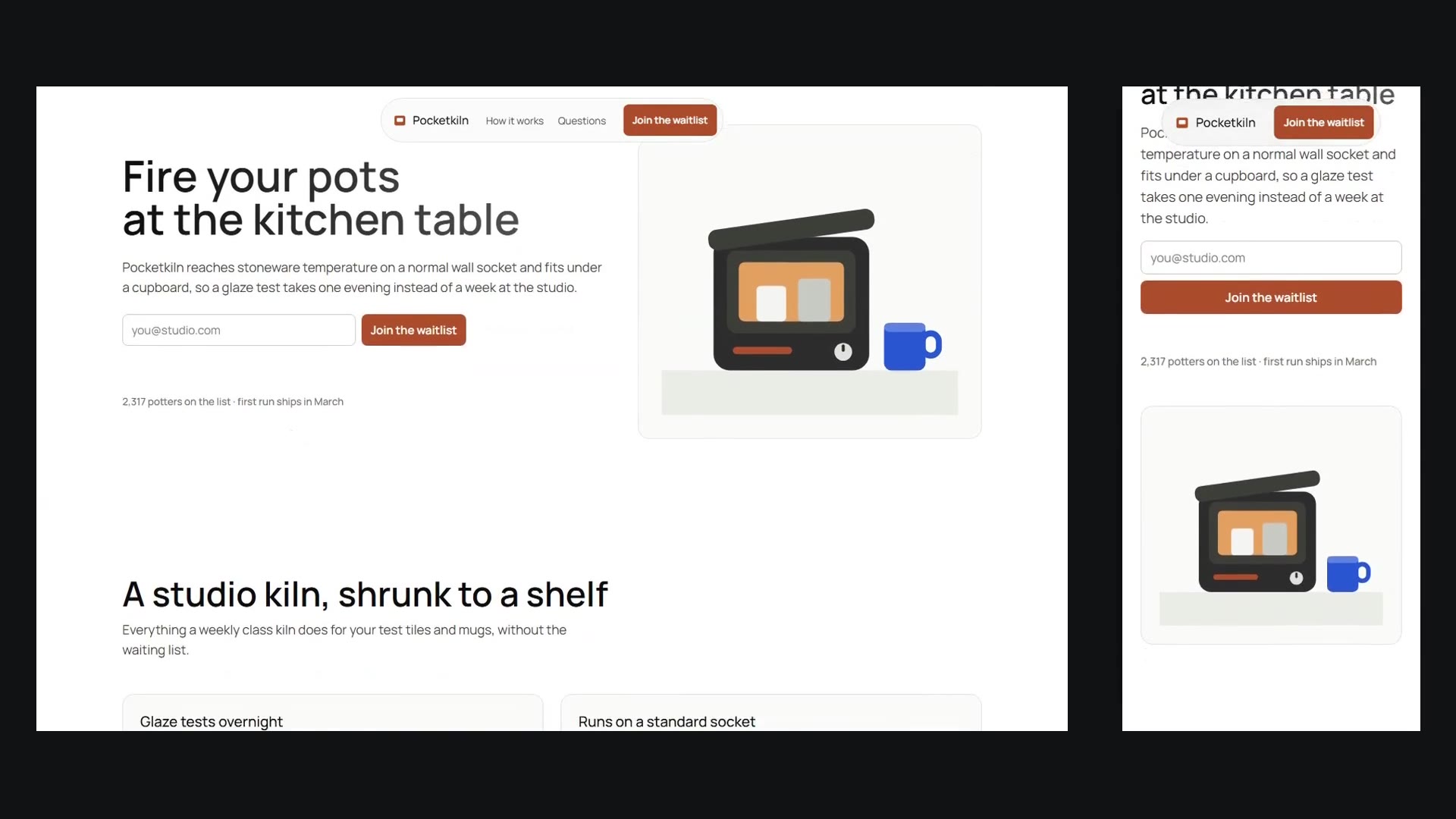
A complete single-file landing page with a conversion structure and a shared visual system, checked by a rendered-page audit before delivery.