
Resize an image in inches
免費圖片工具Resize an image in inches is any print size you type in inches or centimeters. The default 300 DPI produces 1200 × 1800 pixels. This tool center-crops the source and exports a single JPG with the selected print density. Ask your printer which dimensions and density it needs; resizing cannot restore missing detail.
- 在您的瀏覽器中執行
- 未上傳任何內容
- 無浮水印
如何使用 Resize Image in Inches
- 01
Drop the image for Resize Image in Inches, or pick one from your device.
- 02
Check the print size, DPI and center crop; use the source pixel dimensions to judge whether enlargement is needed.
- 03
Download the result.
大家用來做什麼
Any print size
Type the inches or centimeters you need.
Forms
Photos at an exact printed size.
Crafts
Iron-on transfers and stickers.
提升結果的建議
- Ask your print provider for the required density; the tool offers 72, 150, 300 and 600 DPI.
- The picture is cropped to the shape you type.
- Check your printer prints at 100%.
常見問題
Does a higher DPI setting guarantee a sharper print?
No. This tool changes pixel dimensions as well as print density. Enlarging a small or blurred original does not recover detail. The result depends on the source, crop, print size, paper and viewing distance; follow your print provider’s requirements.
What happens if the photo has a different shape?
The tool crops from the center to fill the chosen width and height. Check that the preview retains faces, text and other important details. Changing units converts the measurements while preserving the physical size.
What file does this tool download?
One JPG, re-encoded at 95% quality with the selected DPI. Transparent areas become white. It does not create a PDF, add printer margins or arrange multiple photos on a sheet. Original EXIF is not copied. Print at actual size (100%); fit-to-page settings can change the physical dimensions.
How do I work out pixels from inches?
Multiply inches by DPI: 4 inches at 300 DPI is 1200 pixels.
Does Resize Image in Inches upload my image?
No. Resize Image in Inches crops and sizes the image in your browser, so the picture never leaves your device.
SandBase APIs 適用於此工作
在您自己的程式碼或 Agent 中使用相同類型的資料:一組 API 金鑰,按次計費。
更多工具
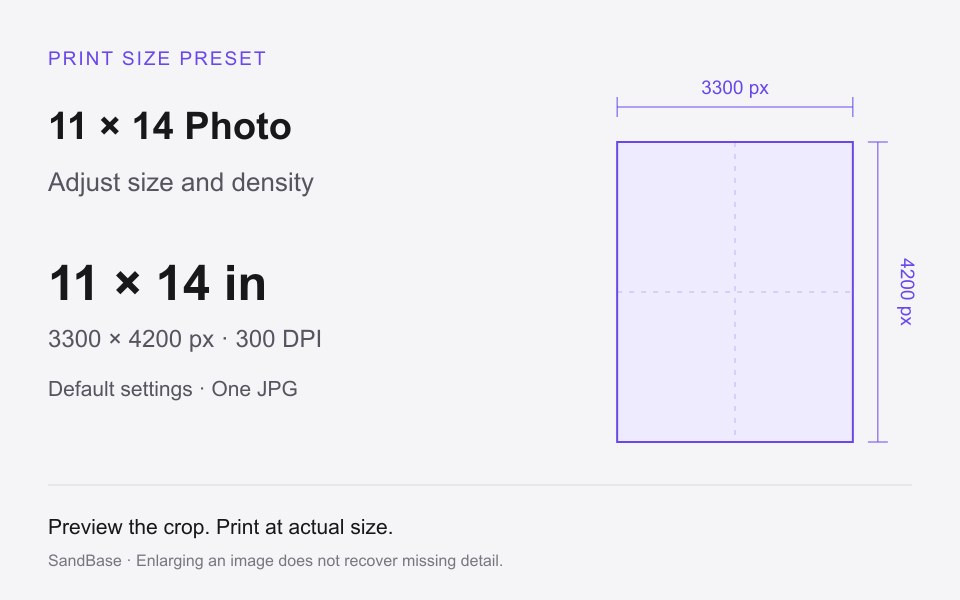 免費
11 × 14 Photo Maker
Start with 11 × 14 in at 300 DPI; adjust the print size and density before saving.
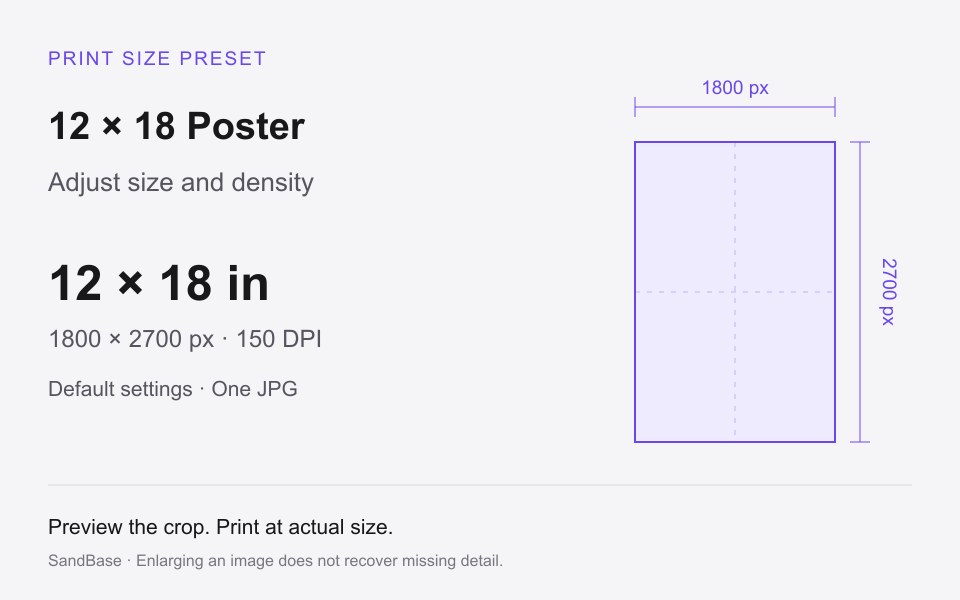 免費
12 × 18 Poster
Start with 12 × 18 in at 150 DPI; adjust the print size and density before saving.
 免費
16 × 20 Poster
Start with 16 × 20 in at 150 DPI; adjust the print size and density before saving.
 免費
18 × 24 Poster
Start with 18 × 24 in at 150 DPI; adjust the print size and density before saving.
 免費
24 × 36 Poster
Start with 24 × 36 in at 150 DPI; adjust the print size and density before saving.
Resize Image to 1920x1080
Resize a picture to 1920 × 1080 px for Full HD.